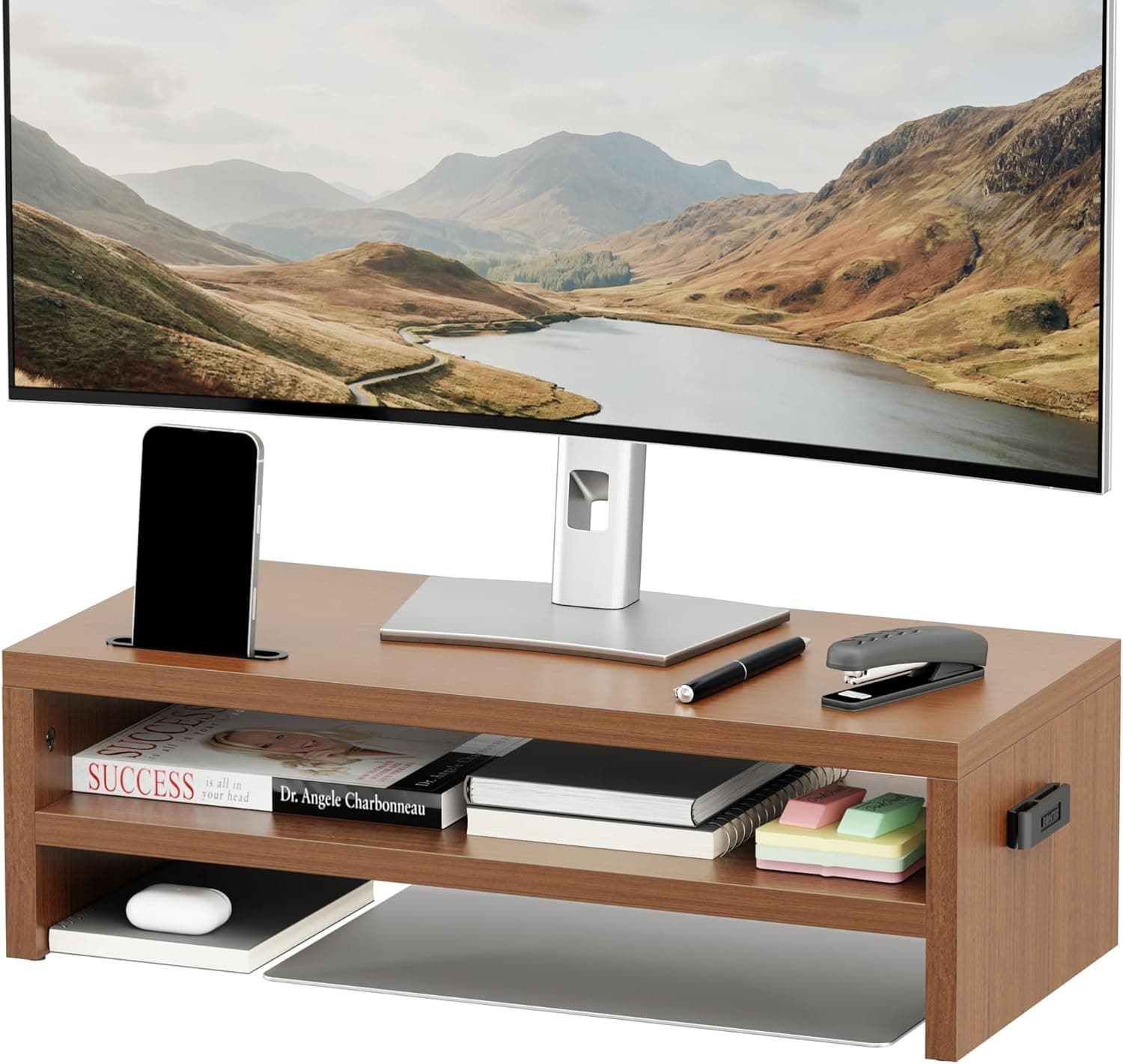
This article takes a close look at the LORYERGO モニタースタンド - モニタースタンドライザー ノートパソコンスタンドライザー 15.6インチノートパソコン用コンピューターモニタースタンド 14.5インチスクリーン用 PCスタンドプリンタースタンド自宅やオフィス用, focusing on its dimensions and how it works in practice.
Overview
The LORYERGO monitor stand is a steel riser that lifts a monitor, laptop, or printer about 9.7 cm off your desk.
The height is fixed and cannot be adjusted. The top measures 368 x 234 mm, the stand is 97 mm tall, and it holds up to 20 kg (44 lbs).
It has ventilation holes and anti-slip pads, and you can put it together without tools. In short, it suits simple goals like raising your current monitor by one step or freeing up space under the screen.
It is not for people who need to fine-tune height or angle.
As of September 28, 2026, the Amazon.co.jp listing had 656 ratings with an average of 4.8 out of 5 stars (96% positive).
The design is simple, so there is little room for it to turn out differently from what buyers expect. However, the size of the top is a firm limit.
Before buying, the most important step is to measure whatever you plan to put on it.
Compatibility Guide
Whether a monitor stand works for you depends on size and weight, not on ports. These are the three things to check for this product.
| Check | This product | How to judge |
|---|---|---|
| Top size | 368 x 234 mm | Does the base or footprint of your device fit within this area? |
| Height | 97 mm (fixed) | Is it enough to reach eye level without going too high? |
| Weight capacity | 20 kg | Is the total weight of your device within this limit? |
For monitors, what matters is the width and depth of the monitor's stand base, not the screen size. The product name says it is for 14.5-inch screens.
This most likely refers to the width of the top (14.5 in, or about 368 mm).
It probably does not mean that screens larger than 14.5 inches won't fit.
On the other hand, a monitor with a wide base, or a base deeper than 234 mm, will hang over the edge and be unstable even if the screen itself is small. Check the stand dimensions in your monitor's spec sheet.
For laptops, the 15.6-inch size in the product name is a useful guide.
Many 15.6-inch laptops are almost as wide as the 368 mm top, so there is very little room to spare.
Laptops of 16 inches or more, and wide gaming laptops, may hang over the sides. Compare your laptop's dimensions before you buy.
For printers, some home all-in-one printers are wider or deeper than the top. If the printer's feet hang off the edge, vibration during printing can make it slide.
Also, the space under the top is 97 mm minus the thickness of the top, and its usable width is limited to the gap between the two legs. If you want to keep something underneath, measure that too.
Product Info
Key specifications:
- Dimensions: 368 x 234 x 97 mm (14.5 x 9.2 x 3.8 in)
- Weight capacity: 20 kg (44 lbs)
- Material: alloy steel
- Color: black
- Ventilation holes: yes
- Anti-slip pads: yes
- Assembly: tool-free
As of September 28, 2026, the Amazon.co.jp listing price was ¥15,966.
The listing is sold and shipped by a third-party seller (KASUAYA本店), not by the manufacturer directly. Prices can change a lot depending on the seller and the timing.
For a fixed-height, single-tier steel riser, this price may feel high. Check the current price and seller on the product page before buying, and compare it with similar risers.
The release date and warranty period could not be confirmed from the listing. If the warranty matters to you, ask the seller before you buy.
What Changes Once It Is on Your Desk
A lift of about 9.7 cm sounds small.
Still, for a laptop sitting flat on the desk or a monitor with a low stand, it is a difference you will clearly notice. A common guideline is that the top edge of the screen should be at or slightly below eye level to reduce neck strain.
If your chin drops when you look at your screen now, raising it by one step may help.
On the other hand, be careful if your monitor's adjustable stand is already near its maximum height, or if you use a tall, large monitor. Adding another 9.7 cm can put the screen too high, and then you end up looking up at it.
Measure the gap between your current screen height and your eye level with a ruler before you decide.
The space under the top works well for papers, a notepad, a phone, or a compact keyboard. Because the stand is steel, the top does not flex much, so whatever sits on it stays steady.
That is one of the strengths of this type of product.
How It Compares with Other Monitor Stands
Different kinds of monitor stands are good at different things. This product is the simplest kind: fixed height, single unit, made of steel.
| Type | Example | Best for |
|---|---|---|
| Fixed-height steel riser | This product | People who only need one step up and value sturdiness and simplicity |
| Height-adjustable riser | ELIVED (3 height settings, 2-pack) | People still finding their ideal height, or lining up several units |
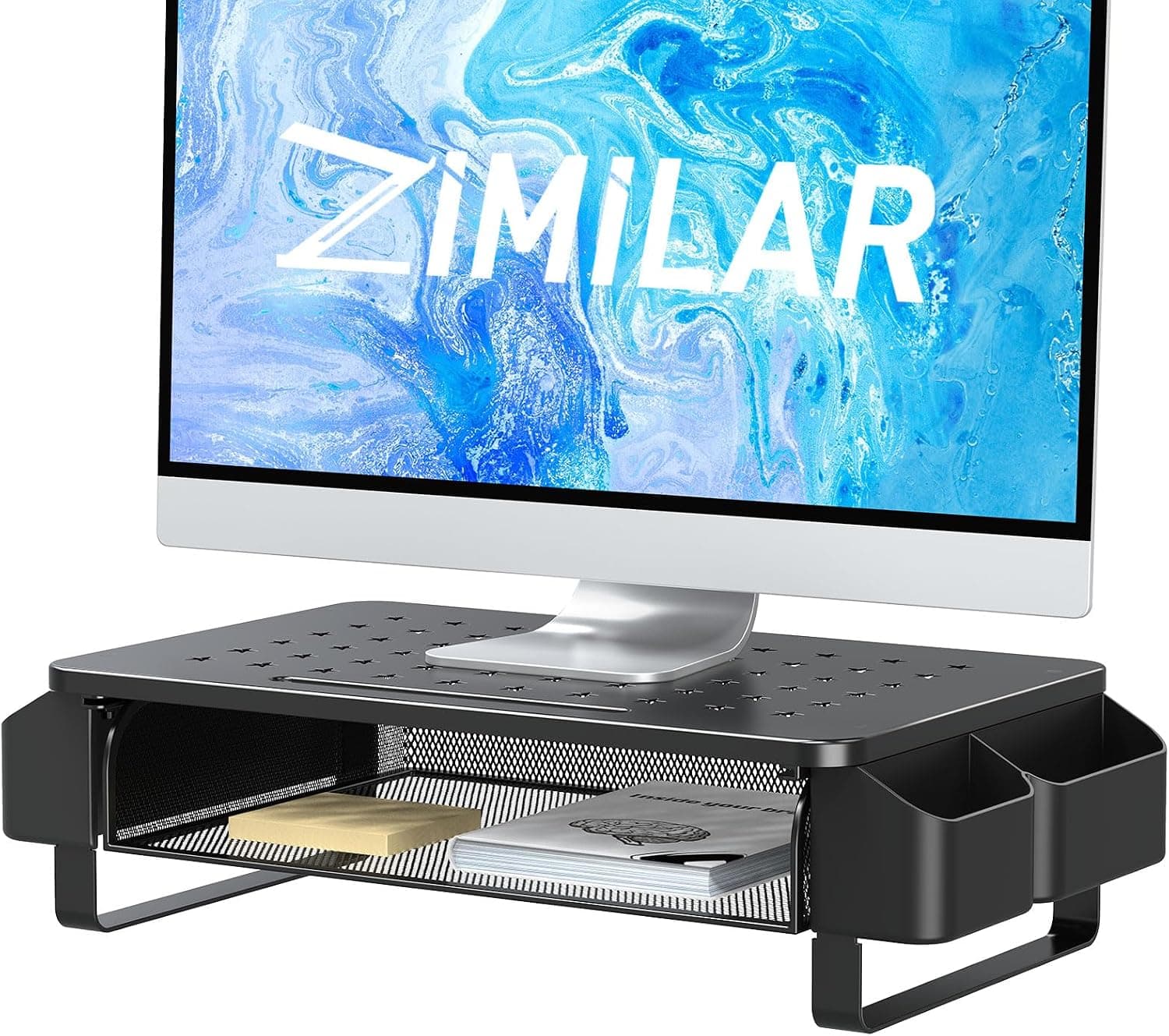
| Riser with drawer or storage | Zimilar (drawer plus side pockets) | People who want the space underneath to be organized storage |
| Wide dual-monitor stand | LAND・VOI (105 cm wide, holds 2 monitors) | People placing two monitors, or a monitor and a laptop, side by side |
| VESA monitor arm | RICOO TS1611 (13-30 in, tilt and swivel) | People who want to move height, angle, and direction freely |
The reason to choose the LORYERGO monitor stand is that it has no moving parts. There is little that can break, and once it is set up, you are done.
If there is any chance you will want to change the height or angle later, or put two screens side by side, choosing a different type from the start will save you from buying twice.
Who It's For
- Home workers who use a laptop with an external keyboard: A laptop sitting flat on the desk usually puts the screen too low.
Lifting a laptop of up to about 15.6 inches by roughly 9.7 cm raises your line of sight and can ease strain on your neck and shoulders.
It is too high for typing on the laptop's own keyboard, so plan to use an external keyboard. 2.
People who want to raise a monitor with a low stand: If your monitor has no height adjustment and you want the screen a little higher, this is an easy fix. Make sure the base fits within 368 x 234 mm.
- People who want a tidier desk: You can keep papers, a phone, or a notepad under the top.
The space is limited to the gap between the legs and the height under the top, but it still frees up desk surface. 4.
People with a small printer or scanner: If the device's footprint fits on the top and it weighs under 20 kg, the stand gives you a raised spot on the desk. Keeping paper underneath is handy too.
- People who want no assembly or adjustment hassle: No tools are needed and there are no moving parts, so it is ready to use right away and needs no tweaking later.
Before You Buy
The height is fixed at 97 mm. There is no height or angle adjustment.
Whether a 9.7 cm lift brings the screen to the right level depends on your current setup.
If it does not fit, you have few options, so measure first.
The 368 mm top is not wide enough for large devices. The 14.5-inch figure in the product name most likely refers to the width of the top, not a limit on screen size.
What decides fit is the size of the base or footprint. This stand is not suited to monitors with wide bases, ultrawide monitors, or two monitors at once.
If you want a dual setup, look at a wider stand made for two monitors.
A full-size keyboard will not fit easily underneath. Most full-size keyboards are wider than the 368 mm top, and even a tenkeyless keyboard can be a tight fit.
If you plan to store a keyboard there, compare its width and height with the gap between the legs and the height under the top.
The ventilation holes do not replace a cooling fan. They help air escape from under the device, but they do not actively cool anything.
If your main goal is to keep a gaming laptop cool under heavy load, a cooling pad with fans is a better choice.
Check the price and the seller. At the time of capture, the price was ¥15,966, and the seller was a third party (KASUAYA本店), not the manufacturer.
If that seems expensive compared with similar risers, it is worth checking other sellers or waiting for a better time. Also, monitor stand listings often have very similar names, and listing details can sometimes be wrong.
Check the photos and product name to confirm it is the right product.
FAQ
Q. Can it hold a 27-inch monitor? A.
Screen size alone does not tell you. It will work if the monitor's base fits within 368 x 234 mm and the total weight is under 20 kg.
Large monitors sometimes have bases deeper than 234 mm, so check the stand dimensions in the spec sheet.
Q. Can I adjust the height? A.
No. The height is fixed at 97 mm.
If you need adjustable height, consider an adjustable riser or a monitor arm.
Q. Does it help cool a laptop? A.
The ventilation holes give air a path to flow under the device, but there is no fan. Think of it as a small help, not a cooling solution.
Q. Is assembly difficult?
A. No tools are needed. You just attach the legs to the top.
Q. Can I store a keyboard underneath? A.
A compact keyboard may fit, but a full-size keyboard is likely to stick out at the sides. Measure the gap between the legs and the height under the top first.
Product Disclosure (Amazon)
- Manufacturer: LORYERGO
- Seller: KASUAYA本店
- Fulfilled by: KASUAYA本店
- ASIN: B088D47MCH
- Note: This article covers a manufacturer-made product based on Amazon listing details.