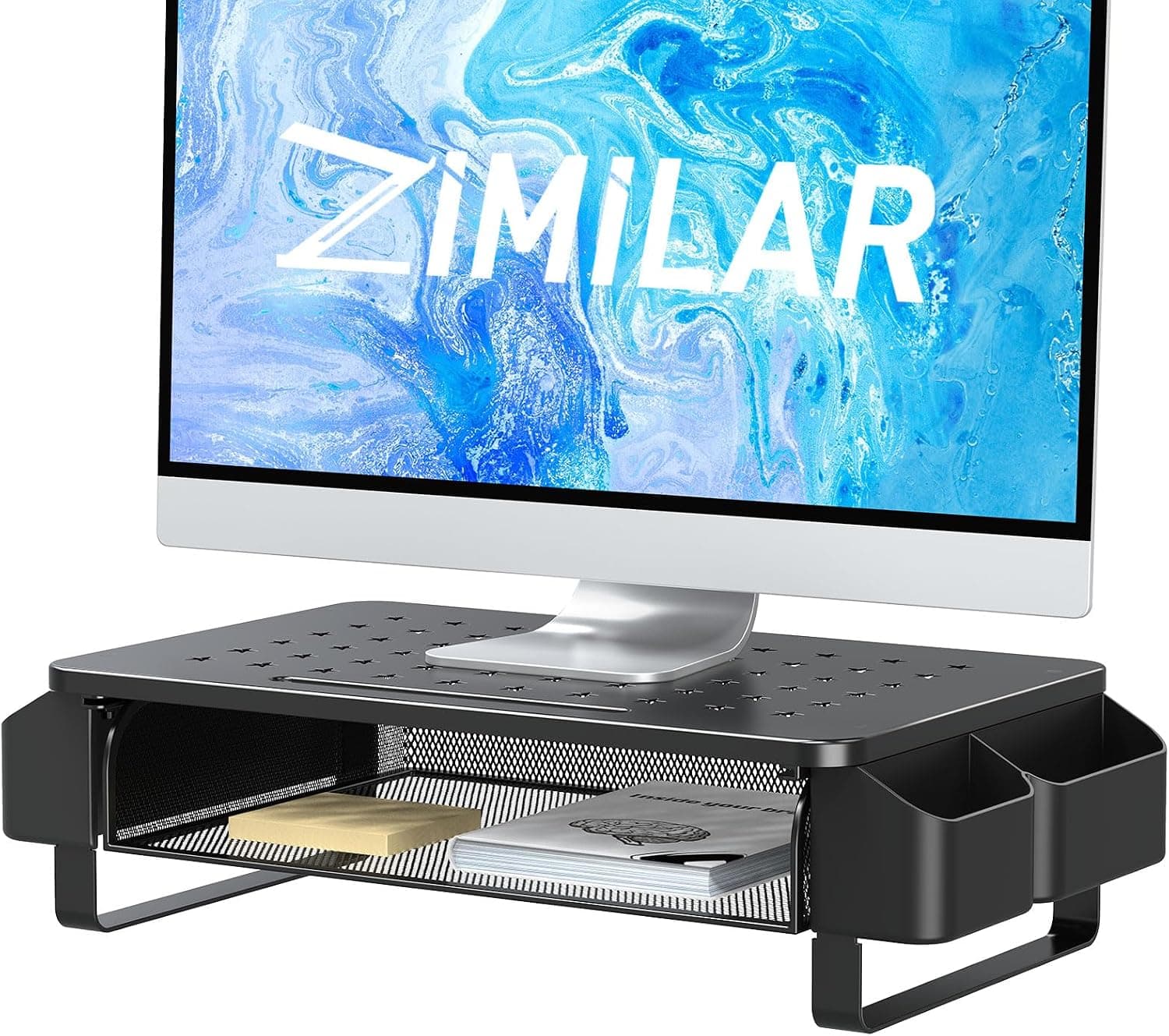
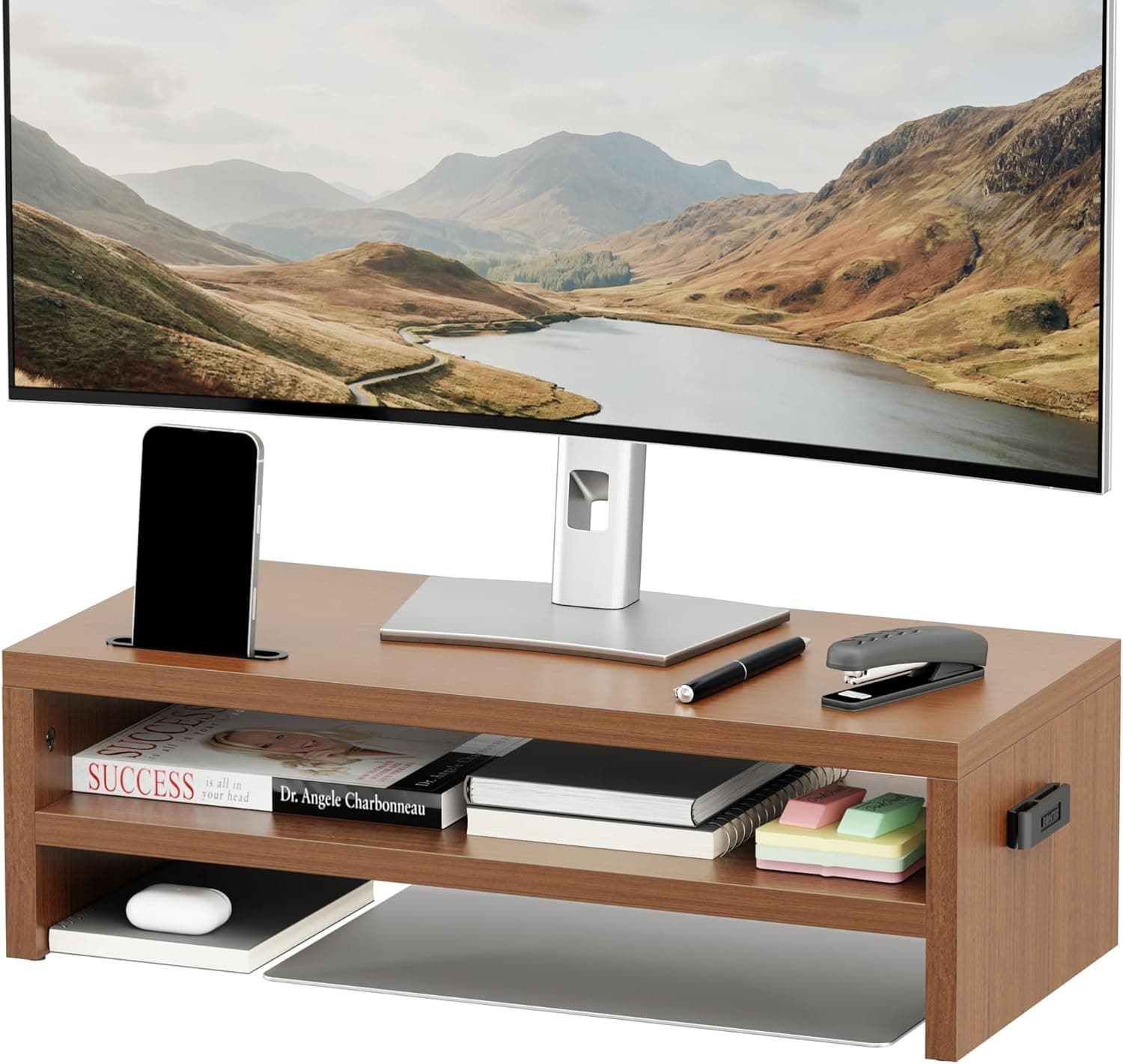
OPNICE デュアルコンピューターモニタースタンドライザー 引き出し付きワークスペースデスクオーガナイザー オフィス用品デスクアクセサリー 女性用パープル — the OPNICE Dual Computer Monitor Stand Riser with Drawer in purple — combines a monitor riser and a small-item drawer in one piece. This article looks at which desks it fits and who should skip it.
Overview
The product is a monitor riser that lifts your screen closer to eye level to reduce neck, shoulder, and eye strain. It is built from alloy steel with a powder-coated finish, rectangular in shape, and finished in purple.
The metal construction resists the sag that thin wooden or plastic risers can develop over time.
Its defining feature is the sliding drawer, suited to pens, sticky notes, USB drives, and other items you want reachable but off the desk surface. It ships fully assembled, so no tools and no instruction manual are involved.
Check the retailer's page for the latest user reviews. That review count is small and not yet statistically settled, so treat the score as a hint rather than proof and weigh the structural trade-offs below instead.
Compatibility Guide
No power and no cables are involved: you place it on the desk and set your monitors on top. Compatibility here is purely physical — dimensions and weight.
Maximum monitor size and load capacity are not published. The manufacturer's compatibility note states it suits two typical 24- to 27-inch monitors.
If you plan to load 32-inch screens or dual ultrawides, check the listed tabletop width, depth, and weight rating on the product page first. This is not something we can state definitively.
| Check | What to verify |
|---|---|
| Desk depth | Riser depth plus your monitor stands must fit |
| Monitor foot shape | Round or V-shaped bases have a wide footprint and may overhang |
| Space in front | You need clearance to pull the drawer out while seated |
| Keyboard storage | Measure leg spacing and vertical clearance before assuming it fits |
| Desk surface | Metal feet can mar painted or veneered tops; use felt pads or a mat |
The third row is the one most often overlooked. A drawer riser pushed flush against the front edge of a desk can become impossible to open from a seated position.
Height is fixed — there are no adjustment stages and no tilt. If you want centimeter-level control, a gas-spring monitor arm is the right category instead.
Product Info
| Item | Value |
|---|---|
| Color | Purple |
| Material | Alloy steel |
| Finish type | Powder coated |
| Shape | Rectangular |
Check the retailer's page for the latest price.co.jp as captured on 2026-08-27.
Prices move often and sales can push this lower, so confirm the current figure on the product page before ordering. Global availability appears only as an eBay search result, with no verifiable reference price.
Alloy steel with powder coating is the same approach used in office steel furniture: fingerprints wipe away easily and it tolerates a damp cloth, but a hard knock can chip the coating and expose the metal to rust. Lift it rather than dragging it when rearranging your desk.
OPNICE advertises a 100-day unconditional return policy. Return terms vary by seller, so verify them on the listing before purchase.
Comparison With Alternatives
- Drawer riser (this product): instant setup, storage included, height fixed.
- Plain or wooden riser: cheaper, easier to slide a keyboard underneath, no built-in storage.
- Monitor arm: millimeter-level height, tilt, and depth control with a fully clear desk, but it needs a clampable edge, rear clearance, and real installation effort.
The deciding question is simple: set your height once and leave it, and a riser wins; change posture often, and an arm wins. In rentals or shared offices where clamping hardware is not allowed, a free-standing riser is often the only realistic option.
Real-World Use
Dual-monitor risers assume a straight side-by-side layout. If you angle your screens inward in a shallow V, the outer edges of the monitor bases can hang off the platform.
If that layout is non-negotiable for you, this alone may rule the product out.
For the drawer, think about depth rather than volume. Items pushed to the back get forgotten.
Reserving the front third for daily items and the back for spares keeps clutter from creeping back onto the desk.
Best Use Cases
- Anyone who cannot clamp hardware to their desk: rentals, company-issued desks, and glass tops rule out most arms.
- Buyers matching a purple setup: metal risers are overwhelmingly black or white, so color availability itself has value here.
- People who want small items hidden: a tidier desk background for video calls.
It is a poor fit if you adjust monitor height frequently, plan to load two 32-inch-plus screens, or need to store A4 documents.
Things to Check Before Buying
The Amazon listing data contains a mismatch. The listing metadata recorded the manufacturer as "ASRock," a PC component brand with no connection to monitor stands.
Rather than publish an incorrect manufacturer as fact, that block has been removed from this article. You may see the same inconsistency on the product page, so confirm the product from the images and title, and treat the listed ASIN and model number with the same caution.
Height is fixed, and "higher than expected" is a classic return reason. Measure your current screen center height and your seated eye height first.
As a general guideline, the top of the screen should sit at or slightly below eye level.
Drawer capacity is limited. A4 folders, thick books, and heavy objects do not belong in it — weight makes the slide stiffen and wears the rails faster.
Treat it as small-item storage only.
Check how the metal feet interact with your desk. Solid wood, veneer, and painted tops can pick up scratches from even slight repositioning.
Felt pads add scratch protection and grip at the same time.
Decide on the fixed specifications — dimensions and load capacity — rather than on the 4.8 score alone.
FAQ
Q. Will it hold two 32-inch monitors? A.
Size limits are not published, and the manufacturer's guidance assumes 24–27 inches. Check the listed dimensions and load rating before committing; we cannot confirm it.
Q. Can I store a keyboard underneath? A.
Commonly yes, but clearance depends on the exact dimensions. Full-size keyboards with numpads are wide, so measure the inner leg spacing first.
Q. Is assembly required?
A. No. It arrives fully assembled — unbox, place, done.
Q. Can the height be changed?
A. No. Choose a monitor arm if adjustability matters.
Q. How do I clean it? A.
The powder-coated finish tolerates a well-wrung damp cloth. Avoid abrasive cleaners and steel wool, which damage the coating.
Q. What does it cost?
A. ¥14,059 on Amazon.co.jp as captured on 2026-08-27. Verify the current price at purchase.