Overview
The TEAMIX — Dual-Pack Wooden Monitor Stand Riser for Desks is a set of two MDF platforms that sit under a monitor and raise it by about 7.6 cm.
If your screen is a little too low, or you want two monitors at the same height without tools, it is a solid, low-effort choice. It is a poor fit if you want fine height adjustment, or if your monitor has feet spread wide at both ends.
Each stand measures 36.1 x 24.1 x 7.6 cm and is rated for 80 lbs (about 36 kg).
The 2-pack weighs 2.5 kg, or roughly 1.25 kg per stand.
As of September 2026, Amazon Japan showed a 4.7 out of 5 rating from 1,961 reviews.
That is a steady reputation for such a simple product.
This article covers the things a spec sheet will not tell you. Will your monitor fit?
Is 7.6 cm the right lift?
And what should you know about MDF?
Compatibility Guide
Whether a monitor riser works for you has nothing to do with cables or standards. It comes down to whether your monitor physically fits on top.
Check these three things.
| Check | This product | What to look at |
|---|---|---|
| Top surface | 36.1 x 24.1 cm per stand | Does your monitor base fit without overhanging? |
| Load rating | 80 lbs (about 36 kg) per stand | Is the monitor plus its stand under the limit? |
| Height | 7.6 cm | Will the screen sit at the right level afterwards? |
The most common mistake involves the shape of the base. A monitor with a single central post on a flat or round base is easy to judge: measure the base and compare it with the top surface.
Be careful with monitors that have a foot at each end of the screen, which is common on TVs and some large monitors, and with wide V-shaped legs. The distance between the feet can be wider than the platform, and then the monitor will not fit on a single stand.
Measure your base before you buy. Also check the product photos to see which side of the platform is the width.
The load rating leaves plenty of headroom. Most typical 27-inch monitors, stand included, weigh somewhere between a few kilograms and about 10 kg.
Treat the rating as a static figure, though. Avoid pushing hard on the monitor or leaning your weight on the riser.
You can put a laptop on it, but the platform is flat and does not tilt. The screen moves closer to eye level, but the keyboard rises with it.
Plan on using an external keyboard.
Is 7.6 cm the Right Lift?
A common ergonomic guideline puts the top edge of the screen at or slightly below eye level. If the top of your screen currently sits clearly below your eyes, by a few centimeters up to about 10 cm, a 7.6 cm lift should help.
Checking is easy. Sit in your usual position and measure the gap between your eye level and the top of the screen.
If the gap is close to 7.6 cm, this riser is a good match.
If it is only 2 to 3 cm, the riser may lift the screen too high and have you tilting your head up.
The original description says the two stands can be stacked. Stacked, they reach roughly 15 cm, and the center of gravity rises too.
If you stack them, make sure the two stands do not slide against each other and the monitor does not wobble when touched. Avoid stacking under heavy or deep monitors.
Product Info
Key specifications of the TEAMIX riser 2-pack:
| Item | Value |
|---|---|
| Material | MDF |
| Color | Black |
| Dimensions (per stand) | 36.1 x 24.1 x 7.6 cm |
| Weight (2-pack) | 2.5 kg |
| Load rating (per stand) | 80 lbs (about 36 kg) |
| Quantity | 2 stands |
On Amazon Japan, the price was ¥6,060 when captured on September 23, 2026, which works out to about ¥3,030 per stand. Prices change with sales and stock, so check the product page for the current price before buying.
The data we collected does not list a warranty period. If that matters to you, check the product page or the seller's information.
No assembly is required: take the stands out of the box and place them under your monitors. With no moving parts, there is little that can break.
The pre-purchase checks come down to two things, size fit and height fit. That is the key difference from a monitor arm.
Best Use Cases
- Matching two monitors: Two different models side by side often end up at different heights. With two stands, you can raise both by the same 7.6 cm, or use one stand to lift only the lower monitor to match the other.
- Screens slightly too low: Good for long sessions of remote work or programming when the gap between your eyes and the top of the screen is around 7 to 8 cm.
- Desks where drilling or clamping is not an option: Rental furniture and extra-thick desktops are fine, because the riser just sits on the surface.
- Clean-looking setups: Black MDF blends into most desks and looks less industrial than metal risers.
Comparison With Alternatives
Monitor stands come in several styles besides the flat, drop-in riser. Which one you should pick depends on what you care about most.
| Type | Example | Best for |
|---|---|---|
| Flat riser, 2-pack (this product) | TEAMIX wooden riser 2-pack | You know the height you need and want to lift two screens separately |
| Height-adjustable riser | ELIVED monitor riser 2-pack | You are unsure how much lift you need or want to change it later |
| Long one-piece stand | LAND・VOI 105 cm dual monitor stand | Two screens on one shelf with storage underneath |
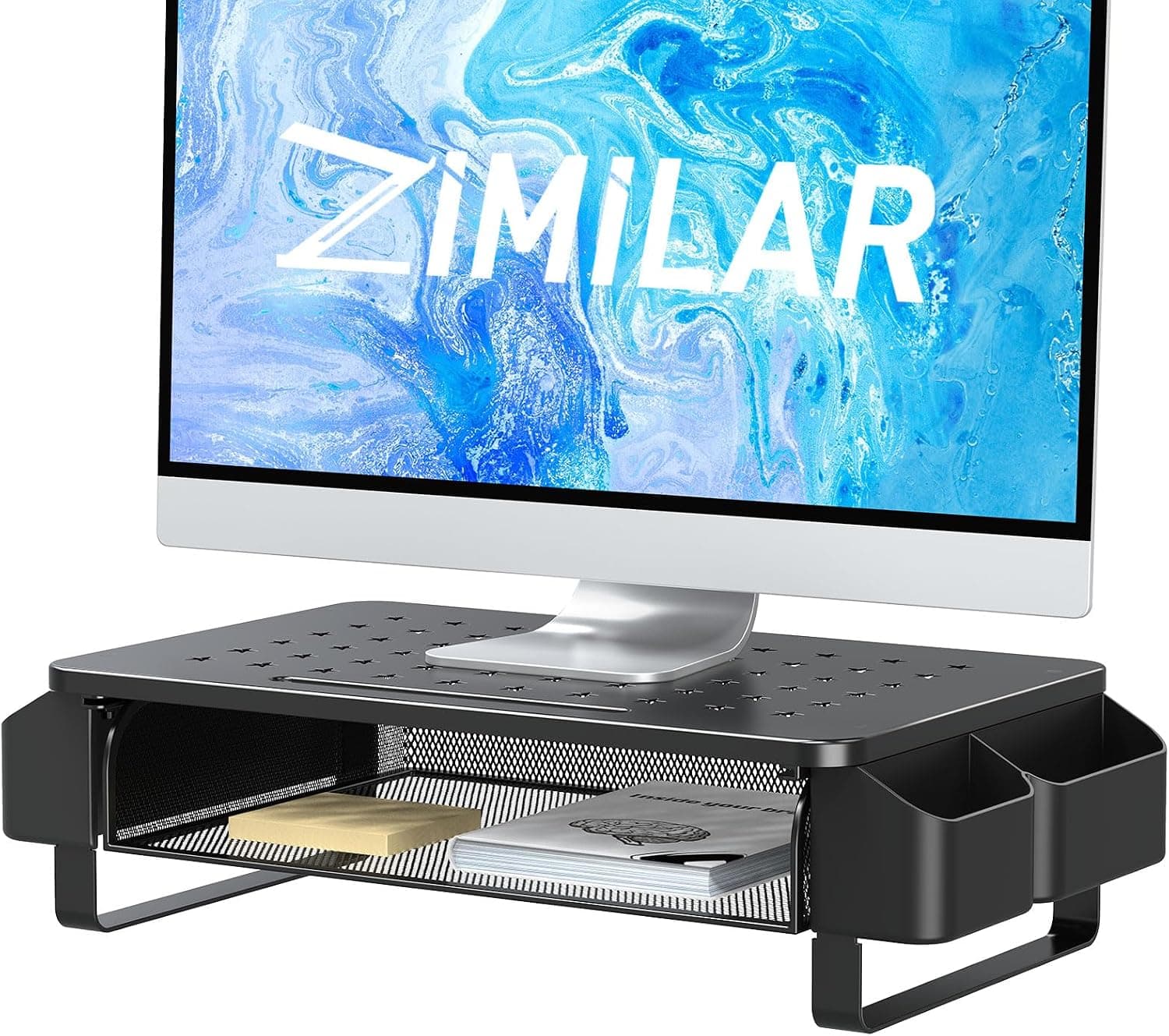
| Drawer riser | Zimilar monitor riser | You also want somewhere to put small items |
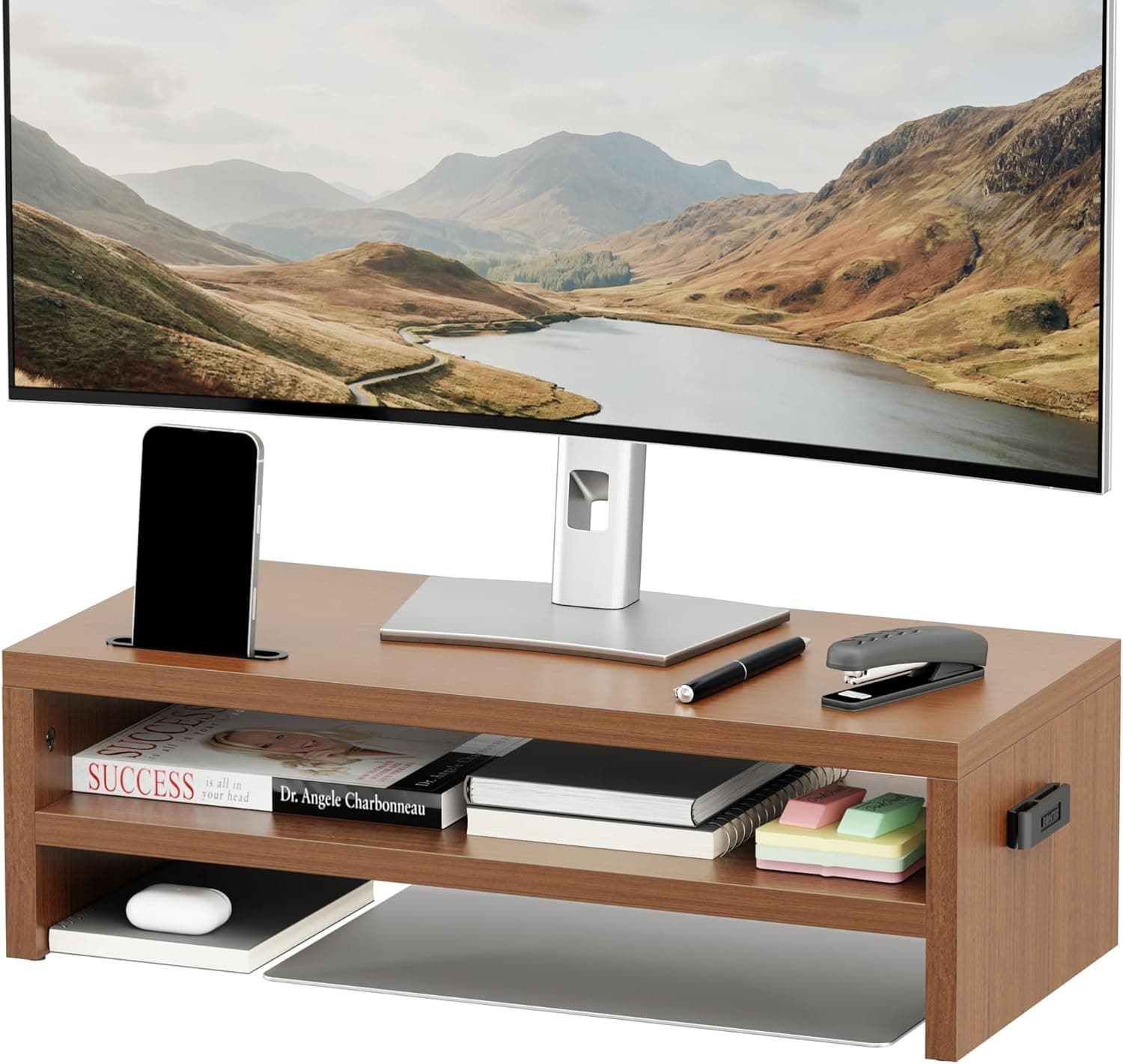
| Two-tier riser | BONTEC wooden 2-tier riser | You want to organize items above and below the platform |
The main advantage of this product is that it comes as two separate pieces. You can space your monitors however you like, and nothing goes to waste if you only need to raise one screen.
If you want to experiment with the height, an adjustable riser is the safer choice.
Things to Know Before Buying
There is effectively one height. You get 7.6 cm with one stand, or roughly 15 cm stacked.
Small adjustments such as two more centimeters are not possible, so measure the height you need first.
Some monitor bases will not fit. As explained in the Compatibility Guide, monitors with feet at both ends or wide-spread legs may not fit on a 36.1 x 24.1 cm top.
Buying without measuring the base is the most common mistake.
MDF does not like moisture. MDF is board made from compressed wood fibers.
Even with a finished surface, water that gets in through scratches or edges can make it swell. Do not put drinks on it or wipe it with a wet cloth.
If a heavy load stays in the center for a long time, check now and then for sagging.
Check the space underneath. The 7.6 cm height includes the thickness of the top panel.
Whether a keyboard or small items fit underneath depends on the leg design and the actual inner clearance. If you plan to use that space for storage, check the product photos.
Anti-slip feet are not confirmed. The data we collected does not say whether the stands have anti-slip pads.
On a slick desk, or when stacking, an anti-slip mat adds stability.
For free adjustment, a monitor arm is the better tool. If your monitor supports VESA mounting, an arm lets you change height, depth and angle.
This riser does one job: lift the screen reliably with zero setup.
About the listing details. The disclosure below lists the seller and shipper as Amazon US, and the load rating is given in pounds, so the listing may be based on overseas data.
If you buy on Amazon Japan, check the actual seller, shipper and delivery date at checkout. Also confirm from the photos and title that you are looking at the TEAMIX 2-pack in black, not a similarly named product.
FAQ
Q. Will a 27-inch monitor fit? A.
Weight will not be an issue for a typical 27-inch monitor, since the rating is about 36 kg. What decides it is the base: check whether its footprint fits within 36.1 x 24.1 cm.
Q. Can I put one monitor on each stand? A.
Yes. The 2-pack lets you place one stand under each monitor and set the gap between them freely.
Q. Is stacking safe? A.
The original description says the stands can be stacked, but the height rises to roughly 15 cm and the center of gravity goes up. Check for wobble and slippage, and avoid stacking under heavy monitors.
An anti-slip mat between the stands helps.
Q. Can I store a keyboard underneath? A.
The overall height is 7.6 cm, but the top panel and legs reduce the inner clearance.
Check the inner height in the product photos and compare it with your keyboard's thickness.
Q. Does it need assembly?
A. No. Just take the stands out of the box and place them under your monitor.
Product Disclosure (Amazon)
- Manufacturer: TEAMIX
- Seller: Amazon US
- Fulfilled by: Amazon US
- ASIN: B097QVK6GK
- Note: This article covers a manufacturer-made product based on Amazon listing details.