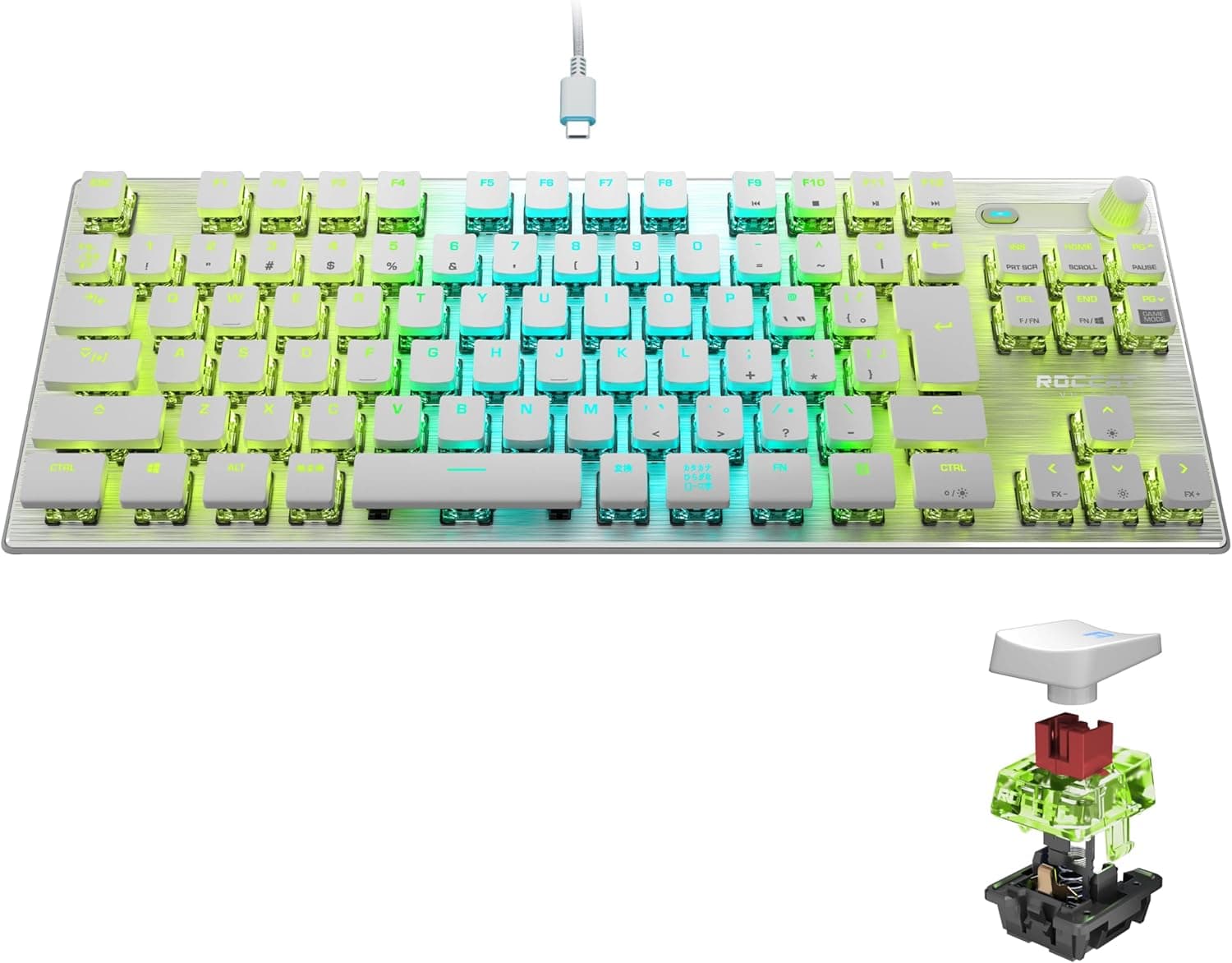
The Logitech G915 TKL White Tactile Tenkeyless Lightspeed Wireless RGB Mechanical Gaming Keyboard combines three things that rarely appear together: a low-profile mechanical switch, genuinely low-latency wireless, and an aluminium chassis. This article works through the published specifications, the captured pricing and the review data to show where it excels and where you have to compromise.
Overview
This is a keyboard for people who want a clear desk and wired-class responsiveness without a cable. The GL Tactile switches are short-travel, and the whole board stands just 22 mm tall. Compared with the 35-40 mm height of a conventional mechanical keyboard, that is low enough that most users never need a wrist rest. The 368 x 150 mm tenkeyless footprint translates directly into mouse room for low-sensitivity players.
The reception has been strong. As captured on 13 June 2026, Amazon.co.Check the retailer's page for the latest user reviews.
Very few peripherals hold 4.7 at that review volume.
Pricing sits firmly at the high end - a captured price of JPY 44,463 as of 27 August 2026 - and, as covered below, there are specific things this keyboard will not do at that price. The compromises matter more than the number.
Quick Fit Guide
| Use case | Fit | Reason |
|---|---|---|
| Competitive FPS | Excellent | LIGHTSPEED feels wired; tenkeyless frees mouse space |
| One board for work and play | Excellent | Switch between LIGHTSPEED and Bluetooth on the keyboard |
| Long typing sessions, coding | Good | 22 mm height and short travel reduce finger movement |
| Shared room, late-night use | Marginal | Tactile switches are clearly audible |
| Heavy numeric entry | Poor | No numpad; you need a separate keypad |
| Custom keyboard hobbyists | Poor | No hot-swap, switches cannot be changed |
| Rapid-trigger competitive play | Poor | Mechanical, not magnetic; no adjustable actuation |
The table shows a board that commits fully to wireless, low-profile and compact. On the customisation and silence axes, the same budget buys a more satisfying keyboard elsewhere.
Read the reasoning below before deciding on the table alone.
Compatibility Guide
There are three connection paths: LIGHTSPEED wireless via the bundled receiver, Bluetooth 5.0, and USB wired. The first thing to check is that the receiver is USB-A. On a thin laptop or Mac with only USB-C ports, a hub or adapter is mandatory. The receiver also ships pre-paired, so losing it leaves you with Bluetooth or a support request. Pulling the dongle out during a desk tidy-up is the most common way people lose it.
You can move between LIGHTSPEED and Bluetooth with a switch key on the board itself. How many Bluetooth devices can be registered at once, and the exact pairing steps, vary by documentation revision, so check the product page and manual if multi-device use is central to your plan.
For a typical work-plus-gaming setup, assign your main machine to LIGHTSPEED and the secondary one to Bluetooth.
Wired mode uses the supplied 1.8m USB-A to micro-USB cable.
The micro-USB charging port is the clearest reminder of the 2020 launch date: your existing USB-C cables will not fit, and a lost cable means sourcing a replacement. On the positive side, typing works normally while charging, so a flat battery never stops your session.
Supported operating systems are Windows and macOS. Logitech G HUB, required for remapping and RGB profiles, is offered for those two platforms only.
Basic key input usually works on Linux, but treat lighting and macro configuration as unavailable there. Consoles are outside the supported range - a PS5 may accept it over USB for text entry, but keyboard support is title-dependent, so do not buy it primarily for console use.
Physically, the 368 x 150 x 22 mm dimensions work in your favour. The 150 mm depth is normal for a tenkeyless board, but the 22 mm height reduces clashes with keyboard trays and monitor-arm accessories, and makes a comfortable elbow angle easier on a tall desk.
The aluminium top plate supports the switches across the whole plate, so the base does not flex under heavy typing.
In Use
GL Tactile gives a distinct bump partway through a very short press. Total travel is roughly half that of a standard mechanical switch, so input registers without your fingers sinking in. Check the product page for the exact actuation point and force; what matters in practice is that the stroke is shallow, the return is fast, and the actuation is easy to feel. Both rapid in-game inputs and long typing sessions benefit from the reduced vertical finger movement.
On noise, be realistic. Tactile switches are not as sharp as clicky ones, but they are clearly louder than linear or silenced switches, and an aluminium plate reflects sound rather than absorbing it.
A voice chat microphone will likely pick it up. If you type late at night in an apartment or share a room, that single point is enough to rule this keyboard out.
Battery life is rated at about 40 hours with the lighting on. Dimming or disabling the RGB extends that well beyond the rated figure.
Even so, this is a device you charge a few times a week; plugging it in overnight is the practical routine, which is another reason to leave the cable on the desk.
How It Compares
Competitive keyboards have moved rapidly towards magnetic hall-effect switches with rapid trigger and 8,000Hz polling, and most of those are wired for power and latency reasons. The Logitech G915 TKL White Tactile uses conventional mechanical switches, so there is no adjustable actuation point and no rapid trigger. If that feature decides matches in the games you play, a wired magnetic board is worth giving up wireless for.
The other alternative is the hot-swappable custom scene. Swapping switches, fitting new keycaps and tuning sound through a gasket mount are simply not possible here.
GL switches are soldered, and the low-profile keycap shape leaves a very narrow aftermarket. This is a finished product, not a platform to build on.
Put positively, few keyboards still combine low profile, wireless, an aluminium body and a tenkeyless layout. Compare on which side your non-negotiable requirement sits, not on feature counts.
Product Info
Amazon.co.jp showed JPY 44,463 when captured on 27 August 2026. That is a street price and moves with sales and stock, so confirm it on the listing at the time of purchase rather than trusting this article.Check the retailer's page for the latest price. Do not read it as a new-unit market rate.
Key specifications: GL Tactile low-profile mechanical switches; LIGHTSPEED wireless, Bluetooth 5.0 and USB wired; roughly 40 hours of rated battery; a 1.8m USB-A to micro-USB cable; 368 x 150 x 22 mm dimensions; white finish; Windows and macOS support.
It launched in 2020 and still sits near the top of Logitech's wireless gaming range. The box includes the keyboard, the LIGHTSPEED receiver, the USB cable and documentation.
The white version is stocked less widely than the black one, so availability swings can affect the price.
Best Use Cases
The strongest match is a gamer who wants to play FPS or action titles wirelessly. LIGHTSPEED is effectively indistinguishable from wired in normal play, and removing the cable also improves how freely the mouse moves. The tenkeyless width leaves room for wide low-sensitivity sweeps.
Second, anyone alternating between work and gaming at one desk. The low-profile switches hold up for long typing sessions, and the LIGHTSPEED/Bluetooth toggle covers two environments with one board.
With no cable attached, pushing the keyboard aside for handwriting or paperwork is easy.
Third, buyers investing in appearance and rigidity. The white aluminium finish photographs well, helped by the reduced cable clutter.
If any single item in the next section is a dealbreaker for you, however, this price bracket offers happier alternatives.
Before You Buy
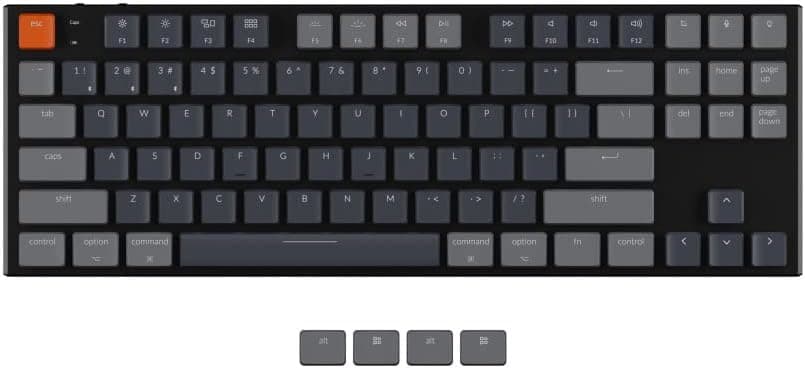
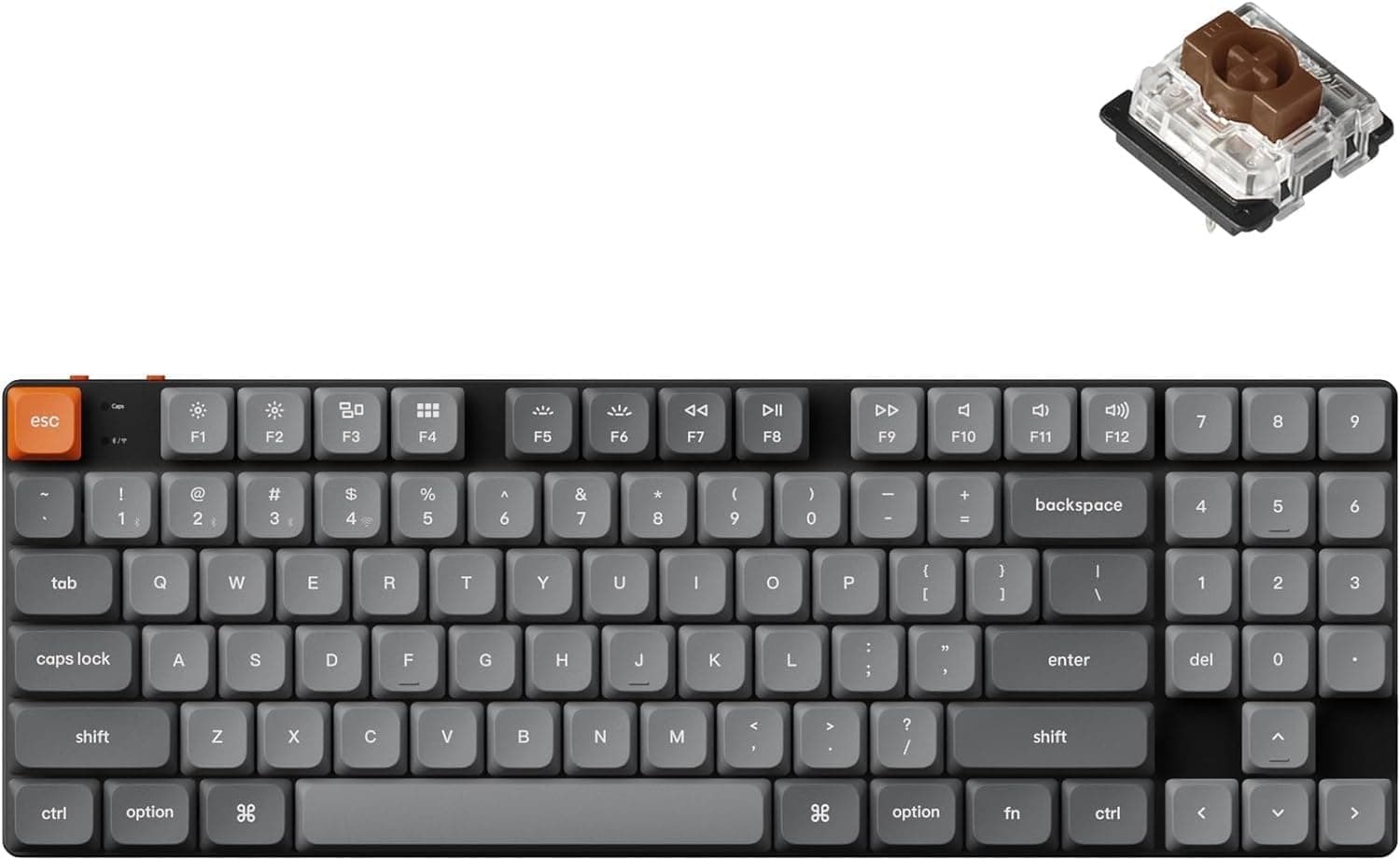
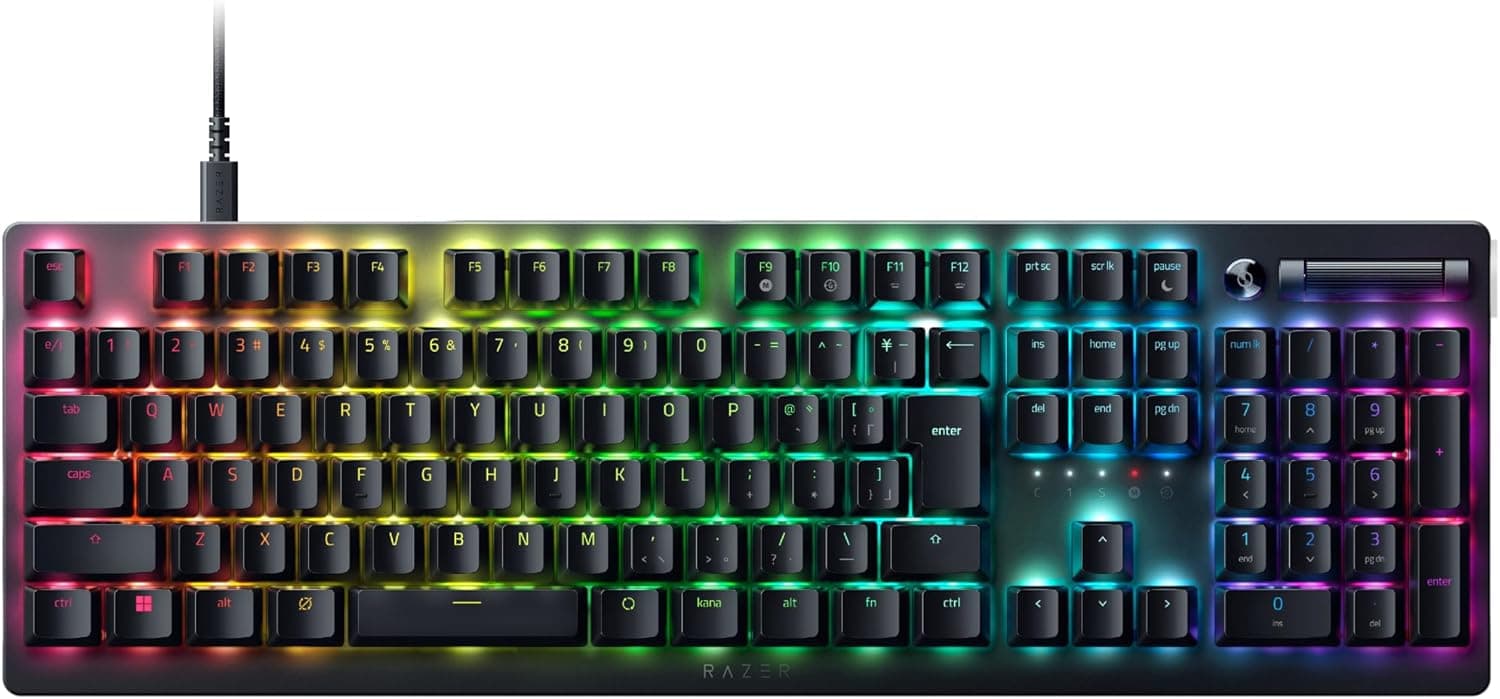
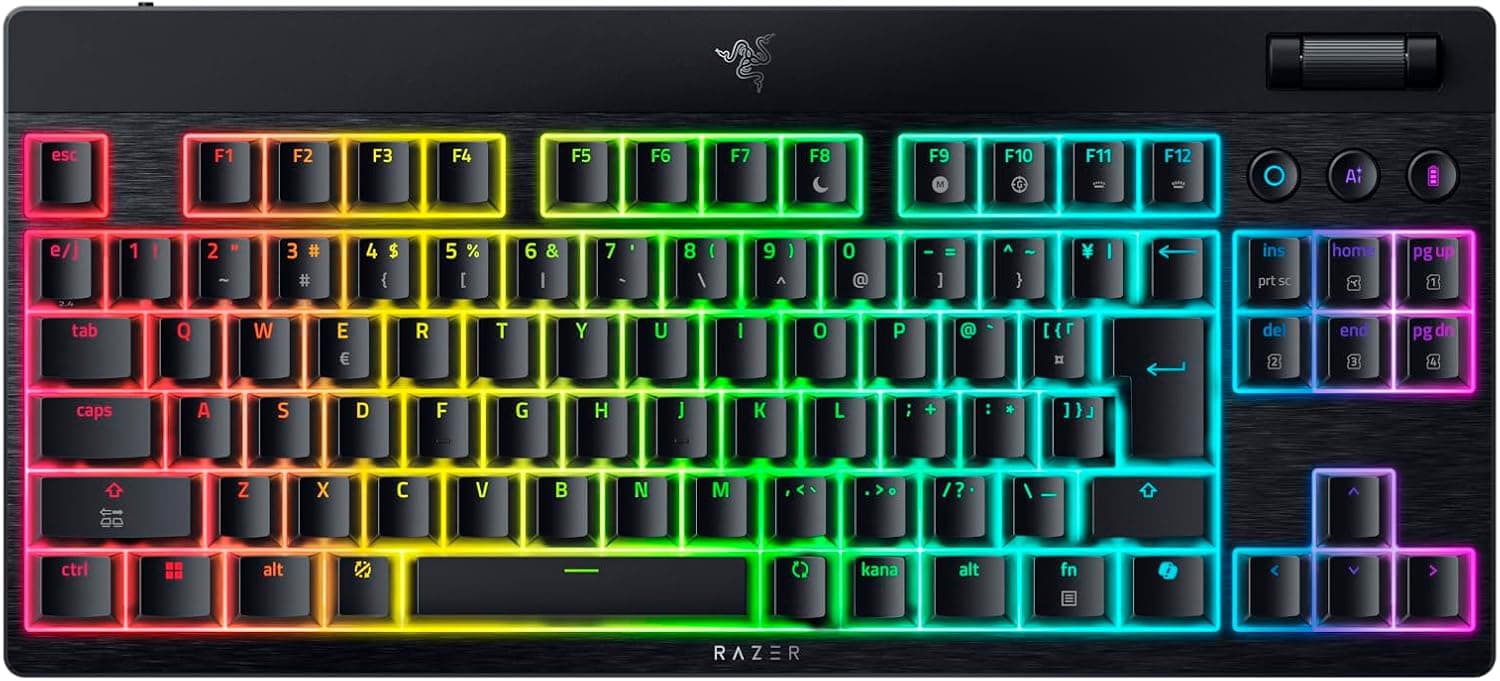
1. Confirm the key layout from photos. A closely related product circulates domestically under a different Logitech model number, and units labelled G915 are frequently the international US-layout version. If you expect a Japanese layout, symbol placement and conversion keys will differ considerably. Check the Enter key shape and the bottom row in the listing images, not just the title.
2. Charging is micro-USB. A USB-C-standardised desk gains one exception.
Keep the bundled cable, and remember the connector type if you buy a spare.
3. Neither switches nor keycaps can be replaced. There is no hot-swap socket, and the keycaps use a low-profile-specific shape.
Buying at this price expecting to tune the feel later leads to regret.
4. Do not expect quiet operation. Tactile switches plus a metal plate are audible.
If noise matters, look at boards with silenced switches.
5. Look after the receiver. A small USB-A dongle is easy to lose every time you pack up.
Decide where it lives before the first time you misplace it.
6. The battery is internal and not user-replaceable. Runtime will decline over several years of use.
Wired operation remains as a fallback, but factor that into how you value the price.
7. Listing metadata can disagree. Manufacturer, model number and pricing fields are collected automatically and occasionally pick up another product's values - as seen here in the gap between the domestic and marketplace prices.
Verify the product from the images and title, and judge the price on the live listing.
FAQ
Q. Is wireless a disadvantage versus wired?
A. LIGHTSPEED is a dedicated protocol built for competitive play, and most players cannot feel a difference. Against the newest 8,000Hz wired boards there is a measurable gap, so specification-focused buyers may prefer wired.
Q. What happens when the battery runs out?
A. Plug in the supplied cable and keep typing while it charges. Nothing is interrupted.
Q. Does it work on a Mac? A.
macOS is a supported OS and G HUB has a macOS build. The modifier legends follow Windows conventions, so you will mentally remap Command and Option.
Q. What if I need a numpad later? A.
A separate numeric keypad placed on either side works well. If numeric entry is a daily core task, a full-size board is the better starting point.
Q. Can I fit custom keycaps? A.
No. The low-profile shape is incompatible with standard MX keycaps, and the aftermarket is very limited.
Q. Does the white finish show dirt? A.
Finger oils and dust are more visible than on the black model. It suits someone willing to wipe it down regularly.