Overview
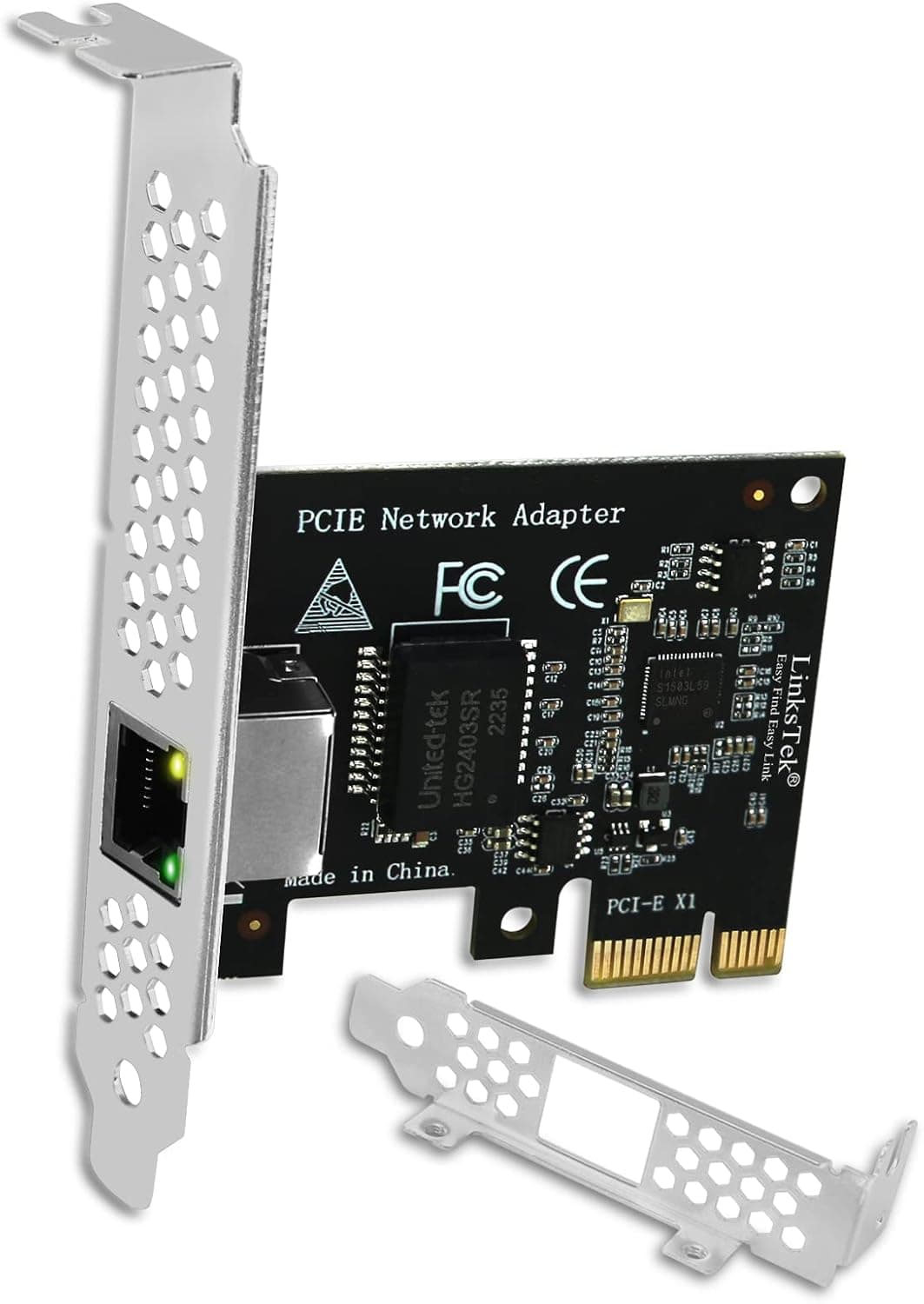
The LinksTek PCI Express X1インターフェース (model PCIE-I225) is an expansion card that upgrades a desktop PC's wired networking to 2.5Gbps by dropping into any free PCIe slot.
At its core is the Intel I225V controller, which gives it an edge in driver availability and long-run stability over the Realtek-based cards that dominate this price bracket. The short verdict: if your NAS transfers are pinned at Gigabit ceilings, this is the first part to add.
That said, installing this card alone will not make your internet connection faster. 2.5GBASE-T only works when the gear on the other end — switch, router, NAS, or peer PC — also supports it.
Buyers who miss this walk away saying "nothing changed." This article focuses on those prerequisites and the practical pitfalls.
On Amazon.co.Check the retailer's page for the latest user reviews.
The sample is small, but the rating is consistent and reasonable for the class.
What Actually Changes vs. Gigabit
Real-world 1000BASE-T throughput tops out around 110–118 MB/s under good conditions. 2.5GBASE-T offers 2.5x the theoretical bandwidth, so expect roughly 250–280 MB/s in practice.
The numbers sound modest; what you feel is the time spent moving bulk data.
| Task | 1Gbps | 2.5Gbps (theoretical ratio) |
|---|---|---|
| 50GB backup | ~7–8 min | ~3 min |
| Editing 4K footage off a NAS | Prone to dropped frames | Usually workable |
| Moving VM images | Dominated by waiting | Less than half the wait |
These figures are derived from theoretical bandwidth and shift easily with NAS disk speed, file count, and SMB version. With many small files, storage random-access performance becomes the bottleneck long before the network does, so the gain largely disappears.
Rule of thumb: the bigger your files, the more you benefit.
One more point — how this differs from USB 2.5Gbps adapters.
A PCIe card uses the bus directly, so sustained transfers hold their speed better and CPU overhead stays lower. The reason to pick a PCIe card is not peak speed but the fact that the speed persists.
Connectivity & Compatibility
The interface is PCI Express X1, so the card physically fits x1, x2, x4, x8, and x16 slots (an x1 card works fine in a larger slot). PCIe 3.0 x1 delivers roughly 1 GB/s — far more headroom than 2.5Gbps needs, so the bus is never the bottleneck.
What actually trips people up is physical fit, not bandwidth.
- Slot position — a large GPU cooler often overhangs the lower x1 slots. Look inside the case and confirm a usable slot remains.
- Bracket height — both full-height and low-profile brackets are included, so slim OEM desktops are covered. Internal clearance is a separate question.
- Cable category — 2.5GBASE-T is specified to run on Cat5e, but with long runs or nearby noise sources, Cat6 or better is more stable. Reusing old Cat5e wiring does cause flaky links in practice.
- The other end — your switch or router must support 2.5Gbps. If it doesn't, nothing changes.
Supported operating systems are Windows 10/11 64-bit and Windows Server 2019/2022. Linux and macOS are not officially supported. Intel I225 drivers are present in mainline Linux kernels, so it will likely work, but that is outside the vendor's support scope.
If you need certainty for a Linux server, pick a card with documented support.
Supported standards are IEEE 802.3, 802.3u, 802.3ab, and 802.3bz — the last of which defines 2.5GBASE-T.
Jumbo frames are supported up to 9.5KB.
Enabling jumbo frames can improve efficiency on large NAS transfers, but every device along the path must use the same setting; enabling it on one side only makes things less stable.
Product Info
Key specifications: PCI Express X1 interface, Intel I225V controller, and a 2.5 Gbps (2500BASE-T) maximum data rate.
The board weighs 45 g and ships with both full-height and low-profile brackets. It has a single RJ45 port.
The price on Amazon.co.jp was ¥5,565 as captured on 24 August 2026.
Pricing moves a lot with sales and coupons, so always check the product page for the current figure. The card also appears on eBay, where listing prices vary seller by seller.
With fewer than a hundred reviews, treat the statistical confidence as modest — though the score is typical for an Intel-based 2.5Gbps NIC.
Product Disclosure (Amazon)
- Manufacturer: LinksTek Co,Ltd
- Brand: LinksTek
- Seller: Amazon US
- Fulfilled by: Amazon US
- ASIN: B0BNQX8H38
- Note: This article covers a manufacturer-made product based on Amazon listing details.
How It Compares
2.5Gbps PCIe cards fall into three tiers, and your use case picks the tier for you.
| Tier | Typical chip | Character |
|---|---|---|
| Budget | Realtek RTL8125 | Cheapest; fine for general use, more driver-quirk reports |
| Mid (this card) | Intel I225V | Better driver availability and sustained stability |
| Higher | 10GbE / SFP+ / dual-port | More bandwidth, but switch cost and heat climb sharply |
RTL8125 cards cost less, and in everyday Windows use the practical difference is hard to notice. For 24/7 servers and hypervisors, however, driver maturity translates directly into uptime.
Against 10GbE, the card price gap matters less than the switch price gap plus power draw and heat. 10GBASE-T cards run hot and can throttle in cases with poor airflow.
For a home setup with a NAS and a few PCs, 2.5Gbps is the sensible cost/benefit landing spot.
Installation and Common Snags
The install is easy: power down, unplug, seat the card in a free PCIe slot, screw down the bracket, close up. Problems show up in the verification step instead.
After boot, check Device Manager under Network adapters for an Intel I225 entry.
If it's missing or listed as unknown, install drivers — the bundled CD/download guide, or Intel's I225 driver package.
Always confirm the link speed. Open the adapter status under Network Connections and verify it reads 2.5 Gbps.
If it still says 1.0 Gbps, the cable or the far-end device is the cause.
- When speed is low, swap the cable first to isolate, then check the switch port indicator.
Early I225 silicon had documented intermittent link-drop issues. Driver and firmware updates largely addressed them, so if links drop after short intervals, update to the newest driver first. Disabling power-saving features (EEE / Green Ethernet) has also been reported to help, and is worth trying if symptoms appear.
Recommended Users
This card is a cost-effective pick if you are:
- A NAS or home file server user hitting the Gigabit ceiling. If your NAS already does 2.5Gbps, adding the PC side alone shortens photo and video backups noticeably.
- Running a home lab or small office with several machines. The more your workflow is dominated by waiting on VM images or shared folders, the bigger the gain.
- Stuck with 1Gbps onboard LAN. Many recent mid/high-end boards include 2.5Gbps, but older or budget boards don't. This is far cheaper than replacing the board.
- Recovering from a dead onboard port. After a surge or ESD failure, a PCIe NIC is a dependable replacement.
- Frustrated by USB adapter slowdowns. PCIe wins on sustained-transfer stability.
Before You Buy
The biggest trap: 2.5Gbps needs both ends. With a 1Gbps switch, router, or NAS on the far side, you stay at 1Gbps.
Budget for a 2.5Gbps switch alongside the card, or you'll discover the extra spend after the fact.
Your internet will not get faster. If your ISP plan is 1Gbps, speeding up the LAN changes nothing outbound.
This card helps PC-to-PC and PC-to-NAS transfers inside your network. This misunderstanding is extremely common.
Linux and macOS are outside official support. It will probably work on Linux, but there is no vendor guarantee — decide whether you can live with that before committing it to Proxmox or TrueNAS.
macOS is effectively moot, since modern Macs have no internal PCIe slots.
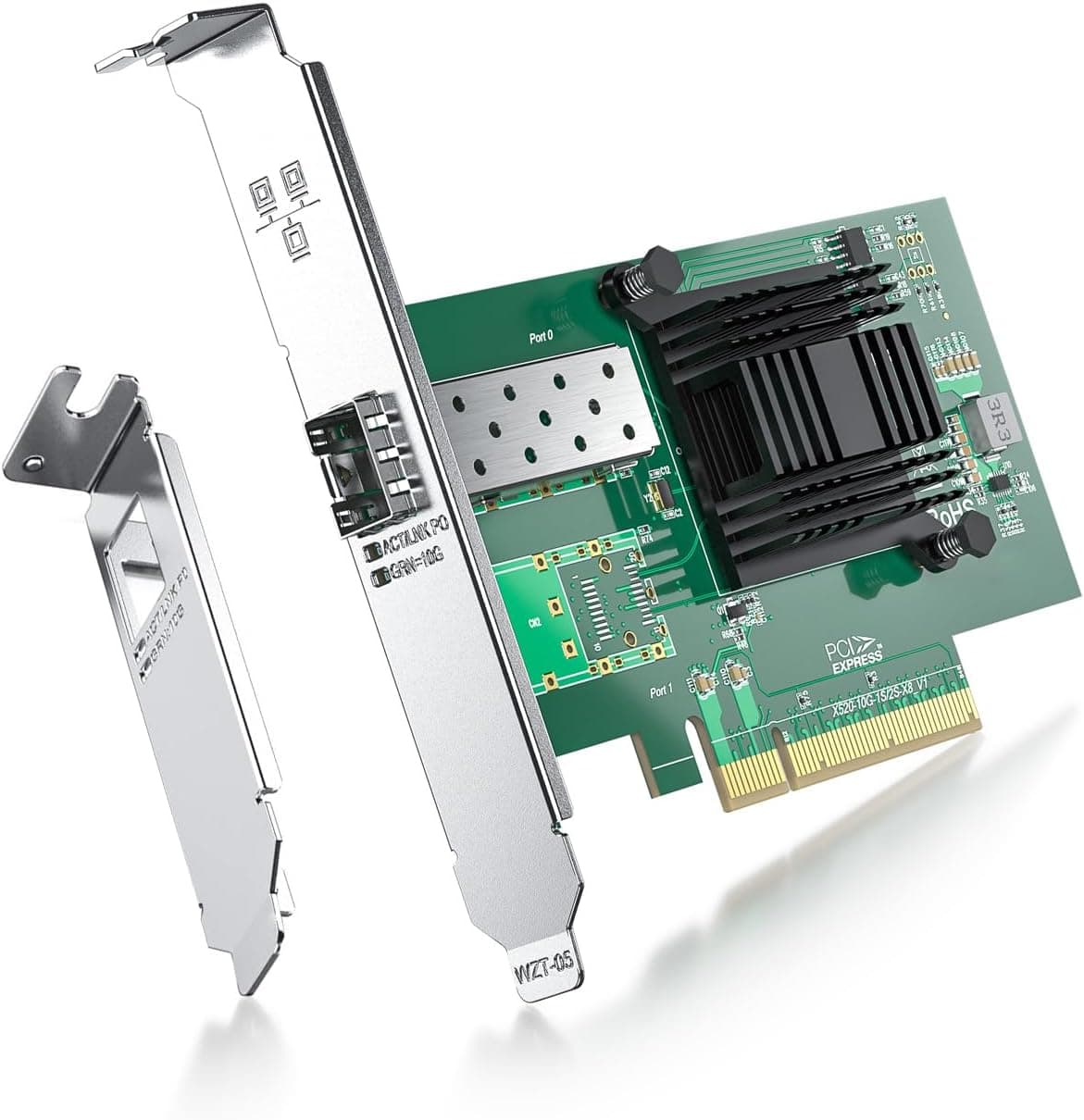
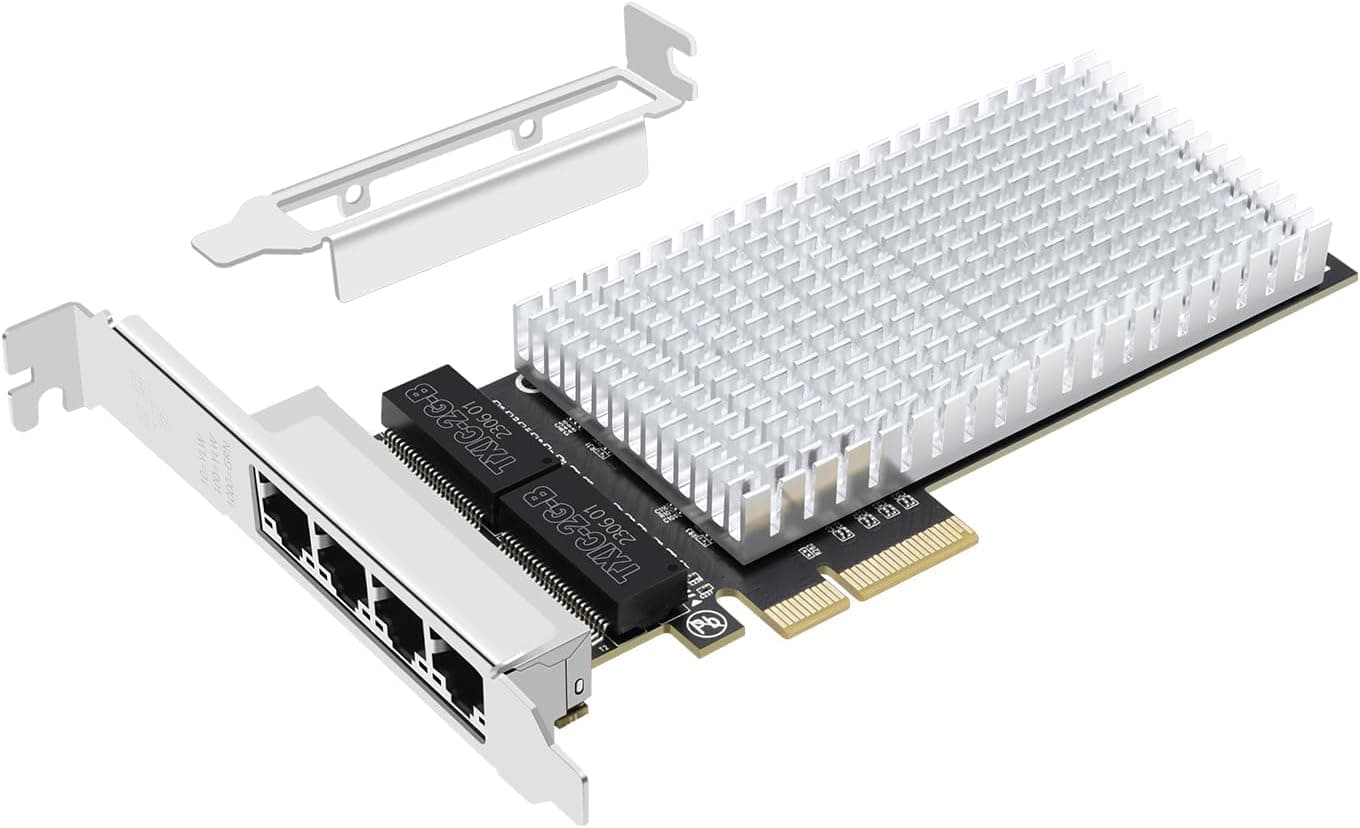
Note that it is single-port. If you want to use the machine as a router or split traffic across VLANs, a dual-port card suits better.
This one has a single RJ45.
Amazon listing data can disagree with itself. This page lists the seller and shipper as Amazon US while showing a yen price.
More generally, auto-collected listing fields (manufacturer, model number, compatibility claims) sometimes carry errors. Before ordering, confirm the product image, the title, and that the on-board chip marking is an Intel I225 part.
Note especially that I225 and I226 are successive generations and listings sometimes mix the two.
On older PCs the benefit may be limited. If your storage is SATA hard drives only, the disk becomes the bottleneck before the network does.
Adding this card to an old SSD-less machine will not deliver the speeds you expect.
FAQ
Q. Do I get 2.5Gbps just by installing it? A.
On the PC side, yes — but the connected devices must also support 2.5Gbps.
If the switch, router, or NAS is Gigabit, that segment stays at 1Gbps.
Q. Do I need new cables? A.
2.5GBASE-T is specified to run over Cat5e.
For long runs or noisy environments, Cat6 or better is more stable. If speeds are low, suspect the cable first.
Q. Where do I get drivers? A.
Use the bundled driver CD or download guide. Windows 10/11 often recognizes the card with in-box drivers, but applying Intel's latest I225 driver is recommended for stability.
Q. Will it fit a slim PC? A.
A low-profile bracket is included, so it fits most slim chassis after swapping brackets — assuming a free PCIe slot exists. Check inside the case first.
Q. Can I use it with Linux or a NAS build? A.
Official support covers only Windows 10/11 64-bit and Windows Server 2019/2022. Intel I225 drivers ship in mainline Linux kernels so it will likely work, but it falls outside vendor support.
Q. Should I go straight to 10GbE? A.
That requires a 10GbE switch too, raising total cost and heat considerably. For a NAS and a few home PCs, 2.5Gbps gives the better return.