Overview
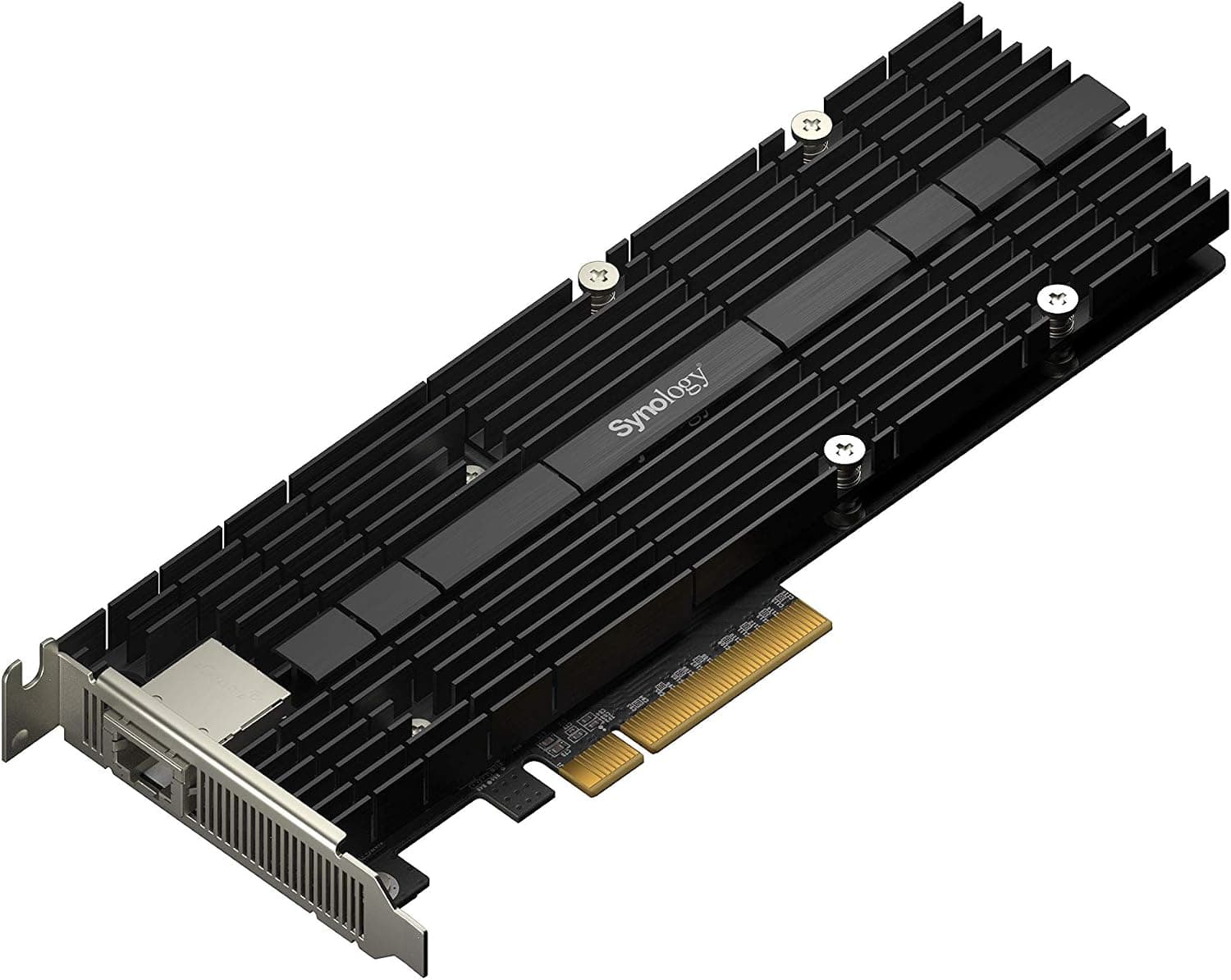
The Synology E10G30-T1 (【拡張NIC】Synology E10G30-T1) is an add-on network card for Synology NAS units. According to the official Synology product page, its host bus interface is PCIe 3.0 x4.
The network section lists compliance with IEEE 802.3an 10Gbps Ethernet and IEEE 802.3bz 2.5Gbps / 5Gbps Ethernet.
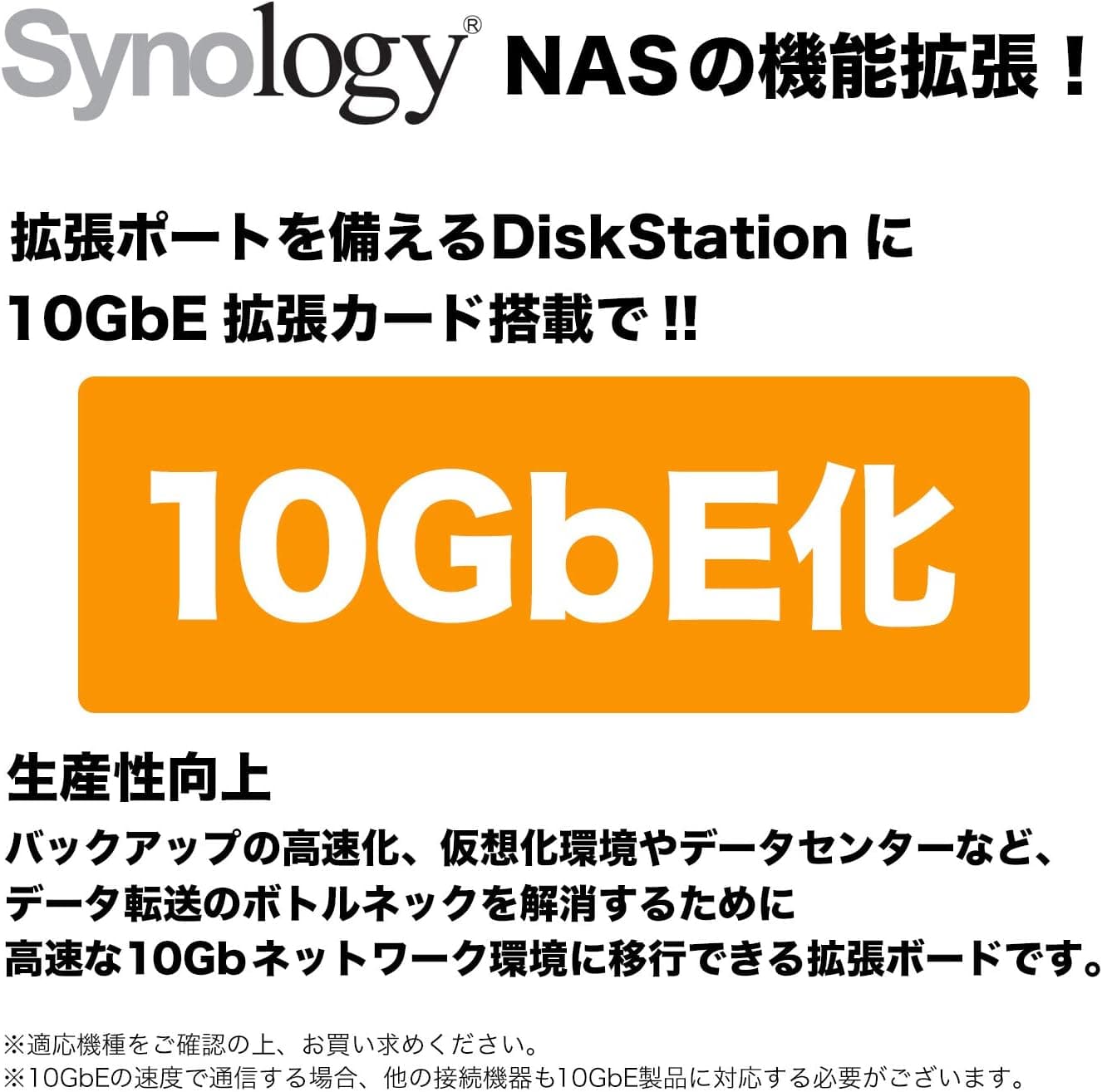
The product title describes a 10GbE, RJ-45, single-port expansion network card for Synology. The official page lists the applied models by model name, and that list is the main thing to check when choosing this card.
Compatibility Guide
The official page gives two compatibility conditions: a PCIe 3.0 x4 host bus and a list of applied models.
It presents the card as a product for the listed Synology models.
The applied models on the official page are grouped below.
| Group | Applied models |
|---|---|
| FS series | FS6420, FS6400, FS3420, FS2500 |
| HD series | HD6500 |
| SA series | SA6400 |
| 26 series | RS6426xs+, RS4826xs+, RS3626xs, RS1626xs+, RS1226RP+, RS1226+, RS826RP+, RS826+ |
| 25 series | RS2825RP+, DS1825+, DS1825neo+ |
| 23 series | RS2423RP+II, RS2423RP+, RS2423+, DS1823xs+ |
| 22 series | RS822RP+, RS822+, DS2422+ |
| 21 series | RS2821RP+, RS2421RP+, RS2421+, RS1221RP+, RS1221+, DS1821+, DS1621+ |
| 20 series | RS820RP+, RS820+ |
| 19 series | DS2419+II, DS2419+, DS1819+ |
| 18 series | RS2818RP+, RS2418RP+, RS2418+ |
The list spans the FS, HD and SA series plus RS and DS models from the 18 series through the 26 series. Start by checking whether your NAS model appears in it.
For a model that is not listed, the official page has no compatibility statement, so check the manufacturer's specification page.
Product Info
rmation
The items on the official page are:
- Host bus interface: PCIe 3.0 x4
- Standards compliance: IEEE 802.3x Flow Control, IEEE 802.3u Fast Ethernet, IEEE 802.3ab Gigabit Ethernet, IEEE 802.3bz 2.5Gbps / 5Gbps Ethernet, IEEE 802.3an 10Gbps Ethernet
The compliance list runs from Fast Ethernet up to 10Gbps Ethernet, so the card also covers speed standards other than 10Gbps. Because IEEE 802.3bz is included, compare your switch or router specifications against these standards before buying.
Recommended For
- Owners of a Synology NAS whose model is in the official applied-model list, such as DS1821+ or RS1221+, which appear by name.
- Users who can check the supported standards of their network equipment. The official compliance list includes IEEE 802.3bz, so those pairing the card with 2.5Gbps / 5Gbps gear can compare conditions against that equipment's specifications.
Before You Buy
- Check that your NAS model appears in the applied models. If it does not, the official page gives no compatibility statement.
- Check that the PCIe slot used for the card suits the PCIe 3.0 x4 host bus interface. Slot details are on your NAS's own official page.
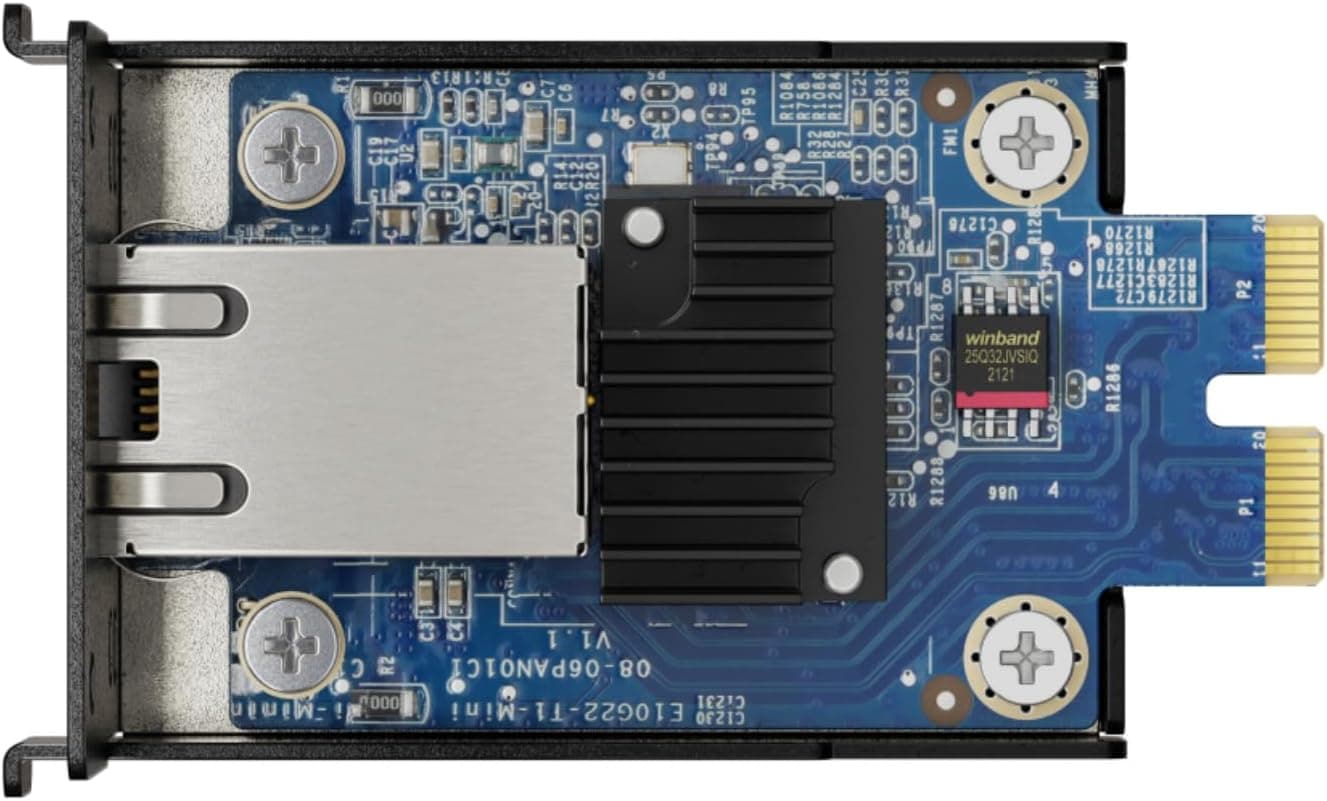
- Confirm from the listing's images and title that the item is the Synology E10G30-T1.
- Check the sales page for price and stock.
FAQ
Q. Which host bus does it use?
A. The official page states PCIe 3.0 x4 as the host bus interface.
Q. Does it cover 2.5Gbps and 5Gbps standards?
A. The official compliance list includes IEEE 802.3bz 2.5Gbps / 5Gbps Ethernet.
The actual link speed depends on the standards the connected equipment supports.
Q. How do I know whether my NAS can use it?
A. The official Applied Models list names the supported models. Whether yours appears there is the deciding point.