Overview
The Intel I225-T1 — Single-Port 2.5 Gigabit Ethernet Adapter is a PCIe expansion card that adds one 2.5GbE port to a desktop PC.
It uses the Intel I225-V controller, connects over PCIe 3.0 x1, and supports 2.5GBASE-T / 1000BASE-T / 100BASE-TX / 10BASE-T.
The short answer: if you already have, or plan to buy, a NAS and a switch or router with 2.5GbE ports, this card is a solid way to get about 2.5x the wired LAN bandwidth without rewiring.
If the rest of your network stays at 1 Gbps, though, the link will negotiate at 1 Gbps and nothing gets faster. The I225 family also has a history of link-drop problems, covered below.
This article explains what 2.5GbE actually speeds up, which setups benefit, and what to check before buying.
What 2.5GbE Actually Speeds Up
The main benefit is file transfers inside your LAN. If your internet plan is 1 Gbps, browsing and game downloads are capped by the line, so a faster NIC changes little.
If you have a multi-gigabit fiber plan and a router with 2.5GbE or faster ports, the download ceiling rises too.
| Standard | Theoretical max | Typical real-world |
|---|---|---|
| 1000BASE-T (1GbE) | 125 MB/s | around 110 MB/s |
| 2.5GBASE-T (2.5GbE) | 312.5 MB/s | around 280 MB/s |
Real-world figures are general estimates after protocol overhead, and in practice your NAS drives often matter more. A single-HDD NAS may hit its disk limit first.
Multi-drive RAID or SSD-based NAS units are far more likely to use the full 2.5GbE bandwidth.
Compatibility Guide
Slot: The card is PCIe 3.0 x1.
By the PCIe spec, an x1 card also fits x4, x8, and x16 slots, so a free longer slot works too. Thick GPU coolers often block the neighboring x1 slot, so check your case physically before ordering.
Older motherboards: The collected compatibility note says a PCIe 2.0 x1 slot cannot deliver full 2.5 Gbps.
However, PCIe 2.0 x1 offers roughly 4 Gbps per direction in theory, which is above 2.5 Gbps.
Actual results depend on the board, so use a PCIe 3.0 or newer slot when you have the choice.
Cabling: 2.5GBASE-T is designed to run over Cat5e or better, so existing cables often work.
Old runs, homemade cables, or inline couplers can still force the link down to 1 Gbps. If the speed will not come up, test with a short Cat6 cable directly between the card and the switch.
Other devices: Every device on the path (switch, router, NAS) must support 2.5GbE or faster.
A single 1 Gbps switch in between limits that segment to 1 Gbps. The supported standards do not include 5GBASE-T, so a 5GbE device will link at 2.5 Gbps.
OS and drivers: The original article lists Windows 10/11, Linux, and FreeBSD. On Windows, install Intel's official driver.
On Linux, the igc driver handles the I225 family. For older distributions or NAS operating systems, confirm that I225 support is included first.
Power: The card draws power from the PCIe slot and has no auxiliary connector, so PSU capacity is not a concern.
Product Info
| Item | Value |
|---|---|
| Data transfer rate | 2.5 Gbps |
| Interface | PCIe 3.0 x1 |
| Ports | 1 |
| Supported standards | 2.5GBASE-T / 1000BASE-T / 100BASE-TX / 10BASE-T |
| Controller | Intel I225-V |
| Weight | 0.35 lb (about 159 g) |
| Color | Black |
On Amazon.co.jp the price was ¥20,033 as of June 2026 and ¥18,938 as of August 2026.
Prices change, so check the product page for the current price. The Amazon rating was 4.1 out of 5 from 21 reviews as of June 2026.
That is a small sample, so treat it as a rough signal.
According to the original article, the box includes a low-profile bracket and a quick installation guide, and drivers are downloaded from Intel's website. The stated warranty is Intel's standard 3 years with proof of purchase.
This listing is sold and shipped by a marketplace seller (APOLO1969), not Amazon itself, so check how returns and warranty claims are handled before you buy.
Among 2.5GbE cards, this is an Intel-branded option priced above generic cards based on Realtek RTL8125-class chips.
Intel NICs come with a clearly identified driver source and make features like VLAN tagging, Jumbo Frames (up to 9,000 bytes), and Wake-on-LAN easy to use from the OS.
Comparison with Alternatives
| Option | Best for | Trade-offs |
|---|---|---|
| Intel I225-T1 (this card) | Buyers who value the brand and a clear driver source | Pricier than generic cards; watch for I225 stepping issues |
| Generic RTL8125 2.5GbE cards | Trying 2.5GbE as cheaply as possible | Quality varies widely; seller info is often thin |
| Dual-port I225 cards | DIY routers and home labs needing more ports | Takes a slot and runs warmer; overkill if one port is enough |
| 10GbE cards (RJ45 / SFP+) | SSD NAS users for whom 2.5GbE is not enough | Card, switch, and cabling all cost more; more heat |
For linking one PC to a NAS, 2.5GbE is a sensible balance of cost and benefit.
If you already own a 10GbE switch, or want close to 1 GB/s from an SSD NAS, going straight to 10GbE avoids buying twice.
Who It's For
- Owners of a 2.5GbE NAS: 1 Gbps tops out around 110 MB/s, so large backups and editing files directly on the NAS improve noticeably. The NAS and every switch in between must support 2.5GbE.
- Video and photo editors working over the network: With shared storage across several PCs, 1 Gbps is a common bottleneck, and 2.5GbE cuts waiting time. If you constantly handle 4K/8K RAW footage, consider 10GbE.
- Users with a 1 Gbps onboard LAN: Many recent motherboards already ship with 2.5GbE, so this card helps most on somewhat older boards.
- Home lab builders: For VLAN or Jumbo Frame setups, Intel controllers are easy to work with on Linux and BSD-based systems.
Gamers hoping for lower online latency will see little benefit. Latency is mostly set by your internet line and the route to the server, and raising LAN bandwidth from 1 to 2.5 Gbps does not change it meaningfully.
Before You Buy
The I225 family has a link-drop history. Early steppings (revisions) of the I225 controller were widely reported to drop the link briefly at 2.5 Gbps, and Intel is understood to have addressed this in a later stepping (B3).
The product page usually does not tell you which stepping you will get. Run a long transfer test while you are still inside the return window.
Updating drivers or disabling Energy-Efficient Ethernet (EEE) is a known workaround, but it does not always fix the problem.
Nothing gets faster unless the rest of the network is 2.5GbE. The most common mistake is plugging the card into a 1 Gbps home switch or router.
The link runs at 1 Gbps, no different from onboard LAN. Check the port speeds of your switch, router, and NAS first.
It costs more than generic cards. At ¥18,938 as of August 2026, it is pricier than Realtek-based 2.5GbE cards.
You are paying for the Intel brand and driver support. Spending the difference on a 2.5GbE switch can sometimes give a bigger overall gain.
Not for laptops or mini PCs. It needs a PCIe expansion slot. Without one, look at USB 2.5GbE adapters instead.
Watch for listing inconsistencies. In the collected data, the same Amazon.co.jp page was labeled Amazon US, which shows that listing details can contain small errors.
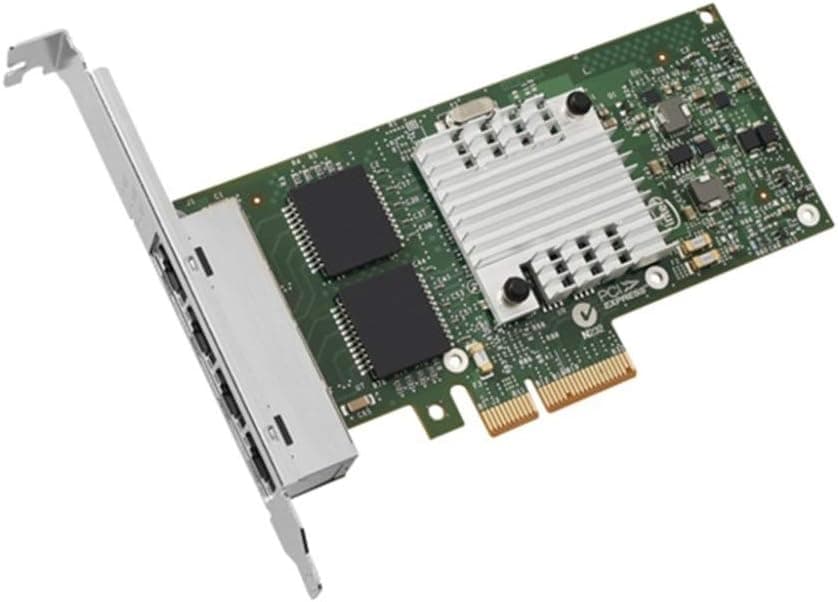
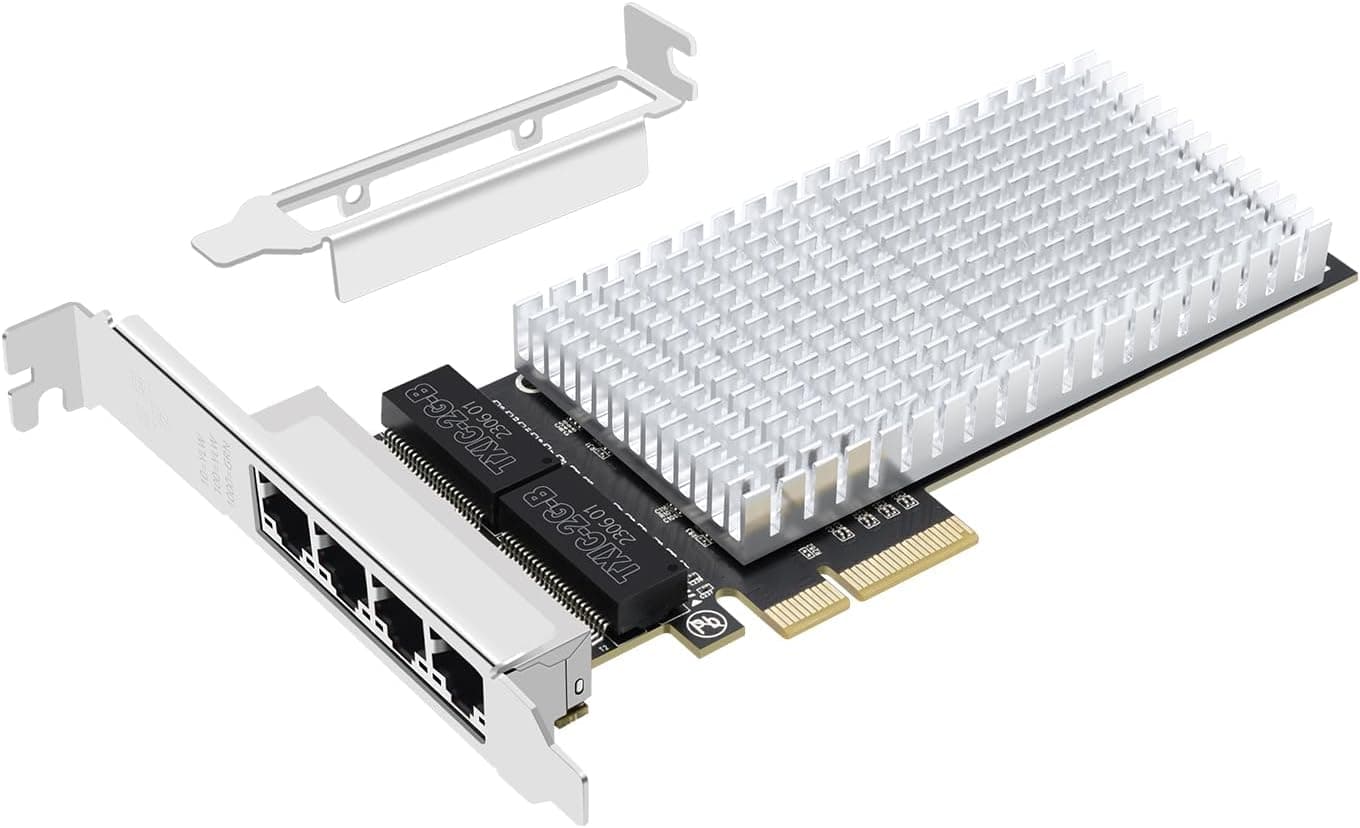
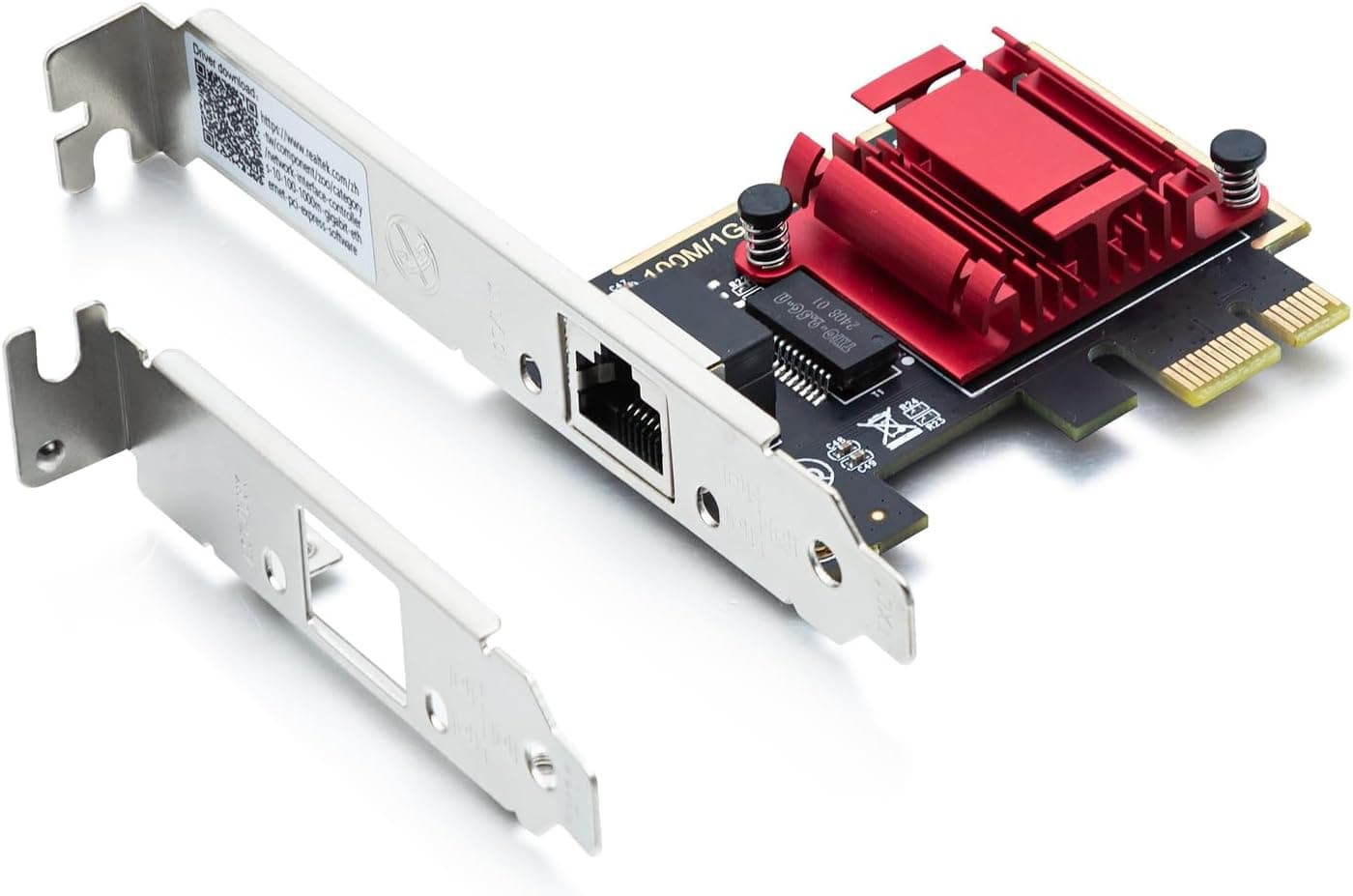
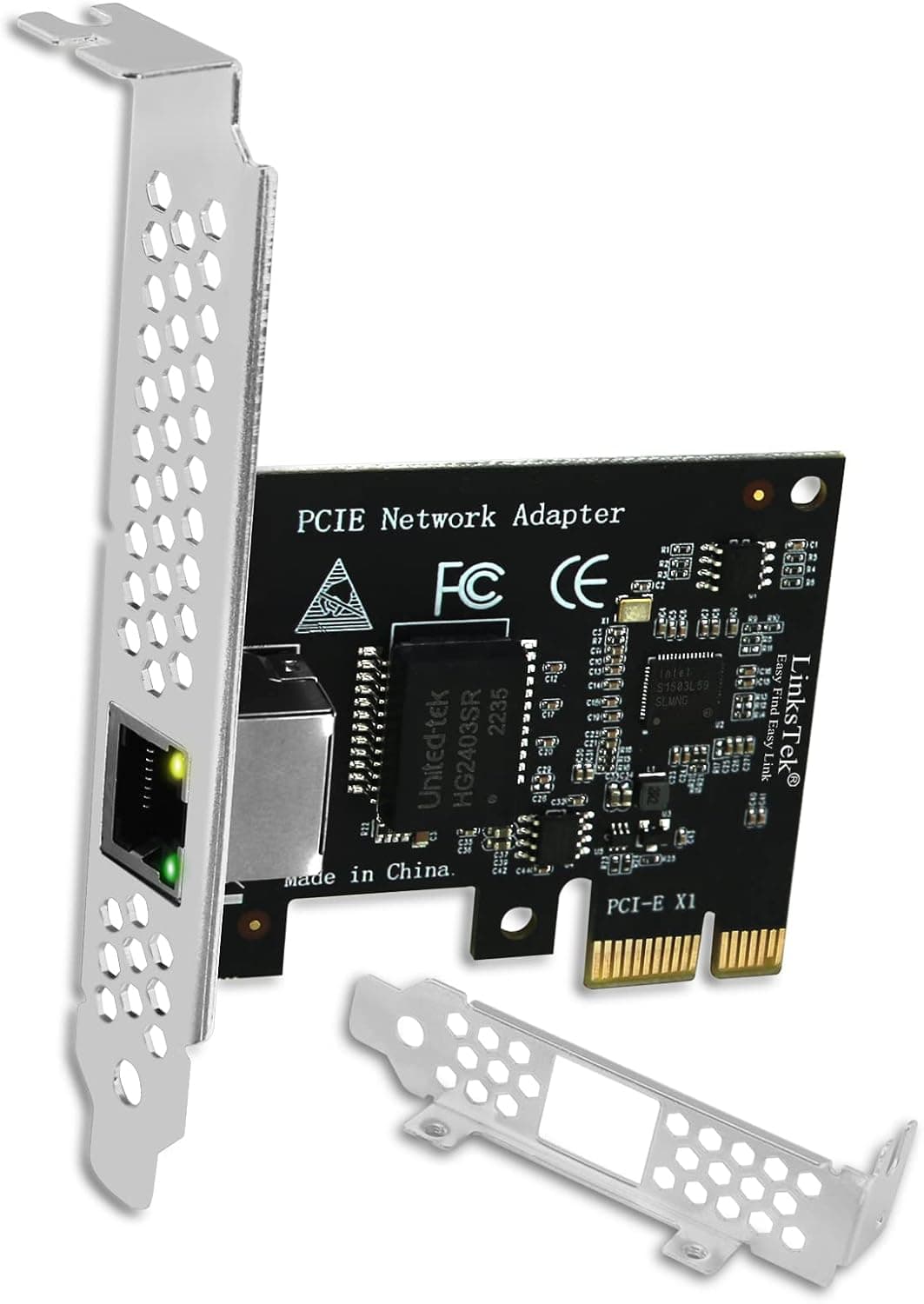
Confirm from the images and title that the model is I225-T1 and that the bracket type (full-height or low-profile) fits your case.
Installation Steps
Shut down the PC, unplug the power cable, and open the case.
Remove the slot cover for a free PCIe slot (x1 or larger), seat the card fully, and screw it in.
Swap to the low-profile bracket for slim cases. 3.
After boot, install Intel's official driver on Windows. On Linux, confirm the igc driver has picked up the card.
Connect to a 2.5GbE switch or NAS and check that the OS reports a 2.5 Gbps link.
Copy some large files a few times to check speed and look for dropouts.
Then disable the onboard LAN or lower its priority so the route is clear.
FAQ
Q. Will Cat5e cable give me 2.5 Gbps? A.
2.5GBASE-T is designed for Cat5e or better, so it usually works.
Old runs or couplers can drop the link to 1 Gbps; test with Cat6 if that happens.
Q. Will my internet get faster? A.
Not if your plan and router ports are 1 Gbps. It helps only with a faster-than-1-Gbps plan plus a router with 2.5GbE or faster ports, or for LAN transfers.
Q. Is it better than onboard 2.5GbE? A.
If your board already has 2.5GbE, adding this card only makes sense for extra ports or network separation, not speed.
Q. Will it run at 5 Gbps with a 5GbE device? A.
No. 5GBASE-T is not among the supported standards, so it links at 2.5 Gbps.
Choose a 10GbE card if you need more.
Q. What if the connection drops occasionally? A.
Update the driver, then swap the cable and switch port to isolate the cause. Disabling EEE is a known I225 workaround; if that fails, contact the seller within the return window.
Product Disclosure (Amazon)
- Manufacturer: Intel Corporation
- Brand: インテル
- Seller: APOLO1969
- Fulfilled by: APOLO1969
- ASIN: B09BMFDKHK
- Note: This article covers a manufacturer-made product based on Amazon listing details.