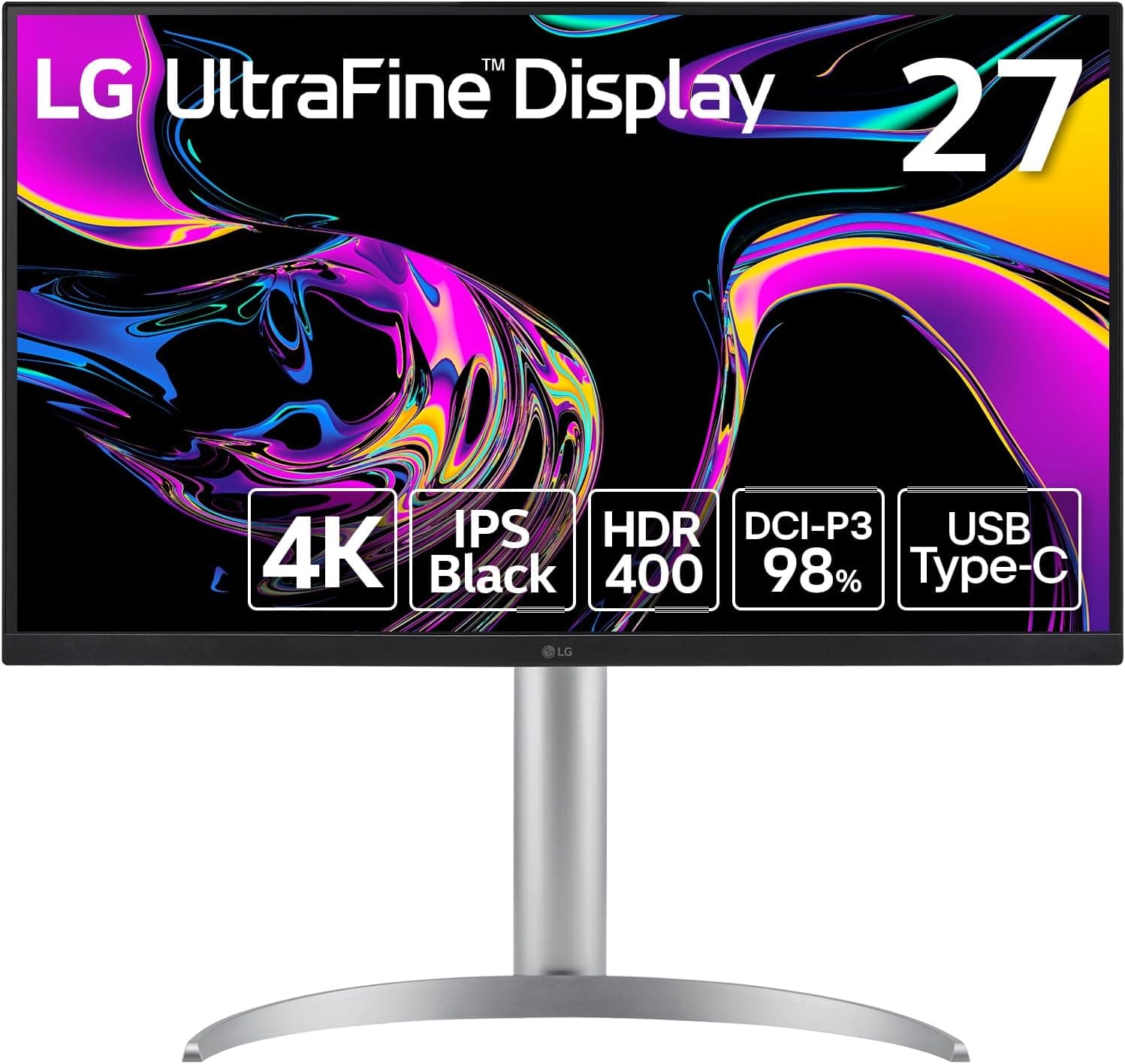
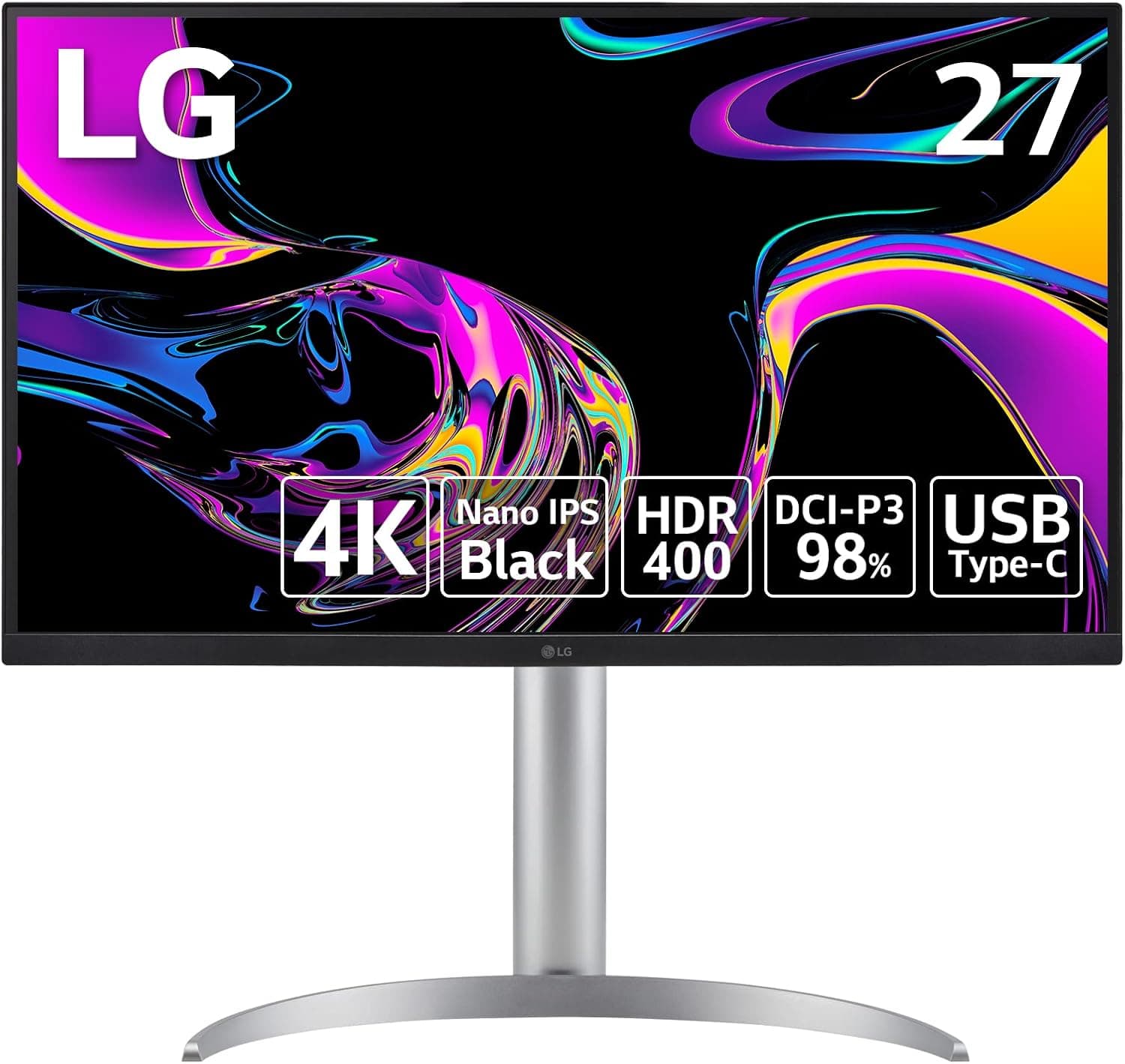
Rather than repeating the spec sheet, it focuses on whether this monitor will actually work on your desk with your PC. In short, it is a strong option if you edit photos or video, or want one display for both a laptop and a desktop.
Overview
Its IPS Black panel delivers a 2000:1 contrast ratio. Typical IPS panels sit around 1000:1, so blacks are roughly twice as deep.
Shadow detail holds up better, which makes it easier to judge dark areas when editing video or retouching photos.
It covers 98% of DCI-P3 and is VESA DisplayHDR 400 certified, with 400 cd/m² typical and 500 cd/m² peak brightness. A built-in KVM switch lets you control two PCs with one keyboard and mouse.
In practice, this product combines three devices: a high-quality 4K monitor, a USB-C dock and a KVM switch. It is designed for color, sharpness and fewer cables rather than fast motion.
Compatibility Guide
| Source | Recommended port | Notes |
|---|---|---|
| Mac | USB-C | Video and power over one cable. External display count depends on the Mac |
Video over USB-C only works if the laptop's USB-C port supports video output (DisplayPort Alt Mode or Thunderbolt). Some budget laptops have USB-C ports that handle only data and charging and cannot output video.
Before buying, check your laptop's manual or look for a DisplayPort or Thunderbolt mark next to the port.
For those machines, plan to keep the original power adapter plugged in.
The KVM feature requires a USB upstream connection from each PC. With only two ports, you will need an extra hub if you also want to share a webcam or USB microphone.
If your desk is shallower, a monitor arm can push the screen back to a more comfortable distance. Check that the arm's weight capacity exceeds the monitor's weight listed on the product page.
Product Info
| Item | Value |
|---|---|
| Resolution | 3840×2160 (4K UHD) |
| Panel Technology | IPS Black |
| Contrast Ratio | 2000:1 |
| Brightness (Typical / Peak) | 400 cd/m² / 500 cd/m² |
| Color Gamut | DCI-P3 98% |
| HDR Certification | VESA DisplayHDR 400 |
As of July 2026, Amazon.co.jp listed it at ¥77,645.
Prices change often with sales and stock, so check the product page for the current price before buying.
Check the retailer's page for the latest user reviews. That is not a huge sample, so it is worth reading the negative reviews to see why people were unhappy.
The box includes a power cable (1.5m), an AC-DC adapter, HDMI, DisplayPort, USB and USB-C cables (1.5m each), a quick setup guide and a warranty card.
With the main cables included, you can set it up without buying anything extra. Accessories and warranty terms can vary by seller and production period, so check the warranty length and LG's extended warranty options on the listing when you buy.
Real-World Use and Picture Quality
A 31.5-inch 4K panel has a pixel density of about 140ppi.
At 150% scaling in Windows, you get roughly the workspace of a 2560×1440 display, with very sharp text and photo edges. At 100% scaling, text is hard to read up close.
IPS Black is easiest to notice in a dark room with dark content on screen. Blacks look less washed out than on typical IPS panels, so dark-theme editors and night photos look punchier.
Still, it cannot produce the perfect per-pixel black of an OLED. The corner glow you see on IPS panels at an angle (IPS glow) is reduced but not gone.
DisplayHDR 400 is an entry-level HDR certification. It gives you a taste of HDR video, but don't expect bright, punchy highlights.
The monitor's real strengths are accurate SDR color and high contrast. For color-critical work, calibrate it in your own room with a hardware calibrator.
Comparison with Alternatives
USB-C power and the KVM switch are the other big differences. If you don't use a laptop or your desk is shallow, a 27-inch model may be the more practical choice.
Gaming-focused 31.5-inch monitors usually prioritize high refresh rates and drop to WQHD resolution to get there.
You are choosing between smooth gameplay and 4K detail with USB-C docking. As a rule of thumb, pick this monitor if 70% or more of your use is work, and a gaming model if you mainly play games.
If you mostly write documents, browse the web and never use a laptop, those extras are hard to justify.
Best Use Cases
First, it is an excellent fit for photographers and video editors. The 2000:1 IPS Black contrast and 98% DCI-P3 coverage pay off in work that depends on accurate shadows and color.
The 4K resolution also leaves plenty of room when you place a timeline next to a preview window.
Second, it suits people who want to turn a laptop into a desktop setup with one cable. It is a good choice if you want fewer cables on your desk.
Third, it is useful if you switch between two computers, such as a work laptop and a personal desktop. The KVM switch lets you control both with one keyboard and mouse, so you don't need two sets of input devices on your desk.
It is not for competitive gamers, though. If you mainly play fast shooters, look at a high-refresh-rate model instead.
For movies and single-player games, it performs very well.
Before You Buy
Next, consider whether your PC can drive 4K comfortably. Integrated graphics can handle office work and photo editing, but gaming at 4K needs a powerful GPU.
High-performance laptops may not get enough power, and if the laptop's port does not support video output, you won't get a picture at all. As noted in the compatibility guide, check both points before buying.
If you want to share more devices, you will need an additional USB hub. Also, don't buy this monitor mainly for HDR.
DisplayHDR 400 is entry-level, so look at higher HDR tiers or OLED if HDR is your priority.
Finally, check the product page carefully. Amazon sometimes lists similar models side by side, such as different suffixes or older versions.
FAQ
Q. Can I connect a MacBook with one cable? A.
Yes, as long as your MacBook can output video over USB-C. The number of external displays depends on your Mac's chip, so check your model's specs.
Q. Does it work with a PS5 or other consoles?
A.
Q. What do I need for the KVM switch? A.
Each PC needs a USB upstream connection to the monitor. A laptop on USB-C can use that same cable, while the other PC connects to the USB upstream port with a USB cable.
Plug your keyboard and mouse into the monitor's downstream ports.
Q. Is text too small at 4K on 31.5 inches? A.
At around 150% OS scaling, text is easy to read at a normal viewing distance. At 100%, most people find it too small.
Q. Is it good for movies and casual gaming? A.
Yes. Movies and single-player games look great in 4K with high contrast.
For competitive online games, a high-refresh-rate monitor is the better choice.
Product Disclosure (Amazon)
- Manufacturer: LG
- Seller: Amazon.co.jp
- Fulfilled by: Amazon.co.jp
- ASIN: B0CTKBY3J3
- Note: This article covers a manufacturer-made product based on Amazon listing details.