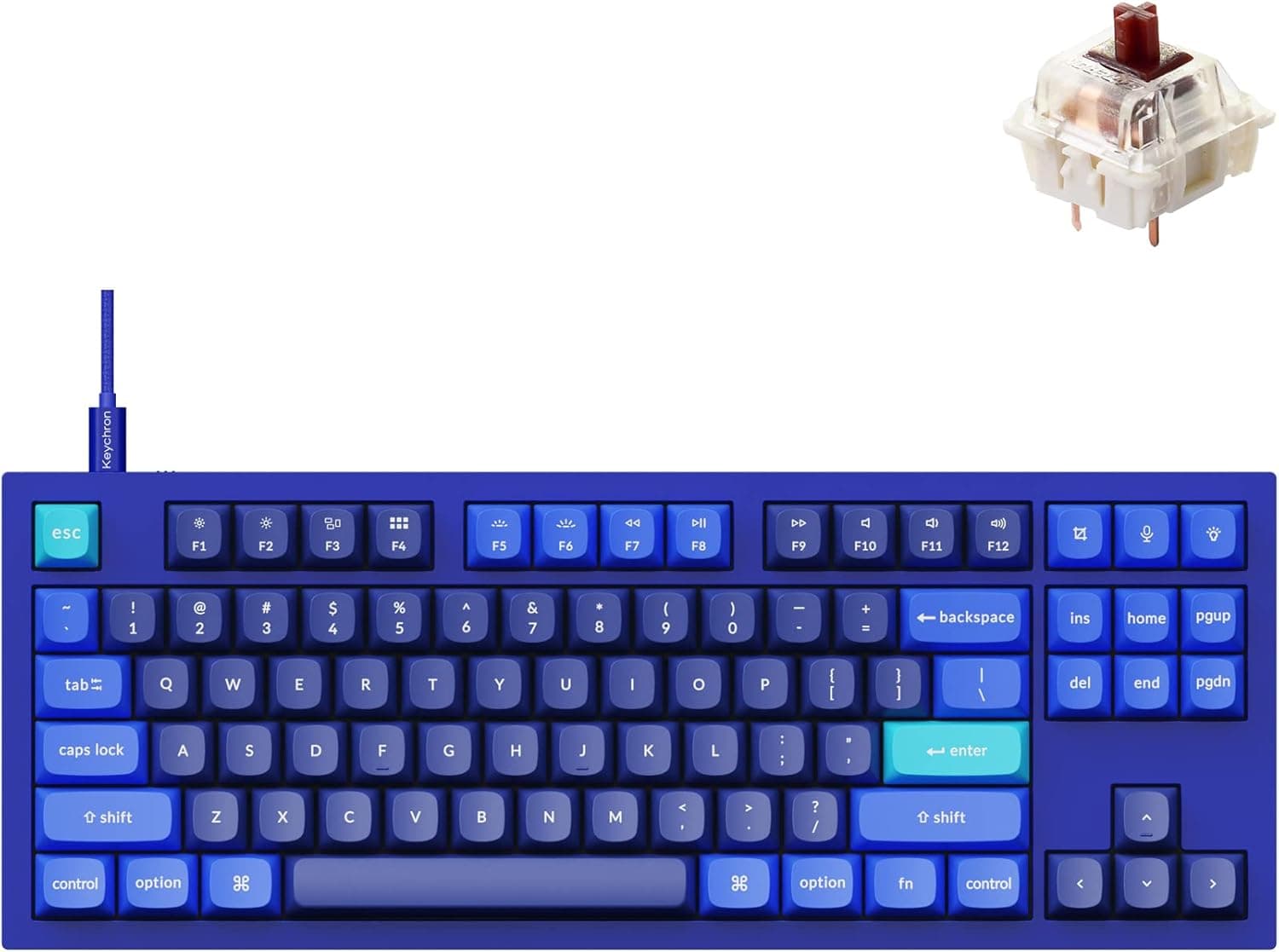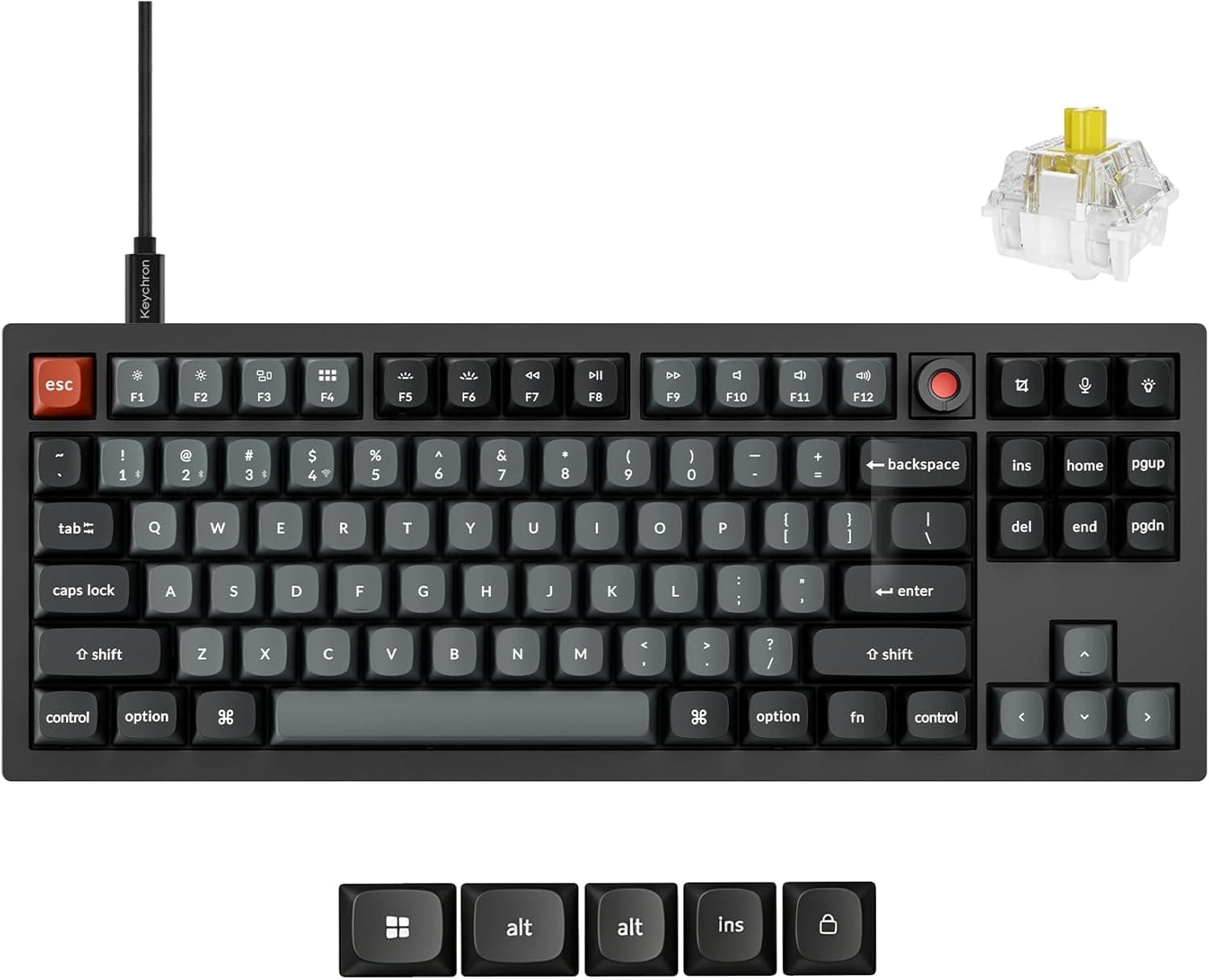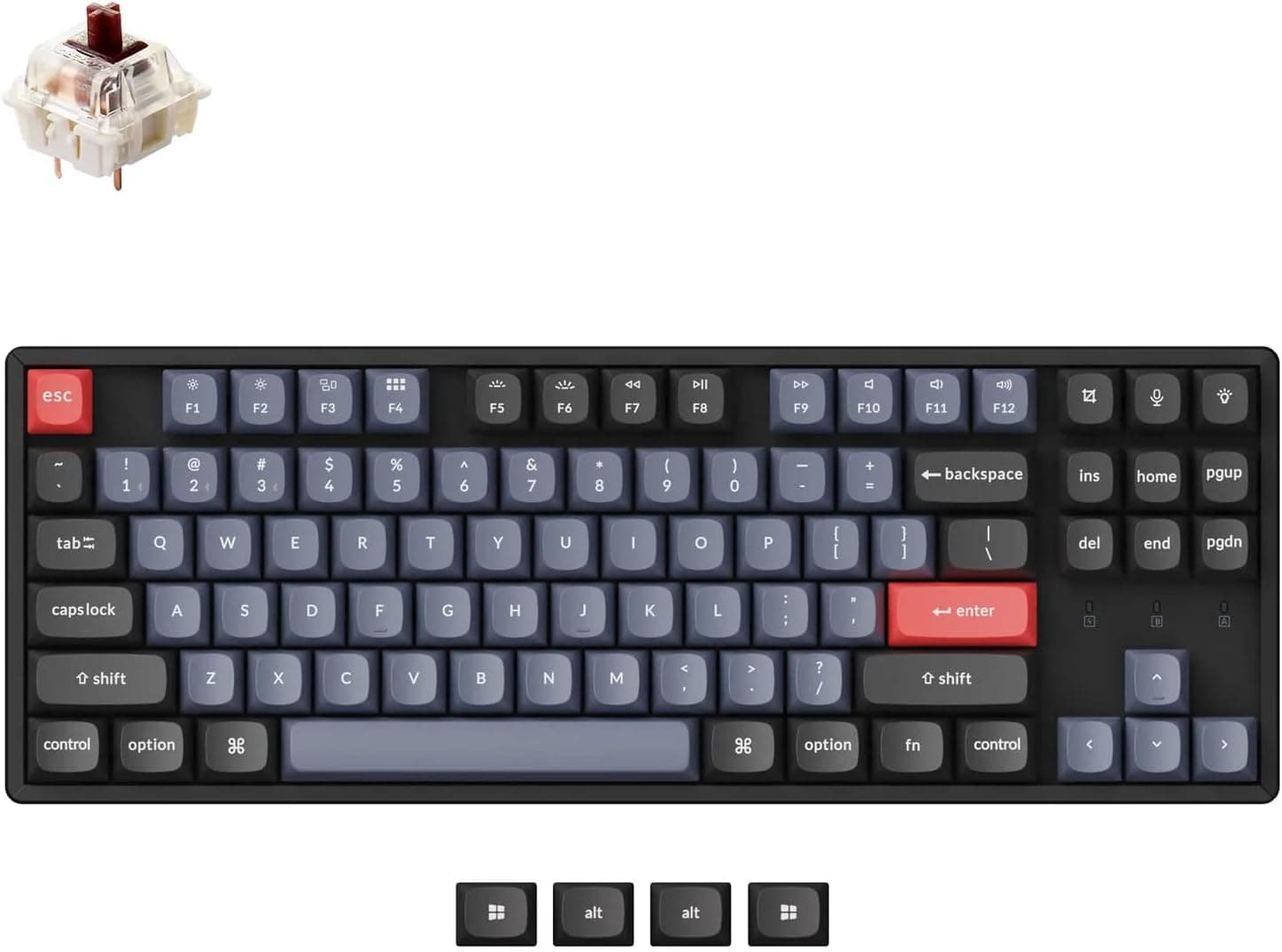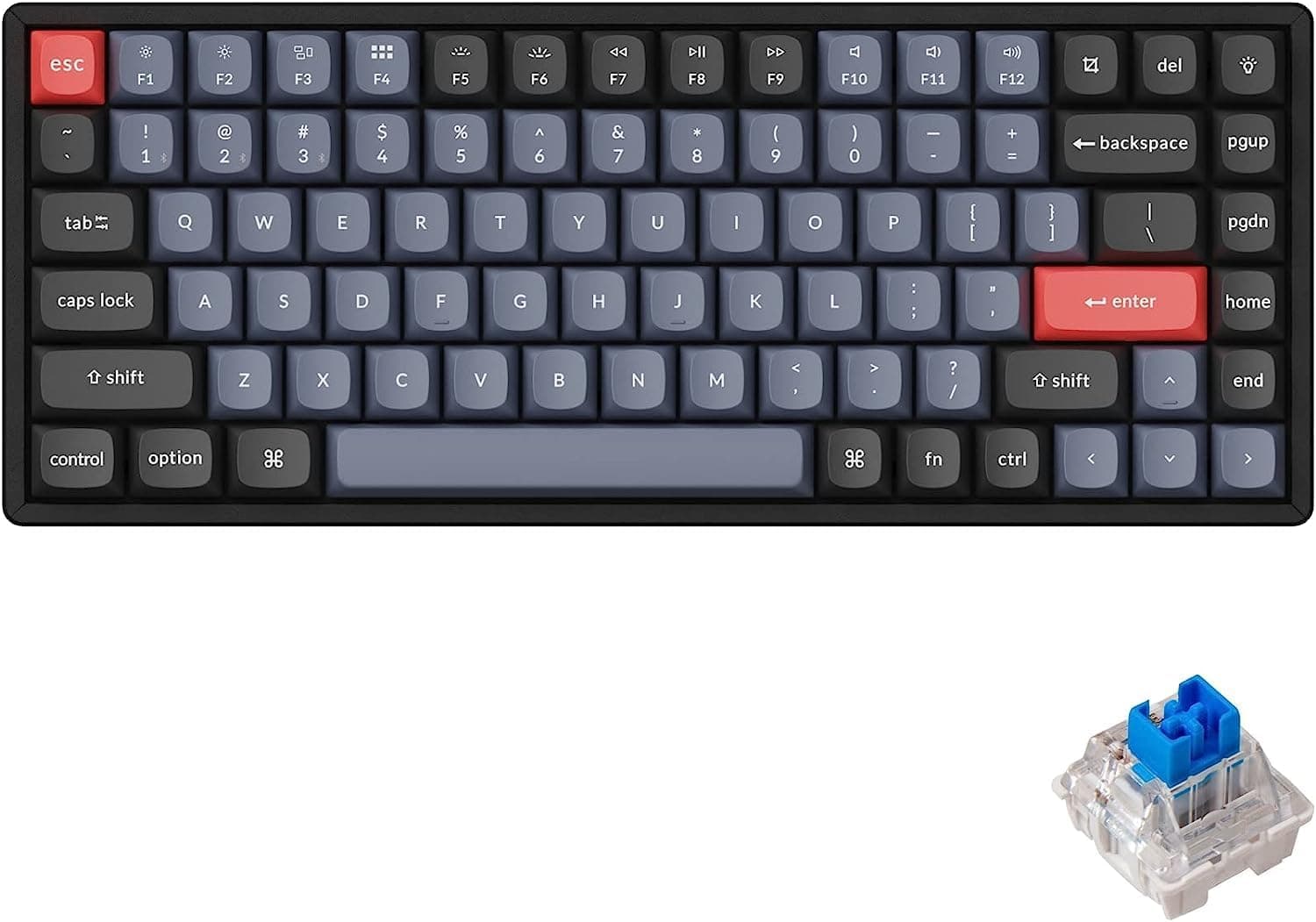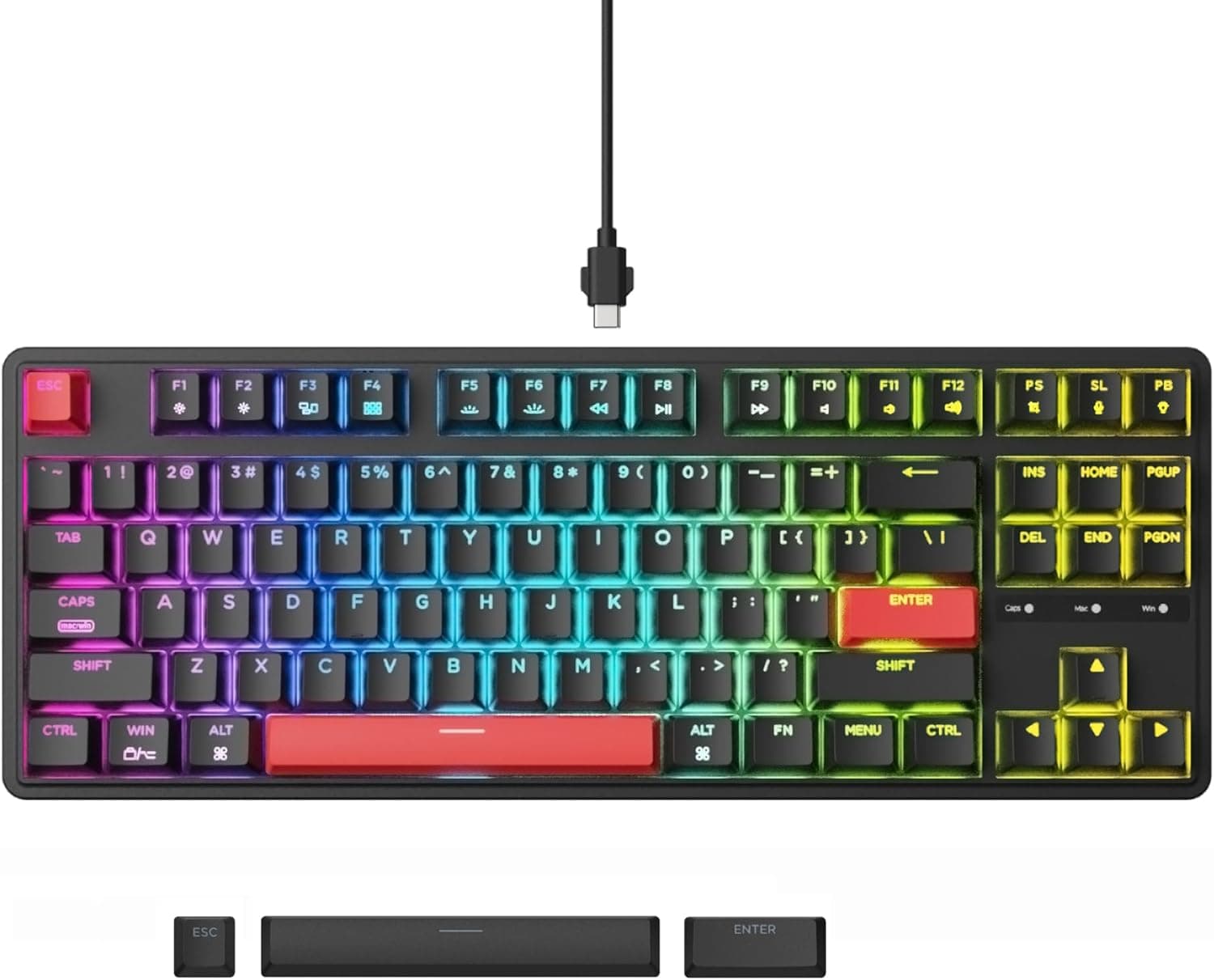
The Keychron C3 Pro QMK packs gasket mounting, hot-swap sockets, QMK/VIA firmware and an 8000 Hz polling rate into a wired tenkeyless board that sells for around ¥15,000. This article goes past the spec sheet and into the things buyers actually trip over.
Overview
The Keychron C3 Pro QMK is an 87-key TKL (tenkeyless) wired mechanical keyboard. Dropping the numpad narrows the board enough to give your mouse arm real room, which matters in FPS and MOBA titles.
Put simply, this board is aimed at people who want to sample the entire custom-keyboard toolkit for the least money.
It ships with Keychron Red linear switches in hot-swap sockets, so you can pull them without soldering — swap to tactiles if linears don't suit you, or to silent linears if the noise does. The gasket mount suspends the plate on compressible material instead of screwing it to the case, which takes the hard edge off bottoming out.
Polling runs at 8000 Hz. Keycaps are shine-through ABS over RGB backlighting.
The firmware is QMK with VIA support, so keymaps, macros and layers are editable from a browser-based tool.
Compatibility Guide
Connectivity is wired USB Type-C only: no Bluetooth, no 2.4 GHz dongle.
The bundled cable is Type-A to Type-C, so if your laptop or tablet only has USB-C ports you will need your own C-to-C cable or an adapter. That is the first thing people get caught by when they assume the box contains everything.
Windows, macOS and Linux are all supported, and a switch on the underside toggles between Windows and Mac layouts — practical if one board has to serve a work PC and a home Mac. The board enumerates as a standard HID device, so it types the moment you plug it in, with no driver install.
USB OTG phones and tablets work too, though the OS may ignore some media and function-row keys.
| Item | Detail |
|---|---|
| Connection | Wired USB Type-C (board) / Type-A (host, bundled cable) |
| OS | Windows, macOS, Linux |
| Layout toggle | Physical Windows / Mac switch on the underside |
| Configuration | QMK / VIA, browser-based, no driver |
| Mobile | Works on USB OTG devices, with limits |
Actually sustaining 8000 Hz asks something of the host too. Behind a chain of hubs, or on a port shared with other high-polling peripherals, the setting may be nominal rather than real.
Plug it into a port wired directly to the motherboard. And be honest about the payoff: very few people can identify 8000 Hz versus 1000 Hz blind.
Treat it as headroom, not as a feature you will feel.
Product Info
The core spec: 87 keys, TKL (80%) layout, 8000 Hz polling, wired USB Type-C, shine-through ABS keycaps, RGB backlighting, gasket mount, QMK/VIA support. Keychron Red switches come installed, and because the sockets are hot-swap, a set of replacement switches (36-plus pieces, a few thousand yen) changes the typing feel wholesale.
Prices below are capture-time figures and will move. On Amazon.co.jp the board was ¥15,307 as of the August 26, 2026 capture, and ¥15,424 on the same listing as of July 5, 2026 — barely a hundred yen of drift in two months, so it sits close to list.
An eBay US listing showed $66.99 as of the August 15, 2026 capture, but shipping, duties and warranty handling can erase that gap.
Check the product page for the current price before buying.
In the box: a USB Type-C cable, a keycap puller and a switch puller — sensible inclusions on a hot-swap board. Warranty is one year from the manufacturer.
Living With It
Gasket mount here does not mean the deep, cushioned bounce of premium boards. Expect clearly softer than a plate-mounted budget board, and no more.
ABS keycaps also develop shine faster than PBT; if you type all day, budget for a PBT set after a year or two.
QMK/VIA pays off in daily work more than in games. Turn Caps Lock into a layer key for home-row arrows, move symbols around for an ANSI layout, park boilerplate in a macro — and because the config lives on the board, it follows you to any PC with no resident software.
That last part matters on locked-down work machines.
Versus The Alternatives
Within Keychron's own range, an aluminium wireless board like the Q1 Pro is a different animal in price, weight and rigidity. If you want stiffness, quieter acoustics and Bluetooth, go there.
The C3 Pro is the deliberate trade: wired is fine, plastic is fine, but the feature list stays intact. A knob-equipped 75% such as the V1 changes the layout question entirely.
If you would rather have a plain, sturdy prebuilt with easy support, a simple wired board like the G413 TKL SE is less to manage.
Best Use Cases
- First-time mechanical buyers: hot-swap sockets plus bundled pullers mean you can experiment on day one, and a switch you dislike is not a wasted keyboard.
- Gamers who want desk space: 8000 Hz over a wired link leaves no input ceiling worth worrying about, and the numpad's width goes to your mousepad.
- Programmers and writers: keymaps stored on the board travel between machines unchanged.
- Windows and Mac dual users: the hardware toggle simply works.
It is the wrong board for heavy numeric entry, for anyone who wants a wireless, cable-free desk, or for anyone who needs quiet straight out of the box.
Before You Buy
Layout first. The listing states plainly that the keyboard is US (ANSI) layout.
ANSI puts symbols in different places than JIS and has no hankaku/zenkaku key, so Japanese input switching has to be handled in OS settings or remapped in QMK. Buying it expecting JIS is the single most common regret here.
Check the keycap legends in the product images before ordering.
Do not expect silence. Keychron Red is linear, not silent, and the case is plastic.
The gasket mount rounds off the harshness, but a video-call mic will still pick up your typing. For an office or a shared room, budget for silent linear switches and case foam from the start.
Hot-swap makes that easy later — it just is not quiet as shipped.
Don't buy for the 8000 Hz number. The perceptual difference is tiny, and on a congested USB path the high rate can be less stable than 1000 Hz.
It is a poor sole reason to choose this board.
Watch the Amazon listing details. This is a marketplace listing; the seller and shipper are not the manufacturer.
Listing fields — layout, accessories, warranty handling — can differ between sellers. If warranty matters to you, confirm before ordering who actually honours the one-year manufacturer coverage.
The ABS keycaps and the Type-A end of the bundled cable are also easy to miss in a spec table.
FAQ
Q. Is a Japanese (JIS) layout available? A.
The listing referenced here is US ANSI. If JIS is a requirement, verify the layout in the product images and description before buying.
Q. Can it run wirelessly?
A. No. It is wired USB Type-C only. For wireless, look at Keychron's higher-tier Bluetooth/2.4 GHz models.
Q. Will any switch fit? A.
The sockets expect standard MX-compatible switches. Mind 3-pin versus 5-pin and unusual housings; confirm MX compatibility on the switch product page.
Q. Does VIA need software installed? A.
No. VIA runs from a browser-based configurator with no extra drivers, and settings are stored on the keyboard itself.
Q. How do I make it quieter? A.
Swapping in silent linear switches is the most effective step and needs no soldering. Adding case foam helps too, but disassembly may affect warranty coverage.
Product Disclosure (Amazon)
- Manufacturer: Keychron
- Seller: Aulani Store★パソコン製品のキーボードはUS配列です★
- ASIN: B0CRDKFZWF
- Note: This article covers a manufacturer-made product based on Amazon listing details.