Overview
The Kensington SD4840P (model K33806NA), sold in Japan as a triple 4K driverless USB-C docking station with 85W PD and DP++, connects displays, wired LAN, USB devices and charging to a laptop through one USB-C cable. It is built for Windows laptops that support DisplayPort Alt Mode and Power Delivery 3.0, and delivers up to 85W of charging power. Data transfer is USB 3.2 Gen2 at 10Gbps.
Its main selling points are driverless operation and its video outputs: two DisplayPort++ 1.4 ports and one HDMI 2.0b port.
With a laptop that supports DisplayPort 1.4 DSC, it can drive triple 4K@30Hz or dual 4K@60Hz.
In short, it suits people who need a three-screen desk but cannot install extra software, such as on managed work PCs. It does not suit Mac users or anyone whose laptop USB-C port lacks video output.
Compatibility Guide
The most common failure point is the laptop's USB-C port. This dock targets Windows laptops with DisplayPort Alt Mode and Power Delivery 3.0. A port shaped like USB-C may still carry no video, so check your laptop's spec sheet for DisplayPort Alt Mode.
Mac and Chromebook are not officially supported. Laptops with Thunderbolt 3/4 ports can use the dock over USB-C, but support is only guaranteed for Windows.
The output ceiling depends on the host's DisplayPort generation.
| Host standard | Output limit |
|---|---|
| DP 1.4 DSC | Single 5K@60Hz / dual 4K@60Hz / triple 4K@30Hz |
| DP 1.2 / HBR2 | Single 4K@30Hz / dual 1080p@60Hz |
Only DP 1.4 DSC hosts reach three 4K screens, and then only at 30Hz.
That is fine for documents and spreadsheets, but a dual 4K@60Hz layout feels smoother for anything with motion.
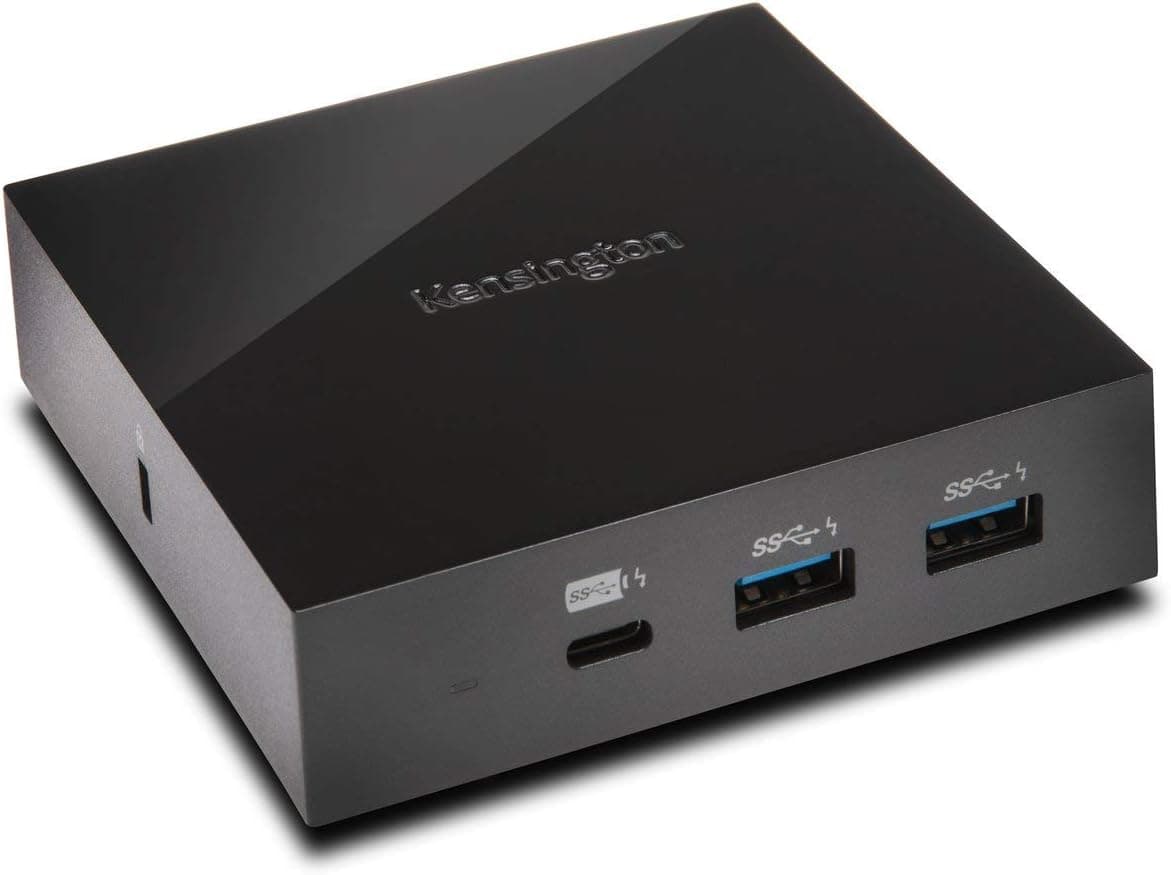
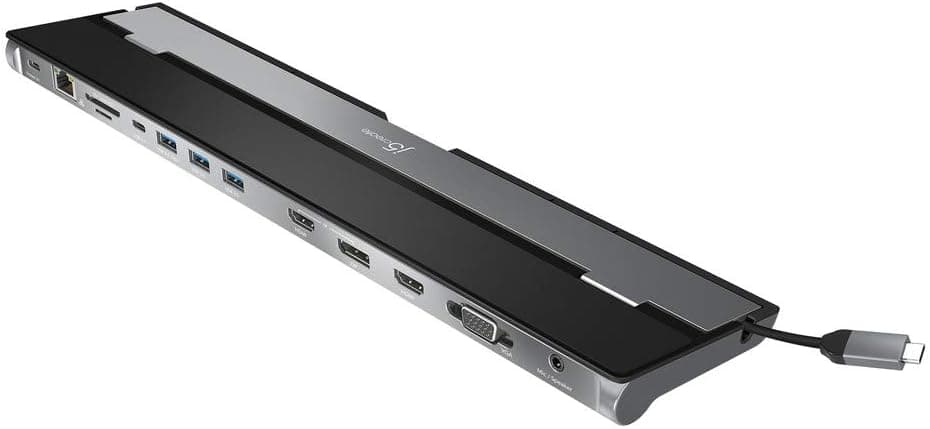
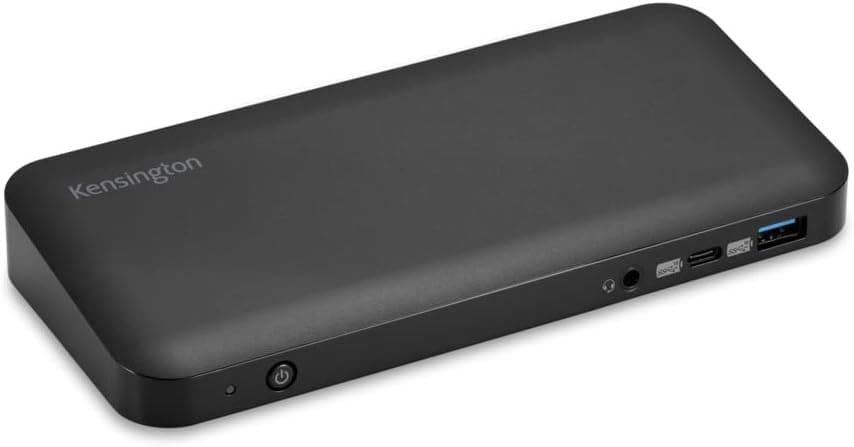
The ports are two DisplayPort++ 1.4, one HDMI 2.0b, one USB-C 3.2 Gen2, three USB-A 3.2 Gen2, Gigabit Ethernet and a combo audio jack.
With only three USB-A ports, a keyboard, mouse and external drive fill them quickly.
Product Info
The SD4840P launched in late 2021 as a mid-to-high tier USB-C dock. It measures 211 x 102 x 114 mm and weighs about 1.13 kg, so it is a desk-resident dock rather than a travel hub. The warranty is three years, and the box includes the dock, a USB-C cable, a power adapter and a quick-start guide. The DockWorks software handles firmware updates and port management.
Prices in our data differ by capture date. The Amazon listing showed JPY 16,251 on July 10, 2026, and Amazon.co.jp showed JPY 10,750 on September 17, 2026.
Prices change often and during sales, so check the product page for the current figure.
Compared with docks in the same range, its strengths are driverless operation and two DisplayPort outputs. It makes sense if you want three screens without paying for Thunderbolt 4 bandwidth.
Check the retailer's page for the latest user reviews. That sample is too small to show a trend, so read the latest reviews for compatibility reports before buying.
Best Use Cases
- Remote workers who want three monitors — The dock needs no driver, so you can set it up without IT help.
- Office workers who want a tidy desk — 85W PD charging plus peripherals over one USB-C cable ends the daily cable swapping.
- Owners of DP 1.4 DSC laptops — Triple 4K@30Hz and dual 4K@60Hz are only available on such hosts.
Mac users, people who want three 4K screens at 60Hz, and owners of power-hungry gaming laptops should look at other products.
Things to Consider
This dock is for Windows laptops only. Mac and Chromebook are outside official support, and laptops without USB-C Alt Mode will not output video.
Triple 4K runs at 30Hz only. On a DP 1.2 laptop the limit is single 4K@30Hz, so your expected resolution may not match what you actually get.
85W of power delivery only works with PD-capable laptops. Gaming laptops that draw more may still need their own AC adapter.
At about 1.13 kg the dock is also a poor fit for carrying around.
Captured prices ranged from JPY 10,750 to JPY 16,251, and both are point-in-time values, so confirm the price when you buy. Amazon listing data can contain errors, so verify the title and photos show the SD4840P.
FAQ
Q. Does it work with a Mac?
A. It is outside official support. Treat it as a Windows product.
Q. Do I need a driver?
A. No. It is recognized when connected.
Q. What refresh rate do three 4K displays get?
A. On a DP 1.4 DSC laptop, triple 4K runs at 30Hz. Dual 4K can run at 60Hz.
Q. How much power can it deliver?
A. Up to 85W with PD 3.0. If your laptop needs more, keep using its own adapter.
Q. How do I check my laptop's DisplayPort version? A.
Look at the USB-C DisplayPort Alt Mode entry in the maker's spec sheet. If it is missing, ask the manufacturer.
Product Disclosure (Amazon)
- Manufacturer: Kensington
- Seller: Amazon US
- Fulfilled by: Amazon US
- ASIN: B09F8J9ZLB
- Note: This article covers a manufacturer-made product based on Amazon listing details.