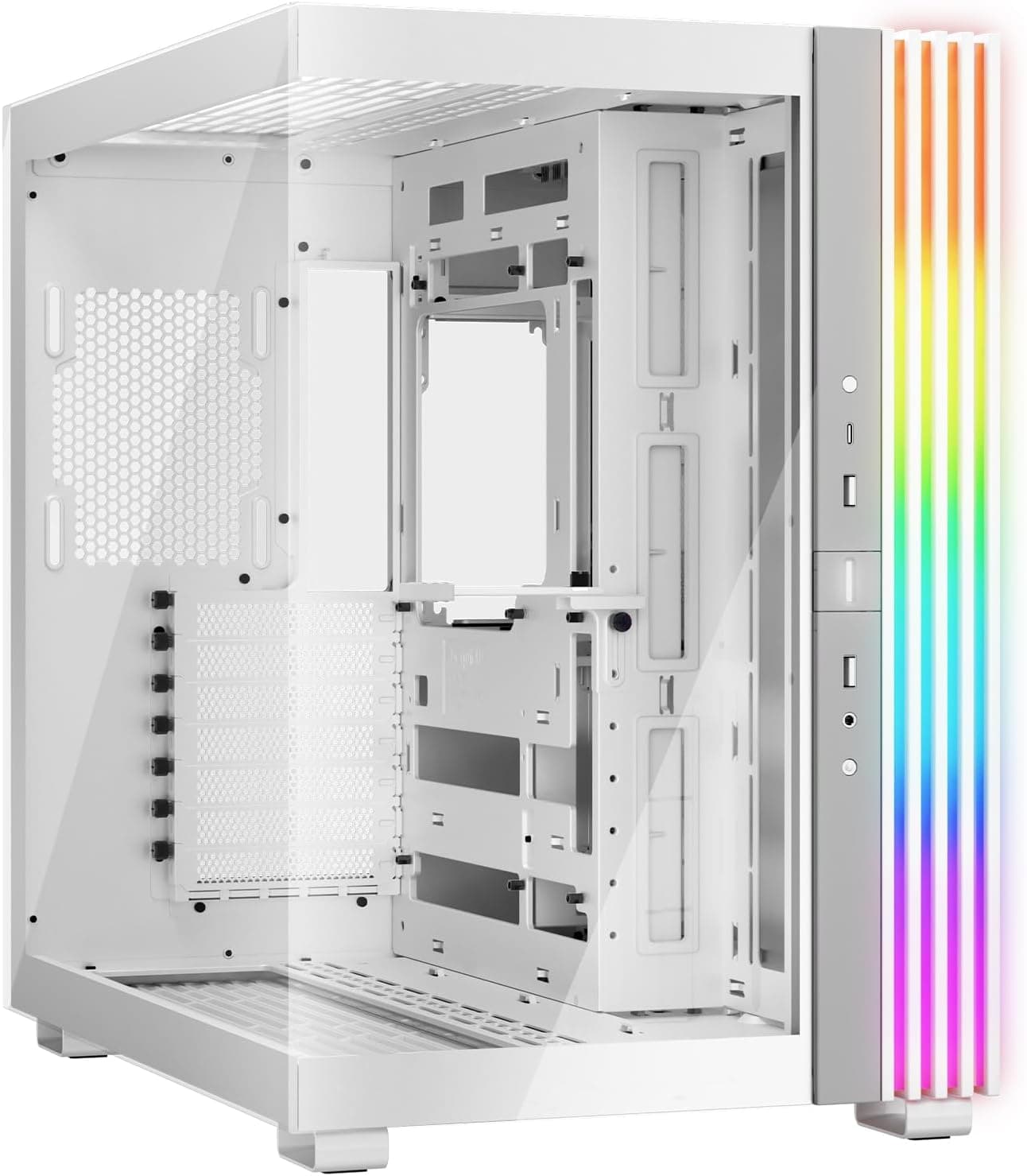
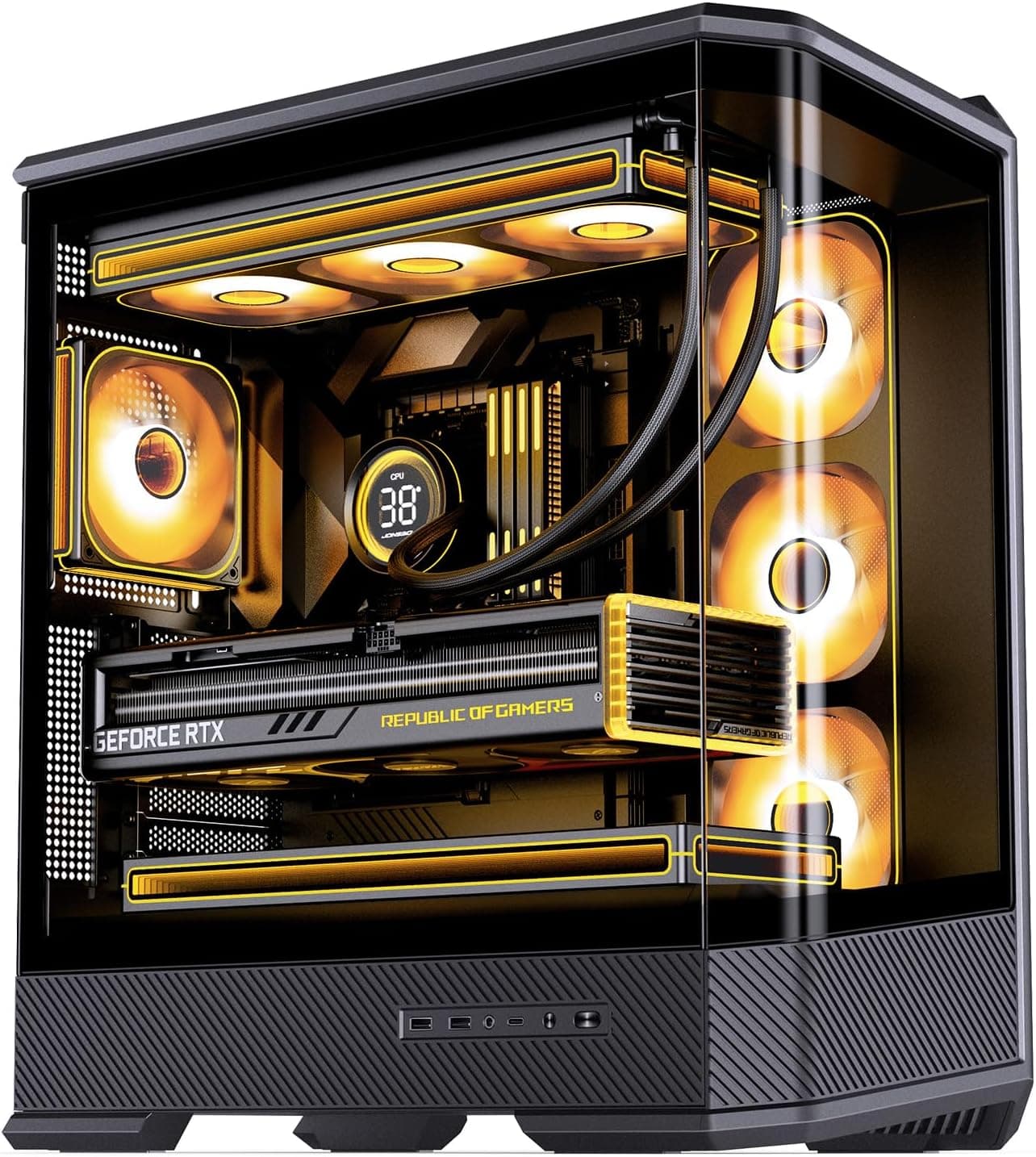
This article covers the InWin Alice — Open-Air ATX Mid-Tower Chassis with Dust Cover. It walks through what fits, how the case differs from an enclosed chassis, and what you give up before you buy.
Overview
The InWin Alice suits builders who want their parts open to the air and on display. It is a hard sell if you want a quiet PC or modern front ports.
The InWin Alice is an open-air ATX mid-tower case from Taiwanese manufacturer InWin. It takes ATX, Micro-ATX, and Mini-ITX motherboards and ships with a dust cover and an anti-vibration stand.
The frame is alloy steel and the case weighs about 8 kg. It is described as easy to route cables through and good at shedding heat.
The intended uses are test benches, HTPCs (living-room PCs), and gaming builds that need plenty of airflow. With an open-air case, though, you take on the dust, noise, and physical protection that an enclosed case normally handles for you.
Whether that trade suits you decides how happy you will be with it.
How It Differs from an Enclosed Case
A typical mid-tower surrounds the parts with panels and uses fans to set an airflow path, pulling air in at the front and pushing it out the back or top. An open-air case removes most of that enclosure and relies on keeping components close to room air.
| Aspect | InWin Alice (open-air) | Typical enclosed mid-tower |
|---|---|---|
| Heat buildup | Low; little enclosure to trap heat | Depends on fan setup |
| Dust | Reduced by the cover; regular cleaning still needed | Easier to manage with filters |
| Noise | Component noise escapes freely | Dampened by panels |
| Part swaps | Very easy | Panels must come off |
| Protection | Parts can be touched or bumped | Shielded by panels |
| Front ports | USB 2.0 x2 | USB 3.x and Type-C are common today |
The Alice's strengths are cooling and easy access to parts. In exchange, you give up the quiet and protection an enclosed case provides by default.
Neither design is better overall; it comes down to what you value most.
Compatibility Guide
Motherboard: ATX, Micro-ATX, and Mini-ITX are supported. E-ATX and other larger formats are not listed, so check the product page if your board is larger than ATX.
Graphics card: InWin publishes no length limit, and the open frame is said to place no practical limit on GPU length. That only means the card won't hit a frame, though.
Check separately whether a large GPU or its power cables would hit the dust cover. If you plan to use a large triple-slot card, look at product and buyer photos to see where it mounts.
CPU cooler: There is also no practical height limit, which makes large air coolers easy to fit. Where an AIO radiator can mount is not confirmed in the data for this article, so check the radiator mounting location and supported sizes before planning a liquid-cooled build.
Power supply: The case takes standard ATX PSUs. It doesn't set a wattage for you, so size the PSU from your CPU and GPU power draw.
The cables stay on show in an open-air case, so a modular PSU keeps the build tidier.
Storage: The case is said to hold multiple 2.5-inch SSDs and 3.5-inch HDDs, but the exact bay count is not confirmed.
Check the product page if you plan to run several HDDs. For an M.2-focused build, this matters very little.
Front I/O: Two USB 2.0 ports only. Any front USB 3.0 or Type-C header on your motherboard will go unused.
Placement: The case weighs about 8 kg empty and more once built. For HTPC use on a shelf or TV stand, check the shelf's load rating and depth.
Product Info
| Item | Detail |
|---|---|
| Case type | Mid-tower (open-air) |
| Material | Alloy steel |
| Weight | 8 kg |
| Motherboard support | ATX / Micro-ATX / Mini-ITX |
| USB ports | USB 2.0 x2 |
| Cooling | Air (open-air) |
| Included | Dust cover, anti-vibration stand |
As of June 1, 2026, Amazon.co.jp listed the case at ¥33,345.
Prices change with sales and stock, so check the product page for the current price.Check the retailer's page for the latest user reviews.
With that few reviews, read individual ones and look for buyers whose use case matches yours.
At a little over ¥30,000, this is on the expensive side for a mid-tower. Whether the price makes sense depends on how much you value the included dust cover and stand and the unusual look.
If cooling and expandability are all you need, a mesh-front enclosed case at the same budget is also worth considering.
The Amazon listing is sold and shipped by a third-party retailer (OnlineShopケイス), not InWin itself. Warranty terms depend on the retailer or distributor, so confirm them before you buy.
Best Use Cases
- Enthusiasts and reviewers who need a test bench: With no panels to remove, you can swap parts and run tests right away. The more often you change GPUs and coolers, the more this helps.
- Anyone who wants a good-looking PC in the living room: It looks nothing like a standard box and can sit out as part of the room. The dust cover also makes it easier to live with than a fully bare bench.
- Builds with high-heat parts: Little blocks the airflow, so heat doesn't build up, which makes cooling easier to plan with high-end GPUs and CPUs.
Things to Consider
Not suited to quiet builds. Almost nothing blocks sound, so fan noise, coil whine, and HDD activity are easy to hear.
For a bedroom PC or a recording or streaming setup, an enclosed case with sound-dampening panels is a better fit.
The dust cover reduces dust; it doesn't seal it out. Some dust still gets in, so you will need to clean regularly.
In a room with pet hair, or with the case close to the floor, expect to clean more often.
Front I/O is USB 2.0 x2 only. External SSDs and fast flash drives plugged into the front won't reach their full speed.
For fast front access, plan on running an extension cable or hub from the rear USB 3.x ports.
There is no front Type-C port either.
Take care in homes with small children or pets. The parts sit close to the open air, so hands or objects can reach them.
Place the case where no one can touch running fans or heatsinks.
The price data doesn't match its label. In our collected data, the price labeled Amazon US actually came from the same Japanese Amazon listing, priced in yen.
We could not confirm an overseas price, so if you are buying outside Japan, check each store directly.
Check the listing's photos and ASIN. The Amazon product name is long and easy to mix up with similar cases.
Before buying, confirm that the photos and the ASIN (B07X5FBKNS) match the product you want.
Build and Maintenance Tips
Every cable is visible in an open-air case, so decide how you'll route them before you start building. A modular PSU lets you plug in only the cables you need, which keeps spares out of sight.
Having no enclosure doesn't mean you can ignore cooling. Without a designed airflow path, cooling depends on how well the CPU cooler and GPU fans move the air around them.
Put the case where air stagnates, such as a recessed shelf against a wall, and much of the open-air advantage is lost.
For routine cleaning, blow dust off the heatsinks and fans with compressed air. With no panels to remove, this is actually easier than on an enclosed case.
FAQ
Q. Can I use a motherboard other than ATX? A.
Yes. Micro-ATX and Mini-ITX are also supported.
Formats larger than ATX, such as E-ATX, are not listed, so check the product page.
Q. Will a large graphics card fit? A.
The open frame is said to place no practical limit on GPU length. With a very large card, check that it won't hit the dust cover.
Q. Does it have front Type-C or USB 3.0? A.
No. The front has two USB 2.0 ports only.
Use the rear ports for fast devices, or add an extension cable or hub.
Q. Does the dust cover mean no cleaning?
A. No. It only reduces how much dust gets in, so regular cleaning is still needed.
Q. Is it good for a quiet PC? A.
We don't recommend it. Component noise escapes easily, so choose an enclosed case with sound-dampening panels if quiet matters to you.
Product Disclosure (Amazon)
- Manufacturer: IN WIN
- Seller: OnlineShopケイス
- Fulfilled by: OnlineShopケイス
- ASIN: B07X5FBKNS
- Note: This article covers a manufacturer-made product based on Amazon listing details.