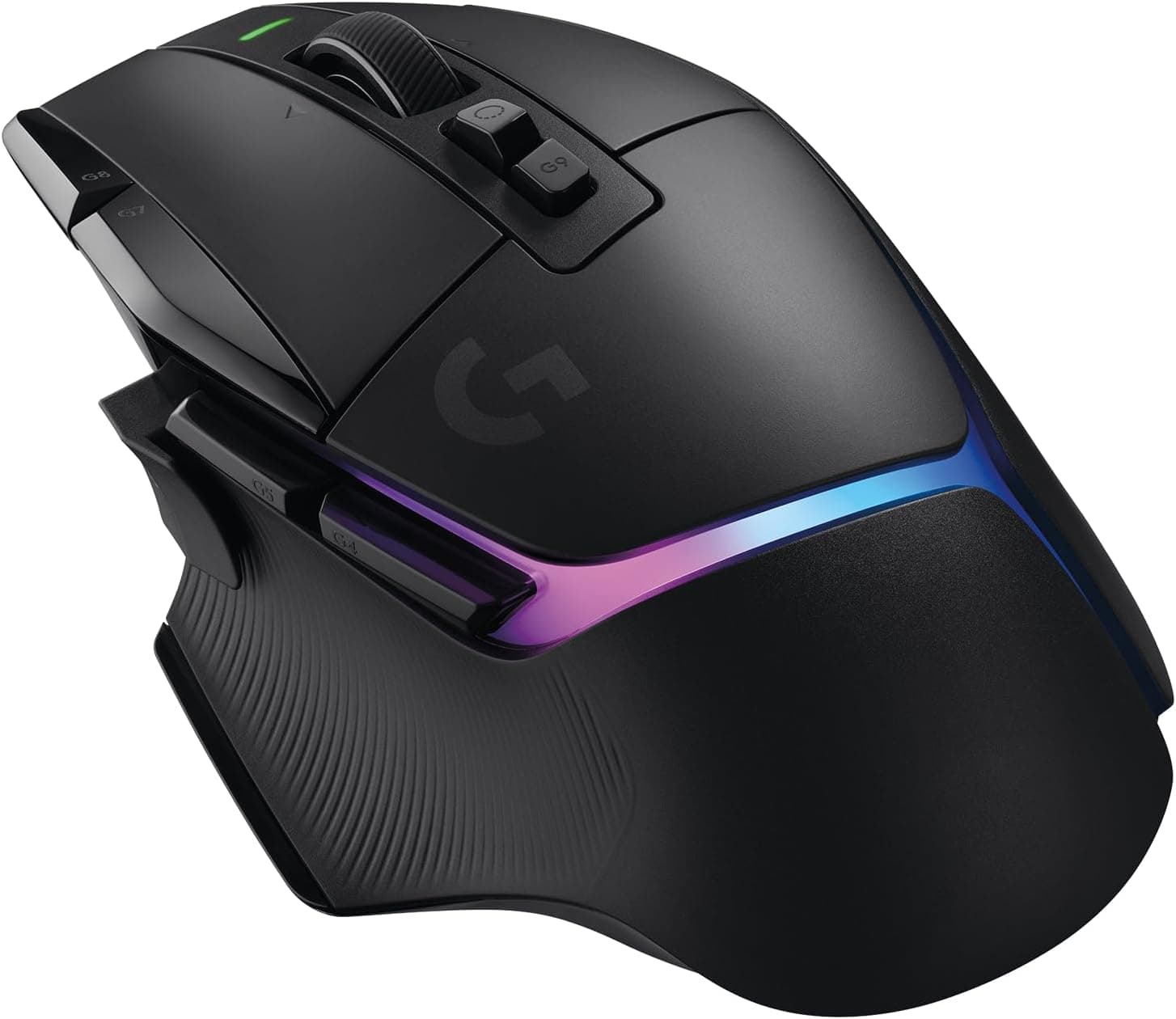
This article takes a closer look at the Glorious Model O wired gaming mouse (white, RGB, 6 programmable buttons, 67g), using its published specs and its accumulated review record.
Overview
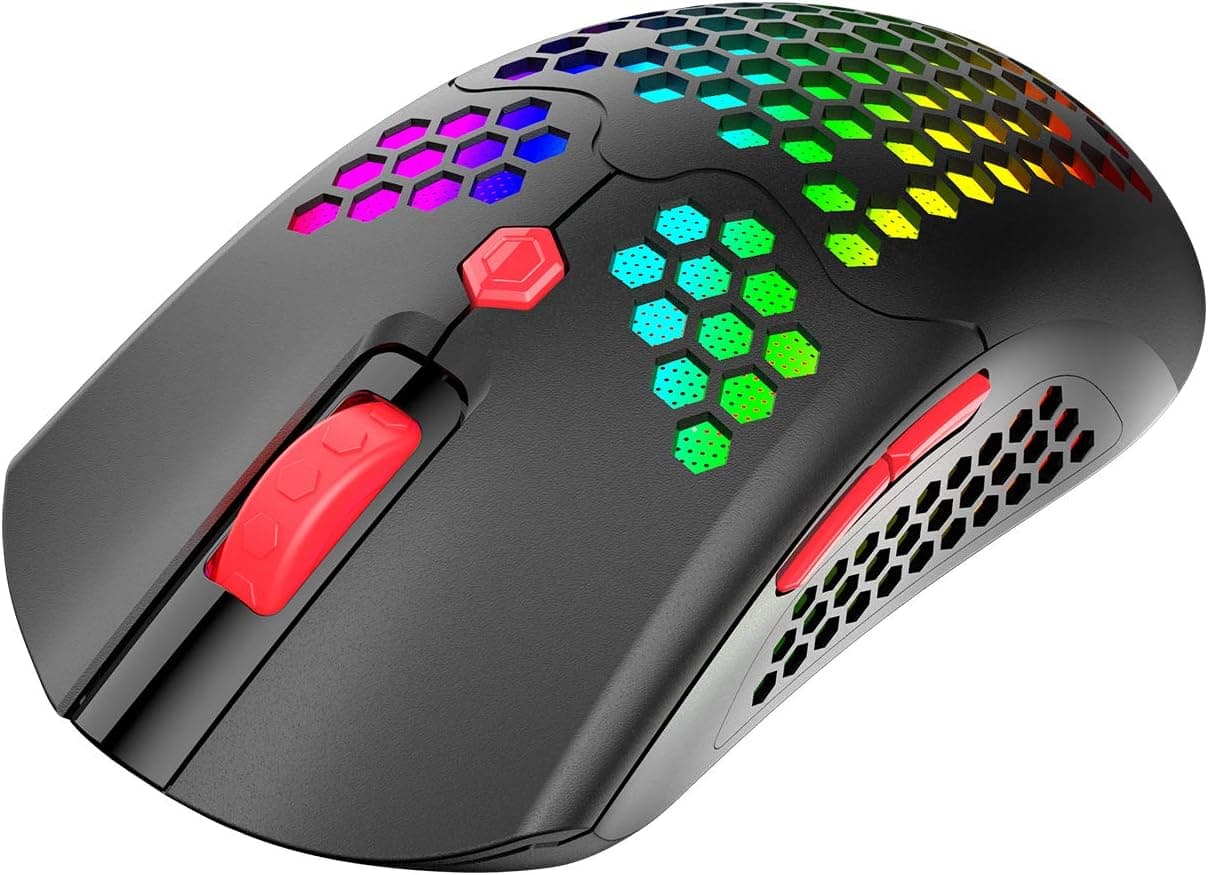
The Model O uses a honeycomb shell — a perforated top case — to reach 67 grams. The short verdict: this is a mouse for FPS players who are fine with a cable and want the lightest, most predictable pointer they can get for the money.
It is not a mouse for people who want quiet clicks, wireless freedom, or a shell that looks at home in an office.
The second pillar of the design is the Ascended paracord cable, roughly 2 meters of braided, unusually flexible wire. In practice, cable stiffness ruins the feel of a wired mouse more than the mouse's own weight does.
With a soft cable — ideally paired with a mouse bungee — the wired sensation largely disappears.
The optical sensor is specified as free of acceleration and spin-out, with a 1,000 Hz polling rate and a lift-off distance under 0.7 mm.
That last figure matters for low-sensitivity players who repeatedly lift and reposition the mouse: a low lift-off distance means less drift when the mouse leaves the pad.
What 67 Grams Actually Changes
A typical office optical mouse sits somewhere around 90–110 g, so the Model O is roughly 30–40% lighter. The difference shows up in repetition rather than in any single motion: long tracking arcs at low sensitivity, and fast flicks repeated hundreds of times in a session.
Over an hour, the reduced load on wrist and forearm is noticeable.
Lightness has a cost, though. A light mouse transmits your own hand tremor directly to the screen.
Players who were unknowingly relying on mass to damp their shakiness often get worse before they get better. Budget one to two weeks of adaptation, ideally at a slightly lower sensitivity than usual.
This accounts for most of the "it felt harder than I expected" reactions to this mouse.
Compatibility Guide
Connection is USB-A wired only — no Bluetooth, no wireless receiver. Any PC or Mac with a USB-A port will recognize it as a standard mouse with no driver installation.
If your laptop only has USB-C, budget for an adapter or hub. It works through hubs, but cheap unpowered hubs can cause dim RGB or brief dropouts, so a direct port on the machine is the safer choice.
To change DPI, assign macros or keys to the six buttons, or customize the RGB lighting, install the Glorious Core software (available for Windows and macOS). Settings are written to onboard memory, so once configured, the mouse carries its profile to any machine without the software installed.
If you ever plug into a tournament or shared PC, that detail matters more than it sounds.
The roughly 2 m cable is long enough for a desktop tower placed on the floor. Some game consoles accept USB mouse input, but support depends entirely on the console and the title, so verify your specific setup rather than assuming.
| Spec | Value | What it means in use |
|---|---|---|
| Weight | 67 g | 30–40% lighter than a typical office mouse |
| Polling rate | 1,000 Hz | Reports position every 1 ms — the competitive standard |
| Lift-off distance | Under 0.7 mm | Less drift for low-sens players who lift often |
| Programmable buttons | 6 | Left, right, wheel, two side buttons, DPI |
| Cable | Ascended paracord, ~2 m | Braided and soft; minimal drag |
| Switches | Omron, 20M click rating | Years of normal use |
| Sensor | Optical, no accel or spin-out | Predictable, no software correction |
The takeaway is not any single number but the combination: 1,000 Hz plus sub-0.7 mm lift-off is exactly the competitive baseline, met cleanly. This is not a spec-sheet monster; it competes on weight and predictability.
Product Info
Amazon.co.jp listings captured ¥6,900 in June 2026 and ¥5,218 in August 2026.
A swing of more than ¥1,600 in a few months is the clearest possible signal that these are snapshots, not the current price — check the product page before buying, and expect further movement during sales.
The review record stands at 4.3 out of 5 stars (about 86% positive) across 18,757 reviews as of the June 2026 capture.
A sample that large for a mouse in this class means the score is unlikely to be distorted by a handful of opinions. It also means the 4.3 includes a real body of complaints — and those complaints line up closely with the caveats below.
Switches are Omron units rated for 20 million clicks, the feet are low-friction, and the shell has a matte white finish. Matte hides fingerprints well, but white plastic is the color most prone to yellowing and dulling where skin oils contact it.
Plan on wiping it down with a damp cloth roughly monthly if appearance matters to you.
How It Compares
The most direct competition in the light, symmetrical, wired category includes mice like the second-generation Razer Viper at 71 g — a difference of a few grams. At this weight, shell shape and your tolerance for a perforated case matter far more than the gram count. If you simply do not want holes in your mouse, rule the Model O out immediately and stop comparing weights.
Against ultralight wireless mice (some now under 60 g), the Model O's advantage is essentially price. If you can live with a cable, the same budget buys a clearly better-feeling pointer.
If you want a clear desk or switch between machines, go wireless instead — you will be happier.
Against asymmetric ergonomic shapes built for palm grip, the Model O simply is not trying to do the same job. "Light" and "supportive" pull in opposite directions. For long sessions where you want the mouse to hold your hand up, a heavier ergonomic shape is a perfectly rational choice.
Living With It
The honeycomb shell puts holes where your fingers rest. Most people stop noticing within days, but some never like the texture, especially in dry weather.
If you can handle one in a store, judge that feel before you judge the spec sheet.
The clicks are not quiet. Assume a voice chat mic will pick them up.
This is a poor choice for late-night use with someone sleeping nearby, or for a quiet office.
RGB light escapes through the shell perforations, which pairs well with the white body. Since there is no battery to preserve on a wired mouse, run the lighting however you like.
Best Use Cases
The strongest fit is a competitive FPS or battle-royale player using a claw or fingertip grip for long sessions, with medium to large hands. The more your style depends on fast flicks and frequent lifts, the more the 67 g weight and sub-0.7 mm lift-off distance compound in your favor.
The second fit is left-handed players looking for a symmetrical shape. Side buttons exist on both flanks, and remapping them in Glorious Core makes left-hand use genuinely practical.
Options for left-handers are scarce enough that this alone justifies a look.
The third is anyone testing the ultralight category for the first time. At the ¥5,218 captured in August 2026 (prices vary), the cost of finding out whether ultralight suits you is low compared with buying a flagship and discovering it does not.
Before You Buy
Palm-grip users should think twice. Ultralight design and pressing down with the whole hand do not cooperate; the heel of your hand tends to float.
A right-hand ergonomic shape — Glorious's own Model D line, for instance — will suit you better.
A perforated shell is more vulnerable to dust and liquid. Debris gets inside more easily, and a spilled drink does more damage than it would to a sealed case.
If you eat and drink at your desk, accept that trade-off consciously, and plan on periodic compressed-air cleaning.
The cable remains a compromise to the end. The paracord is genuinely soft, but soft is not absent.
A mouse bungee helps considerably — just include that extra cost in your budget rather than discovering it later.
White plastic ages visibly. Contact areas dull and yellow over years of use.
If you want the mouse to look new for a long time, the black version is the safer pick.
Finally, a note about the listing data itself. For this product, the captured price source is labeled "Amazon US" yet quotes Japanese yen and links to Amazon.co.jp — an internal inconsistency in the listing metadata.
That does not indicate a problem with the product being sold, but automatically generated listing information does sometimes contain errors. Confirm the product image, title, and seller yourself, and trust the store page over any secondhand summary for model numbers and warranty terms.
FAQ
Q. Do I need to install a driver? A.
No. Plug it in and it works as a standard mouse.
Glorious Core is only needed for DPI, button assignments, and RGB.
Q. Do my settings follow the mouse to another PC? A.
Yes. Settings are stored in onboard memory, so once written they apply on machines without the software — useful at events and on shared PCs.
Q. Is it genuinely usable left-handed? A.
The shape is symmetrical and side buttons are present on both flanks. Swap the button functions in software and it works.
Expect to do that configuration; the default layout is not left-optimized.
Q. Does the perforated shell make it fragile? A.
The honeycomb structure is designed to retain rigidity while cutting mass, and it does not flex under normal grip pressure. Its real weakness is dust and liquid ingress, not structural strength.
Q. What does it cost? A.
Captures show ¥6,900 in June 2026 and ¥5,218 in August 2026. Given that movement, check the product page for the current price.
Q. Who should not buy this? A.
Palm-grip users, anyone who needs wireless, anyone who wants quiet clicks, and anyone who regularly eats and drinks at the desk.
Product Disclosure (Amazon)
- Manufacturer: GLORIOUS
- Seller: ラ・クーラ【インボイス対応・シリアルナンバー控済】
- Fulfilled by: Amazon
- ASIN: B07MGDRBBF
- Note: This article covers a manufacturer-made product based on Amazon listing details.
![Razer DEATHADDER ESSENTIAL 有線ゲーミングマウス (ブラック) [並行輸入品]](/_next/image?url=https%3A%2F%2Fm.media-amazon.com%2Fimages%2FI%2F61nH%2BIG4JGS._AC_SL1500_.jpg&w=1920&q=75)