This article takes a closer look at the Glorious グロリアス GMMK1 キーボード有線コンパクト 60% LEDバックライト付き英語配列光る RGB ゲーミングキーボードタイプc USB Mechanical keyboard gaming (61キー) 国内正規品, focusing on the details that matter after purchase rather than the spec sheet alone.
Overview
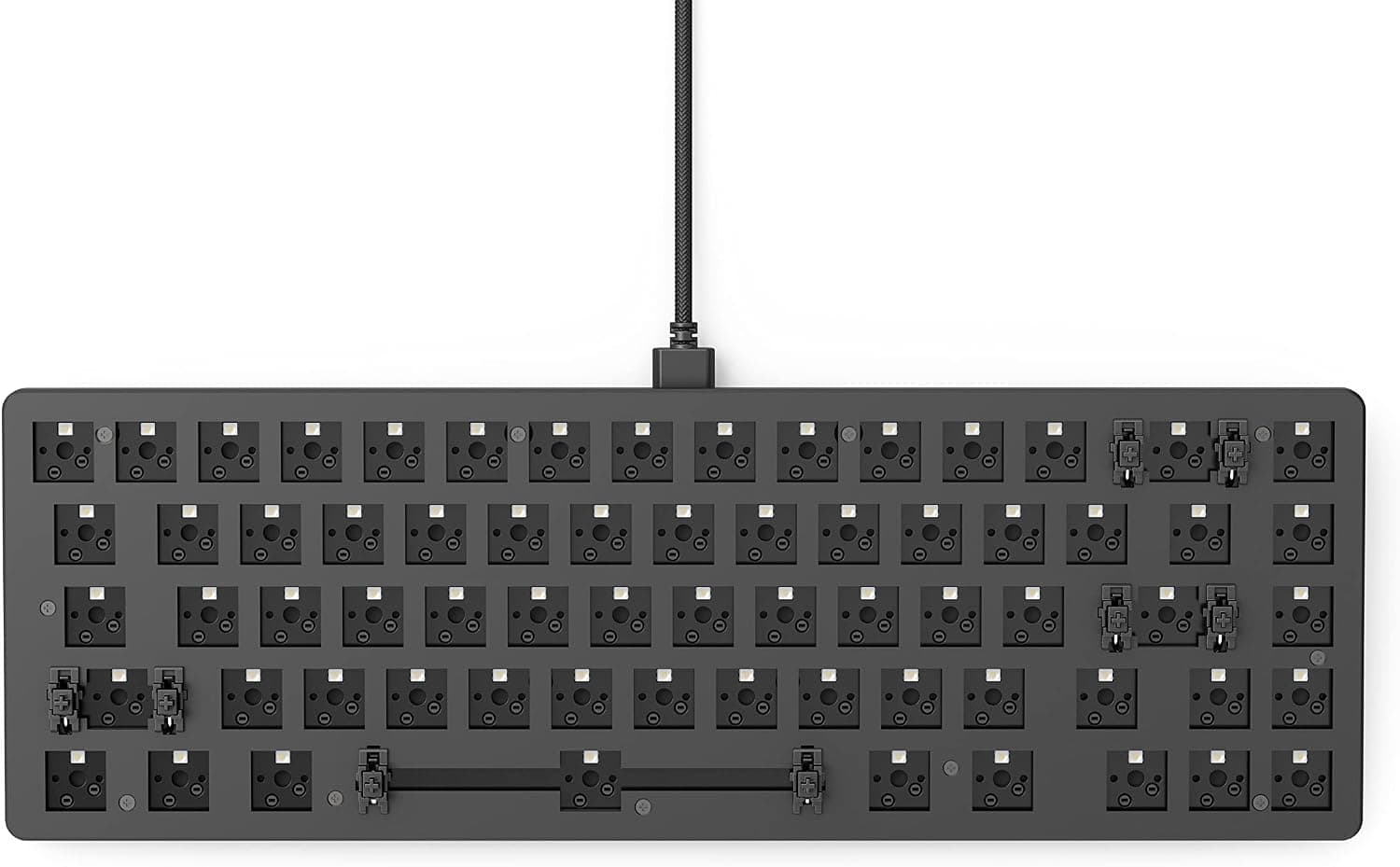
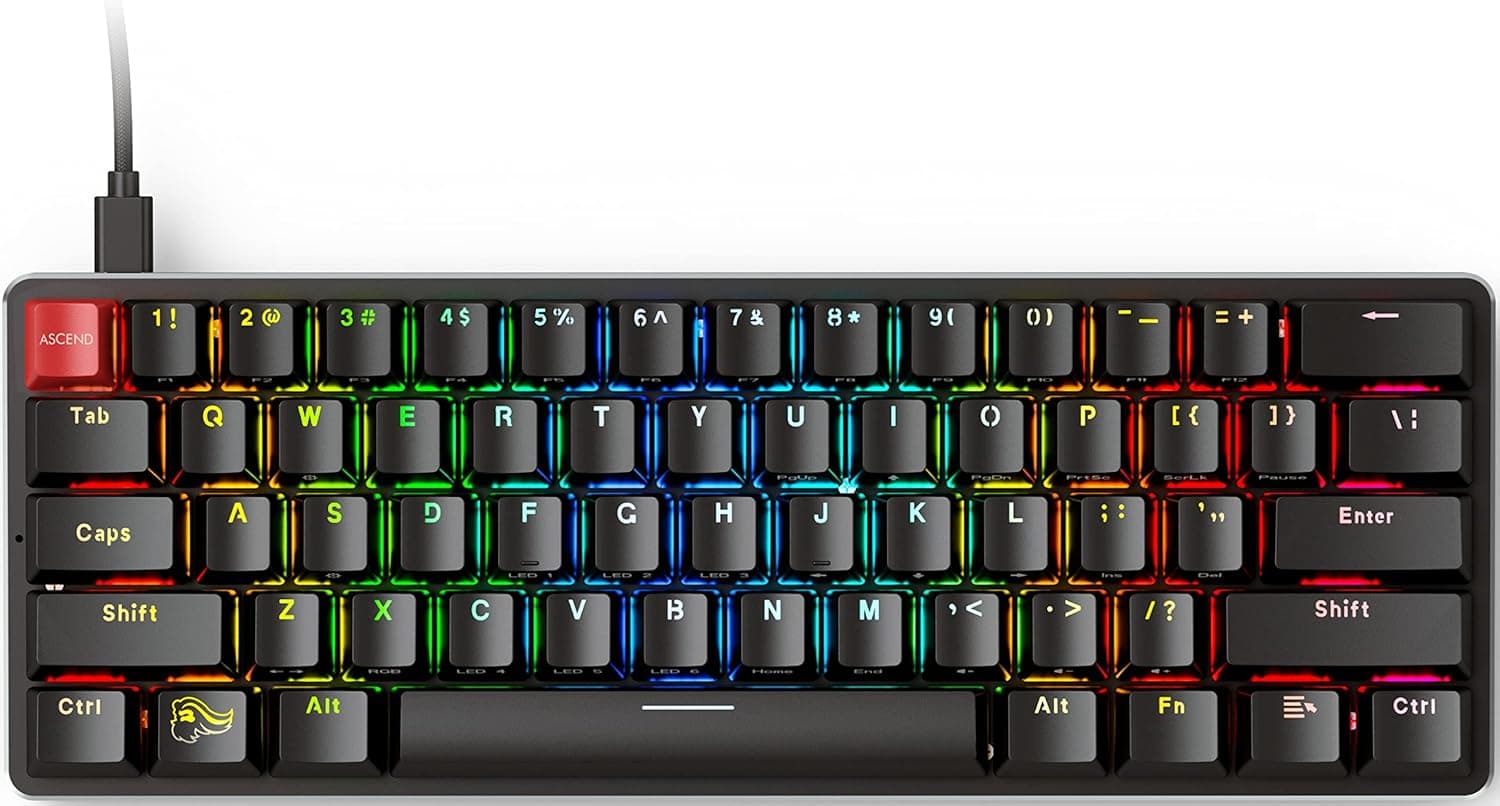
The Glorious GMMK1 is one of the boards that brought hot-swappable switches to a mainstream audience: a 61-key, 60% mechanical keyboard whose sockets let you pull and replace switches without soldering. The short verdict is that it remains one of the best-value first boards for anyone who wants to choose their own switch feel.
Conversely, if you rely on a numpad, a function row, or a Japanese (JIS) layout every day, this is not the board for you.
As captured in July 2026, the Amazon.co.jp listing shows 532 reviews at 4.5 out of 5 stars (90% positive), a solid figure for a product that has been on the market for several years.
Most negative feedback concerns the 60% layout itself rather than build quality.
The chassis pairs an aluminum top plate with an ABS bottom case, and the stock keycaps are double-shot ABS. Stock switches are Gateron Brown tactiles.
Connection is wired only, via a detachable braided USB-C cable; there is no wireless mode.
Switches and Keycaps: Where the Real Value Is
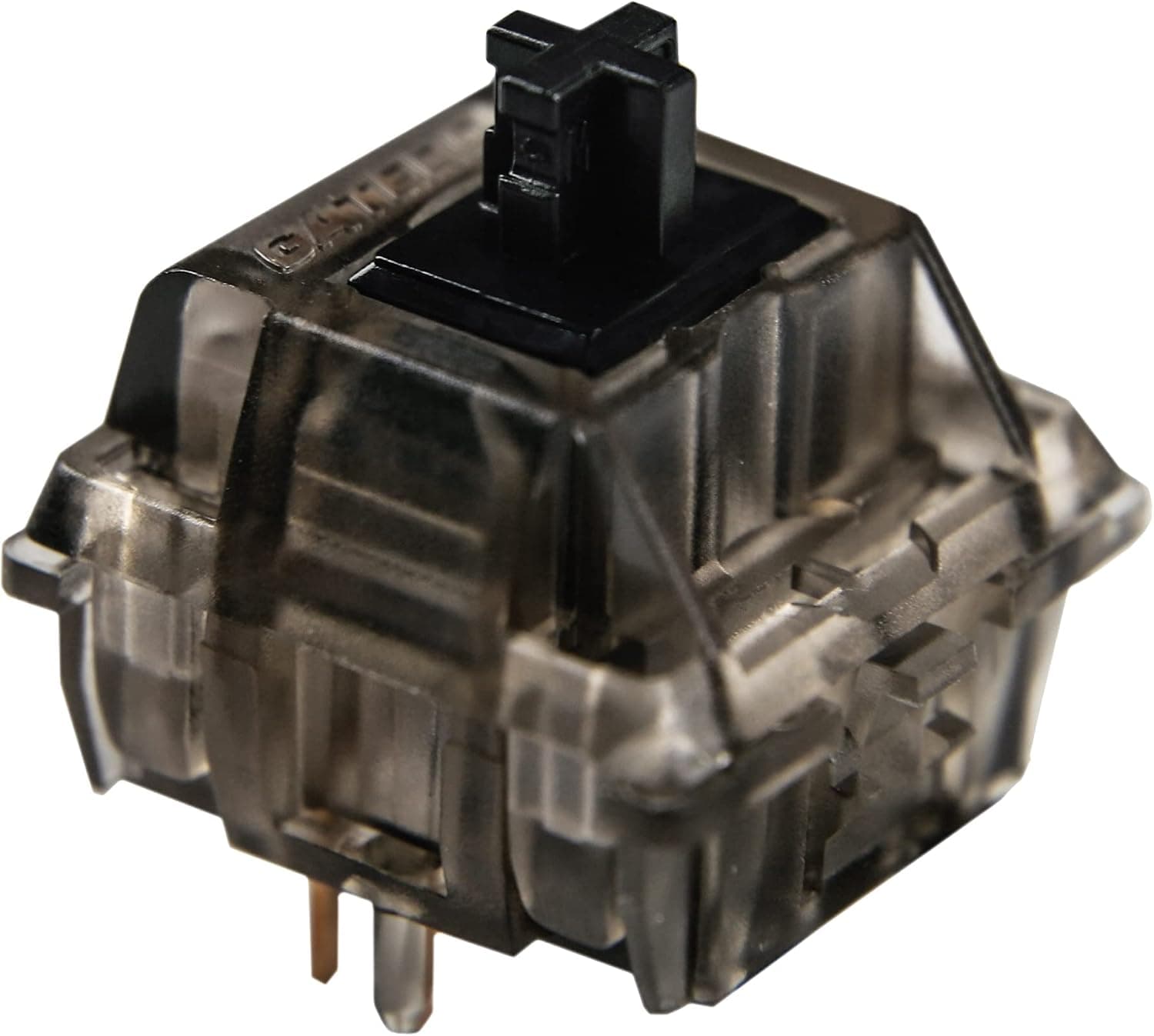
The heart of the GMMK1 is the hot-swap socket. The stock Gateron Brown sits between a silent linear and a loud clicky: a light tactile bump without the high-pitched click of blue-style switches.
What matters is that if Brown does not suit you, you replace a few thousand yen of switches rather than the whole keyboard — lighter linears for FPS, heavier tactiles for long writing sessions, or a partial swap under just WASD and the spacebar.
Keycap compatibility is equally broad. The standard ANSI layout and standard-size bottom row mean most MX-compatible keycap sets drop straight on, unlike boards with unusual bottom rows.
The stock ABS caps will develop a shine with use; a PBT set solves that.
Compatibility Guide
| Item | Spec | What to watch for |
|---|---|---|
| Switches | 3-pin MX compatible | Trim the two plastic legs on 5-pin switches, or buy 3-pin |
| Keycaps | ANSI, standard bottom row | Most MX keycap sets fit |
| Connection | Detachable USB-C | Cable is replaceable; custom cables work |
| Layout | English (ANSI), 61 keys | No JIS option |
| OS | Standard USB HID | Typing works on Windows / macOS / Linux |
Switch pin count is the trap. The board takes 3-pin MX-compatible switches; forcing a 5-pin switch in bends pins or damages the socket.
Cutting the two plastic legs is harmless electrically, but doing it 61 times is tedious.
A 61-key 60% has no function row, no arrow cluster, no Delete, and no numpad — all of it lives on the Fn layer. In spreadsheet or CAD work that leans on F2, F4, and arrows, you will be slower.
In FPS and MOBA titles, the freed desk width for mouse sweeps is a real gain, especially at low sensitivity.
Typing works on any OS over USB, but the configuration software for RGB and key remapping is Windows-centric; plan to save your settings from a Windows machine. Japanese-language users should also set the OS keyboard type to English, or printed symbols will not match what is typed.
Power is USB bus-powered only — plug directly into the PC rather than a weak hub if the LEDs flicker.
Product Info
| Item | Value |
|---|---|
| Keys | 61 |
| Switches | Gateron Brown (tactile) |
| Keycaps | Double-shot ABS |
| Frame | Aluminum top plate / ABS bottom case |
| Connection | USB-C (detachable braided cable) |
| Backlight | RGB, per-key customizable |
| Hot-swap | Yes (3-pin MX compatible) |
| Layout | English (ANSI) |
Pricing on the same Amazon.co.jp ASIN was recorded at ¥7,700 as captured on 4 July 2026 and ¥13,153 as captured on 26 August 2026.
That is close to a 70% spread in under two months, so treat this as a listing that moves with sales, stock, and seller changes. Both figures are point-in-time captures, not current prices — check the product page before buying.
Under ¥10,000 is a fair price for a hot-swap board; toward the upper end it is worth comparing alternatives.
Review data as captured in July 2026: 532 reviews, 4.5 of 5 stars (90% positive).
A three-digit review count at that score suggests no widespread defect problem.
In the box: the keyboard with Gateron Brown switches and double-shot ABS keycaps installed, a detachable braided USB-C cable, a keycap puller, a switch puller, a quick start guide, and Glorious PC Gaming Race stickers. Including a switch puller from the start fits a product designed to be modified.
Compared With Alternatives
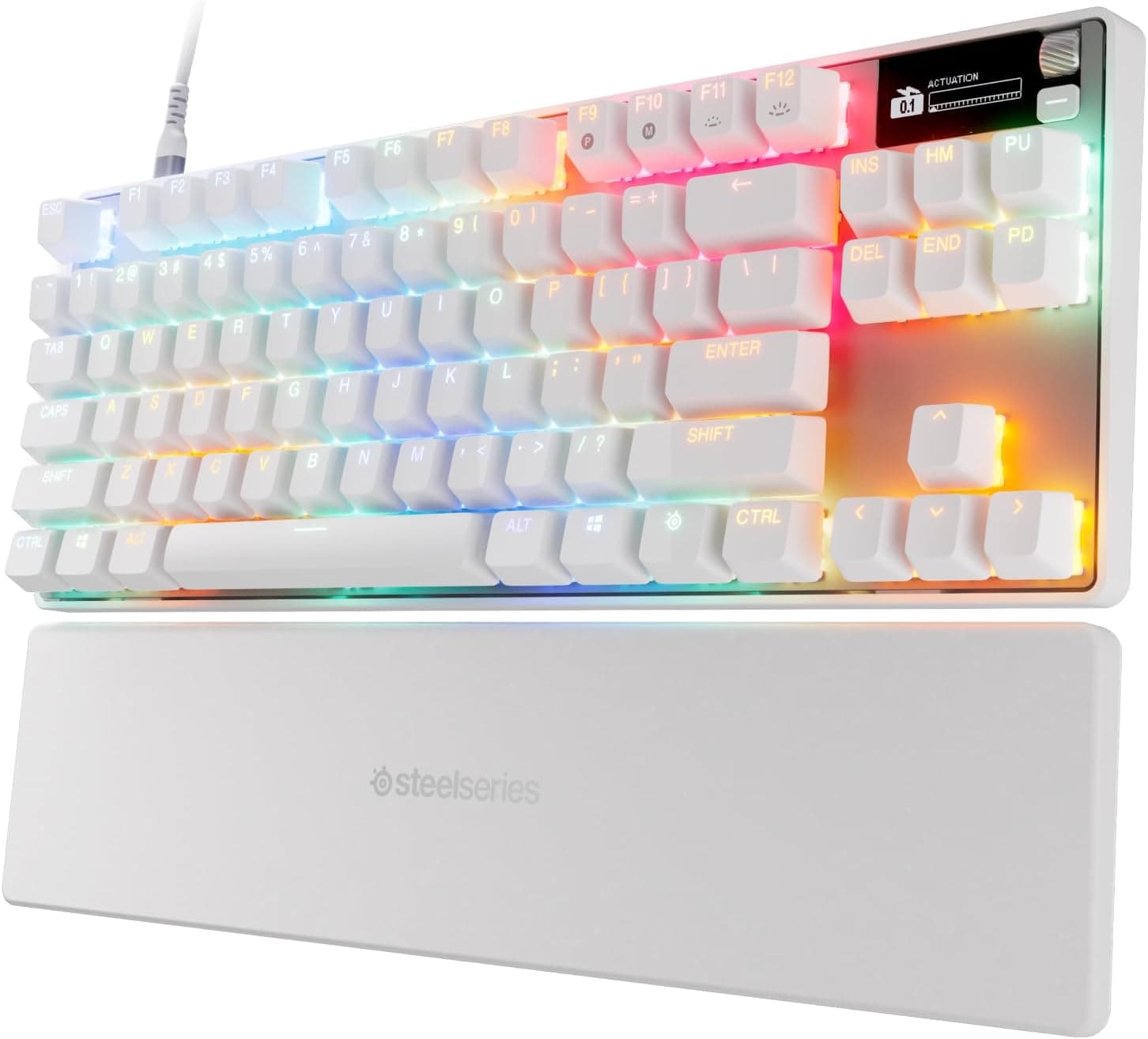
- Want more keys: Glorious's own GMMK 2 offers 65% and TKL options with a dedicated arrow cluster. If the missing arrows worry you, buying that first is cheaper than buying twice.
- Want wireless: the GMMK1 is wired only. Customizable wireless boards such as the Keychron Q1 Pro cost more but transform desk cable management.
- Want a gasket-mount feel: the GMMK1 uses a firmer tray-style construction, not the soft cushioned typing feel of recent gasket-mounted boards.
The GMMK1 bets everything on cheap, easy switch swapping. If you never intend to change switches, half its appeal disappears.
Best Use Cases
- Switch experimenters: compare linear, tactile, and clicky without a soldering iron — a low-risk entry into custom keyboards.
- FPS / MOBA players short on desk space: 61 keys free up horizontal room for mouse sweeps.
- Keycap collectors: standard ANSI sizing means a high hit rate with retail keycap sets.
- Travelers: the detachable cable makes it easy to pack.
It is not recommended for heavy numeric-entry work, users who need a JIS layout, or anyone who requires wireless.
Notes Before Buying
60% is a matter of fit, not practice. Fn layers cover arrows and F keys, but any task where one hand is on the mouse gets slower.
If a week of use still feels wrong, the layout simply does not suit your work.
Japanese input needs setup. There is no 半角/全角 key on an ANSI board; IME toggling must be remapped, and symbol positions differ from JIS.
Forgetting to set the OS keyboard type to English causes mismatched symbols.
Check switch pin count before ordering. Sockets take 3-pin switches; 5-pin switches need their legs trimmed.
ABS keycaps will shine. Legends will not wear off thanks to double-shot molding, but budget for a PBT set if surface gloss bothers you.
Price swings are large. The same ASIN was recorded at ¥7,700 (captured 4 July 2026) and ¥13,153 (captured 26 August 2026).
If the current price looks high, waiting is rational.
Amazon listing metadata is occasionally mismatched. If the seller, manufacturer field, or images seem inconsistent with the title, confirm from the product photos and title that you are buying the 61-key 60% ANSI model, and check whether the listing is the domestic-authorized version or a parallel import before ordering.
FAQ
Q. Is there a Japanese (JIS) version?
A. No. This is an English ANSI 61-key board.
Q. Will any switch fit? A.
3-pin MX-compatible switches. 5-pin switches fit after trimming two plastic legs, but buying 3-pin versions is safer.
Q. Can it run wireless?
A. No. Wired only, over the detachable USB-C cable.
Q. Does it work on a Mac? A.
Typing works over USB. RGB and remapping software is Windows-centric, so configure on Windows and save to the board.
Q. How do I press arrow keys?
A. They live on the Fn layer. Remap them to suit your habits if you use them constantly.
Q. How quiet is it? A.
Gateron Brown avoids the sharp click of blue-style switches but is not silent. Swapping in silent linears is the obvious use of the hot-swap sockets.
Product Disclosure (Amazon)
- Manufacturer: GLORIOUS
- Seller: Member's MARKET
- Fulfilled by: Amazon
- ASIN: B07JBJF3NX
- Note: This article covers a manufacturer-made product based on Amazon listing details.