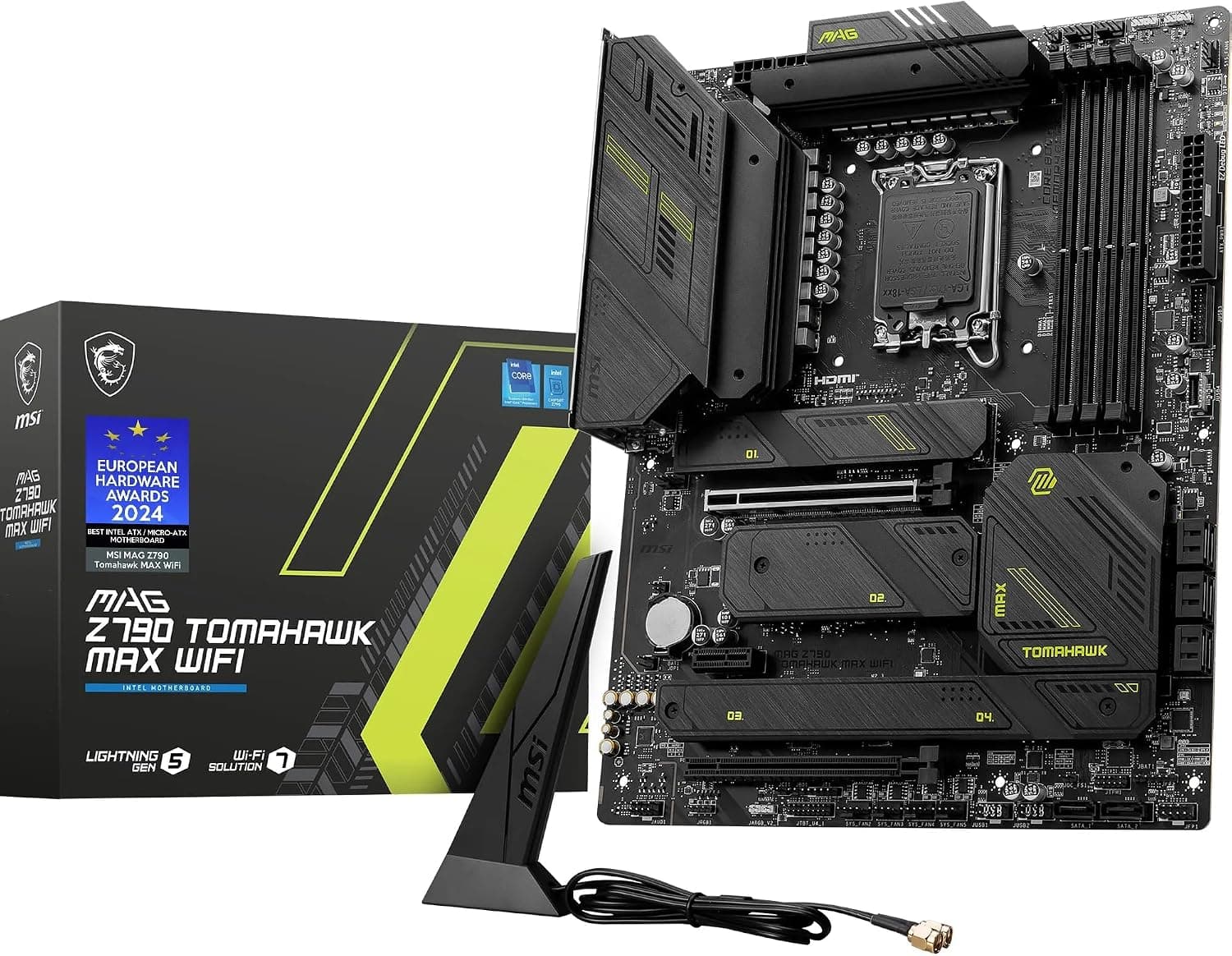
This article covers GIGABYTE Z790 UD AX インテル LGA 1700 ATX マザーボード.
Overview
The GIGABYTE Z790 UD AX is an LGA 1700 ATX motherboard built for Intel 12th, 13th, and 14th Gen Core processors. It brings DDR5 memory support and a PCIe 5.0 slot to the mid-range segment, offering a future-ready platform without a flagship price tag. For anyone building their first DDR5 PC or upgrading from an older Intel platform, this board hits a sweet spot between features and cost.
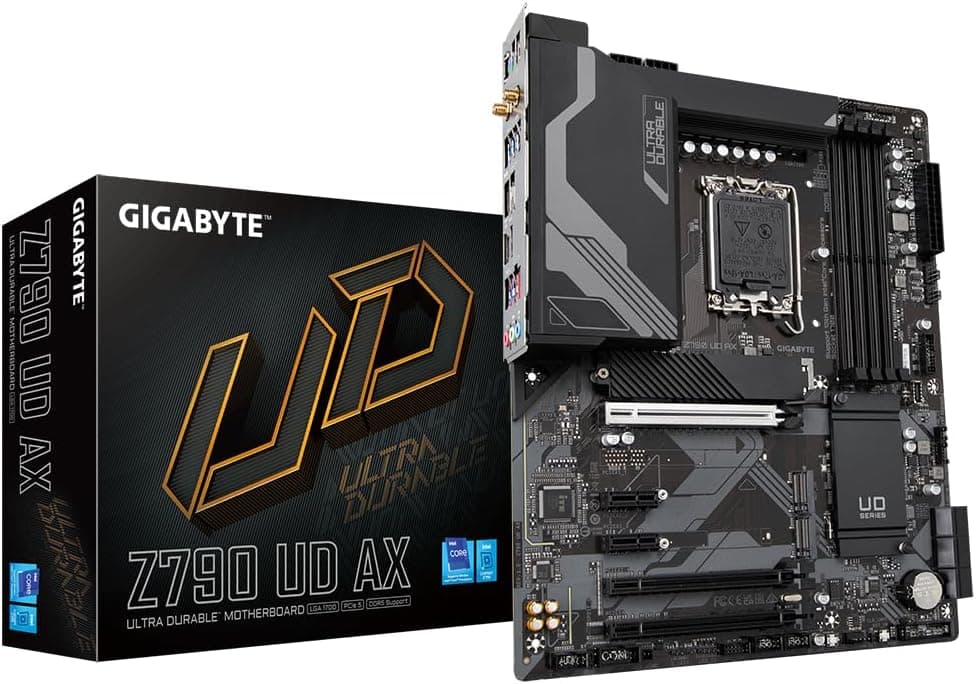
Equipped with three PCIe x16 slots (one PCIe 5.0) and three M.2 slots (one PCIe 5.0), the Z790 UD AX caters to gamers and creators who want fast storage configurations. The rear I/O panel includes five USB 3.2 Gen1 Type-A ports, one USB 3.2 Gen2 Type-C port, and four USB 2.0 ports. Integrated Wi-Fi 6E and 2.5GbE LAN ensure strong wired and wireless connectivity — a welcome convenience that eliminates the need for a separate networking card.
Compatibility Guide
Socket is LGA 1700, compatible with Intel Core 12th Gen (Alder Lake), 13th Gen (Raptor Lake), and 14th Gen (Raptor Lake Refresh) processors. Memory support is DDR5 only — four DIMM slots with a maximum capacity of 128 GB. Officially rated for DDR5-5600, but XMP/EXPO profiles can push higher frequencies depending on your CPU's integrated memory controller.
The board uses the standard ATX form factor, so any ATX case will work. The primary PCIe x16 slot (CPU-attached) runs at PCIe 5.0; the other two x16 slots (chipset-attached) operate at PCIe 4.0 and 3.0 respectively. For storage, you get three M.2 slots — the first is a CPU-attached PCIe 5.0 x4 slot, the other two are chipset-attached PCIe 4.0 x4. There are also six SATA III ports for HDDs or optical drives.
Product Info
Launched in late 2022 alongside Intel's Z790 chipset, the Z790 UD AX sits in the affordable mid-range tier. Pricing generally falls between ¥28,000 and ¥35,000 before tax. The warranty is the standard three years from GIGABYTE (purchase receipt required). It's widely available through Japanese online retailers, major electronics retailers, and official GIGABYTE distributors.
From a market-position standpoint, this is a solid entry-level Z790 board. It delivers the chipset's essential features — PCIe 5.0, DDR5, multiple M.2 slots — while keeping costs down by omitting extravagant VRMs and heatsinks. If you don't need extreme overclocking or four-way GPU support, this board covers the basics very well.
Best Use Cases
- First-time DDR5 builder: Affordable entry into the DDR5 ecosystem. You get all the core Z790 features without paying a premium. However, if you already own DDR4 memory, consider a Z690 DDR4 board instead — this board won't accept those sticks.
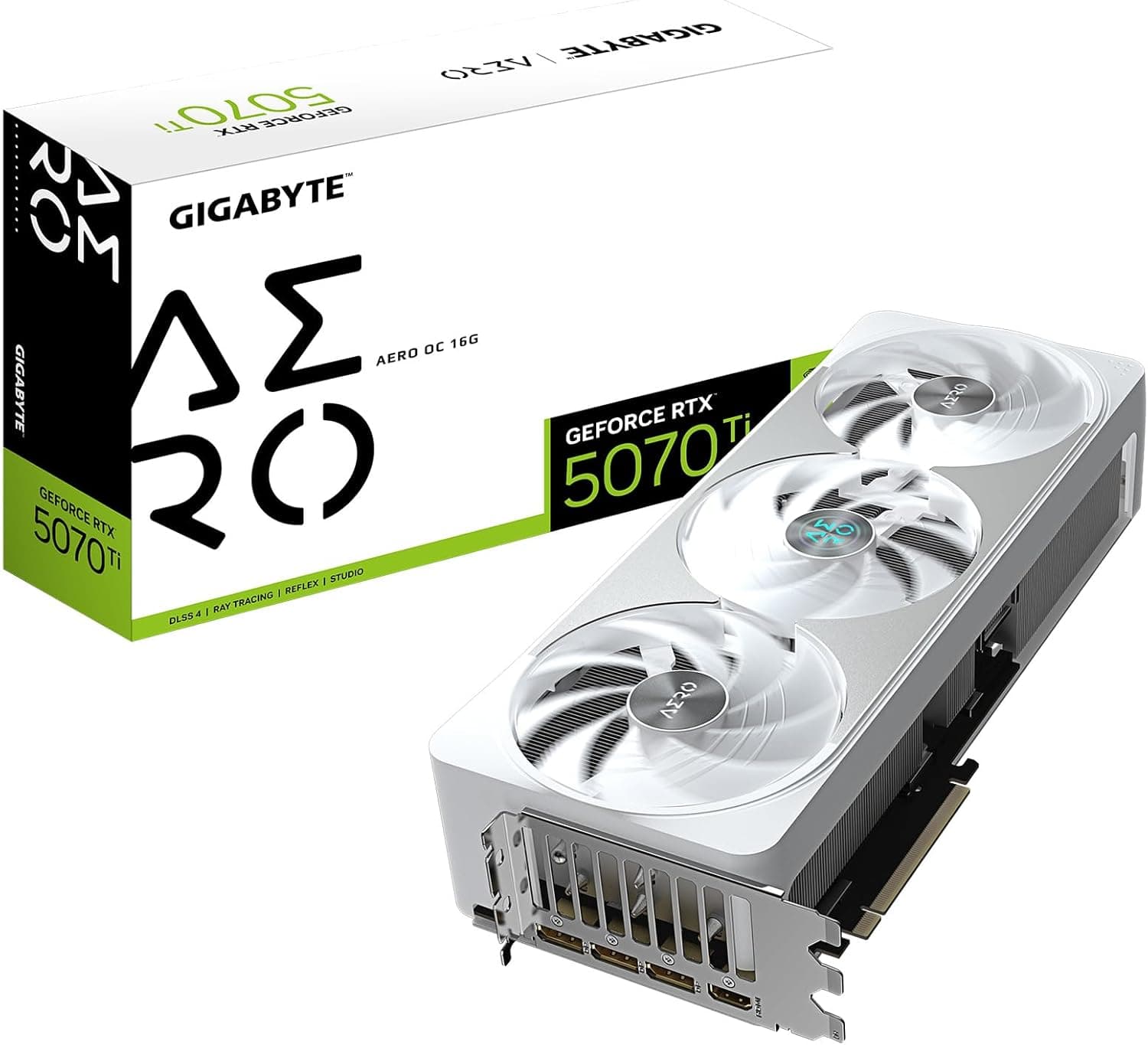
- Mid-range gaming rig: Pairs beautifully with Core i5-13600K or Core i7-13700K. The PCIe 5.0 slot is ready for graphics cards like the RTX 4070 or 5070 series, and the M.2 slots handle fast NVMe drives. For a Core i9-13900K or 14900K, the VRM might run warm under sustained full load — adequate for gaming, but check airflow if you do heavy rendering.
- Creator with mixed storage needs: Three M.2 slots (one PCIe 5.0) and six SATA ports give plenty of room for fast SSDs and archive drives. Video editors and 3D artists who need many project disks will appreciate the I/O flexibility. Just note there's no onboard Thunderbolt 4 — you'll need an add-in card for that.
- User who wants built-in Wi-Fi 6E and 2.5GbE: Saves the cost and hassle of buying a separate wireless card. Great for remote work and online gaming where stable, low-latency networking matters.
Things to Consider
The most important limitation is DDR5-only support — you cannot reuse DDR4 memory. Also, if you plan to run a Core i9-13900K or 14900K under sustained all-core loads, monitor VRM temperatures. The 12+1+1 phase VRM is adequate for gaming and moderate workloads, but for heavy encoding or overclocking, a higher-end GIGABYTE AORUS board with beefier VRMs would be safer.
Make sure your CPU cooler includes an LGA 1700 mounting kit. Some older coolers may lack the required bracket — check compatibility before buying. Finally, the primary PCIe 5.0 x16 slot is positioned close to the second x16 slot. Installing a triple-slot GPU will block the adjacent slot physically, so plan your expansion cards accordingly.
FAQ
Q: What's the maximum DDR5 speed the Z790 UD AX supports?
A: Officially rated up to DDR5-5600. With XMP or EXPO profiles, many users have reached DDR5-6600 and beyond. However, stability depends on your CPU's memory controller and motherboard BIOS version. For best results, check GIGABYTE's memory support list before buying.
Q: Can I use a PCIe 5.0 NVMe SSD with this board?
A: Yes — the top M.2 slot (M2A_CPU) supports PCIe 5.0 x4. Note that PCIe 5.0 drives run hot, so use the included M.2 heatsink or an aftermarket cooler. The other two M.2 slots are PCIe 4.0.
Q: Is the Z790 UD AX good for a Core i9-14900K workstation?
A: It works, but the VRM can hit 80°C+ under prolonged heavy load (e.g.,
Product Disclosure (Amazon)
- Manufacturer: GIGABYTE
- Seller: 世界まるごとマルシェ (インボイス対応)
- Fulfilled by: 世界まるごとマルシェ (インボイス対応)
- ASIN: B0BLSWXTV1
- Note: This article covers a manufacturer-made product based on Amazon listing details.