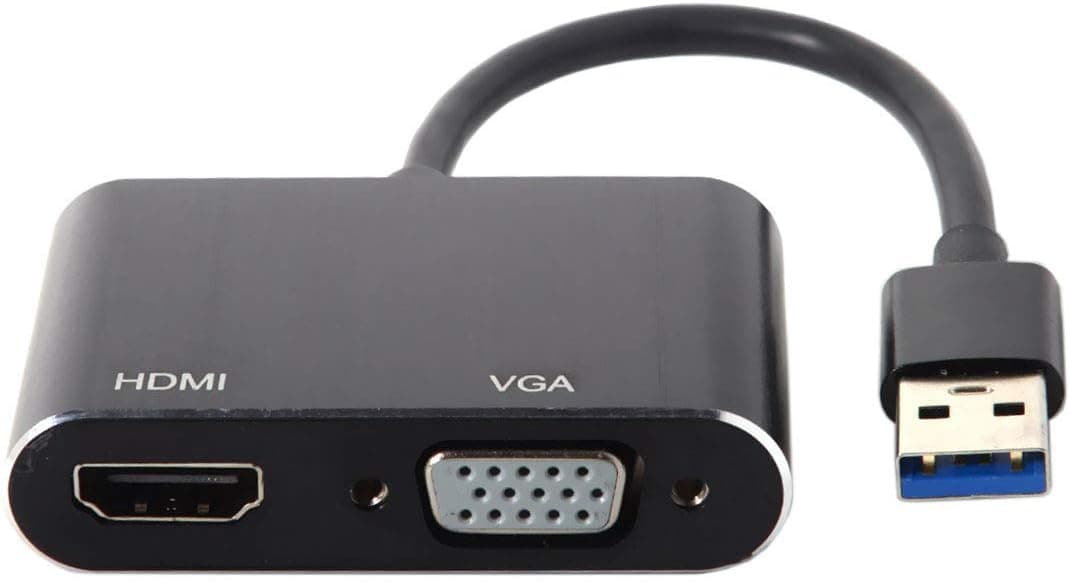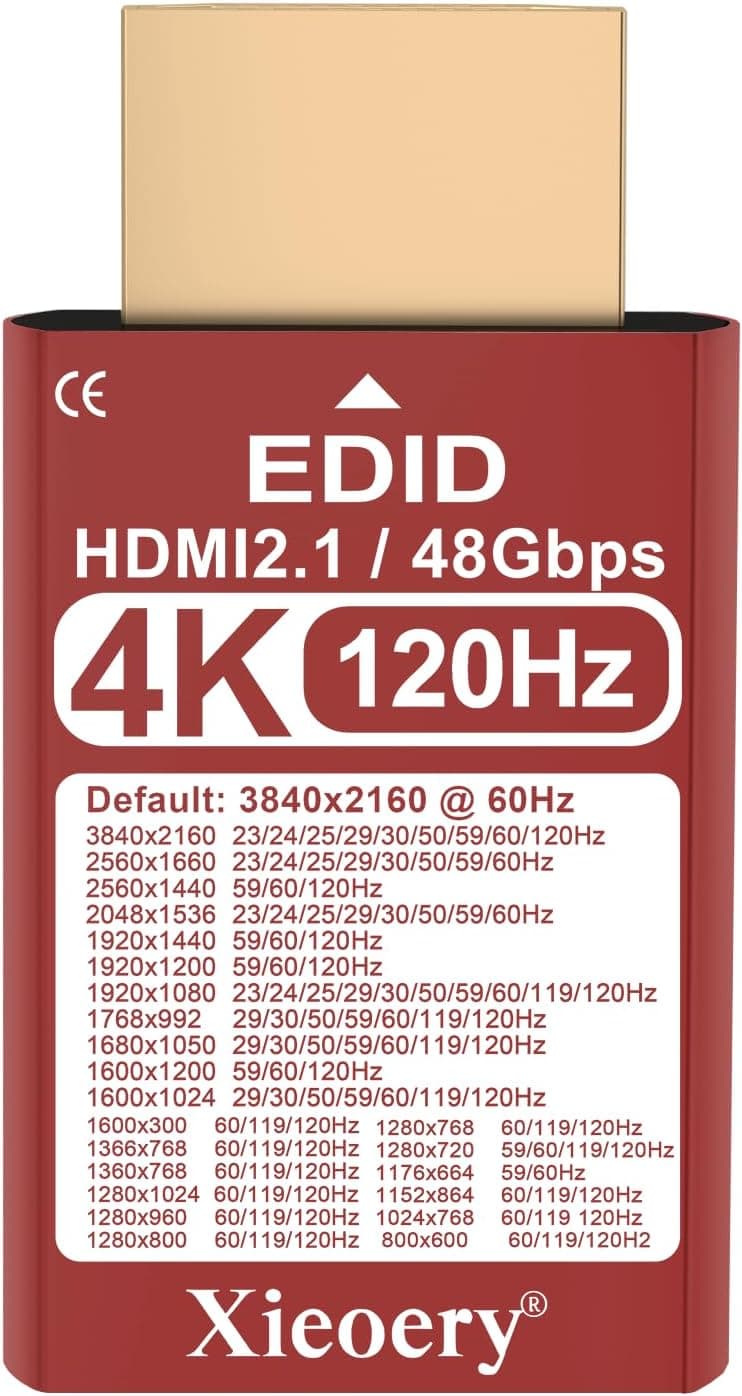
The Excuty B08LMP8DHF USB 3.0 to HDMI Adapter, 1080p is a small dongle that adds a video output to a PC that has no HDMI port.
This article covers what the published specs actually let you do, and what people regret not knowing before buying.
Overview
The adapter takes a USB 3.0 Type-A port as input and provides an HDMI Type-A output.
Maximum resolution is 1920×1080 (Full HD), audio is carried over HDMI, and the unit is bus-powered — no external supply needed. Supported operating systems are listed as Windows XP / 7 / 8 / 8.1 / 10.
The short version: this is the right product for exactly one job — getting an older laptop onto a meeting-room projector or a second monitor. If you need 4K, a high refresh rate, or macOS support, it cannot meet the requirement.
The 1080p ceiling is a design limit, not something a different cable or setting can work around.
Customer feedback on Amazon.co.jp stands at 4.8 stars from 11 reviews (96% positive).
The score is good, but 11 is a very small sample — not enough to judge defect rates or long-term durability. Don't weigh it the same way you would a 4.8 built on thousands of reviews.
Compatibility Guide
| Item | Spec | What it means in practice |
|---|---|---|
| Input | USB 3.0 Type-A | Use a blue USB-A port. USB-C-only laptops need a separate adapter |
| Output | HDMI Type-A | Full-size HDMI; Mini/Micro HDMI displays need a converter |
| Max resolution | 1920×1080 | 1440p and 4K panels will upscale a 1080p image |
| Audio | Over HDMI | The display or projector must accept HDMI audio |
| OS | Windows XP / 7 / 8 / 8.1 / 10 | macOS, Linux and Chrome OS are unsupported |
| Power | USB bus power | No adapter needed, but port current matters |
The most common failure is plugging into the wrong port generation. A USB 2.0 port gives roughly a tenth of the bandwidth, which shows up as reduced resolution, stuttering video, and a laggy cursor.
Many laptops have USB 3.0 on only one side, so check for the blue insert or the "SS" marking.
The second common failure is hubs. On a bus-powered hub shared with other devices, the video can flicker or drop out entirely.
Plug straight into the PC; if you must use a hub, use a self-powered one.
Drivers are usually plug-and-play, though older systems may need a manual install. Windows 11 is not on the supported list — whether it works depends on driver signing, and you should treat it as unsupported.
If you need a modern machine covered, buy something that states Windows 11 support explicitly.
Why This Isn't the Same as a GPU Output
A USB-to-HDMI adapter does not add a port to your graphics card. The screen contents are compressed on the CPU, pushed over USB, and rebuilt into an HDMI signal by a chip in the dongle.
That extra stage defines everything about how it behaves.
First, there is always some latency. Invisible for documents and browsing; unacceptable for shooters, rhythm games, or an editing timeline.
Second, fast-moving content raises CPU usage, which hurts most on exactly the kind of older laptop you'd buy this for. Third, 3D performance does not improve — you only gain a place to put pixels.
This applies to every USB video adapter regardless of price. DisplayLink-based units compress more efficiently and feel snappier, but they still aren't a direct GPU connection.
If low latency is a requirement, use a spare GPU output or a USB-C port with DisplayPort Alt Mode instead.
Product Info
The published specs are listed above; the package contains the adapter alone, and warranty terms depend on the seller.
This article deliberately omits a price. The collected pricing data contains a figure in the ¥200,000 range, which is wildly out of line for this class of product and is almost certainly a data-collection error.
Adapters like this normally sell for a few thousand yen at most. Check the current price on the product page before buying, and be suspicious if it shows tens of thousands of yen — that usually means mismatched listing data or a reseller.
How It Compares
- Generic 1080p bridge chips like this one — cheapest option, built for "just show the picture." Resolution ceiling and OS support are the weak points.
- DisplayLink adapters — require a driver, but handle higher resolutions and multiple displays better, and many support macOS. They cost more.
- USB-C DisplayPort Alt Mode — no conversion chip at all; the GPU signal passes through directly, so latency and image quality are best. Requires an Alt Mode-capable port, which USB-A never is.
If your PC has a video-capable USB-C port, use that route instead. Having only USB-A is the whole reason to choose a product like this.
Best Use Cases
- Keeping an older HDMI-less laptop in service — adding a work-from-home second screen or mirroring to a TV works fine at 1080p, with no setup beyond plugging it in.
- Travelers who occasionally need a projector — small enough to keep in the bag permanently as insurance. Just remember it won't help on a non-Windows machine.
- Trying a dual-monitor setup cheaply — documents, spreadsheets, and browsing are entirely usable. A sensible way to find out whether two screens suit you before spending more.
Things to Consider
The Amazon listing data contradicts itself. The collected product-disclosure block names "OREI" as the manufacturer, which does not match the "Excuty" product name.
Adapters like this often ship under several brand names, and listing metadata errors are common. Rather than present a possibly wrong manufacturer as fact, that block has been removed from this article.
When you open the product page, confirm the item from the images and title rather than trusting the registered details — the same page also records an obviously wrong price.
1080p is a hard ceiling. A 1440p or 4K monitor will not run at native resolution, and upscaled 1080p on a high-density panel looks soft enough to be tiring over a long session.
If you own or plan to buy a 4K display, rule this out.
macOS, Linux and Chrome OS are unsupported. Only Windows XP through 10 are listed.
For a MacBook or Chromebook, buy something that names driver support for your OS. Windows 11 is likewise absent from the list.
Not for latency-sensitive work. Avoid gaming, editing previews, and real-time rendering.
The delay is small but persistent, and it wears on you in daily use.
HDCP-protected content may not display. Cheap bridge chips vary in how they handle HDCP, and black-screen reports on streaming services are common across this whole product category.
If streaming to a TV is the main goal, choose a product that states HDCP support.
Many near-identical OEM units exist. Same shell, different internal chip, different stability.
For anything business-critical, buy from a vendor with a clear driver supply chain. This price tier suits uses where "works most of the time" is acceptable.
FAQ
Q. Will it work on a USB 2.0 port? A.
It will be detected, but the bandwidth shortfall causes limited resolution and stuttering. Use a USB 3.0 port — blue insert or "SS" marking — directly on the PC.
Q. Does audio come out of HDMI? A.
Yes, per the specs. You still need to switch the Windows sound output device to the HDMI endpoint.
If you get picture but no sound, check there first.
Q. Can I use it with a Mac? A.
macOS isn't on the supported list, so it's unsupported. Use a DisplayLink adapter that states macOS support, or a USB-C video adapter.
Q. Can it mirror and extend? A.
Both, via Windows display settings (Win + P). That's an OS feature, so it works as normal once the adapter is recognized.
Q. Are drivers required? A.
Usually not. If it isn't recognized, check Device Manager for an unknown device and install the driver supplied by the seller.
Q. Can I run two of them for a triple-screen setup? A.
Technically yes, but the two share CPU load and USB bandwidth and tend to become unstable. For three or more displays, look at a docking station built for multiple outputs.