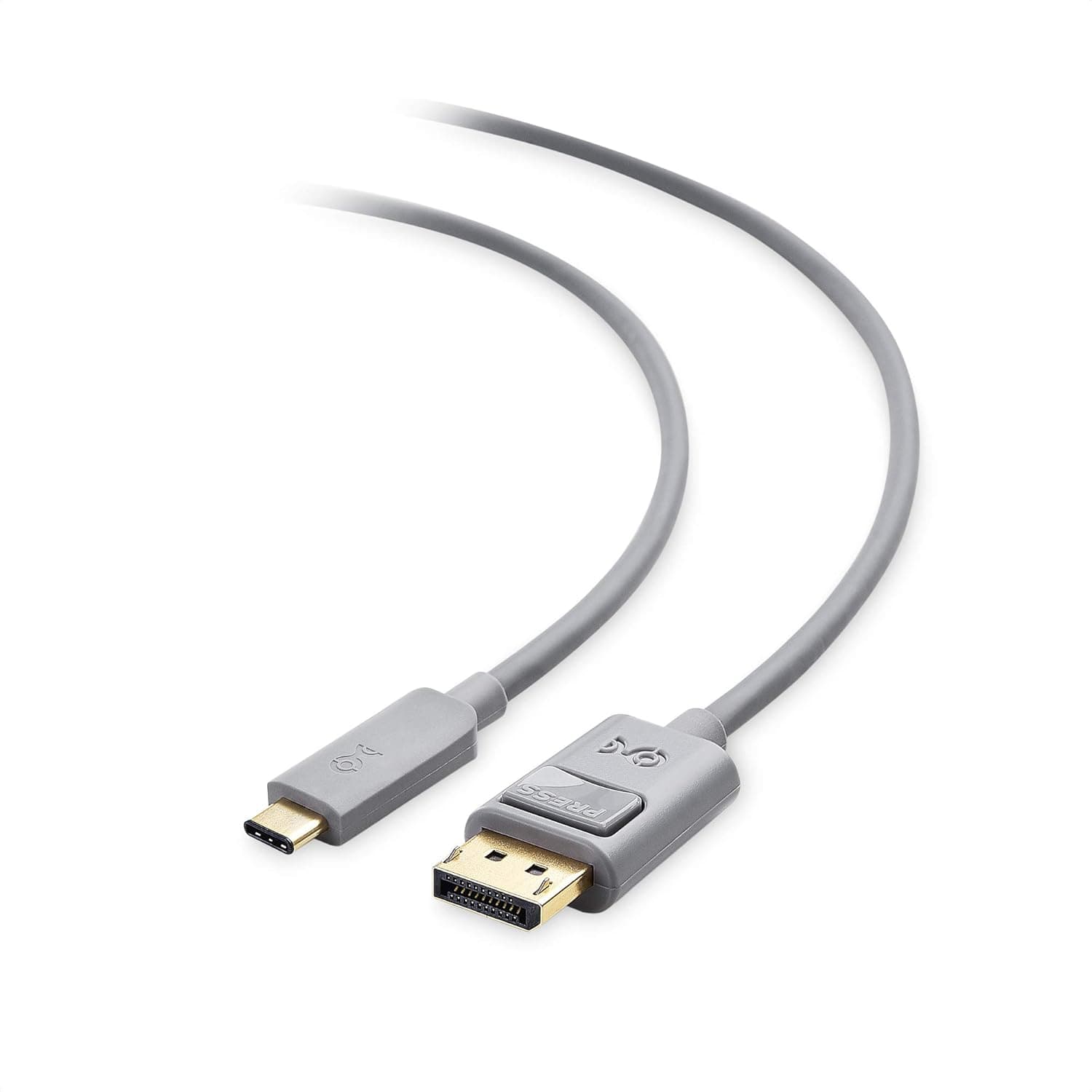
This article covers Cable Matters USB C DisplayPort 変換ケーブル Works with Chromebook Certified 4K 60Hz 1.8m.
Overview
The Cable Matters USB C to DisplayPort Cable is a straightforward solution for connecting USB-C equipped Chromebooks and laptops to DisplayPort monitors and projectors. It supports up to 4K UHD (3840×2160) at 60Hz, making it suitable for high-resolution desktop extension, presentations, and media playback. This cable carries the 'Works with Chromebook Certified' badge, meaning it has passed Google's compatibility testing for reliable operation across a wide range of Chromebook models. It is plug-and-play, requiring no drivers or external power. The reversible USB-C connector makes insertion easy regardless of orientation.
Connectivity & Compatibility
Connector type: USB Type-C (male) to DisplayPort (male) Compatible devices: Laptops, Chromebooks, and tablets with USB-C ports supporting DisplayPort Alternate Mode Compatible displays: Monitors and projectors with DisplayPort input Supports Multi-Stream Transport (MST) for daisy-chaining multiple compatible monitors * Also supports 7.1-channel surround sound audio pass-through Important: The host device's USB-C port must support DisplayPort Alternate Mode. If it does not, video output will not work.
Product Info
Release: Available since 2019 (ongoing retail availability on) Price range: Approximately ¥5,000 (subject to fluctuation) Warranty: 1-year manufacturer warranty plus lifetime product support Accessories: Cable only * Availability: Online retailers such as Market positioning: This is a mid-range USB-C to DisplayPort adapter cable. Its key differentiator is the official Chromebook certification, which provides greater compatibility assurance compared to generic uncertified cables.
Best Use Cases
Chromebook users: The certified status eliminates guesswork about compatibility. If you rely on a Chromebook for work or school and need to connect to an external display, this cable offers reliable 4K60Hz output without troubleshooting. Laptop users with limited ports: Thin-and-light laptops often only have USB-C ports. This cable lets you connect directly to a DisplayPort monitor or projector, ideal for conference rooms, classrooms, or home office setups. * Multi-monitor setups: With MST support, you can daisy-chain compatible DisplayPort monitors from a single USB-C port, reducing cable clutter. If your monitor only has HDMI input, you will need an additional adapter. Also, older devices without DisplayPort Alternate Mode support cannot use this cable for video output.
Product Disclosure (Amazon)
- Manufacturer: Cable Matters
- Seller: Amazon US
- Fulfilled by: Amazon US
- ASIN: B07YN74KZT
- Note: This article covers a manufacturer-made product based on Amazon listing details.