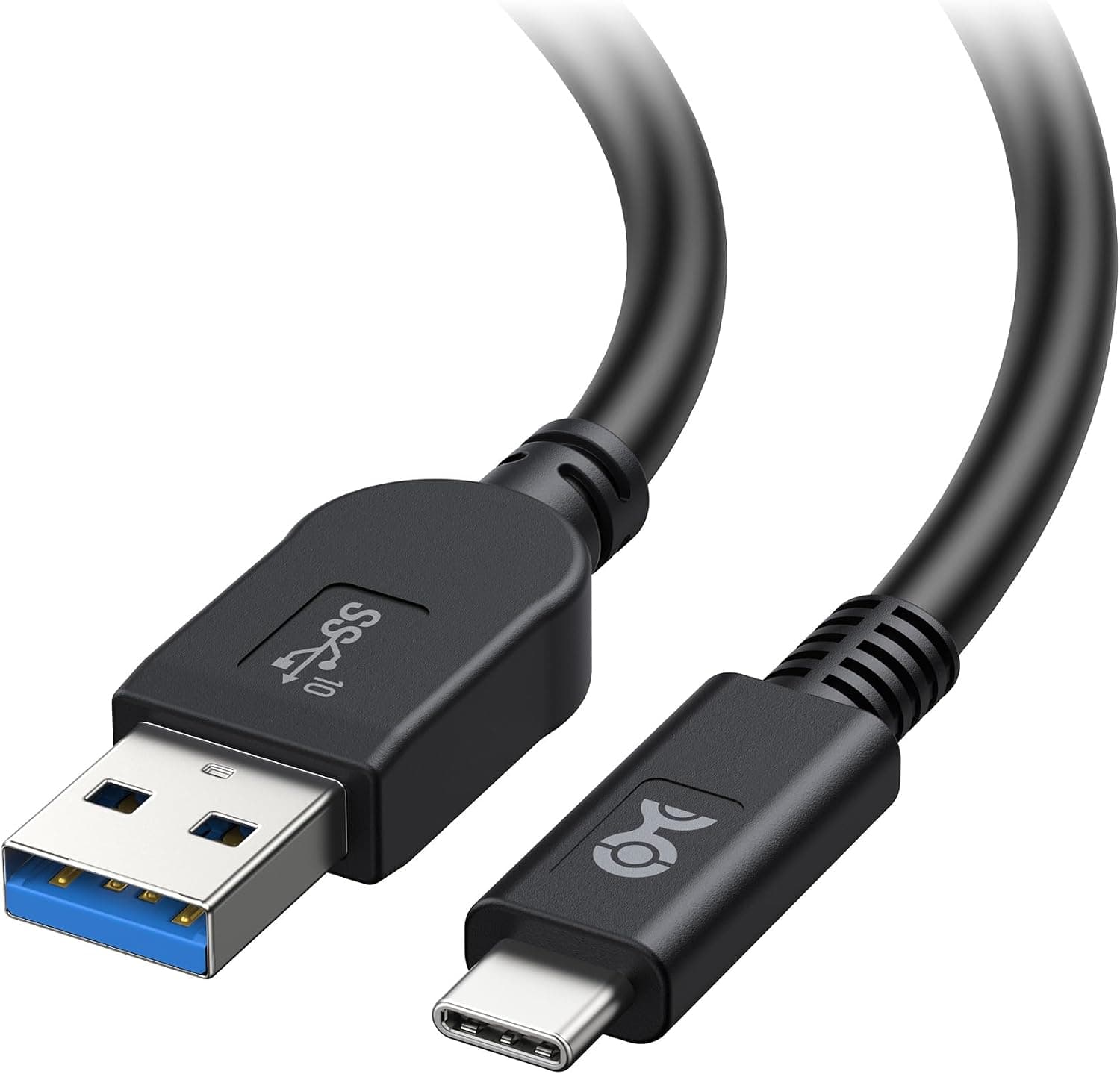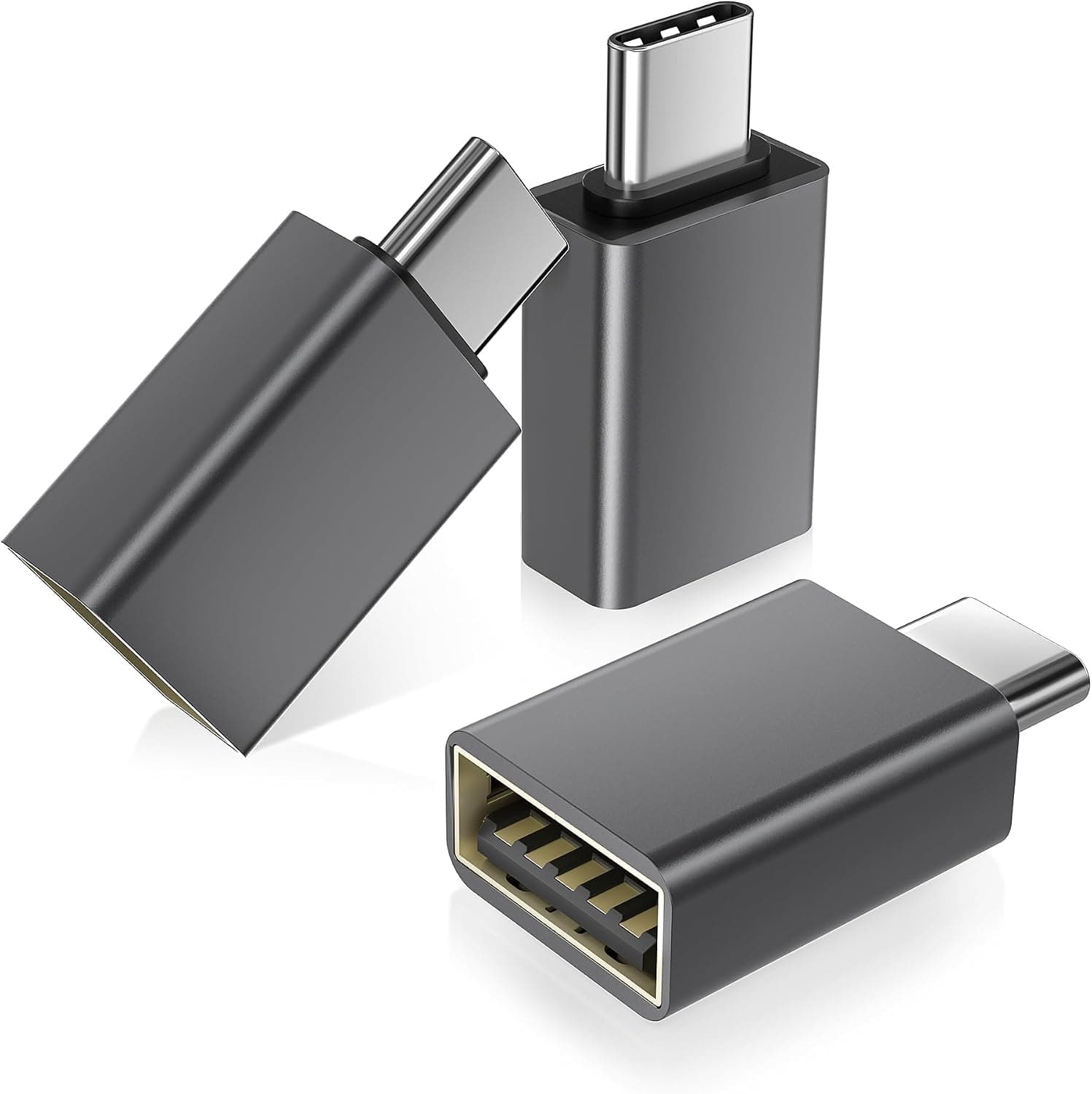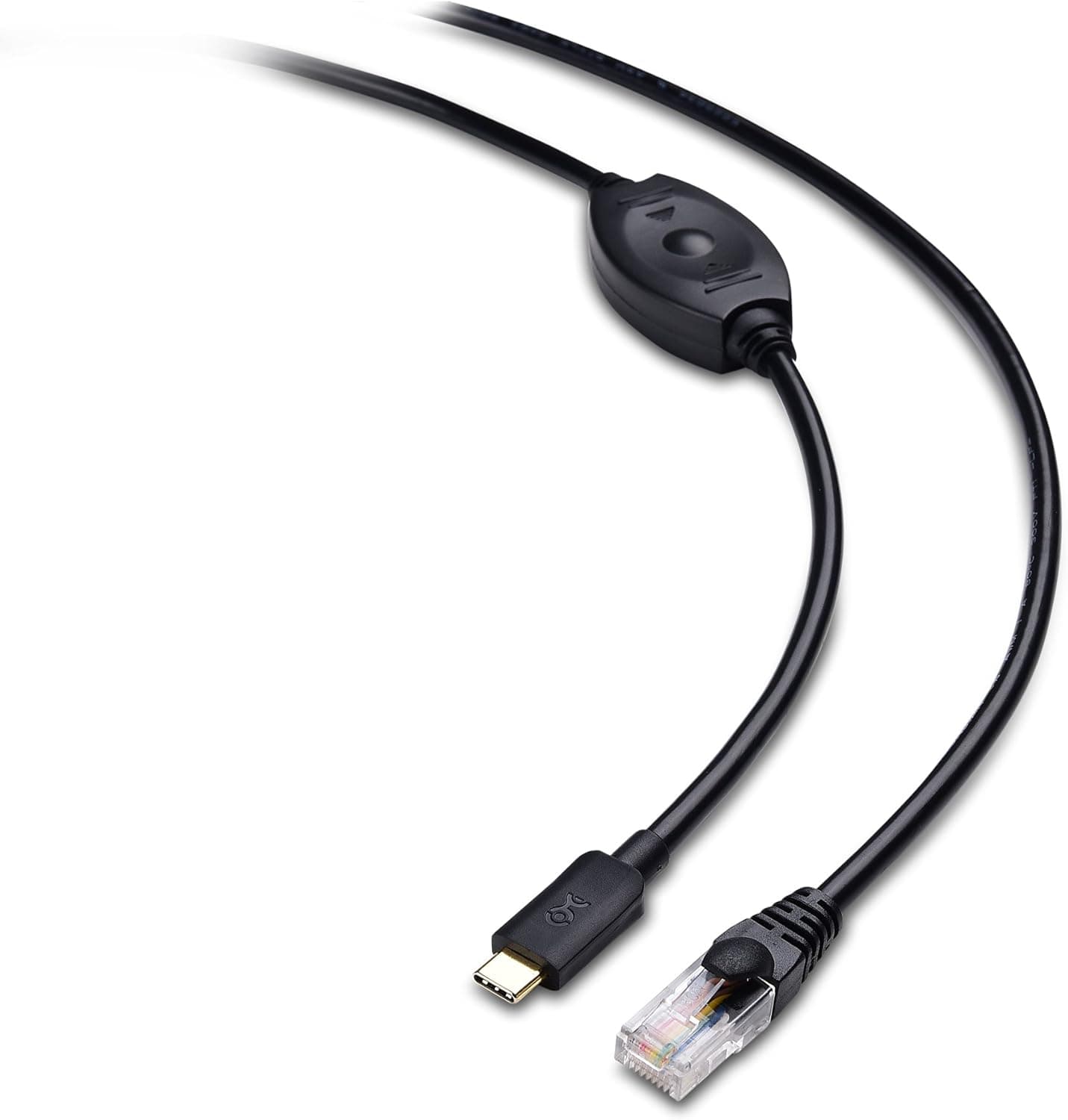
The Cable Matters 201065-6 USB-C to RJ45 Console Cable for Cisco is a purpose-built tool for reaching a switch or router's console port from a modern USB-C laptop. This article covers what it does, what it cannot do, and the specific places people get stuck.
Overview
The short version: this is a tool for people who configure or recover network gear from a USB-C laptop. The RJ45 end uses the Cisco-standard rollover (rolled) pinout, and the cable carries an FTDI serial converter chip inside.
Length is 1.8 m (6 feet); the model number is 201065-6.
The FTDI chip matters more than the spec sheet suggests. Cheap clone chipsets tend to break after an OS update, or enumerate but garble characters.
FTDI has had in-box driver support on Windows, macOS, and Linux for years, which means you are far less likely to be hunting for a driver after you have already arrived on site.
Feedback is consistent, too. Amazon.co.jp data shows a 4.7 out of 5 rating across 100 reviews as of June 2026, or 94% favorable.
That is not a huge review count, but for a narrow category like console cables it signals that most buyers did exactly what they set out to do.
Connectivity & Compatibility
On the host side, you need a USB-C port. Thunderbolt 3/4 ports work fine, since they carry plain USB as well.
On an older USB-A-only machine you will need a USB-C male to USB-A male adapter or a USB-C hub. Performance is unaffected, but you are carrying one more item and adding one more failure point.
On the device side, this works with gear that has an RJ45 console port: Cisco Catalyst switches, ISR routers, ASA firewalls, and third-party devices using the same rollover wiring. It will not physically fit devices whose console port is USB Mini-B, Micro-B, or USB-C — an increasingly common design.
Check the back of your device before ordering.
A 30-second pre-purchase checklist:
| Check | Requirement | If it doesn't match |
|---|---|---|
| Host port | USB-C (Thunderbolt OK) | Add a USB-C to USB-A adapter |
| Device port | RJ45 console port | Get a USB console cable instead |
| Pinout | Cisco rollover | Straight-through devices need another cable |
| OS | Windows / macOS / Linux | VMs need USB passthrough configured |
| Reach | Within 1.8 m | Consider a longer cable |
Setup is simple. Plug USB-C into the computer, RJ45 into the console port, then open the port in PuTTY, Tera Term, or screen.
Most devices default to 9600 baud, 8 data bits, no parity, 1 stop bit, no flow control (9600 8N1). Windows shows the adapter under Ports (COM & LPT); macOS and Linux expose it as something like /dev/tty.usbserial-* or /dev/ttyUSB0.
A blank screen is normal — press Enter a few times before you start unplugging things.
If you are working from a Linux VM, pass the USB device through to the guest first. Plenty of "it doesn't work" reports come down to the host OS holding the device.
Product Info
Key specs: USB Type-C male to RJ45 male, 1.8 m (6 ft), FTDI serial converter chip, Cisco rollover pinout, Windows/macOS/Linux support, model 201065-6.
The box contains the cable only — no adapters or converters.
On Amazon.co.jp the price was ¥3,535 as captured on 18 June 2026, and ¥3,661 as captured on 26 August 2026.
That is a normal drift of a bit over ¥100 in two months. Both figures are point-in-time snapshots; sales and exchange rates move them, so check the product page for the current price.
Warranty follows Cable Matters' standard product warranty policy.
A third-party marketplace listing recorded $129.97, which is an order of magnitude off for a single 1.8 m console cable.
That figure almost certainly belongs to a different item — a multi-pack or a piece of equipment — so this article does not treat it as a reference price.
Positioning is mid-range. Unbranded clone-chip cables cost less; vendor-branded console cables cost more.
What you buy here is FTDI reliability at roughly ¥3,500. If you console in twice a year, a cheap cable is fine.
If this is your job, the difference pays for itself the first time a driver doesn't fail you.
How It Compares
You have three realistic options: a direct USB-C console cable like this one, a USB-A console cable, or a USB-to-RS-232 adapter paired with a vendor rollover cable.
The RS-232 route is the most flexible — it also handles DB9 serial equipment — but it means two cables in your bag. This cable is one item that does one job.
If you want to pull something out of a bag and plug in while standing at a rack, the direct cable wins. If you sit at a desk and need to talk to every serial device in the building, the RS-232 adapter path is better.
USB-A versus USB-C is purely about your current laptop. USB-A ports keep disappearing from new machines, so buying the USB-C version and adapting down is usually the choice you replace less often.
Best Use Cases
Network engineers and IT administrators — ideal if you routinely do initial configuration, password recovery, or IOS restoration, all of which happen when the network itself is unavailable. The FTDI chip removes one variable from work done under time pressure.
Data center and field technicians — 1.8 m is a good fit for standing at a rack and reaching a console port a few units away.
For deep racks or ceiling-height gear, look at a longer cable.
CCNA students and home lab builders — the first wall most people hit with a used Catalyst is simply getting console access. A reliable chipset at this price is cheap insurance, and a 4.7 rating across 100 reviews suggests a low chance of drawing a dud unit.
Things to Consider
This is not an Ethernet adapter. It is the most common mistaken purchase, because the connectors look identical to a USB-C-to-Ethernet dongle.
This cable carries a serial console only; it will not give you network or internet connectivity. If that is what you want, buy a USB-C Ethernet adapter instead.
The pinout is fixed to Cisco rollover. That covers Cisco gear and most compatible third-party devices, but some equipment expects a straight-through console pinout.
Look for "rollover", "rolled", or "Cisco pinout" in your device's manual first. Getting this wrong produces the confusing symptom of a cable that fits perfectly and does nothing.
Watch the COM port after hot-plugging. Unplugging while the device is powered is generally safe, but the port number can change and your terminal session can be left hanging.
If output stops, reopen the port before you touch the hardware.
It is not a replacement for remote management. This is local access.
It does not replace SSH or Telnet for day-to-day work — it is the way in when nothing else works. That is precisely why it is worth owning one.
Verify the listing yourself. Product pages sometimes carry manufacturer, model, or price data that does not match the item — as with the out-of-range marketplace price noted above.
Before buying, check the price magnitude, confirm the product images show a USB-C and an RJ45 connector, and confirm the model number 201065-6 in the title.
FAQ
Q. Do I need to install drivers? A.
Usually not. The FTDI chip is recognized by recent Windows, macOS, and Linux builds.
Install FTDI's official driver only if it isn't detected.
Q. What baud rate should I use? A.
Cisco devices default to 9600 8N1 with no flow control. Match whatever your device is configured for.
Q. Can I use it on a USB-A-only computer? A.
Yes, through a USB-C male to USB-A male adapter. There is no loss of function, but the adapter is sold separately.
Q. Does it work with non-Cisco equipment? A.
Yes, if the device has an RJ45 console port wired to the Cisco-compatible rollover standard. Devices requiring straight-through wiring are not supported.
Q. What if 1.8 m isn't long enough? A.
Extend on the USB side. Extending the RJ45 side with a standard LAN cable changes the wiring and can break the connection.
Q. How much does it cost?
A. ¥3,661 on Amazon.co.jp as captured on 26 August 2026. Prices change, so check the listing before you buy.
Product Disclosure (Amazon)
- Manufacturer: Cable Matters
- Seller: Amazon US
- Fulfilled by: Amazon US
- ASIN: B078PT5N24
- Note: This article covers a manufacturer-made product based on Amazon listing details.