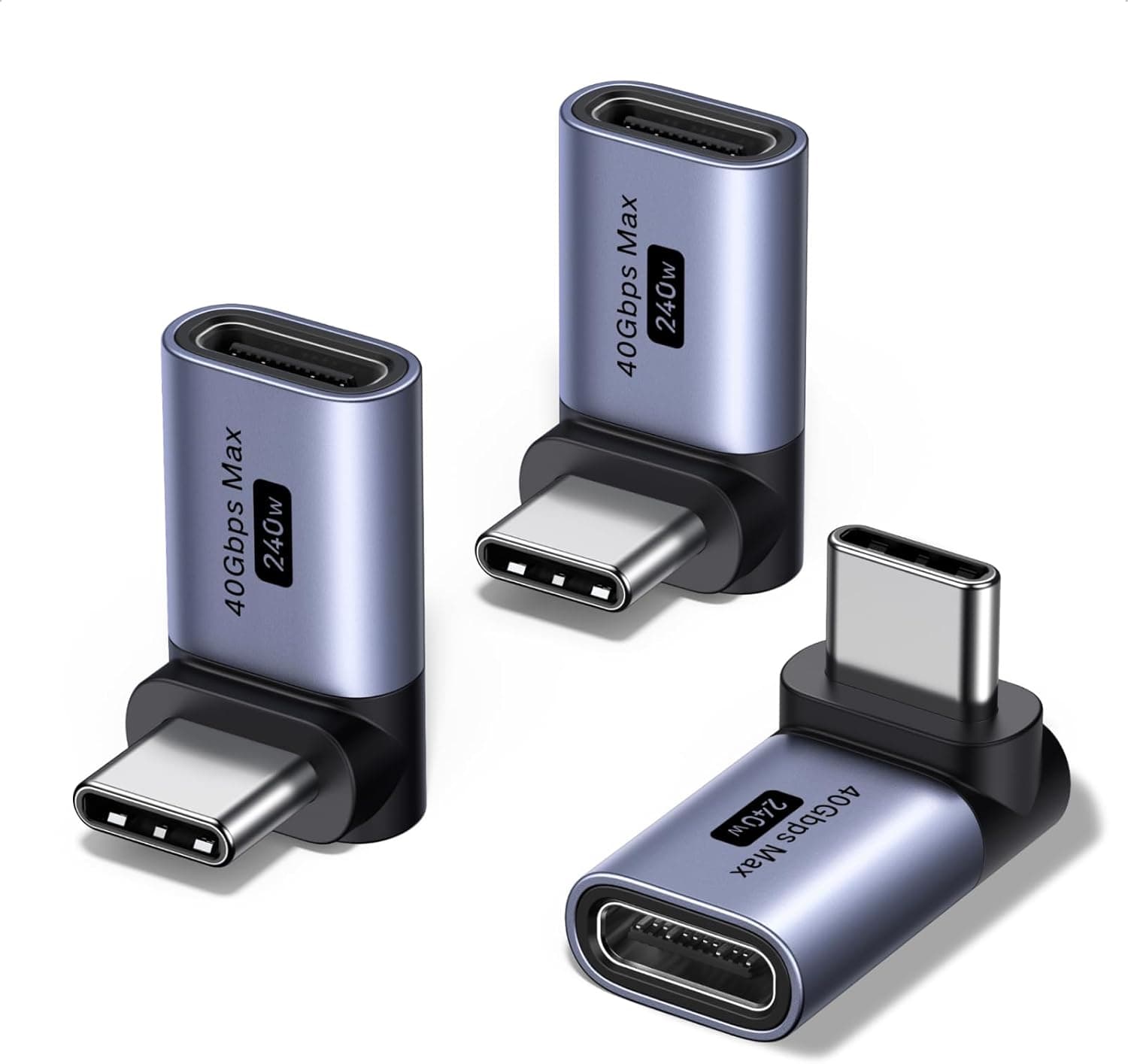
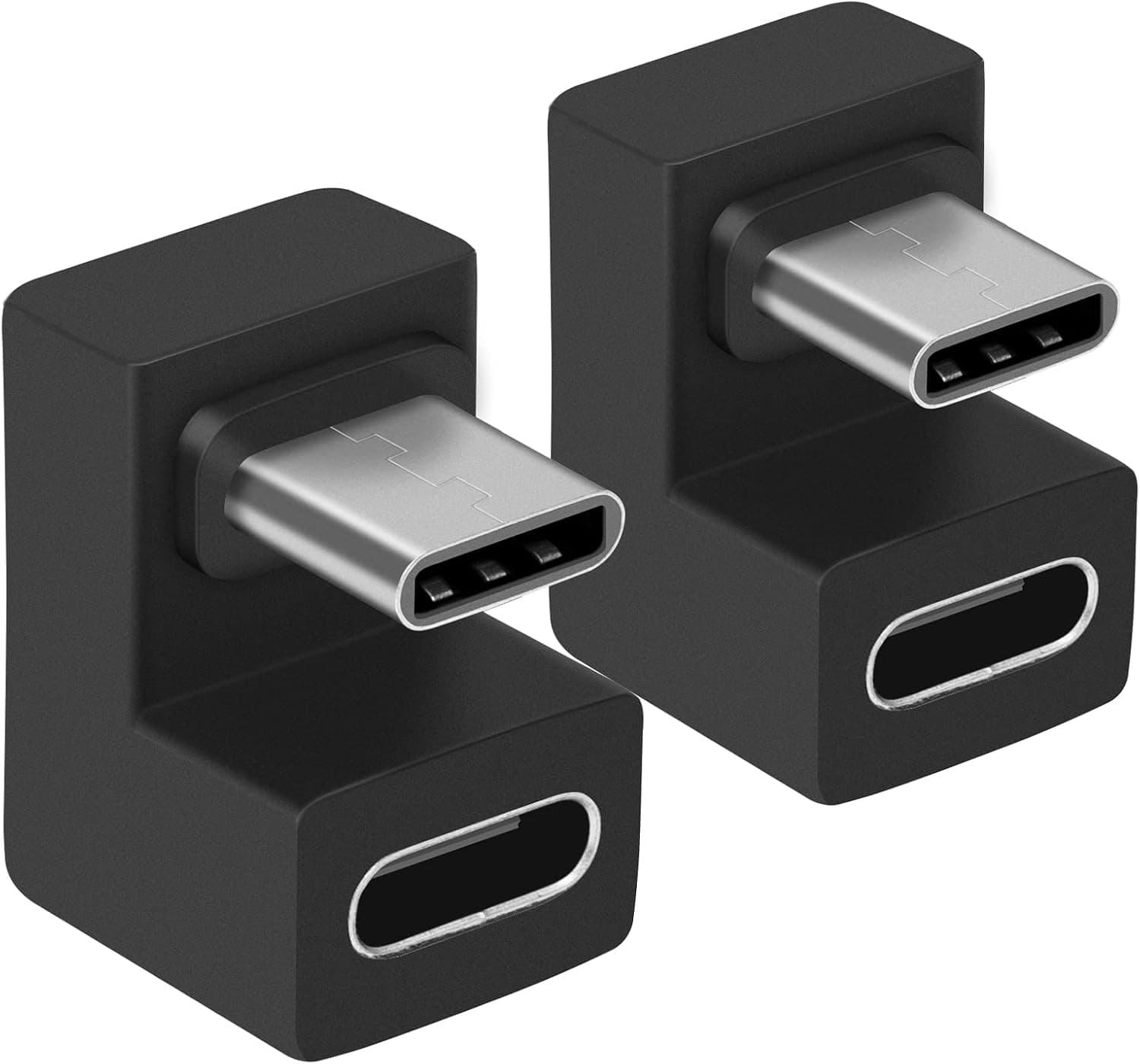
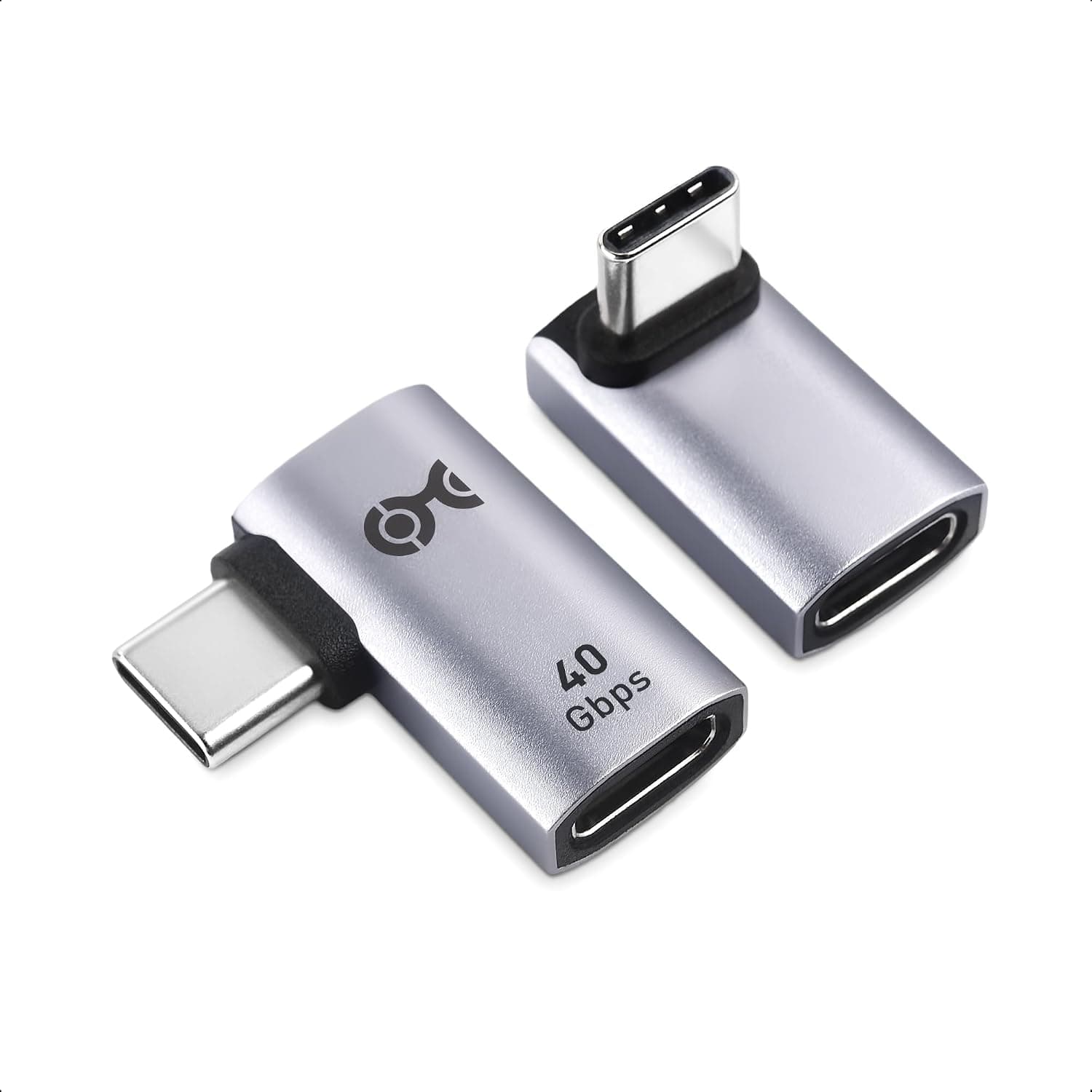
This article covers KIHENG USB C. The KIHENG USB-C AR Glasses Adapter is a compact accessory that lets you use AR glasses while simultaneously charging your device.
It supports a wide range of devices including the Steam Deck, Nintendo Switch, ROG Ally, and popular AR glasses such as Rokid, Xreal, and Viture series. Its standout feature is the 2-in-1 design combining video output and pass-through charging up to 65W/100W over a single USB-C cable, ensuring you never run out of battery during long AR sessions.
Weighing only 31 grams with an aluminum alloy shell, this adapter is highly portable and fits easily into a pocket. It uses a custom chip that delivers stable video output at 4K 60Hz or 1080P 120Hz.
However, smartphone users must ensure their USB-C port supports DisplayPort Alt Mode for proper video transmission. Connection is straightforward: plug the USB-C male end into your device, connect your AR glasses to one USB-C female port, and a power cable to the other USB-C female port.
Supported devices include: Handheld consoles/PCs: Steam Deck, Steam Deck OLED, ROG Ally, ROG Ally X, Nintendo Switch, Switch OLED (not Nintendo Switch 2). AR glasses: XREAL Air series (Air, Air 2, Air 2 Pro, Air 2 Ultra, One, One Pro), VITURE Pro/ONE/Luma Pro, RAYNEO Air 2s/3s/O Air 4, Rokid Max.
Smartphones: iPhone 15-17 series, Samsung Galaxy S20/S23/S24 series, Google Pixel 7/8 Pro, Xiaomi 13/14 Ultra, Huawei Mate/P series, as long as the USB-C port supports DP Alt Mode. Not compatible: Nintendo Switch 2, PS4/PS5, Xbox Series X|S, Meta Quest, PICO, or HTC Vive VR headsets.
- Special note: When using the adapter with Xreal AR glasses and iPhone 15-17, some screen flickering has been reported. For those users, KIHENG recommends their alternative hubs (ASIN B0G59TSXFP or B0GD1WS14Q) for better compatibility.
Check the retailer's page for the latest price. It comes with a brief manual and is covered by 's standard return policy.
Positioned as an entry-level to mid-range accessory for AR glasses users, it offers a solid balance of price and functionality. However, compatibility caveats (especially with Xreal glasses on iPhone) keep it from being a universal recommendation for all users.
Steam Deck gamers: Ideal for playing AR-enabled games on the go while charging the Deck simultaneously. The lightweight design makes it easy to pack for travel.
Not suitable for Switch 2 owners. iPhone 15-17 users with non-Xreal AR glasses: Great for mobile presentations or watching media through AR glasses.
Skip this if you own Xreal glasses paired with an iPhone. * ROG Ally / Switch OLED users: Charge your handheld while enjoying an AR experience.
Compact enough for daily carry. Again, not compatible with Switch 2.