Overview
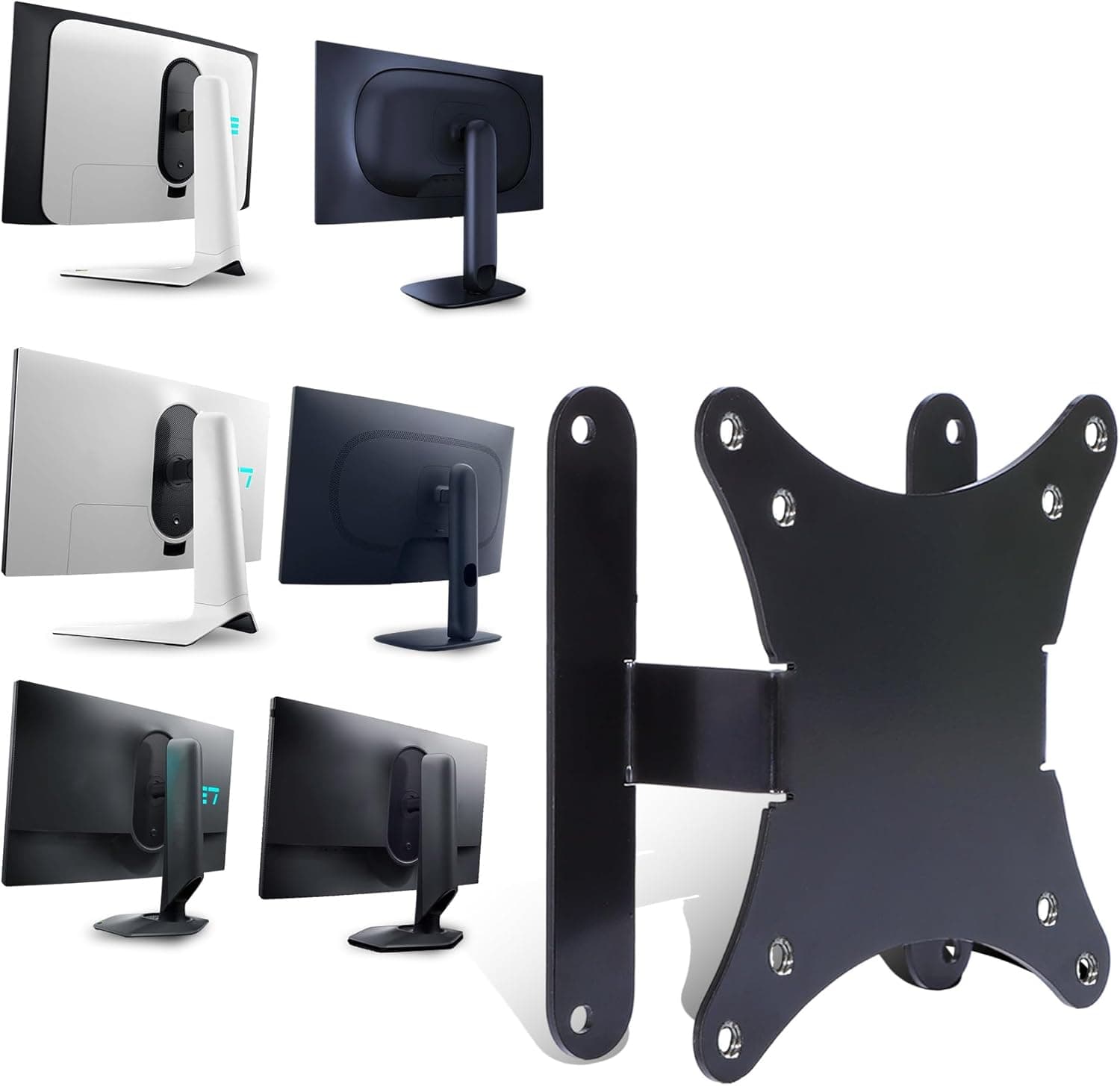
The DIGITUS DA-90303-1 is a tilting wall mount for flat panel monitors up to 32 inches and 18 kg. On Amazon Japan it is listed as 'DIGITUS(ディジタス)サポート écran 壁画最大32インチ (18kg)'.
It supports VESA 75x75mm and 100x100mm patterns, and at only 18mm from the wall it keeps the monitor close to the wall surface.
In short, it is a cheap and sensible choice if you want the monitor stand off your desk and plan to leave the screen in one position. It is a poor fit if you want to adjust height or swivel later, or if you cannot drill into your walls.
This article focuses on the things that most often go wrong: VESA fit, wall material, rear-port clearance, and cable routing.
How It Compares to Arms and Stands
There are three main ways to position a monitor. This mount offers the least adjustment, but it frees up the most desk space.
| Type | Adjustment range | Desk footprint | Installation effort |
|---|---|---|---|
| This mount (wall, tilt only) | Vertical tilt only | None | Drilling and finding solid backing |
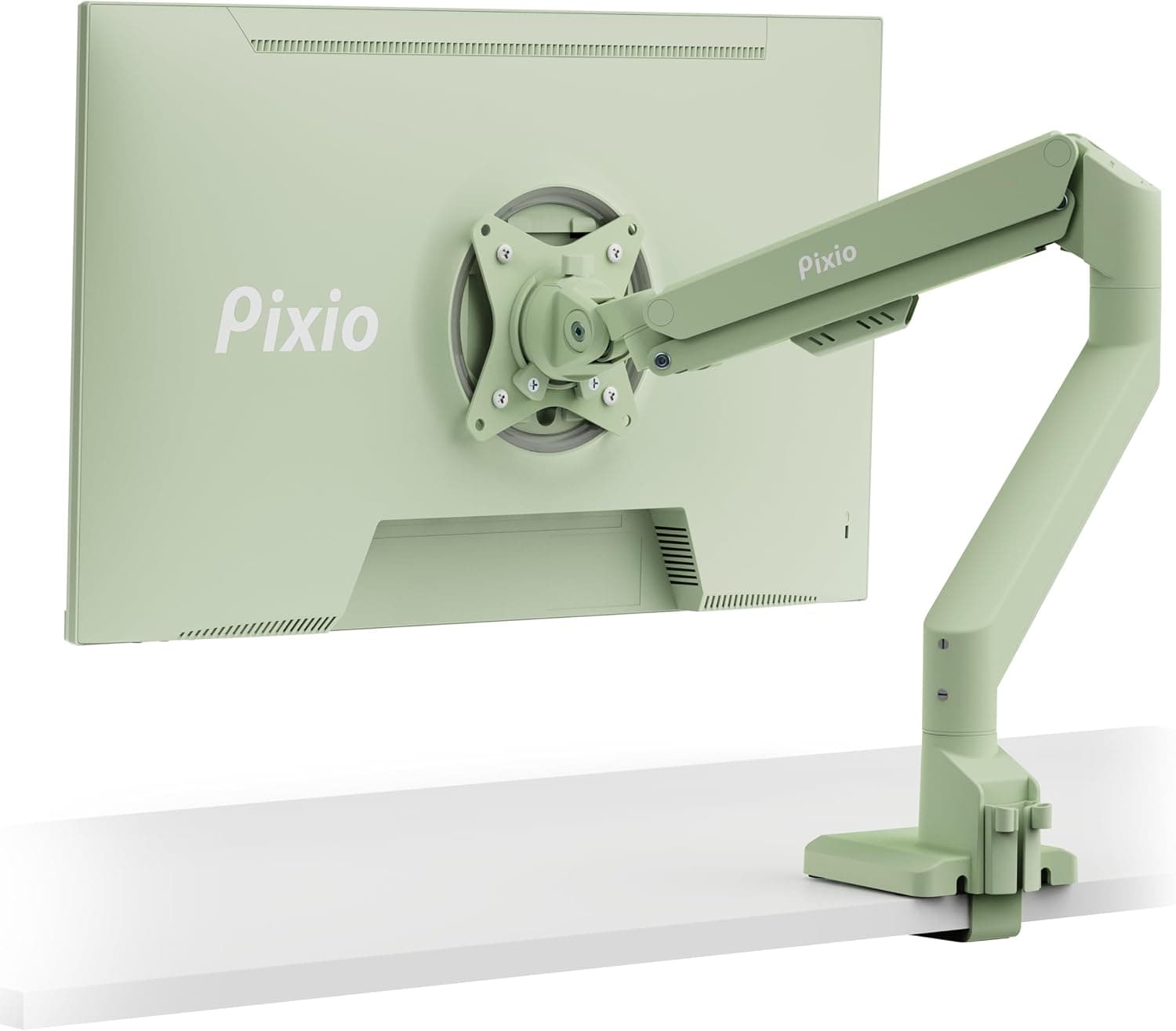
| Clamp-on monitor arm | Height, depth, swivel, rotation | Clamp only | Desk thickness and strength must be checked |
| Bundled monitor stand | Varies by model | Stand base | Almost none |
The table makes a wall mount look limited, but its advantages are clear if you accept a fixed position. It passes less desk vibration to the screen, it lets you sit farther from the screen on a shallow desk, and it works where a clamp cannot, such as on glass desks or desks with a front panel.
If you move your screen often for posture or task changes, an arm is the better choice.
Compatibility Guide
VESA: 75x75mm and 100x100mm only
Only VESA 75x75mm and 100x100mm are supported. Some monitors and TVs around 32 inches use 200x100mm or 200x200mm patterns, and those will not fit.
Check the hole spacing in your monitor's manual or spec sheet. Some slim monitors have no VESA holes at all; without a maker-specific adapter, they cannot be wall mounted.
Weight: use the panel weight without the stand
The load limit is 18 kg. Judge against the monitor weight with the stand removed, not the boxed or stand-included weight.
Most monitors of 32 inches or smaller fit comfortably, but avoid models near the limit, since cables and the force of tilting add load.
Recessed or curved backs and screw length
If the VESA holes sit inside a recess or the back of the monitor is curved, the bracket may not sit flat. The included hardware fits most monitors, but some models need extra spacers.
Most VESA screws are M4, but a screw that is too long can damage the monitor internally, so check the length before tightening fully.
18mm from the wall: check your rear ports
The slim gap looks good but can cause trouble. If the power, HDMI, or DisplayPort connectors point straight backward, the plugs will hit the wall and the cables will be forced to bend.
Monitors with downward-facing ports are much less likely to have this problem, so check a photo of the rear panel. If the ports face backward, plan on right-angle cables or adapters.
Wall material: drywall is common
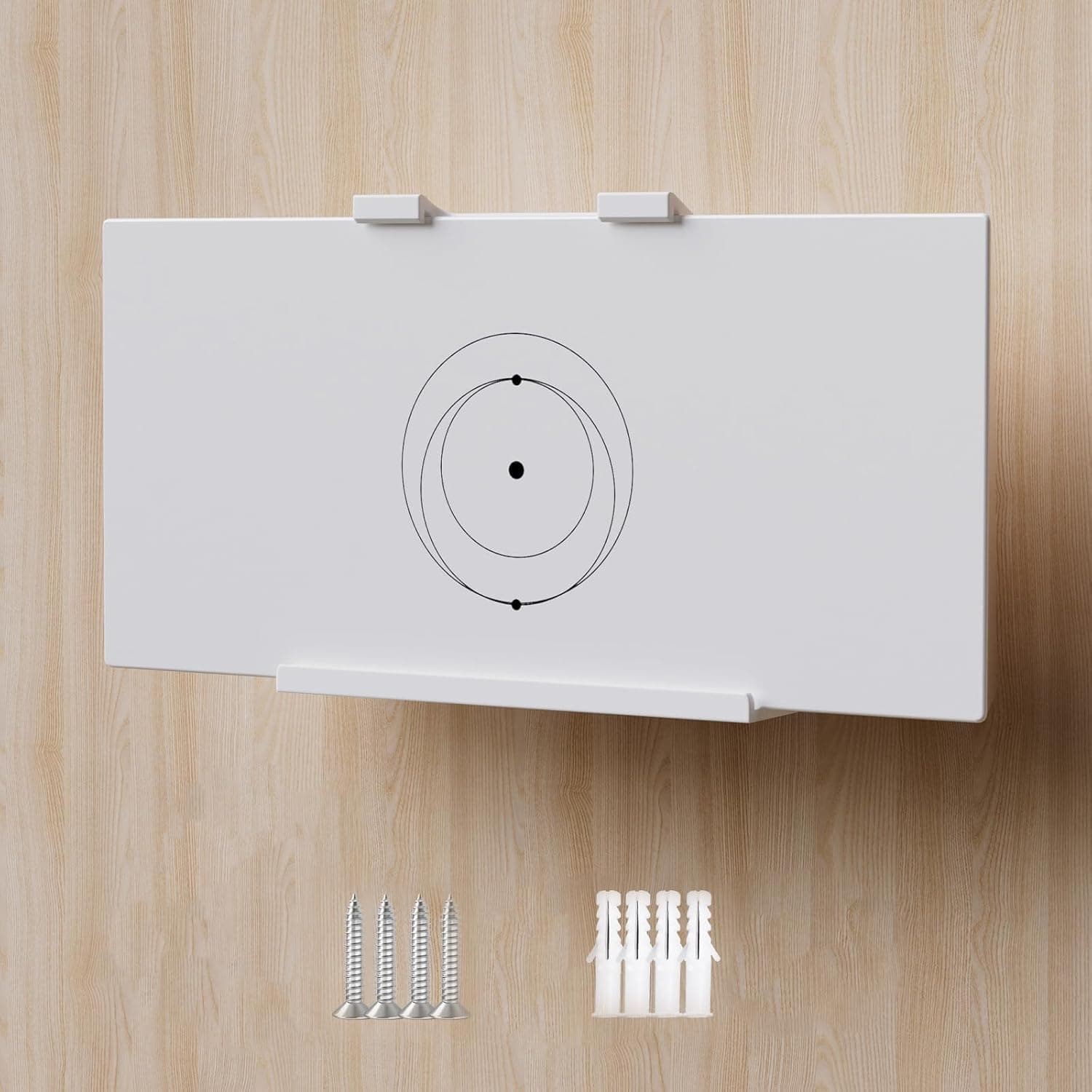
Many Japanese homes use gypsum board (drywall) for interior walls. A plain screw driven into drywall is not enough to hold a monitor safely over time.
Use a stud finder to fix the mount to a stud, or use drywall anchors with a generous load rating. Concrete walls need proper plugs and a masonry drill.
The included hardware may not suit your wall, so plan to buy anchors that match your wall type.
Mounting height
The VESA holes are not always at the center of the monitor's back. A common guide is to place the center of the screen slightly below eye level.
Because the bracket position and the screen position differ, measure from the VESA holes to the top and bottom edges of the screen first. This avoids drilling twice.
Product Info
The DIGITUS DA-90303-1 comes from DIGITUS, a brand of Germany's Assmann Electronic. Key specifications:
| Item | Value |
|---|---|
| Max monitor size | 32 inches |
| Max load | 18 kg |
| VESA | 75x75mm / 100x100mm |
| Tilt | Yes |
| Distance from wall | 18mm |
| Color | Silver |
When checked on September 28, 2026, the price on Amazon.co.jp was ¥3,792.
Prices change with sales and stock, so check the product page for the current price. At the same point, the Amazon rating was 4.7 out of 5 stars from 3,242 ratings.
The rating is strong, but satisfaction with a wall mount depends heavily on whether it suits your wall and monitor, so the compatibility checks above matter more than the score.
The package includes the mount, mounting screws, and a short manual. The standard manufacturer warranty is described as two years, but terms can vary by retailer, so confirm them on the listing.
Installation Steps
Follow the included manual for details. This is simply an order of work that helps avoid mistakes.
- Confirm your monitor's VESA pattern (75x75mm or 100x100mm) and its weight without the stand 2.
Check which way the rear ports face and buy right-angle cables if needed 3. Decide the eye-level height and where the power and video cables will run 4.
Find a stud with a stud finder, or prepare anchors suited to your wall 5. Fix the wall-side bracket, checking it with a spirit level 6.
Attach the bracket to the monitor, secure it to the wall part, and set the tilt 7. Tidy the hanging cables with a cable cover or raceway
Step 3 is the one people skip, and it is why cables end up too short or the outlet too far away. A wall mount is hard to move once installed, so settle the position, including the cable route, before drilling.
Best Use Cases
1. Freeing up desk space: Moving the monitor to the wall clears the entire stand footprint.
This suits shallow desks and small home offices, but it does require drilling.
2. Several same-size monitors on a wall: Multiple mounts let you line up VESA-compatible monitors on the wall.
Since this is not an arm, you cannot fine-tune positions after installation, so it suits people who can measure hole positions accurately.
3. Budget, no-frills setups: It has no gas-spring features, but it does tilt, and it cost ¥3,792 when checked in September 2026.
It suits anyone happy with a fixed position.
4. Secondary or display-only screens: It works especially well for screens that never move, such as monitoring displays or secondary information screens.
Before You Buy
Tilt is the only adjustment. The specs list tilt only, with no swivel, height adjustment, or portrait rotation.
You cannot fix the position after mounting, so decide the height and placement before drilling.
Renters should think about restoring the wall. Holding up to 18 kg requires solid screws or anchors.
You may be charged for repairing the holes when you move out, so check your lease, or consider a desk arm instead.
Cables will hang down the wall. Power and video cables running down from the monitor become very visible.
If you want a clean look, budget for a cable cover as well.
Treat 18mm as the flat, untilted figure. When you tilt the screen, its top or bottom edge moves away from the wall.
Also avoid loading the mount right up to 18 kg; a monitor with some margin is safer.
Watch the listing name. The listing title 'サポート écran 壁画' appears to be a machine translation of the French 'support écran' (monitor mount), and '壁画' (mural) is probably a mistranslation of 'wall-mounted'.
The name alone makes the product hard to identify and easy to confuse with similar items. Before buying, compare the images and specs (VESA 75x75mm / 100x100mm, max 18 kg, tilt) and match the model number (DA-90303-1) on the page.
FAQ
Q. Does it work with monitors smaller than 32 inches? A.
Yes, as long as the monitor uses VESA 75x75mm or 100x100mm and weighs 18 kg or less without its stand. Many 24- and 27-inch monitors qualify, but check your specs.
Q. Can it swivel left and right?
A. No. It only tilts up and down. For swivel, choose a wall arm with swivel or a clamp-on arm.
Q. Can I mount it on drywall? A.
Yes, but screws driven directly into drywall are not enough. Fix it to a stud or use drywall anchors with plenty of load capacity.
Q. Can I use it with a 32-inch TV? A.
Yes, if the TV uses VESA 100x100mm or smaller and weighs 18 kg or less. Some 32-inch TVs use wider patterns such as 200x100mm, so check the TV's specs.
Q. Does it work with curved monitors? A.
It can if the VESA pattern and weight match, but a strongly curved back may stop the bracket from sitting flat. Be prepared to need spacers.
Product Disclosure (Amazon)
- Manufacturer: Assmann Electronic
- Brand: DIGITUS
- Seller: M_plus_L
- Fulfilled by: M_plus_L
- ASIN: B01HOCMF8Q
- Note: This article covers a manufacturer-made product based on Amazon listing details.