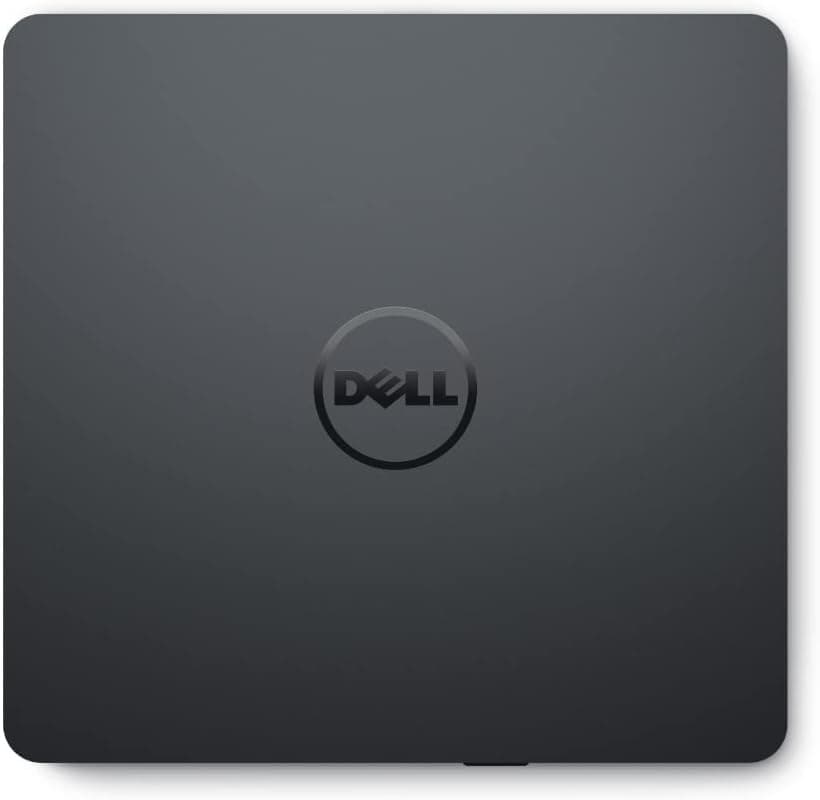
This article covers DellスリムDW316ドライブ (the Dell DW316 Slim External Drive).
Overview
The Dell DW316 slim external drive is a USB 2.0 DVD±RW unit that adds CD/DVD reading and writing to laptops and slim desktops that no longer ship with an optical bay.
To be blunt about what it is: this is not a performance product. It is the minimum viable tool for reading the discs you still own and burning the occasional one.
It is bus-powered, needs no AC adapter, and has a permanently attached cable — a deliberately stripped-down design that suits a device you pull out of a drawer a few times a year.
Write speeds are up to 8x for DVD±R and 24x for CD-R, with matching 8x DVD and 24x CD read speeds over USB 2.0.
Those numbers are the de facto standard for this class, so they are not where the DW316 wins or loses. What actually matters is whether it is recognized without extra drivers, whether it is slim enough to travel, and whether the price feels fair — and on all three it lands above average.
On Amazon.co.jp it holds 4.8 out of 5 stars across 3,415 reviews (captured 2026-09-09), which works out to roughly 96% positive.
Budget optical drives accumulate one-star "dead on arrival" reviews quickly, so holding that rating at 3,000-plus reviews is a genuinely good sign. The listed price was ¥4,180 as captured on 2026-09-10.
Optical drive prices move with stock and sales, so always confirm the current figure on the product page.
What 8x and 24x Mean in Real Minutes
Speed multipliers are meaningless until you convert them. One DVD "x" is roughly 1.35 MB/s; one CD "x" is roughly 150 KB/s.
So the DW316's 8x DVD is about 11 MB/s and its 24x CD is about 3.6 MB/s.
| Task | Theoretical | Realistic |
|---|---|---|
| Burn a 4.7 GB DVD-R | ~7 min | 8–12 min |
| Burn a 700 MB CD-R | ~3 min | 4–6 min |
| Read a full DVD-R | ~7 min | 8–12 min |
| Rip an audio CD | ~3 min | 4–7 min |
Real times run longer because of spin-up, finalization, and automatic speed reduction on lower-grade media — none of which indicates a faulty drive. The key takeaway: USB 2.0 is not the bottleneck here. Real-world USB 2.0 throughput is around 30 MB/s, comfortably above the 11 MB/s an 8x DVD burn needs.
Moving to a USB 3.0 external drive would not shorten your burns.
That extra bandwidth only matters for Blu-ray.
Compatibility Guide
The drive connects to a USB Type-A port and draws power from the bus, so no external supply is required — and that is precisely where most failures come from. Spinning a disc during a write draws current in bursts.
Plugging into an unpowered USB hub, a long extension cable, or a weak front-panel port often produces a drive that is detected but fails mid-burn. If writes fail, move it to a rear port on a desktop or straight into the laptop before blaming the hardware.
Supported media covers CD-R, CD-RW, DVD±R, DVD±RW, and DVD-ROM. Blu-ray is not supported and cannot be added later by firmware. If BD or Ultra HD Blu-ray is anywhere in your plans, buy a BD drive instead.
On USB-C-only notebooks you need a USB-A to USB-C adapter or a hub; choosing a hub with its own power input makes writes noticeably more reliable. Windows recognizes the drive plug-and-play in normal cases.
macOS typically mounts it for reading, while burning depends on OS version and software, so test reading first. Most Linux distributions read CDs and DVDs fine, though details vary by distro.
In every case, assume no burning software is included — Windows can create data discs on its own, but DVD-Video authoring and audio CD creation need separate software.
How It Compares
External DVD drives from every brand share the same 8x DVD / 24x CD / USB 2.0 spec, so speed is not a meaningful differentiator.
LG's portable slim DVD-RW models (GP60NS60, GP60NB60) will burn a disc in effectively the same time. What differs is cable design, build quality, noise, and brand confidence.
The DW316's fixed cable cuts both ways: you can never lose it or forget it, but you cannot lengthen it and a broken cable ends the drive's life. If you need to reach a desktop's rear ports, a model with a detachable cable is easier to live with.
If you have a free 5.25-inch bay, an internal SATA drive like the ASUS DRW-24D3ST is faster on CD writes and often costs the same or less.
For a permanently desk-bound machine, internal is the rational pick — the DW316's value is portability and working on machines with no bay at all. If Blu-ray matters, an external BD unit such as Pioneer's BDR-XD08MB-S is a different category at a higher price.
If you are confident you will never touch BD, there is no reason to pay that premium.
Product Info
Core specs: USB 2.0 interface, 8x DVD±R write, 24x CD-R write, 8x DVD read, 24x CD read, USB bus power.
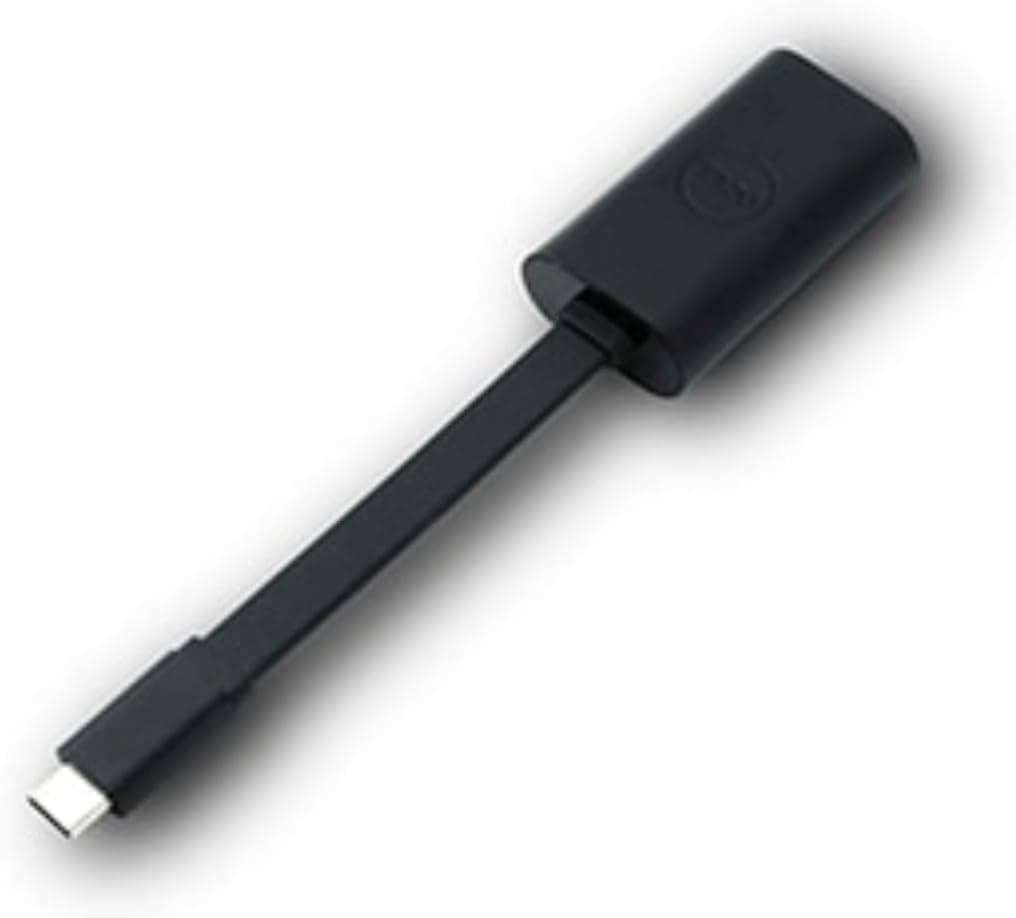
The form factor is a slim external drive that takes almost no desk space and travels in a laptop bag without complaint.
The price captured on 2026-09-10 was ¥4,180 at Amazon.co.jp — typical for the entry tier.
Optical drive pricing fluctuates with stock, so verify the current price on the listing before ordering. Used units also circulate on marketplaces like eBay, but laser pickup wear is impossible to judge from a photo; while new units cost a few thousand yen, buy new.
The DW316 has long been sold as an accessory for Dell notebook lines and remains available standalone. Bundled accessories, software, and warranty terms vary by seller, so read the listing details.
Product Disclosure (Amazon)
- Manufacturer: Dell
- Seller: Smile-Seed
- Fulfilled by: Amazon
- ASIN: B01M7WQG0M
- Note: This article covers a manufacturer-made product based on Amazon listing details.
Best Use Cases
- Owners of drive-free laptops: Installation discs and driver CDs become readable again. Plug-and-play operation makes it a sensible spare for a family member's PC.
- Anyone digitizing old media: Photo CDs, music CDs, and self-burned DVD-R backups come back off the shelf. Budget 5–10 minutes per disc when planning a batch.
- Occasional burners: A few DVD-Rs a year for work deliverables or family video is exactly the 8x use case. Low frequency is why a few-thousand-yen device is the correct answer.
- IT staff with legacy gear: When lab instruments or licensed software still ship on CD-ROM, one shared unit in the office earns its keep.
It is the wrong choice for high-volume daily burning, Blu-ray work, or archival formats like M-DISC. Those needs call for an internal drive or a higher-tier external BD unit.
Before You Buy
Confirm the Blu-ray limitation. Searching for "external drive" mixes BD-capable and DVD-only models in one results page.
The DW316 stops at DVD. If you own BD movies or BD-R backups, it will not read them — this is the single most common regret with drives in this class.
Assume no burning software. Windows can write data discs natively, but DVD-Video authoring and audio CD creation require separate applications.
Decide up front whether you want a data DVD or a DVD-Video disc; they are not the same thing.
The fixed cable is a trade-off. You cannot extend it, and adding a USB extension cable tends to destabilize power delivery and cause write errors.
If your desktop's ports are out of reach, a detachable-cable model is cheaper in the long run.
Most write failures come from media and power, not the drive. Ultra-cheap no-name DVD-R blanks fail during burns and go unreadable within a few years.
Use reputable media, plug directly into the computer rather than a hub, and drop the write speed one notch if errors persist. If a disc burns but will not read elsewhere, check that it was finalized.
Check the listing against the photos. Amazon product pages occasionally carry manufacturer, model, or compatibility metadata that does not match the physical item, and similarly named DW316 variants exist.
Confirm from the title and images that you are ordering a slim external DVD±RW drive, and note that warranty and returns follow the specific seller you buy from.
Remember that optical drives are consumables. Laser pickups degrade with dust and age, and a drive left unused for years may fail exactly when you need it.
The most realistic approach to optical media is to rip everything important while your drive still works — which is the strongest argument for buying a DW316 at all.
FAQ
Q. Isn't USB 2.0 too slow? A.
No. An 8x DVD burn needs about 11 MB/s, well within USB 2.0's ~30 MB/s real-world throughput.
A USB 3.0 drive would burn DVDs at the same speed.
Bandwidth only matters for Blu-ray.
Q. Can it play Blu-ray discs? A.
No. It handles CD and DVD media only, and support cannot be added later.
Buy a BD drive if you need it.
Q. Does it work with a Mac? A.
Reading generally works; burning depends on macOS version and software, so test reading first. USB-C-only Macs need an adapter or hub.
Q. How do I use it on a USB-C-only laptop? A.
Via a USB-A to USB-C adapter or a USB-C hub. If writes are unreliable, switch to a hub with its own power input.
Q. My DVD burns keep failing. A.
Suspect power first: remove hubs and extension cables and plug directly into the machine. Then change media brand, and try burning one speed step below maximum.
Q. Can I rip CDs or author DVD-Video? A.
The hardware supports it, but you supply the software. Windows' built-in tools only cover data discs.