Overview
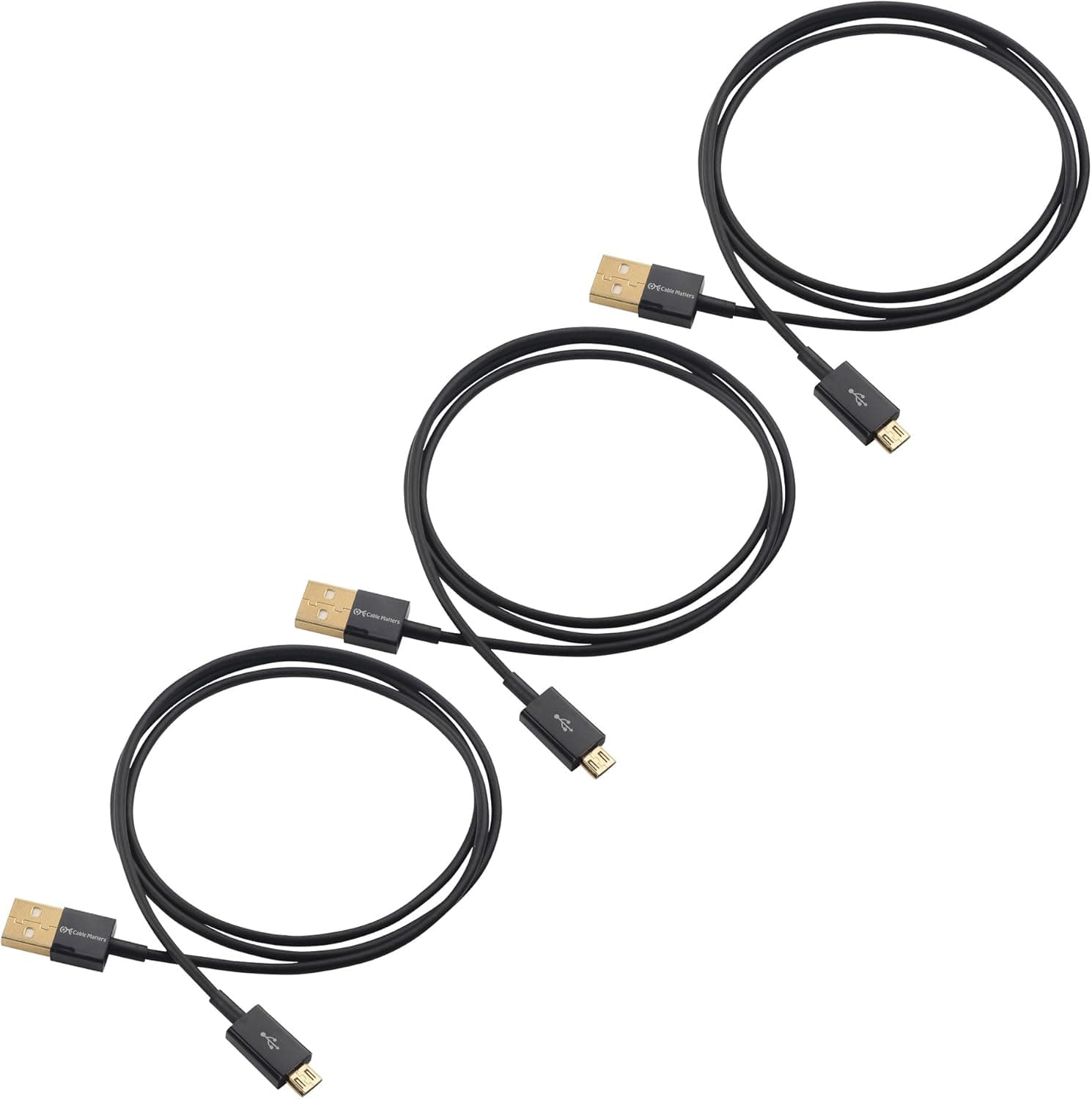
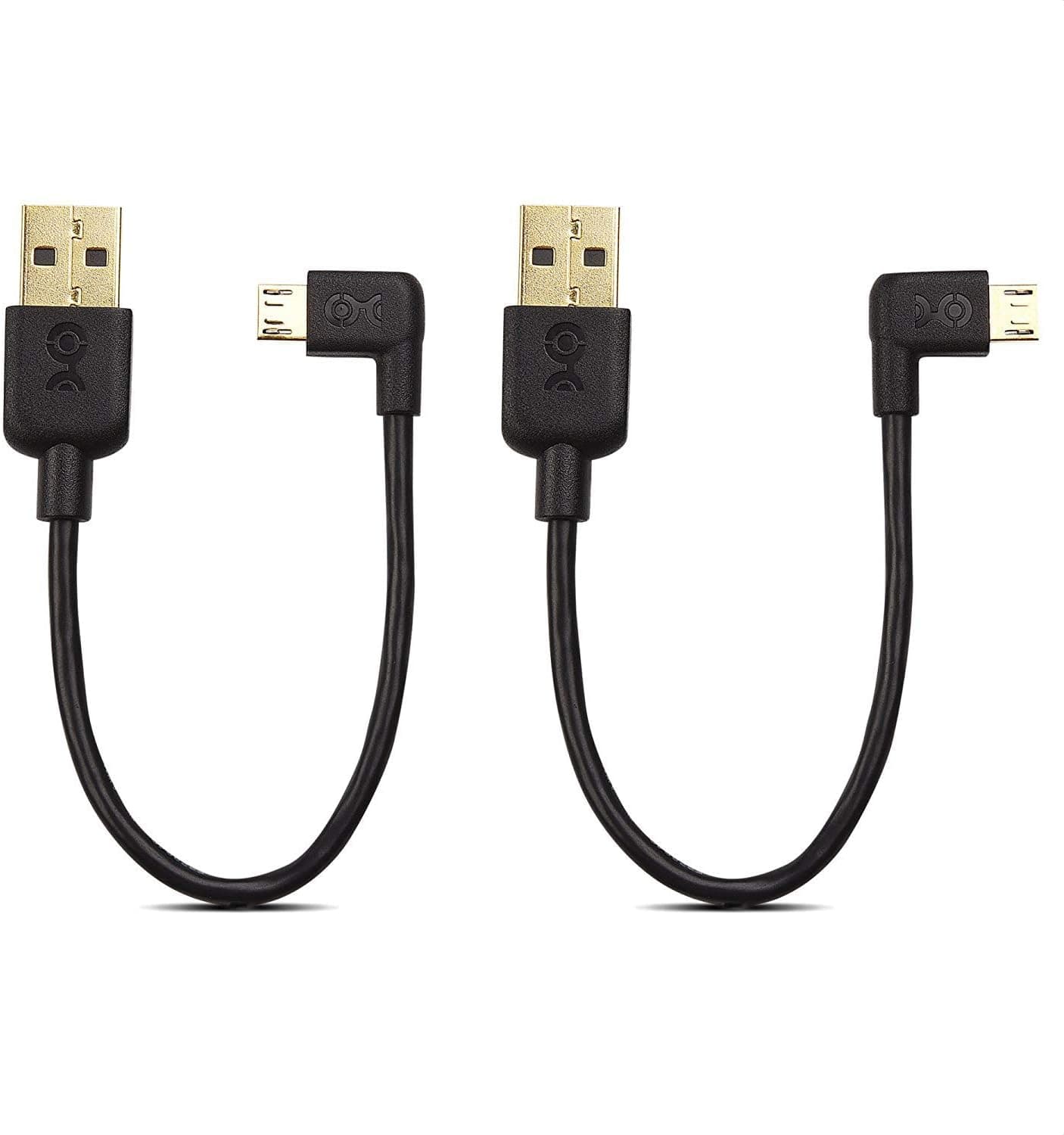
The Cable Matters 200017-BLKx2 is a 1.8 m (6 ft) cable with a USB-A male connector on one end and a Micro USB male connector on the other.
It supports USB 2.0 data transfer at up to 480 Mbps and handles both charging and syncing.
The short version: this is a cable for people who still own Micro USB devices and want a dependable spare — not a way to charge a modern phone faster.
On Amazon.co.jp it carries 974 reviews at 4.6 out of 5 (92% positive, captured 2026-07-18).
A four-figure review count matters here. Unlike no-name cables, obvious defect patterns have largely been surfaced by the market.
That said, 4.6 is not perfect, and low ratings on cables typically cluster around broken strain relief after a few months or a specific device refusing to sync.
Compatibility Guide
The connector layout is USB-A male to Micro USB male. The manufacturer lists compatibility with smartphones, tablets, and TVs that have a Micro USB port.
In practice that covers most of the 2010s device generation: older Android phones, e-readers, Bluetooth speakers, power banks, game controllers, and stick-format media players. Charging current is around 2 A as a guideline.
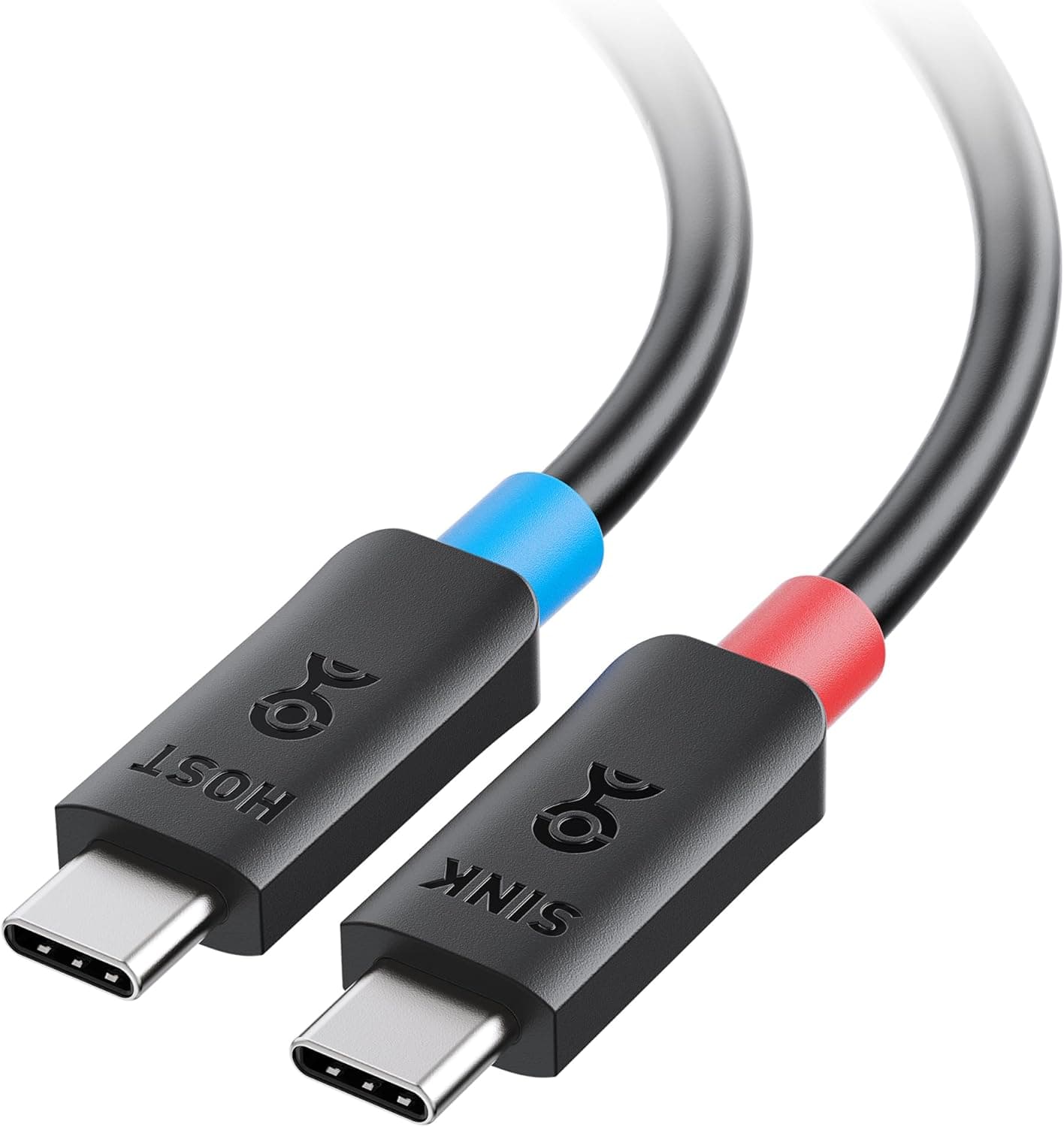
The first thing to verify is the port shape on your device. USB-C is a symmetrical oval; Micro USB is asymmetric, with one side tapered like a trapezoid.
It will not connect to a USB-C device without an adapter. On the computer side, any USB-A port works regardless of generation — USB 2.0, 3.0, or 3.2 — though speed is capped at USB 2.0 levels.
If your laptop only has USB-C ports, you will need a hub or adapter on the USB-A end.
A second trap is the charge-only cable question. This one does carry data at 480 Mbps, so PC syncing works.
Real-world throughput lands in the tens of megabytes per second, which is fine for photos and documents but poor for moving tens of gigabytes. Most Micro USB devices were never designed for bulk transfer anyway, so this rarely bites in practice.
| Intended setup | Works? | Notes |
|---|---|---|
| USB-A PC or charger + Micro USB device | Yes | The intended pairing |
| USB-C smartphone | No | Needs a separate adapter |
| Fast charging (Quick Charge / USB PD) | Partly | Around 2 A; do not expect fast-charge protocols |
| Micro USB 3.0 (wide port on external HDDs) | No | Different shape, will not fit |
| PC data sync | Yes | USB 2.0 class speed |
Row four deserves attention. The wide "Micro USB 3.0 / Micro-B SuperSpeed" port used on external drives adds an extra block beside the standard Micro USB shape.
Both get called "Micro USB," which is exactly why people order the wrong one.
Product Info
Core specs: USB-A (male) to Micro USB (male), 1.8 m (6 ft) length, 480 Mbps (USB 2.0) transfer.
The package contains the cable only — no pouch, no cable ties. Warranty follows the manufacturer's own terms; a one-year product warranty is typical for this class, but confirm it on the listing at purchase.
Prices, all as captured: Amazon.co.jp showed ¥2,797 as of 2026-08-19, and the same ASIN showed ¥2,888 on 2026-07-17.
A movement of tens of yen over a month suggests a stable listing. An eBay listing showed $4.75 as of 2026-08-16, which converts to noticeably less than the Amazon figure.
That gap is explainable by quantity (the trailing "x2" in the model number may indicate a multi-pack) or by used and parallel-import stock. Both figures will likely have changed by the time you read this, so check the quantity and condition on the listing itself.
On reception, the Amazon.co.jp rating stands at 974 reviews and 4.6/5 (captured 2026-07-18).
Few single cables accumulate that many reviews, which at minimum lowers the odds of a dead-on-arrival unit.
How It Compares
Among Micro USB cables, the real choices are length, connector angle, and whether you also need another standard. 1.8 m suits stationary use: a desk, a bedside table, behind a TV.
For carrying in a bag, a 0.3–0.5 m cable is easier to manage, and a left- or right-angled connector keeps strain off the port when a device sits against a wall or in a case.
If your gear is a mix of Micro USB and USB-C, a convertible cable that serves both cuts down on how many cables you own. Cables get harder to manage as their count grows, so spreading lengths and shapes across use cases beats buying several identical ones.
This cable is best understood as the stationary workhorse of that set.
Best Use Cases
You still use Micro USB devices. Game controllers, e-readers, Bluetooth speakers, power banks, older media sticks — one surviving device is enough to justify this.
1.8 m is comfortable at a desk or bedside.
You want a spare on hand. Cables are consumables.
Having a backup before the original frays beats hunting for one after it fails, and it travels well.
You want one in each room. Living room, bedroom, desk — leaving a cable at each spot removes the constant swapping.
A high-review-count staple is the right pick for this.
It is a poor fit if every device you own is USB-C, if you need Quick Charge or USB PD, or if you move large files regularly. None of those are fixed by changing cables.
Before You Buy
The most common mistake is the wrong port. Micro USB, USB-C, and the Micro USB 3.0 connector on external drives are three different things, and the latter two will not physically fit.
Look at your device before ordering rather than relying on "it's the old Android shape."
Next, the "x2" in the model number. It may indicate a multi-pack, but that cannot be stated with certainty here.
Work out the per-cable price only after confirming the count against the listing's quantity field and the product photo.
Pricing needs the same care. Every figure in this article is a captured snapshot and moves with sales and exchange rates.
The Amazon–eBay gap noted above may reflect different sellers, conditions, or quantities. Comparing the same model number without matching the pack size tells you nothing.
Also calibrate your charging expectations. Micro USB was never specified for high current; roughly 2 A is the practical ceiling.
You will not see the tens of watts a modern phone accepts. That is a limit of the standard, not of this cable, so another brand will not change it.
Finally, listing metadata. Amazon product pages sometimes carry manufacturer, model, or category entries that do not match the actual item.
For this product the listed manufacturer matches the article's subject, but confirm the connector shape, length, and quantity from the product image and title before ordering. Trusting the category label alone is how people end up with the wrong connector.
FAQ
Q. Can I use it with a USB-C phone? A.
Not directly. You would need a Micro USB to USB-C adapter, or a USB-C cable.
An adapter adds another contact point, so for daily use buy the right cable instead.
Q. Does it support fast charging? A.
Around 2 A is the guideline, and Quick Charge or USB PD protocols are not supported. This is a limit of the Micro USB standard; a higher-output charger will not change much.
Q. How fast is data transfer? A.
Up to 480 Mbps on paper (USB 2.0).
Real throughput depends on the device and lands in the tens of megabytes per second — fine for photos and documents, poor for large video libraries.
Q. Is 1.8 m too long? A.
It is sized for stationary use at a desk, bedside, or behind a TV. For carrying around, a 0.3–0.5 m cable or an angled connector is easier to live with.
Q. Will it work in a USB 3.0 port?
A. Yes. Any USB-A port works regardless of generation, but speed stays capped at USB 2.0 levels.
Q. How many cables are in the package? A.
The model number hints at a multi-pack, but confirm the quantity on the listing. Compare per-unit prices only after matching pack sizes.
Product Disclosure (Amazon)
- Manufacturer: Cable Matters
- Seller: Amazon US
- Fulfilled by: Amazon US
- ASIN: B00S8GU03A
- Note: This article covers a manufacturer-made product based on Amazon listing details.