Overview
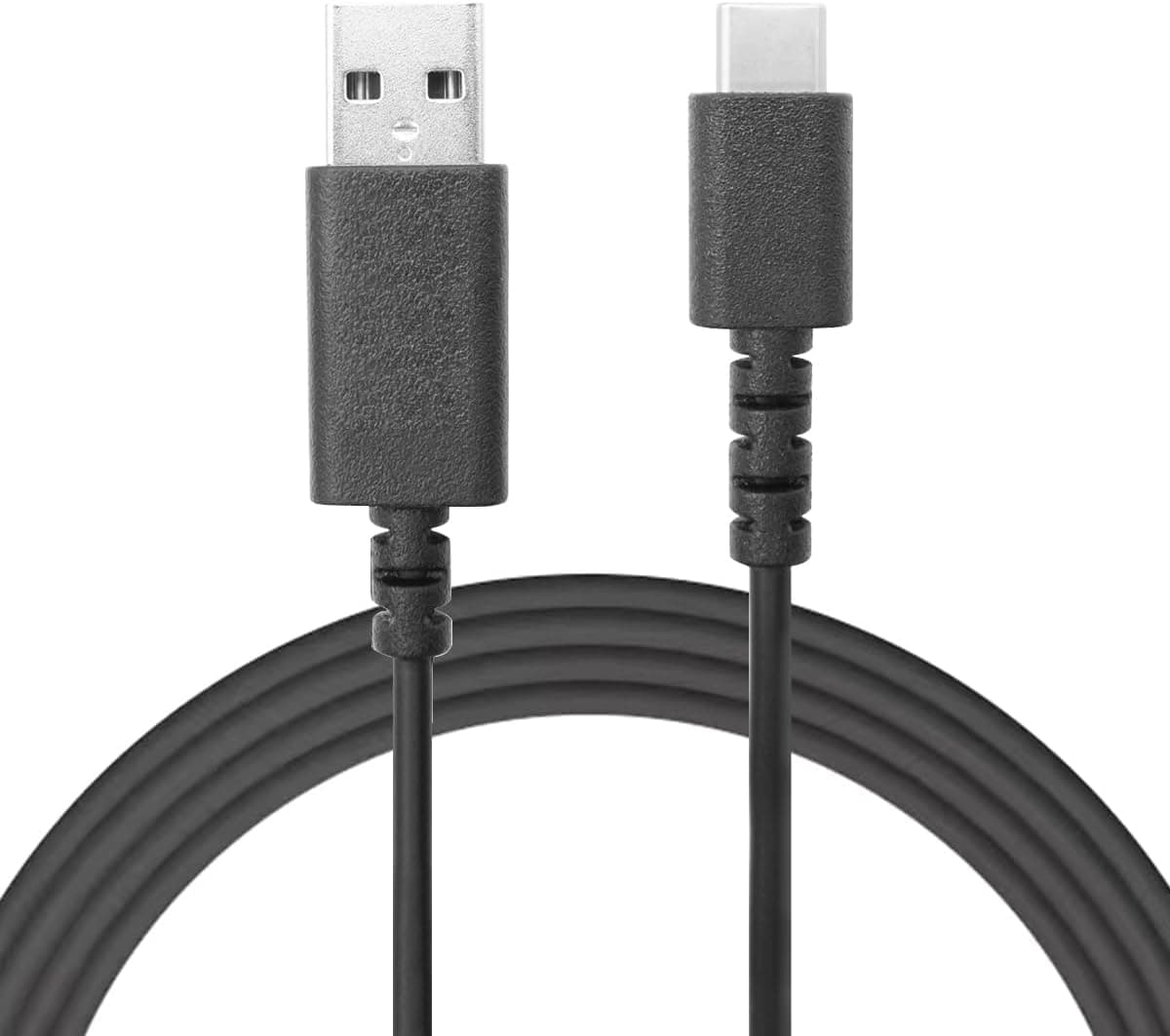
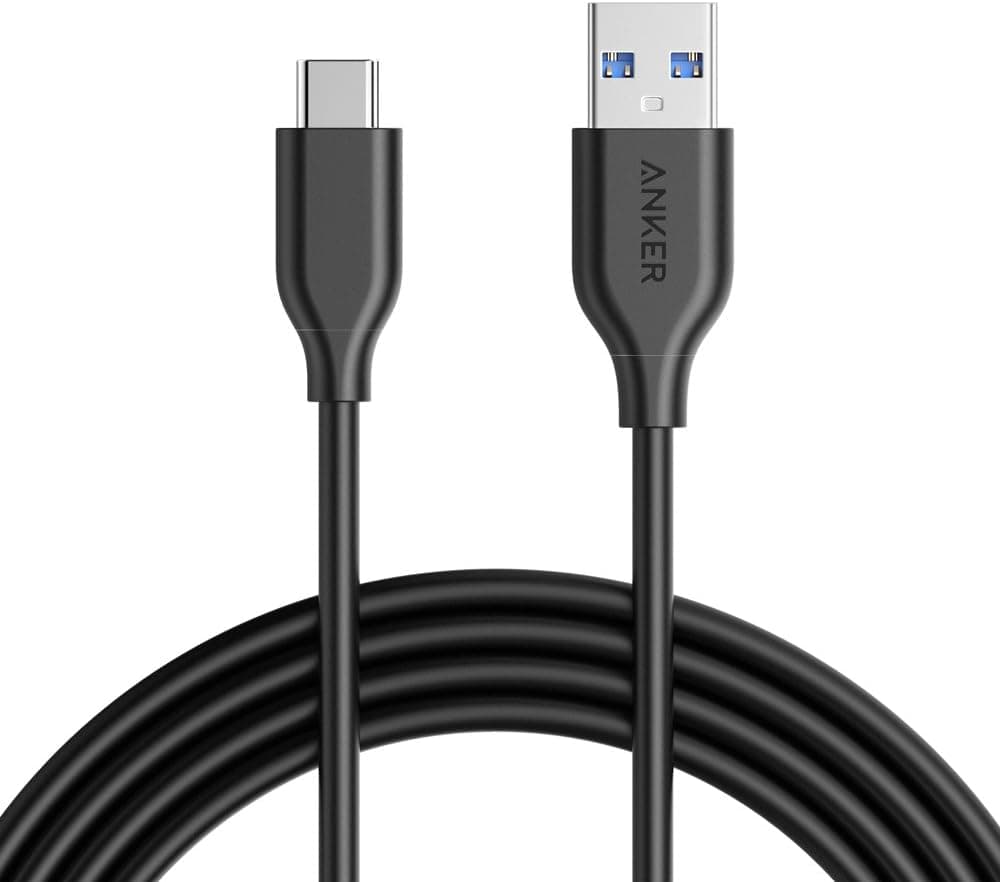
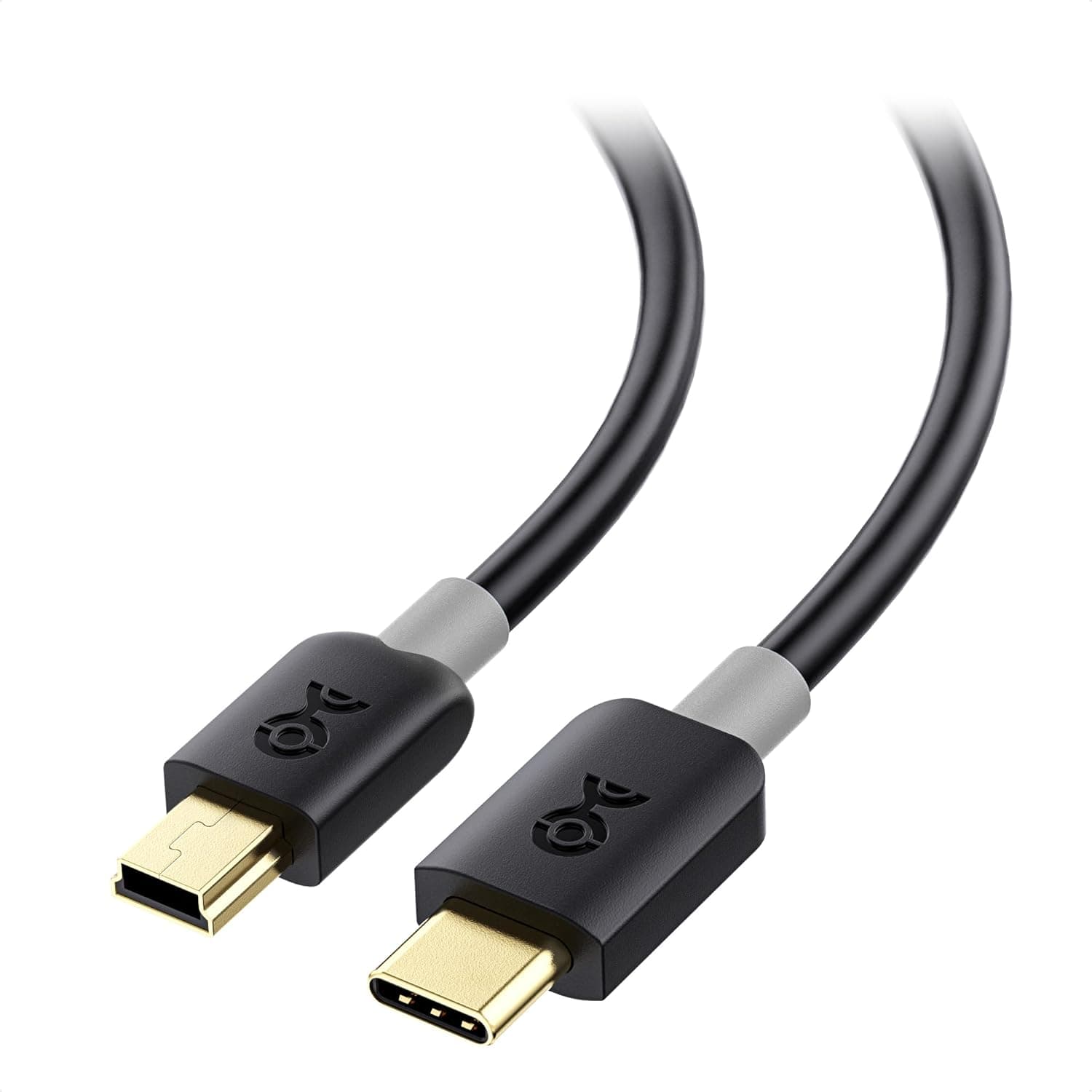
The Cable Matters 201034-BLK-5m is a 5-meter cable with a USB-A male plug on one end and a USB-C male plug on the other. The short version: this cable sells reach, not speed.
It is rated for USB 2.0 data transfer (up to 480 Mbps) and up to 3A of charging current — thoroughly ordinary numbers.
What you are actually paying for is the ability to put a USB-C device somewhere a normal 1m or 2m cable simply cannot reach.
On Amazon.co.Check the retailer's page for the latest user reviews.
That is a modest review count, but it is a stable rating for a niche long-cable product. The flip side is that there is very little to say about this cable beyond its length — and if you buy it for the wrong job, you will hit the limitations described below immediately.
Compatibility Guide
The physical requirements are simple. One end is USB-A male, the other is USB-C male.
That means it connects a host with a USB-A port (a desktop or laptop PC, a wall charger, a game console, a monitor's built-in USB hub, a car USB port) to a device with a USB-C port (a phone, a tablet, an earbud case, a game controller, a USB-C powered mic or webcam).
As the supplied compatibility notes state, it cannot be used for USB-C to USB-C connections. Many recent laptops have dropped USB-A entirely, so check your host machine first.
You can bridge with an A-to-C adapter, but stacking an adapter onto a 5m run invites intermittent contact problems and is not something I would recommend.
| Item | Spec | What it actually means |
|---|---|---|
| Connectors | USB-A male – USB-C male | Host must have USB-A. No C-to-C. |
| Length | 5m | Right at the practical USB 2.0 cable limit |
| Data rate | Up to 480 Mbps (USB 2.0) | Theoretical; real throughput lands near 30–40 MB/s |
| Charging | Up to 3A | The cable's ceiling, not a guaranteed delivery figure |
The right-hand column is the part that matters. 480 Mbps is a theoretical figure; after protocol overhead, real-world transfers typically settle in the tens of megabytes per second.
Copying an external SSD or a folder of video files over this cable will feel slow. For that work, use a short USB 3.x cable instead.
Also note that USB 2.0 specifies 5m as the maximum passive cable length.
This product sits right at that ceiling. It works fine as-is, but adding an extension cable pushes you out of spec, which is where flaky detection and random disconnects come from.
Product Info
Cable Matters is a North American cable and connectivity specialist, better known for breadth of catalog than for flash. This product serves the "I need it to reach" buyer.
Only the cable is in the box — no velcro strap, no pouch. Since you will need to coil 5m of cable when storing it, budget for a cable tie.
A warning on price. The captured data lists ¥10,116 on Amazon (captured 2026-05-30) and ¥9,375 (captured 2026-08-27), while the eBay listing shows $5.00 (captured 2026-07-08) — a nearly order-of-magnitude gap for the same product.
For a 5m USB 2.0 cable, a figure near ten thousand yen is plainly out of line with the product class, and most likely reflects a mismatched listing or an out-of-stock price spike.
**This article does not treat those figures as the real street price.
Warranty follows the seller's terms. If you buy through Amazon, standard return policy applies, but cable returns are often restricted once opened — so unroll the full length and confirm power and device detection on both ends as soon as it arrives.
Five meters is exactly the length at which a defect goes unnoticed for too long.
How It Compares
With USB-A to USB-C cables, there are really three axes: length, speed, and quantity.
- Buy this one for length. It covers distances a 1.8m or 2m cable physically cannot.
- Buy something else for speed. A 1m USB 3.2 Gen1 (5 Gbps) cable is the right tool for external storage or card readers. Five meters and 5 Gbps do not go together, because signal integrity over that distance is hard to maintain passively.
- Buy a multi-pack for coverage. If you want a cable at the desk, the bedside, and in the bag, three 1.8m cables beat one 5m cable.
In other words, this is a product for people whose requirement is specifically "5 meters." Without that requirement, almost any alternative will serve you better.
Living With a 5m Cable
Five meters is awkward on a desk. Plan on routing it along the floor, clipping it to a wall with cable raceway, or coiling the slack behind the desk.
Long cables also incur voltage drop: with the same charger and the same phone, charging can measurably slower than over a 1m cable. The 3A rating is what the cable can carry, not a promise of what your device receives at the far end.
If fast charging is the priority, buy short.
Best Use Cases
This cable is an easy recommendation if you match one of these:
- You need to reach a USB-C device from a desktop PC's rear ports. Webcams, USB microphones, and streaming gear placed a few meters from the tower are a natural fit.
- You want to charge a phone from a wall charger across the room while using it on a couch or in bed.
- You work in meeting rooms or shared spaces where the layout changes every time and slack is a feature.
- You do not need transfer speed. Charging, keyboards, mice, controllers, and low-resolution webcams are all comfortably within USB 2.0.
If your goal is external SSD work or routine large-file transfers, this cable is not a candidate.
Before You Buy
1. It carries no video. This is the most common misconception.
The USB-A end has no mechanism for DisplayPort Alt Mode or any video signal. You cannot drive a USB-C input monitor from a PC's USB-A port with this cable.
What you can connect on a monitor is its built-in USB hub, touch panel, or speakers — data-side functions only. Buying this to feed a projector or display will fail.
2. It is not for USB PD laptop charging. Power Delivery is fundamentally a USB-C to USB-C mechanism; power from a USB-A source falls back to legacy schemes.
If you expect 45W or 65W laptop charging, you will get nothing or something painfully slow. Use a PD-rated C-to-C cable for that.
3. Budget for voltage drop. As above, length costs you charging speed.
If it feels slow with a charger that used to be fast, that is physics, not a defect.
4. Watch for listing inconsistencies. The captured data showed roughly ten thousand yen on Amazon alongside $5.00 on eBay — figures that cannot both describe this class of cable.
Listing metadata and prices do get mismatched.
5. Do not extend it. This cable already sits at the USB 2.0 length ceiling.
Chaining an extension or hub onto it is a reliable way to create detection failures and dropouts.
FAQ
Q. Can it charge my laptop? A.
Not really. The USB-A side does not support USB PD high-wattage delivery, so charging a USB-C powered laptop at a usable rate is not feasible.
Use a PD-rated USB-C to USB-C cable.
Q. Can it output video to a monitor?
A. No. USB-A cannot carry a video signal. It can serve a monitor's USB hub or touch panel.
Q. How fast is an external SSD over this cable? A.
USB 2.0 caps it at 480 Mbps theoretical, so expect tens of MB/s in practice.
Use USB 3.x hardware to get SSD-class speeds.
Q. Does 5m slow down charging? A.
Compared to a shorter cable under the same conditions, yes — voltage drop is real. Choose short if charging speed matters most.
Q. Can it connect two USB-C devices?
A. No. One end is permanently USB-A male. You need a different cable for C-to-C.
Q. Can I add an extension to reach 7m? A.
Not recommended — that exceeds the spec. Use an active USB extension with a built-in repeater if you truly need more distance.
Product Disclosure (Amazon)
- Manufacturer: Cable Matters
- Seller: Amazon US
- Fulfilled by: Amazon US
- ASIN: B083ZN9F3B
- Note: This article covers a manufacturer-made product based on Amazon listing details.