Overview
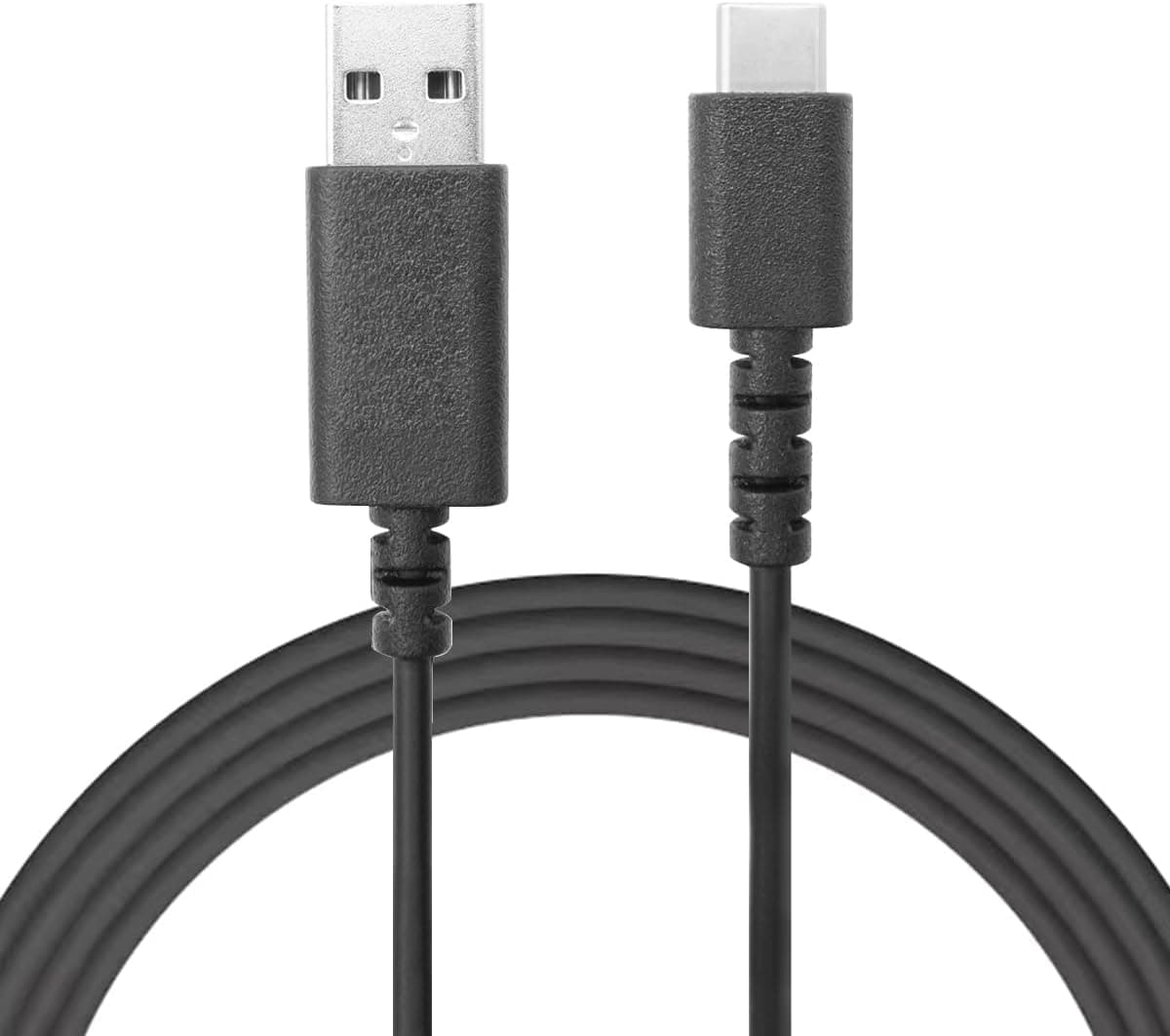
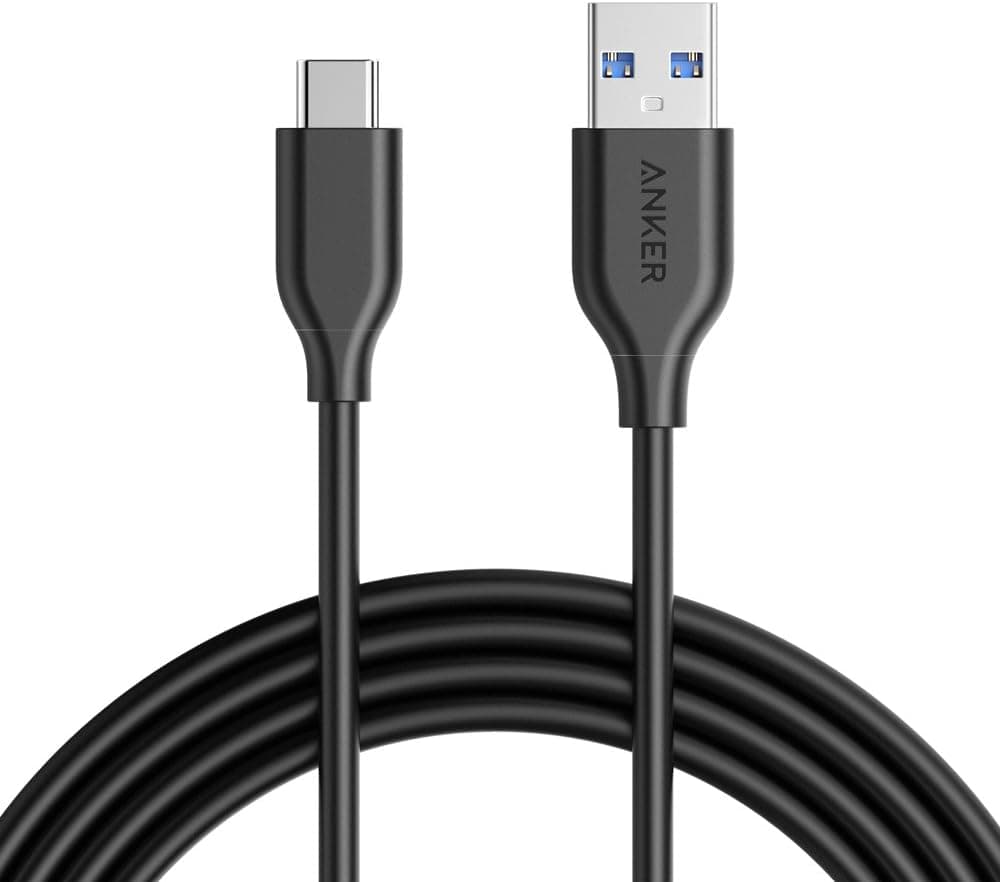
The Anker PowerLine USB-C&USB-A 3.0ケーブル 1.8m (sold in English-speaking markets as the PowerLine USB-A to USB-C 3.0 cable, 6 ft) is a practical bridge between legacy USB-A hosts and modern USB-C devices.
The short answer: it suits people who need genuine 5 Gbps data transfer from a USB-A port, and people who need the extra reach of 1.8 m.
It does not suit anyone who wants to fast-charge a USB-C laptop or drive a monitor over a single cable — more on both below.
For a category as failure-prone as cables, that combination of volume and rating is meaningful evidence of consistency.
| Item | Value |
|---|---|
| Connectors | USB-A (male) to USB-C (male) |
| Length | 1.8 m |
| Transfer speed | 5 Gbps (USB 3.0) |
| Internal resistor | 56k-ohm pull-up |
| Durability | 5x ordinary cables (manufacturer claim) |
| Colour | Black only |
Two rows matter most in practice. 5 Gbps is roughly ten times USB 2.0's 480 Mbps, which you feel when pulling multi-gigabyte video off a phone.
The 56k-ohm resistor is a safety spec, and it is exactly where cheap cables go wrong.
Compatibility Guide
This is a straight USB-A (male) to USB-C (male) cable. One end goes into a conventional USB-A port on a PC, wall charger, car charger, or power bank; the other into a USB-C device.
Listed examples include iPhone 15/16, iPad Pro, iPad Air, MacBook, Galaxy, Xperia, Chromebook, and Oculus Quest.
The catch is that 5 Gbps only happens when the host port is USB 3.0 or better.
Plug into a USB 2.0 port and transfers cap at 480 Mbps regardless of the cable.
On desktops, look for a blue port interior; on laptops, an "SS" (SuperSpeed) marking next to the connector. A USB 2.0 hub in the chain has the same effect.
The 56k-ohm pull-up resistor is the value the USB Type-C specification requires for A-to-C cables. Cables that use a wrong value (10k-ohm, for instance) tell the USB-C device it may draw far more current than the host can supply, which damages ports and chargers.
That failure has been documented repeatedly in no-name cables, so spec compliance is itself a reason to buy.
One documented limitation: Nexus 5X/6P will charge from this cable but not at quick-charge speeds. Backward compatibility with USB 2.0 devices is retained.
Product Info
Check the retailer's page for the latest price.co.jp (7 June 2026) and ¥2,376 at Rakuten's Blueberry store (16 August 2026).
Both are snapshots and will move with sales and stock. A gap that large on an identical cable is worth a quick price check before ordering.
A marketplace listing also recorded $34.50 (14 July 2026).
For a cable that circulates around the ¥1,000 mark, that figure is an order of magnitude off — likely a reseller listing or a mismatched product — so do not use it as a reference point.
The product itself is a long-running staple in Anker's cable range, available in black only, with the standard 18-month manufacturer support. Availability at electronics retailers and online stores is broad.
Comparison With Alternatives
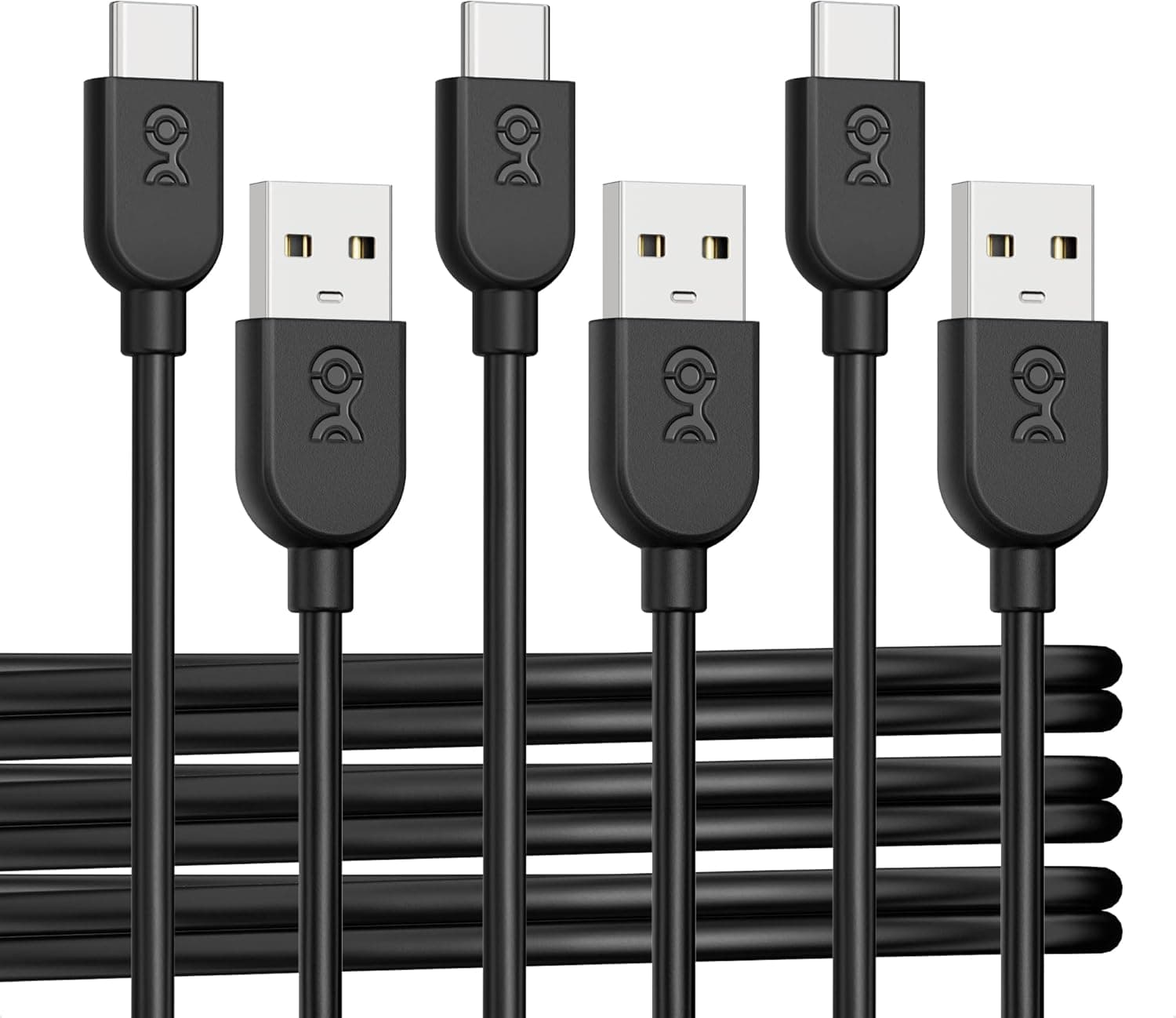
Within the USB-A to USB-C category the alternatives differ in character. Three-packs (Cable Matters 0.3 m / 0.9 m / 1.8 m sets) lower the per-cable cost, which makes sense if you want one at home, one at work, and one in the bag.
If instead you want a single cable to last, a product with a durability track record earns its premium.
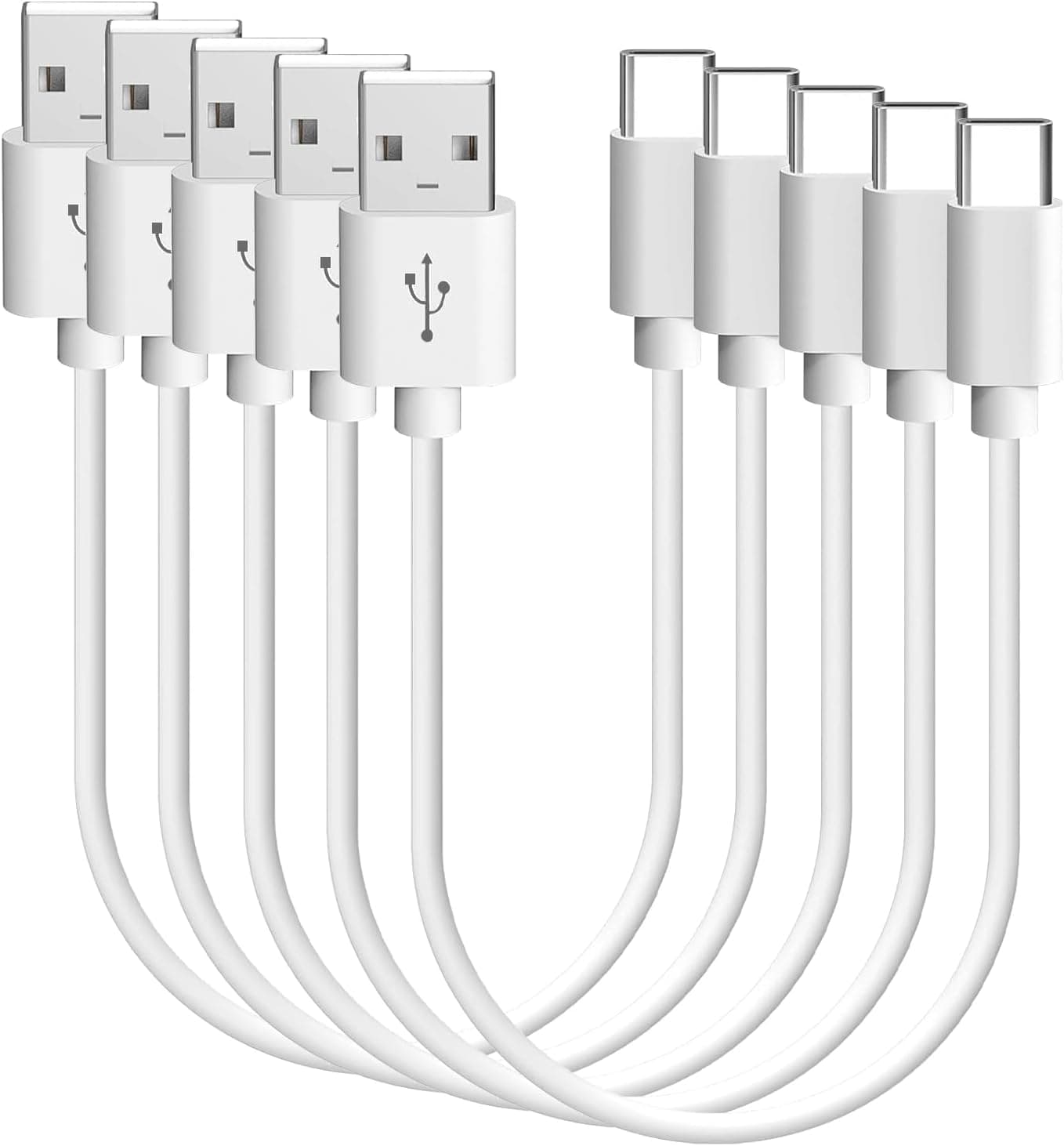
Length is the other axis. Use 0.3 m for holding a power bank and phone together, 0.9 m on a desk, and 1.8 m for bedside outlets or runs from a floor power strip to a desktop.
The 1.8 m length looks universal but is genuinely annoying when tethered to a power bank in your pocket.
Finally, check whether a cable advertises 5 Gbps at all. Many A-to-C cables are charge-only or USB 2.0 internally, and you cannot tell by looking.
If data transfer is the goal, restrict yourself to products that state 5 Gbps / USB 3.0 / USB 3.2 Gen 1.
Best Use Cases
- Mobile workers and students who carry a cable daily; when a cable gets flexed in a bag every day, a reinforced one is cheaper over time.
- Charging at a bedside or sofa where the outlet is out of reach — 1.8 m is well matched to that distance.
- People who have already lost a port or charger to a cheap, out-of-spec cable and want a compliant replacement.
Things to Check Before Buying
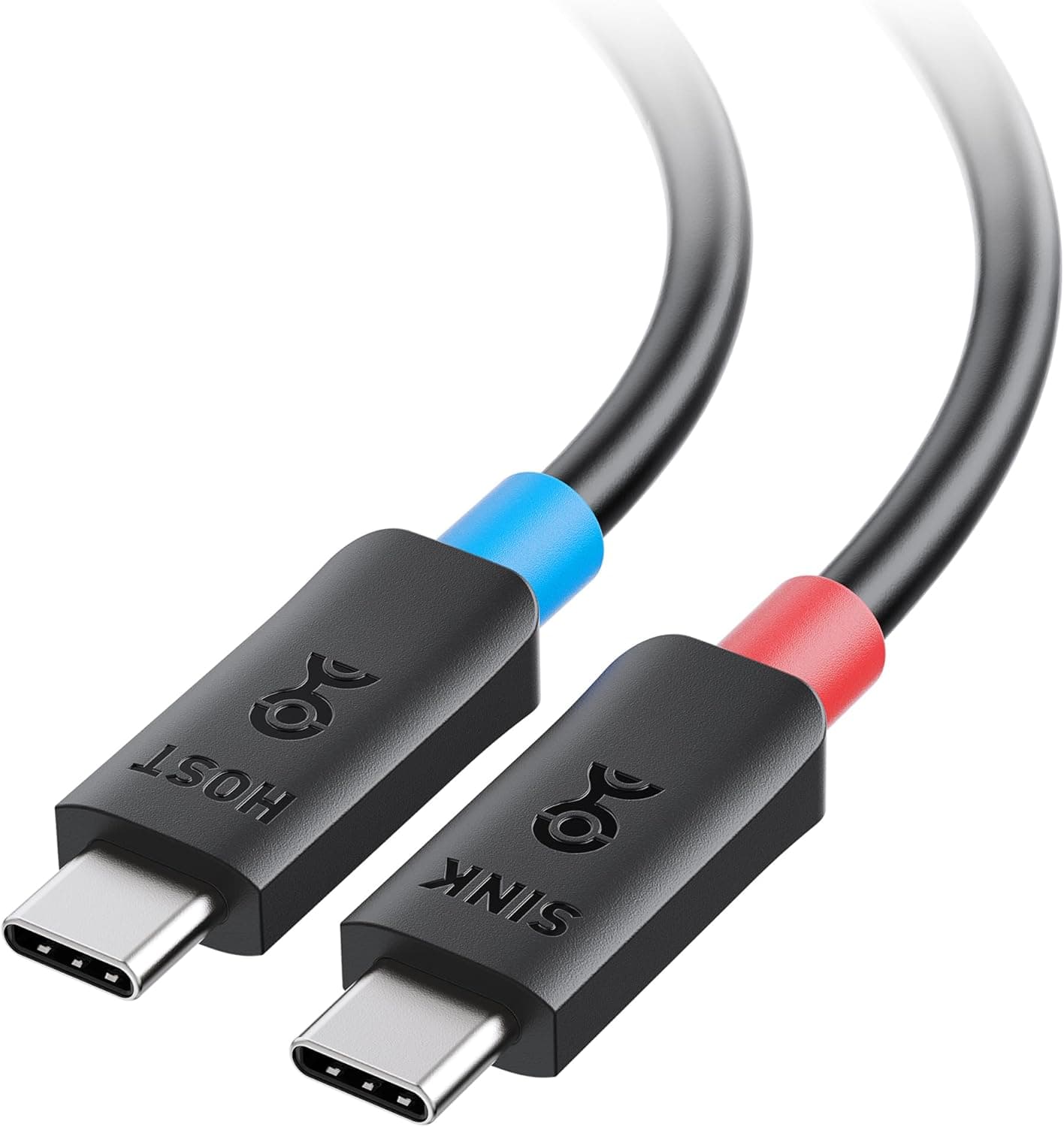
It cannot fast-charge a laptop. USB Power Delivery only operates between USB-C ends; no USB-A cable can deliver PD wattage.
To charge a MacBook or USB-C ultrabook at a useful rate you need a USB-C to USB-C cable and a PD charger. If you see a "PD" tag attached to this listing, treat it as inaccurate for any A-to-C configuration.
No video output. DisplayPort Alt Mode requires USB-C on both ends, so this is not an option for single-cable monitor connections.
USB4 and Thunderbolt bandwidth are likewise unavailable; 5 Gbps is the ceiling.
5 Gbps depends on your host. As above, a USB 2.0 port caps you at 480 Mbps.
A large share of "I bought a fast cable and it's slow" complaints trace back to this. Confirm the port before you buy.
Listing metadata can disagree with the item. Online product pages sometimes auto-associate variants, so the stated model number, length, or bundle may belong to a different version.
Ordering the 1.8 m and receiving 0.9 m is a common failure on products with multiple lengths.
The "5x durability" figure is a manufacturer claim. It reflects internal bend testing, not a guarantee of years of service.
Any cable will fail if you keep folding it at a right angle where it meets the connector.
FAQ
Q. Can it charge a MacBook? A.
It will charge, but slowly, because power comes from a USB-A source. Under load the battery may still drain.
For practical charging, use USB-C to USB-C with a PD charger.
Q. Will I actually get 5 Gbps? A.
That is the cable's ceiling. Real throughput depends on the host port standard, the storage on both ends, and the file types.
A USB 2.0 port limits you to 480 Mbps.
Q. Does it work with Nintendo Switch or Oculus Quest? A.
Those devices are listed for charging and data. It cannot be used for video output to a dock or display.
Q. Why does the 56k-ohm resistor matter? A.
It correctly signals to the USB-C device that power is coming from a USB-A source and current must stay within spec. Wrong resistor values cause devices to over-draw and damage ports or chargers.
Q. Is 1.8 m too long? A.
It is well suited to stationary charging and desk runs, but excessive when paired with a pocket power bank. For daily carry, a 0.3–0.9 m cable is easier to manage.
Product Disclosure (Amazon)
- Manufacturer: Anker
- Seller: AnkerDirect
- Fulfilled by: Amazon
- ASIN: B01MUCRKJS
- Note: This article covers a manufacturer-made product based on Amazon listing details.