Overview
The Dell Pro 2026 desktop tower, listed on Amazon Japan as Dell Pro 2026 デスクトップタワー 8GB DDR5 RAM 256GB SSD, is a business-oriented tower PC built around a 14th Gen Intel Core i3-14100 (4 cores / 8 threads, up to 4.7GHz).
It ships with 8GB of DDR5 memory, a 256GB PCIe SSD and Windows 11 Pro pre-installed. The short verdict: for documents, spreadsheets, email, browsing and video calls, this configuration does the job.
However, 8GB of RAM and 256GB of storage leave little headroom, so if you plan to keep it for several years, budget for upgrades.
The chassis measures about 32.4 cm tall, 15.4 cm wide and 29.3 cm deep, and weighs 4.16 kg.
Graphics come from the integrated Intel UHD Graphics 730, with two video outputs: DisplayPort 1.4 and HDMI 2.1.
Wi-Fi 6 and Bluetooth are built in, so it also works at desks without a LAN cable. It is not designed for gaming or video editing; it is for people who want a Windows 11 Pro machine that is ready for work straight out of the box.
What This Configuration Can Handle
| Task | Expectation |
|---|---|
| Word, Excel, email, web browsing | Comfortable |
| Teams / Zoom video calls | Fine, but 8GB runs short if many browser tabs stay open |
| Full HD video playback | No problem |
| Light photo touch-ups | Possible; large RAW batches will be slow |
| 3D games | Only light titles at low settings; not recommended for modern 3D games |
| Video editing / 3D CAD | Not recommended |
The Core i3-14100 is a 4-core / 8-thread CPU without efficiency cores, and its per-core performance is fairly strong. That means everyday office work, where responsiveness matters most, should rarely feel CPU-limited.
Memory is the more likely bottleneck: Windows 11, a browser and a video-call app running together can fill 8GB quickly. If the system starts to feel sluggish, check memory usage in Task Manager first.
The UHD Graphics 730 is an integrated GPU meant for display output and video playback. Browser games and light 2D games will run, but do not plan on comfortable 3D gaming.
Compatibility Guide
According to the compatibility data, the platform uses the LGA1700 socket, DDR5 memory, M.2 PCIe NVMe storage, PCIe 4.0 expansion and an internal power supply.
The memory note reads that the 8GB is fixed and upgradability needs to be confirmed, so the number of free slots and the maximum capacity cannot be established from the available data. If you intend to upgrade, check the service manual for this model on Dell's official support site before buying.
For I/O, there are six USB ports across the front and rear (including USB 3.2 Gen 1) and Gigabit Ethernet.
Whether a USB Type-C port is included is not stated, so confirm on the product page if you rely on Type-C devices. Video output is via DisplayPort 1.4 and HDMI 2.1, which allows a dual-monitor setup.
Match your monitors' inputs and cables (DisplayPort or HDMI) in advance to avoid surprises on delivery day.
Wireless covers Wi-Fi 6 (802.11ax) and Bluetooth, and the original listing describes the Wi-Fi module as MediaTek-made.
The Bluetooth version is not given, so check compatibility if you use older peripherals. A built-in SD card reader is also listed, which is a small but handy convenience for importing photos from cameras.
The footprint is about 15.4 cm wide by 29.3 cm deep.
That is small for a tower that sits under or beside a desk, but it is nowhere near as small as a palm-sized mini PC. Cables gather at the rear, so allow roughly 10 cm extra depth if it sits against a wall, for both cabling and airflow.
For physical security, a Kensington lock slot and padlock loop let you secure it in offices or shared spaces.
Upgrade Planning
Memory: This is the upgrade with the biggest payoff. Even for office work, 16GB gives comfortable headroom for video calls with many browser tabs open.
If a free slot exists, adding a DDR5 module of the same capacity and speed as the installed one is the safest choice. Mixing modules of different capacity or speed can force the memory to run at the slower speed.
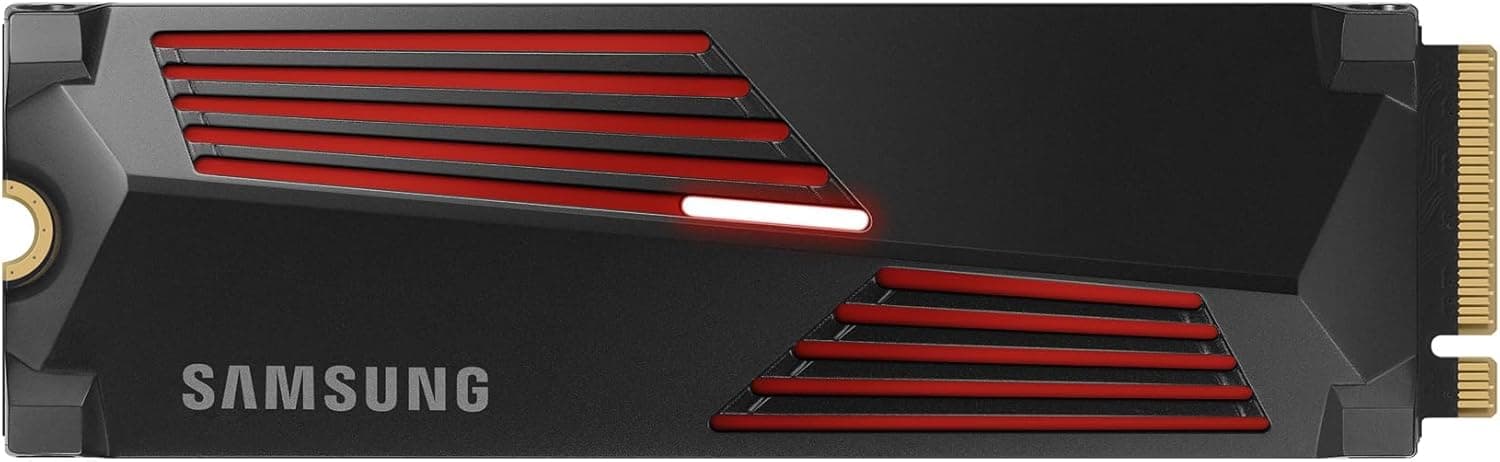
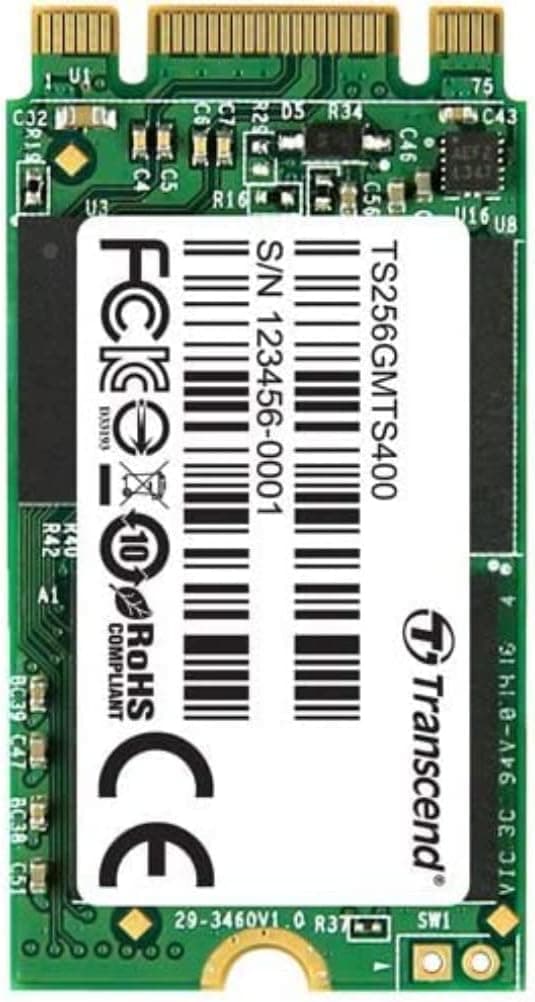
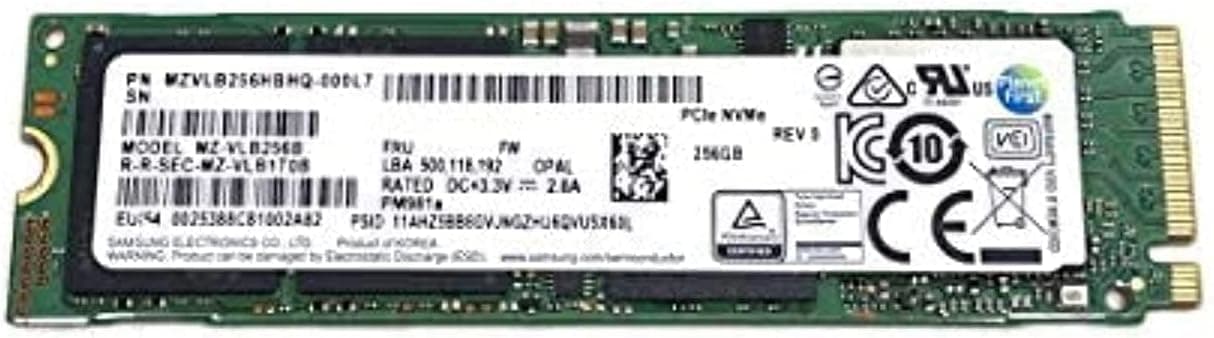
Storage: 256GB shrinks fast once Windows 11, updates and business apps are installed. If you handle lots of data, add an internal SSD when a free M.2 slot is available, or replace the drive with a larger one if not.
When replacing, cloning the old drive onto the new SSD through an M.2 enclosure and then swapping it in is the reliable route.
If you would rather not open the case, offloading data to a USB external SSD is a practical alternative.
Graphics card: If you want to add a GPU later, check the internal power supply's capacity and whether it has a PCIe auxiliary power connector. Business towers often have modest power supplies, and without auxiliary power you are limited to low-power cards that run on slot power alone.
If you need GPU performance from day one, buying a configuration with a GPU usually costs less than modifying this one.
Watch out for BitLocker: Windows 11 Pro machines may have BitLocker or device encryption enabled. Swapping the SSD or changing BIOS settings can trigger a recovery-key prompt, so confirm that your recovery key is saved, for example in your Microsoft account, before you start.
Product Info
| Item | Details |
|---|---|
| Processor | Intel Core i3-14100 (4C/8T, up to 4.7GHz) |
| Memory | 8GB DDR5 |
| Storage | 256GB PCIe SSD |
| OS | Windows 11 Pro |
| Graphics | Intel UHD Graphics 730 |
| Video output | DisplayPort 1.4, HDMI 2.1 |
| Networking | Gigabit Ethernet, Wi-Fi 6, Bluetooth |
| Size / weight | 32.41 x 15.39 x 29.29 cm (HxWxD), 4.16 kg |
On Amazon.co.jp, the price was ¥137,479 as of October 6, 2026.
The seller and shipper is APPI STORE, a marketplace listing rather than Dell directly. Given the Core i3 and 8GB configuration, some buyers may find this price on the high side.
Prices vary widely by seller and sale, so compare with Dell's official online store and other retailers offering a similar configuration before buying.
Amazon reviews stood at 3.1 out of 5 stars (6 reviews) as of October 6, 2026.
With only six reviews, that rating is too thin to judge the product on. The package includes the power cable and documentation, and the original listing states a standard one-year manufacturer warranty.
Marketplace listings may handle warranty claims differently from direct purchases, so confirm the warranty contact and service tag handling with the seller.
Who It's For
- Office and remote workers: Suited to Word, Excel, Outlook and video calls. The compact chassis keeps your desk tidy. If you keep many browser tabs open, plan on upgrading to 16GB.
- Small offices / SOHO: Good for businesses that want Windows 11 Pro features such as BitLocker and hosting Remote Desktop sessions. Deploying identical units simplifies management. If your work needs graphics performance, look at a GPU-equipped model instead.
- Schools and public facilities: Fits fixed-purpose terminals that need to run reliably. The Kensington lock and padlock loop help deter theft. If many apps run at once, consider adding memory.
- First-time desktop buyers: No assembly required; it works out of the box. The simple configuration makes troubleshooting easier. It is not suited to gaming or creative work.
Before You Buy
Treat 8GB and 256GB as the minimum. This configuration feels fine on day one but tends to run out of headroom within months as Windows updates and apps accumulate.
256GB in particular fills quickly if you store photos, videos or business data locally. Decide up front whether you will budget for memory and SSD upgrades or choose a higher configuration from the start.
Do not buy it for gaming. The integrated UHD Graphics 730 is not a 3D gaming GPU, and adding a card later runs into power supply capacity and auxiliary connector limits.
If you also want to game, choose a PC with a dedicated graphics card from the outset.
It is not mini-PC small. At about 32.4 cm tall it is compact for a tower, but it will not hide behind a monitor.
Measure the height and depth of the spot if you plan to put it on your desk.
Check the seller and the price. As of October 6, 2026 the price was ¥137,479, and the seller is APPI STORE rather than Dell.
Listings with the same name can differ in RAM, SSD capacity and warranty terms, so verify the configuration and seller on the checkout page.
Category mismatch in the listing data. This item is filed under the SSD category in the collected data, but it is actually a complete desktop PC with an SSD inside.
Product page details can also contain errors, so confirm from the images and title that you are buying the Dell Pro tower PC itself.
FAQ
Q. Can it run games? A.
Browser games and light 2D games, yes; comfortable 3D gaming, no. The integrated UHD Graphics 730 is aimed at display output and video playback.
Q. Can I add more memory? A.
The compatibility data says the 8GB is fixed and upgradability needs confirming, so free slots cannot be confirmed from the data. Check slot count and maximum capacity in Dell's official manual, then buy a matching DDR5 module.
Q. How do I get more SSD space? A.
Storage is an M.2 PCIe NVMe SSD.
Add a drive if a free M.2 slot exists; otherwise replace it with a larger one.
Save your BitLocker recovery key and have an SSD enclosure ready for cloning before you start.
Q. How many monitors can I connect?
A. With DisplayPort 1.4 and HDMI 2.1, you can run two external displays.
Q. How does it differ from a Windows 11 Home machine? A.
Windows 11 Pro adds business management features such as BitLocker drive encryption, hosting Remote Desktop sessions and Group Policy. If you will not use those at home, the Pro edition offers little extra benefit.
Product Disclosure (Amazon)
- Manufacturer: Dell
- Seller: APPI STORE
- Fulfilled by: APPI STORE
- ASIN: B0FQJ7YY7H
- Note: This article covers a manufacturer-made product based on Amazon listing details.