This article covers Patriot P300 (Phison E13) 256 GB.
Overview
The Patriot P300 (model P300P256GM28) is an entry-level NVMe SSD from the American memory manufacturer Patriot Memory. It pairs a Phison E13 controller with 3D TLC NAND flash, delivering sequential reads up to 1700 MB/s and writes up to 1200 MB/s. The drive uses a DRAM-less design with a 64 MB host memory buffer (HMB) to keep costs low. Launched around early 2020, the P300 256 GB targets budget-conscious builders who want the speed of NVMe without spending premium dollars. At roughly ¥9,900, it slots into the lowest tier of PCIe 3.0 NVMe storage. While not as fast as DRAM-equipped rivals, it is a noticeable step up from SATA SSDs for everyday use. This drive is best suited as an OS boot drive or secondary storage in a tight-budget build. It is not intended for heavy sustained writes, as its endurance rating is not publicly disclosed.
Compatibility Guide
The Patriot P300 uses the M.2 2280 form factor and connects via a PCIe 3.0 x4 NVMe interface. It will physically fit any motherboard with a standard M.2 slot and electrically works in both PCIe 3.0 and 4.0 slots (at Gen3 speeds). Motherboards from the Intel 100-series and AMD A320/B350 onward should have no issues. Since it is DRAM-less, random write performance is lower than on SSDs with dedicated cache. For most home and office use, this difference is imperceptible. However, if your workload involves many small file transactions (e.g., compiling, caching, databases), consider a drive with DRAM. Ensure your motherboard's M.2 slot is configured for NVMe (not SATA) in the BIOS. Some older boards may have a shared lane with SATA ports, so check your manual.
Product Info
- Release: February 2020 (approx.) - Current price: ~¥9,918 (as of Sep 2026 via Yahoo! Shopping) - Controller: Phison E13 - NAND: 3D TLC - Interface: PCIe 3.0 x4 NVMe 1.3 - Sequential Read/Write: 1700/1200 MB/s - TBW: Not officially disclosed - Warranty: Typically 3 years (check retailer) Market positioning: entry-level/ budget NVMe. It competes with the Crucial P2, Kingston NV1, and WD Green SN350. Its main draw is the price-to-performance ratio for first-time NVMe users.
Best Use Cases
- Budget PC OS Drive - Who it fits: Users building a sub-$500 desktop who want faster boot times and app launches than a SATA SSD. The P300 provides a real-world speed boost for everyday tasks. - Who should skip: Anyone who does frequent large-file transfers (video editors, data hoarders). The lack of DRAM and unknown TBW makes prolonged heavy writes risky. 2. Light Gaming Storage - Who it fits: Gamers who play a few regular titles and want quick level loads. 256 GB is enough for Windows plus 3–4 modern games. - Who should skip: Gamers with a large library of AAA games (100+ GB each). You’ll run out of space quickly. Also, if you need the fastest load times, a PCIe 4.0 drive would be better. 3. Office / HTPC Drive - Who it fits: Home theater PCs or office machines used for browsing, email, and media playback. The P300 offers silent operation and low power draw. - Who should skip: If you need a drive that can sustain writes for a server or surveillance system, choose a model with a published TBW rating.
Things to Consider
The biggest limitation of the Patriot P300 is its unknown write endurance. Without a disclosed TBW, you cannot accurately gauge the drive's lifespan under heavy use. For typical consumer workloads (OS, games, Office), this is seldom a problem—most users never reach 50 TB of writes before upgrading. Additionally, the DRAM-less design means the HMB uses system RAM, which can slightly reduce memory available to other applications. This is negligible on systems with 16 GB or more. Beware of counterfeit or gray-market units. Always buy from a reputable retailer. The price is low enough that there is little reason to buy from unknown third-party sellers. Compared to alternatives like the Crucial P3 (with DRAM) or WD Blue SN580 (published TBW), the P300 offers a slightly lower price but less peace of mind regarding endurance. If you plan to keep the drive for 5+ years and write hundreds of gigabytes per day, spend a bit more on a known-rated model. ## FAQ
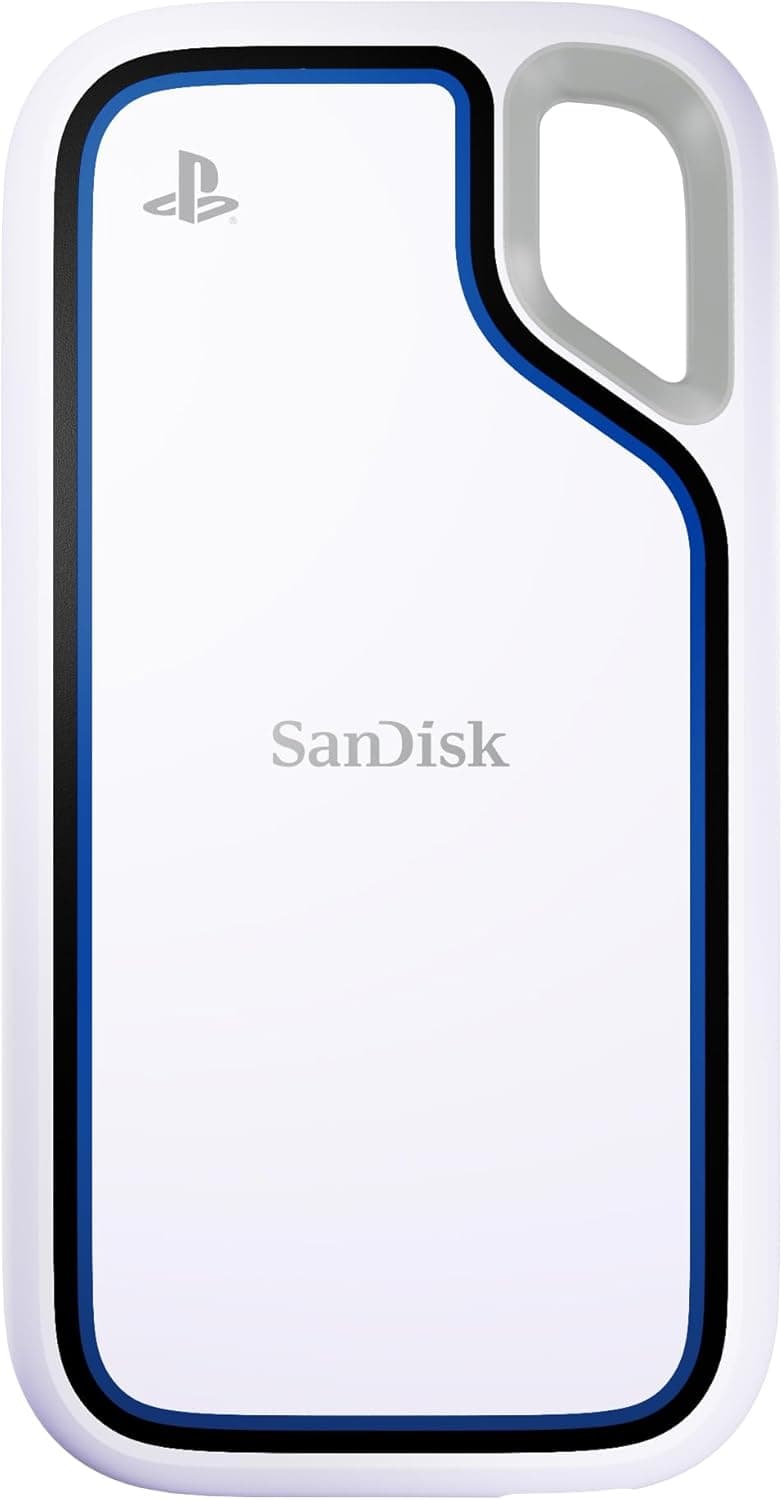
Q: Can I use this SSD in a PS5? A: No. The PS5 requires a PCIe 4.0 x4 NVMe SSD with sequential reads above 5,500 MB/s. The P300 is PCIe 3.0 and reads at 1,700 MB/s. It can be installed in a USB enclosure for expanded storage on PS5, but not as internal storage. Q: Is DRAM-less a problem for daily use? A: For normal use—Windows boot, gaming, web browsing—you will not notice a difference from a DRAM-equipped SSD. The HMB handles caching well enough. Only under synthetic benchmarks or heavy random-write workloads will the drop in performance appear. Q: How long will this drive last? A: Since TBW is not officially stated, there is no guarantee. Based on typical TLC DRAM-less SSDs of this era, 256 GB models usually have a write endurance of 50–100 TBW. That translates to r
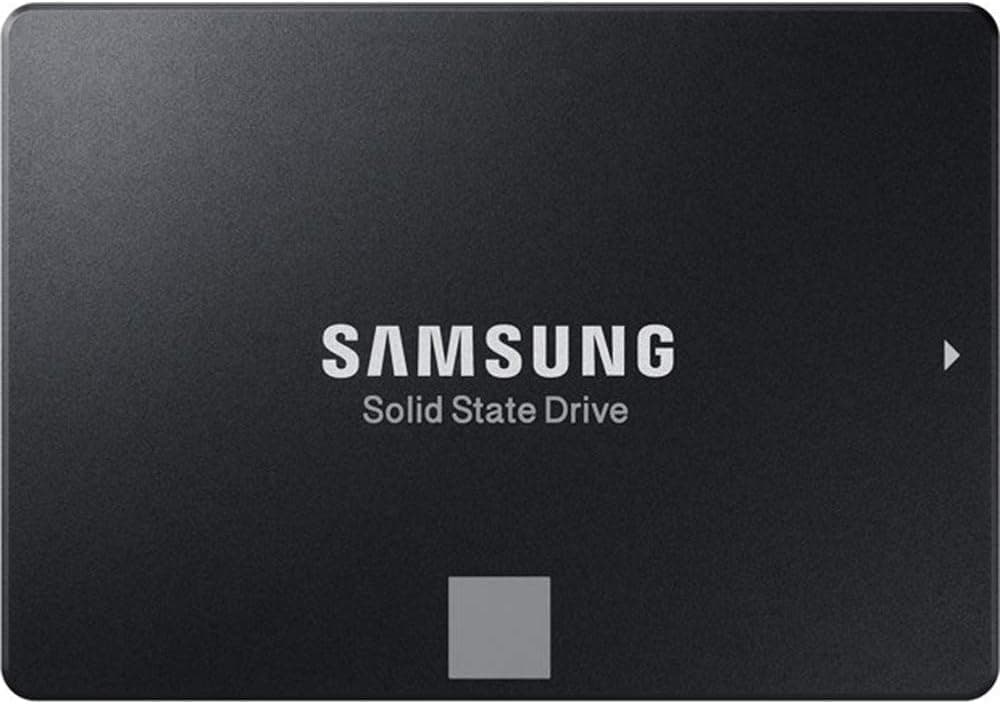
![Samsung (サムスン) 870 EVO 1TB SATA 2.5インチ内蔵型ソリッドステートドライブ (SSD) (MZ-77E1T0) [並行輸入品]](/_next/image?url=https%3A%2F%2Fm.media-amazon.com%2Fimages%2FI%2F61GwKSkgfDL._AC_SL1024_.jpg&w=1920&q=75)
![WDS100T2B0C [WD Blue SN550 NVMe SSD(1TB M.2(2280) PCIe Gen3 x4 NVMe 600TBW 5年保証)]](/_next/image?url=https%3A%2F%2Fm.media-amazon.com%2Fimages%2FI%2F61hwWIXgWnL._AC_SL1500_.jpg&w=1920&q=75)