Overview
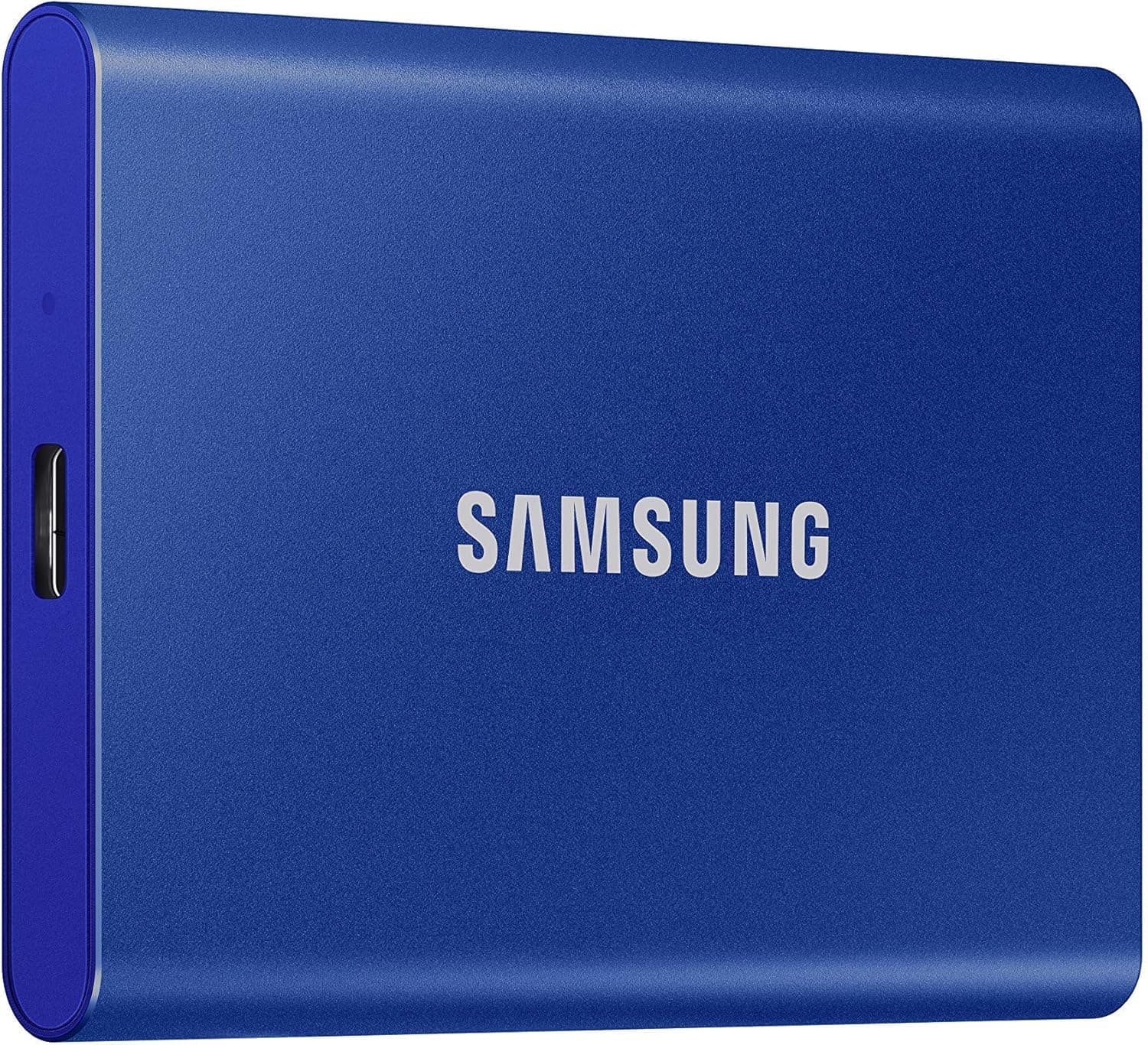
The Samsung Portable SSD T5 1TB (MU-PA1T0B/WW) is a compact external solid-state drive designed for on-the-go storage. It features a USB 3.1 Gen2 interface delivering sequential read and write speeds up to 540 MB/s. Weighing just 51 grams and housed in a durable aluminum chassis, this drive is perfect for carrying large files, backups, or photo libraries. It uses Samsung’s V-NAND technology and supports AES 256-bit hardware encryption with password protection. This package is an international version, often sold at a lower price than the domestic Japanese version, but warranty and support may differ.
Compatibility Guide
The T5 connects via USB Type-C and includes both C-to-C and C-to-A cables. It works with Windows, macOS, Android, and game consoles (PS4, PS5, Xbox One). For consoles, format to exFAT or FAT32. On USB 2.0 ports, speed drops to ~40 MB/s, so USB 3.0 or later is recommended. No external power required — bus-powered via USB.
Product Info
Released in 2017, the Samsung T5 sits in the mid-range portable SSD market. Internally it uses a SATA-based 2.5-inch SSD, limiting speeds to 540 MB/s. The 1TB model is part of a family including 250GB, 500GB, and 2TB. Warranty is 3 years (international version may not cover Japan). Hardware encryption (AES 256-bit) and password protection are built-in. It’s a well-balanced drive for professionals and consumers who need reliable, affordable portable storage without extreme speed requirements.
Best Use Cases
- Creative professionals: Backup for photos and video projects. Fast enough for large file transfers, but not for directly editing 4K RAW footage. Ideal for archiving finished projects.
- Business users: Carry presentations, documents, and reports. Compact and robust, more reliable than USB flash drives.
- Gamers: Use as external storage for PS4/PS5/Xbox One. Load times are much faster than HDDs, though slower than internal NVMe. Suitable for storing PS5 games (transfer to console to play).
- Who should avoid: If you need peak speed (e.g., editing video directly from the drive), consider the NVMe-based Samsung T7 which is nearly twice as fast.
Things to Consider
The T5 is an older SATA-based model; newer alternatives like the T7 offer double the speed at a slightly higher price. Also, this is an international version — confirm the seller’s warranty policy, as Samsung Japan may not support it. On Windows, the drive comes pre-formatted NTFS; Mac users need to reformat to exFAT for cross-platform use. For graphic-intense workloads, the 540 MB/s limit could become a bottleneck. Finally, USB 2.0 ports will severely bottleneck performance; ensure your device supports USB 3.0.
FAQ
Q: Can I use this with Time Machine on Mac?
A: Yes. You’ll need to reformat the drive to Mac OS Extended (Journaled) or APFS. Time Machine will recognize it after formatting.
Q: Can I play PS5 games directly from this drive?
A: No. PS5 games cannot run directly from external USB storage. You can store PS5 games on the T5 and copy them to the internal SSD when you want to play. PS4 games can be played directly.
Q: How does it compare to the Samsung T7?
A: The T7 uses NVMe and reaches 1050 MB/s — roughly twice the speed. It’s slightly larger and costs more. The T5 is a great choice if you don’t need cutting-edge speed and want a budget-friendly option.
Product Disclosure (Amazon)
- Manufacturer: サムスン(SAMSUNG)
- Seller: MIBAストア(インボイス登録済)
- Fulfilled by: MIBAストア(インボイス登録済)
- ASIN: B074WZZ1D5
- Note: This article covers a manufacturer-made product based on Amazon listing details.