This article covers SAMSUNG (サムスン) T7 1TB ポータブル SSD 最大1.
Overview
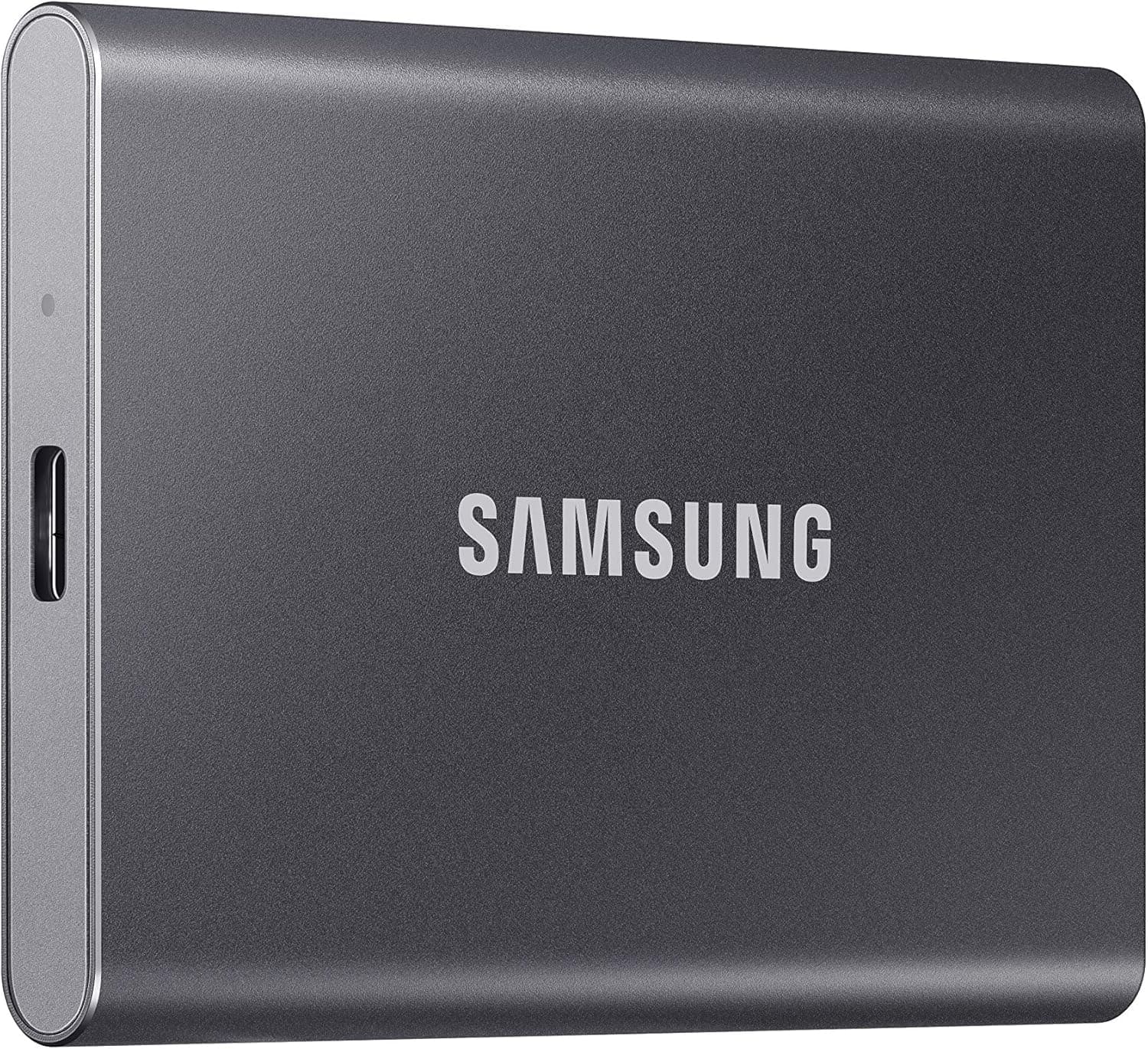
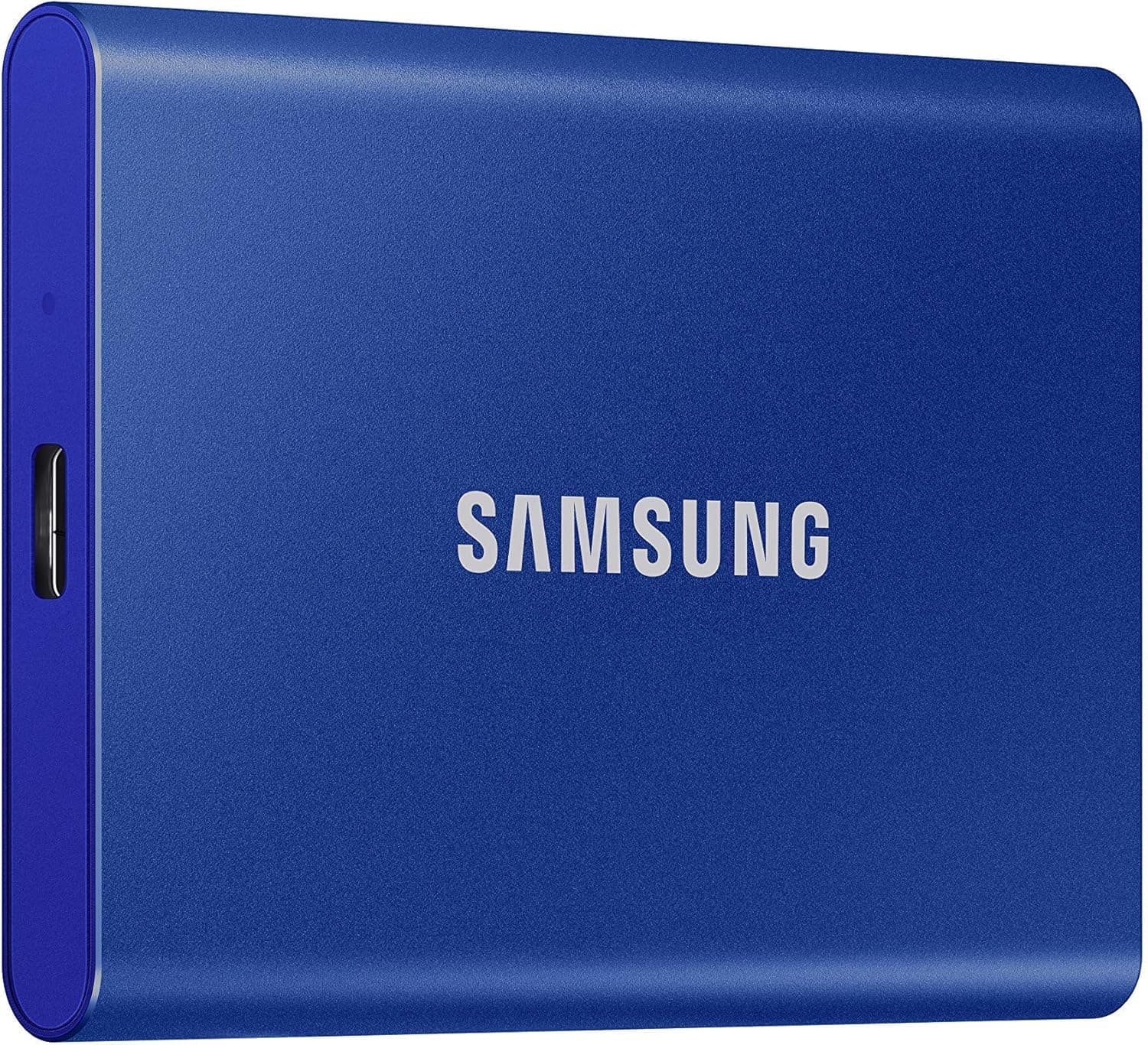
The Samsung T7 Portable SSD is a well-established external storage solution that has become a standard choice for users who need fast, reliable, and durable storage on the go. This 1TB model (MU-PC1T0H/AM) comes in a sleek blue finish and delivers sequential read speeds up to 1,050 MB/s and write speeds up to 1,000 MB/s over USB 3.2 Gen 2. That's roughly 9.5 times faster than a typical external HDD, making it a significant upgrade for anyone who moves large files regularly.
Beyond raw speed, the T7 is built to withstand the rigors of travel. It can survive drops from up to 6 feet (about 1.8 meters) and features Dynamic Thermal Guard technology to prevent overheating during sustained transfers. Password protection adds a layer of security for sensitive data, and the drive works with PCs, Macs, Android devices, and game consoles, so it's versatile enough for almost any workflow.
In the portable SSD market, the T7 sits comfortably in the mid-to-high tier, offering a balance of performance, durability, and brand trust that has made it a favorite among creative professionals, business users, and gamers alike.
Compatibility Guide
The T7 connects via USB Type-C and comes with both USB-C to USB-C and USB-C to USB-A cables in the box. To achieve the maximum 1,050 MB/s read speed, your host device must support USB 3.2 Gen 2 (10Gbps) and UASP. If you plug it into a USB 3.2 Gen 1 (5Gbps) or USB 2.0 port, speeds will drop to those standards, so check your hardware before expecting top performance.
Compatibility extends to Windows 7 and later, macOS 10.10 and later, and Android 5.1 and later. For gaming consoles, the T7 works with PS5 and Xbox Series X/S as external storage for game data, though PS5 games must be moved to the internal SSD to play directly. Using the included cables is recommended, as third-party cables may have different internal resistance and reduce performance.
Product Info
The Samsung T7 was launched in 2020 and has remained a popular choice thanks to its consistent performance and reliability. It's available in 500GB, 1TB, and 2TB capacities; this review covers the 1TB version. Pricing typically falls in the $100–$150 range depending on sales and region, offering good value per gigabyte for a premium portable SSD.
Samsung provides a 3-year limited warranty, and the drive is widely available through major retailers and online stores. In terms of market positioning, the T7 is a mid-to-high-tier portable SSD that competes with the likes of SanDisk Extreme and Crucial X8, but it stands out for its combination of speed, build quality, and brand reputation.
Best Use Cases
Creative Professionals: Video editors and photographers who handle large raw files will appreciate the T7's fast transfer speeds, which cut down on waiting time when moving footage or project archives. The drop resistance also makes it safe to carry between studio and location shoots.
Business Users: For professionals who need to share presentations or project files across multiple devices, the T7's compact size and password protection are ideal. You can secure confidential documents and access them on any compatible device without worrying about data leaks.
Gamers: If you're running out of storage on your console or PC, the T7 is great for storing game captures, screenshots, and even older game libraries. On PS5 or Xbox Series X/S, it works as external storage for backward-compatible titles, though next-gen games need to be on the internal drive to play.
Sub-PC Users: Laptop owners with limited internal storage can use the T7 as a plug-and-play expansion. No drivers are needed, so you can start transferring files immediately, making it a convenient solution for students or travelers.
Things to Consider
While the T7 is fast, its full potential is only realized on USB 3.2 Gen 2 ports. If your computer is older or only has USB 2.0, you'll see significantly slower speeds, which might make the premium price harder to justify. Also, the password lock feature requires installing Samsung's Portable SSD software, which adds a setup step.
Compared to competitors like the SanDisk Extreme or Crucial X8, the T7 often costs a bit more per gigabyte, but it offers a well-rounded package with strong build quality and reliable performance. If you're on a tight budget, a traditional external HDD or a cheaper SATA SSD might be sufficient for less demanding tasks.
Finally, remember that this is an external drive—it can't be used as an internal SSD. If you need to upgrade your PC's internal storage, look for an NVMe M.2 drive instead.
FAQ
Q: Can I use the T7 with my PS5?
A: Yes, you can connect it via USB to store PS4 games and back up PS5 game data. However, to play PS5 games directly, you'll need to move them to the console's internal SSD.
Q: How do I set up password protection?
A: Install the Samsung Portable SSD software on your PC, connect the T7, and follow the prompts
Product Disclosure (Amazon)
- Manufacturer: サムスン(SAMSUNG)
- Seller: sua mall
- Fulfilled by: sua mall
- ASIN: B0874YJP92
- Note: This article covers a manufacturer-made product based on Amazon listing details.