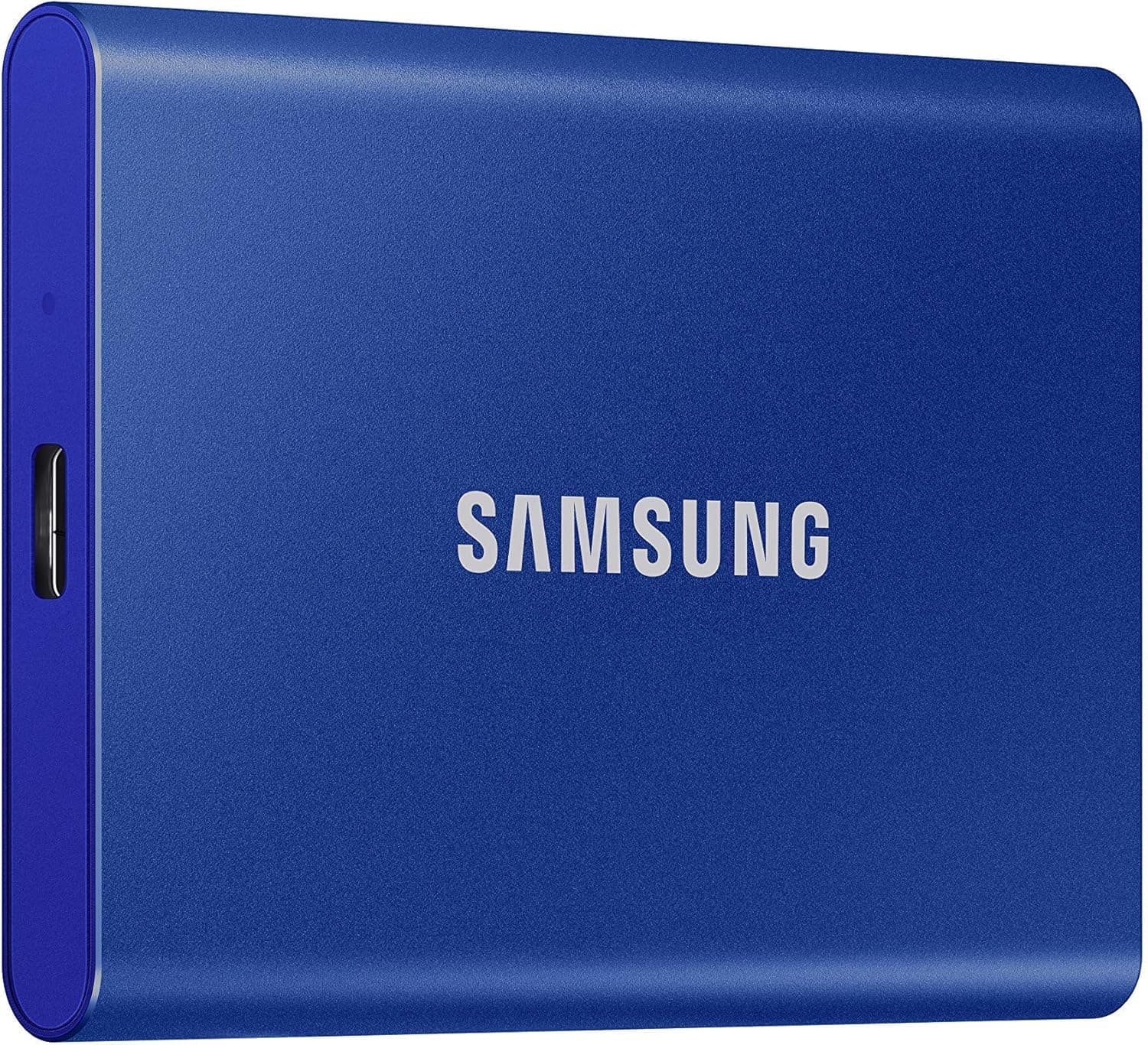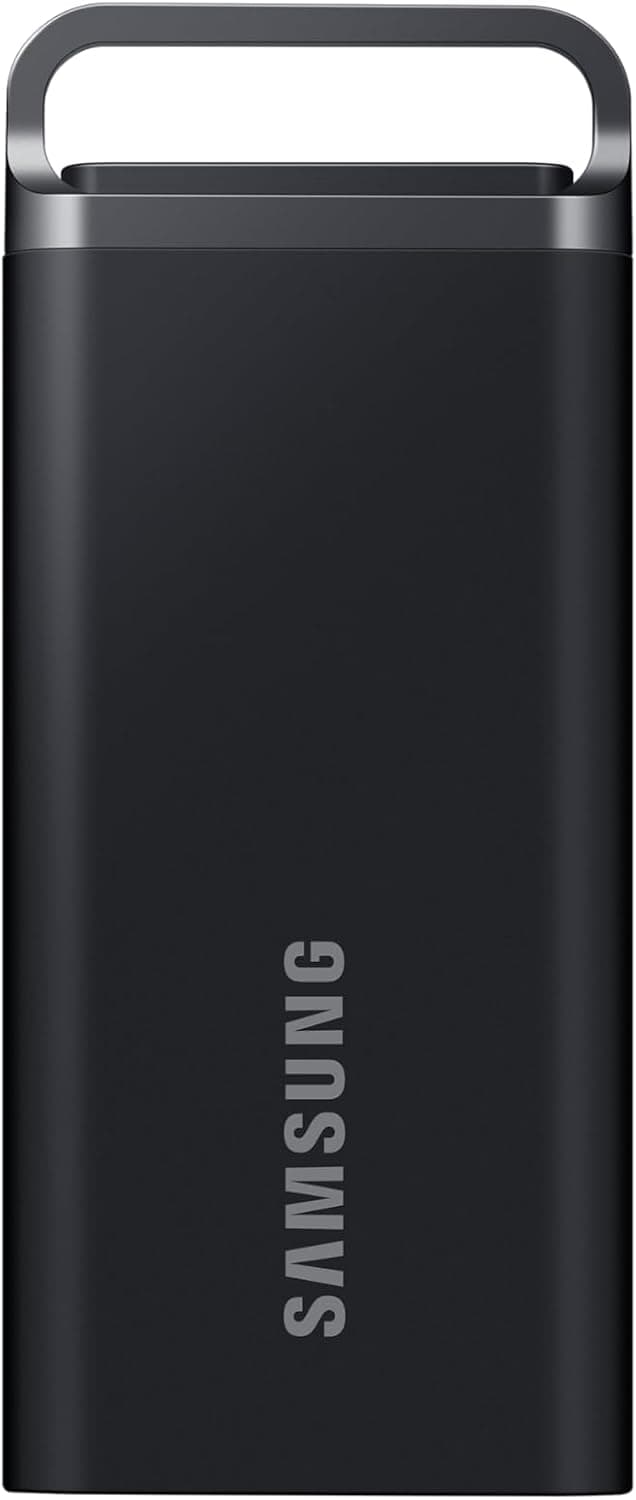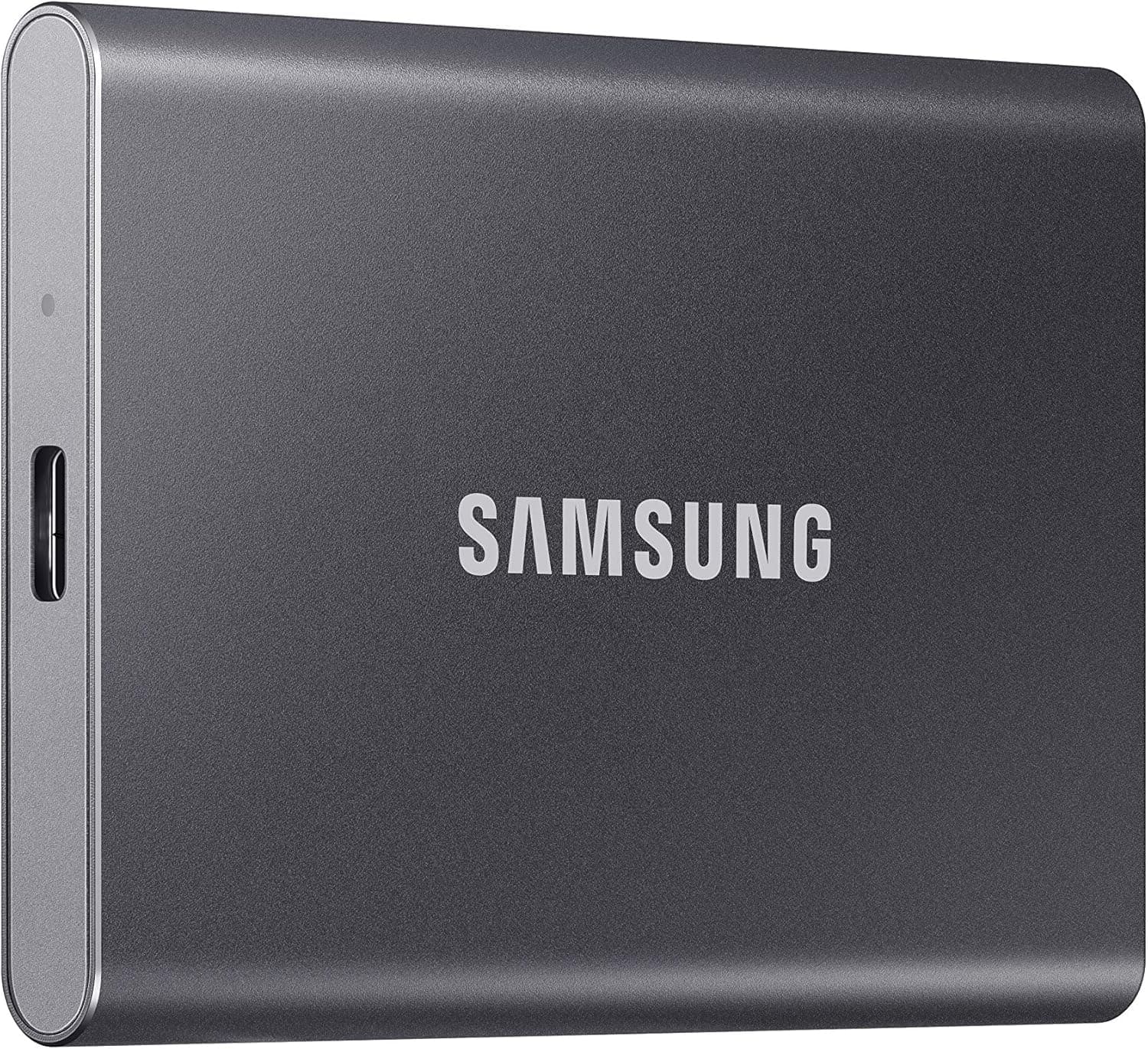
This article covers SAMSUNG (サムスン) SSD T7 ポータブル 外付け ソリッドステートドライブ 1TB 最大1. Samsung's T7 Portable SSD packs blazing-fast transfer speeds into a compact, credit-card-sized enclosure.
With sequential read speeds up to 1,050 MB/s and writes up to 1,000 MB/s over USB 3.2 Gen 2, it's a significant upgrade over both traditional hard drives and its predecessor, the T5.
The 1TB capacity is ample for large video files, RAW photos, and game libraries. Beyond raw speed, the T7 features AES 256-bit hardware encryption and an aluminum unibody design that withstands drops of up to 1.83 m.
Built-in software makes password protection and firmware updates straightforward, even for first-time users. Positioned as a mid-range portable SSD, the T7 strikes a balance between performance and price.
It's an excellent choice for creative professionals, gamers, and anyone who needs to move large files frequently. The T7 connects via USB Type-C and includes both USB-C to C and USB-C to A cables, ensuring broad compatibility with PCs, Macs, Android devices, and game consoles.
For maximum speed, a USB 3.2 Gen 2 port is required, but the drive is backward-compatible with USB 3.2 Gen 1 and USB 2.0.
It works seamlessly with PlayStation 5 and Xbox Series X|S for storing and playing backward-compatible titles, though native PS5 games must be installed on the internal SSD to run. Bus-powered operation means no external power adapter is needed.
The drive is also compatible with iPad Pro and many Android smartphones via USB-C, making it a versatile travel companion. Check the retailer's page for the latest price.
It comes with a standard 3-year manufacturer warranty. In Samsung's portable SSD lineup, the T7 sits between the T7 Touch (with fingerprint reader) and the T7 Shield (ruggedized).
It's a well-rounded mid-tier option that emphasizes speed and security without premium add-ons. Creative professionals are the primary audience.
Video editors and photographers will appreciate the 1,050 MB/s read speed when transferring raw footage or working directly from the drive. The encryption is a bonus for client data.
However, if you need extreme durability (water/dust resistance), consider the T7 Shield instead. Gamers can use the T7 to offload older titles from their console or PC's internal SSD, freeing up space for current games.
It works well as a game library drive for PCs, though loading times won't match internal NVMe speeds. For competitive multiplayer titles where every millisecond matters, an internal SSD is still preferable.
Business users benefit from the hardware encryption and compact form factor. The T7 fits easily in a pocket or bag, making it ideal for carrying sensitive documents between office and home without relying on cloud services.
Password protection is easy to set up via the included software. Casual users will find the T7 an excellent backup drive for important files.
Its speed makes routine backups quick and painless, and the sturdy aluminum case offers reasonable protection against drops. Write speeds (1,000 MB/s) are slightly slower than reads, but the difference is negligible in real-world use.
To achieve full performance, ensure your computer has a USB 3.2 Gen 2 port; otherwise, speed will drop to the host's maximum.
The T7 is not water or dust resistant. If you work in harsh environments, the T7 Shield is a better fit.
Additionally, the TBW rating of 600 TB is adequate for typical use but lower than high-end internal NVMe SSDs; it's not designed for constant heavy writes (e.g., 24/7 surveillance recording).
For maximum capacity per dollar, an external HDD remains cheaper, though much slower. Q: Can I use the T7 with my PS5?
A: Yes, connect it to the USB port to store and play PS4 games or back up PS5 game data. However, PS5 games cannot be launched directly from the external drive.
Q: How do I set up password protection? A: The Samsung Portable SSD Software is preloaded on the drive.
On Windows or macOS, launch the software from the drive, set a password, and AES 256-bit encryption will be enabled. Q: What real-world speeds can I expect?
A: Under ideal conditions with a USB 3.2 Gen 2 port and high-quality cable, sequential reads reach ~1,000 MB/s and writes ~950 MB/s.
Performance drops with older USB standards or when copying many small files.
Product Disclosure (Amazon)
- Manufacturer: サムスン(SAMSUNG)
- Seller: デザイナーズ アクア
- Fulfilled by: Amazon
- ASIN: B0874XN4D8
- Note: This article covers a manufacturer-made product based on Amazon listing details.