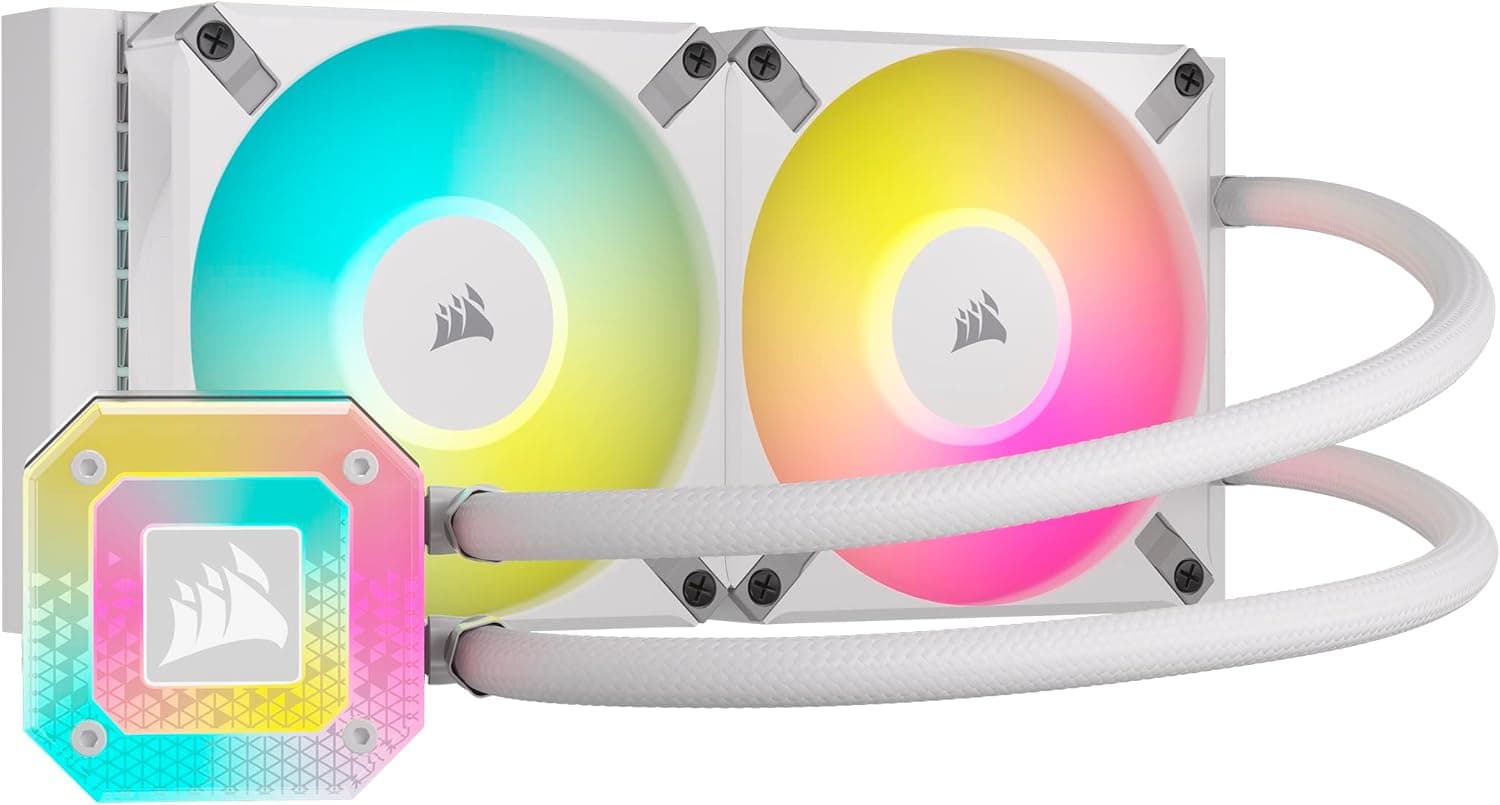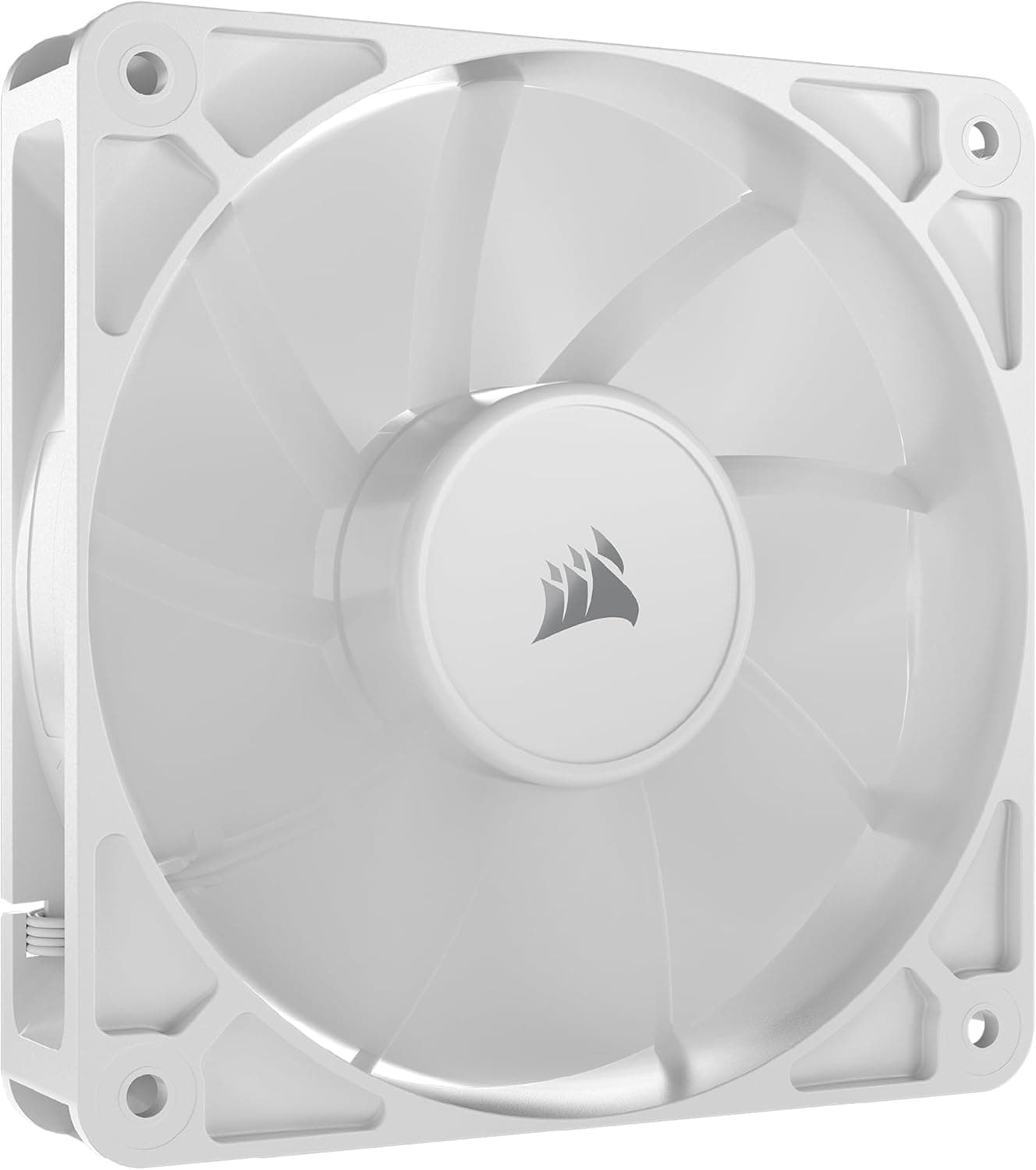
This article covers CORSAIR RS120 PWM 120mm PCケースファン デイジーチェーン対応 シングルパック ホワイト CO-9050192-WW.
Overview
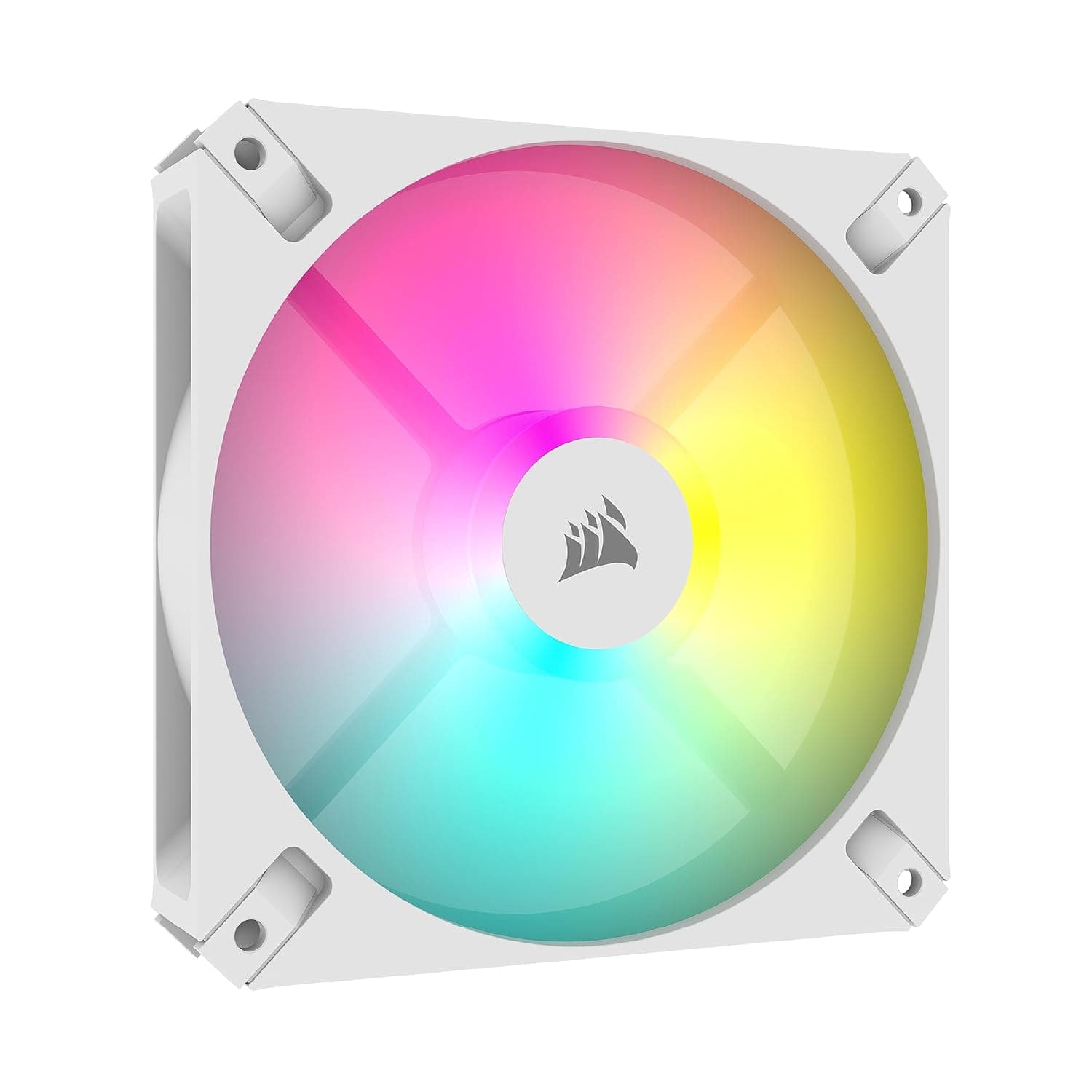
The CORSAIR RS120 PWM is a 120mm case fan that supports daisy-chain connectivity, available in a single-pack white variant (model CO-9050192-WW). Its standout feature is the ability to link multiple fans using just one motherboard fan header, keeping your build tidy and cable management simple. With a maximum speed of 2,100 RPM and airflow of 72.8 CFM, it delivers solid mid-range performance for a 120mm fan. This fan incorporates CORSAIR AirGuide technology, which focuses the air column to target specific areas like CPU heatsinks or radiators more effectively. It also supports Zero RPM mode, meaning the fan can stop completely under low loads via PWM signal — ideal for silent PC enthusiasts. Available in both single and multi-packs, the single-pack reviewed here is perfect for adding one extra fan or replacing an existing unit. While it doesn't integrate with CORSAIR iCUE for lighting effects (since it lacks RGB), the standard 4-pin PWM connector works with any modern motherboard.
Compatibility Guide
The RS120 PWM is a standard 120mm fan, fitting any case with 120mm mounting points. Screw hole spacing follows the industry standard 105mm pitch (75mm between centers on the short side), and it connects via a 4-pin PWM header. Socket/Motherboard: No socket limitations — works with any ATX, microATX, or Mini-ITX board that has a 4-pin fan header. Memory clearance: 120mm fans typically don't interfere with RAM slots, but ensure your case has enough width if mounting on a radiator above the motherboard. Form factors: ATX, microATX, Mini-ITX cases all support 120mm fan mounts. Power draw: At 4.8W per fan, the load is very light. A standard motherboard header rated at 1A (12W) can handle 2–3 daisy-chained units safely. * Daisy-chain cable: The included cable connects multiple RS120 fans. Do not mix with other CORSAIR fan series — the daisy-chain connector is proprietary within the RS series.
Product Info
The CORSAIR RS120 PWM (CO-9050192-WW) launched in 2024 as a mid-range 120mm case fan. It sits below the premium ML/LL series in CORSAIR's lineup but offers practical features like daisy-chaining and AirGuide without the cost of RGB LEDs. Release: 2024 Price: Approximately 1,500 JPY (as of June 2026, reference) Warranty: 5 years Power consumption: 4.8W per fan Noise level: 36 dBA at max speed Market positioning: Mid-range — a solid choice for budget-conscious builders who want daisy-chain convenience and good performance.
Best Use Cases
Silent PC builders: Zero RPM mode stops the fan entirely under light loads — perfect for HTPCs or quiet office builds where noise matters. Cable management enthusiasts: Daisy-chain capability significantly reduces fan cables. If you hate seeing a nest of wires inside your case, this fan is for you. White-themed builds: The white color scheme blends beautifully with white cases like the Corsair 4000D Airflow White or NZXT H5 Flow White. Great for RGB-free, clean aesthetics. General-purpose upgrades: Need a simple, reliable 120mm fan for exhaust or intake without RGB? This is a cost-effective choice. Not suitable for users who demand RGB lighting — look at the Corsair SP/LL series instead. ## Alternatives
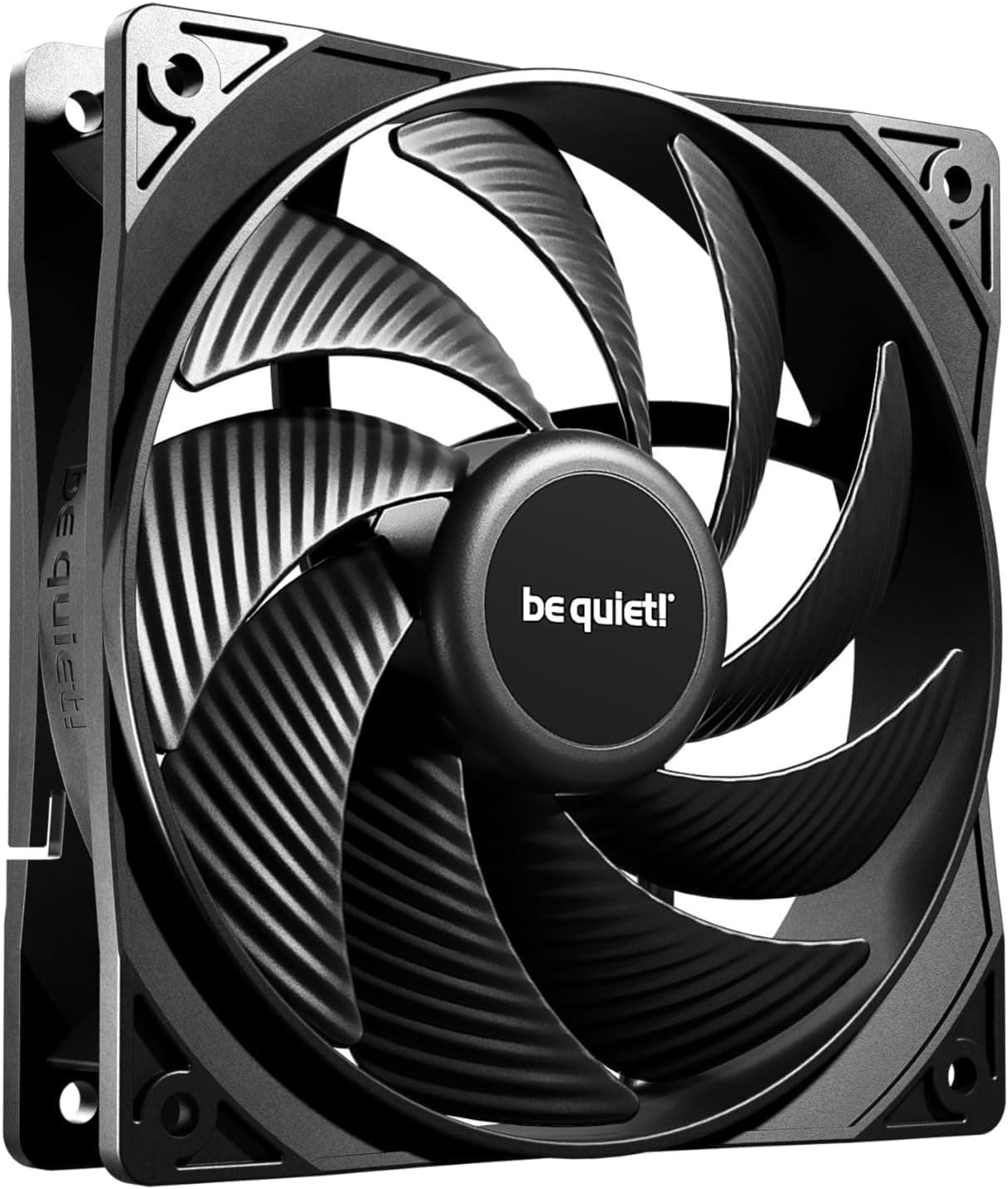
In the same price tier (around 1,200–1,800 JPY), the be quiet! Pure Wings 2 120mm is a strong competitor. It's slightly quieter at full speed (about 35 dBA) but lacks daisy-chain support. For about double the price, the Noctua NF-A12x25 PWM offers superior noise-to-performance ratio and longer product support, but no daisy-chain feature. If daisy-chain is a must, the RS120 PWM is essentially the only game at this price point. For silent operation above all, choose be quiet! or Noctua. If you need RGB, check the Corsair RS120 ARGB variant (though it costs more and still uses a different connector scheme).
Things to Consider
No RGB: If your build relies on lighting effects, this fan will look plain. Consider the RS120 ARGB variant or another RGB-enabled fan. Daisy-chain limitations: You can connect up to about 3 fans per header before hitting current limits. Always check your motherboard fan header's rated current (typically 1A). Noise at full speed: 36 dBA is noticeable at 2,100 RPM. For 24/7 operation, use PWM control to limit speed below 1,500 RPM where noise drops significantly. Incompatibility with other CORSAIR fan series: The daisy-chain cable only works with other RS120 fans. You cannot mix with AF, ML, or SP series. * Not a high-static-pressure fan: While AirGuide helps direct airflow, it's not designed for dense radiators (45mm+). For radiator duty, consider the Corsair ML120 or Noctua NF-F12. ## FAQ Q: How many fans can I daisy-chain on one header? A: CORSAIR doesn't specify an official limit, but based on power draw (4.8W per fan) and typical motherboard header capacity (1A at 12V = 12W), you can safely chain up to 2 fans (9.6W). Three fans (14
Product Disclosure (Amazon)
- Manufacturer: CORSAIR
- Seller: Amazon.co.jp
- Fulfilled by: Amazon.co.jp
- ASIN: B0D49PM8ST
- Note: This article covers a manufacturer-made product based on Amazon listing details.