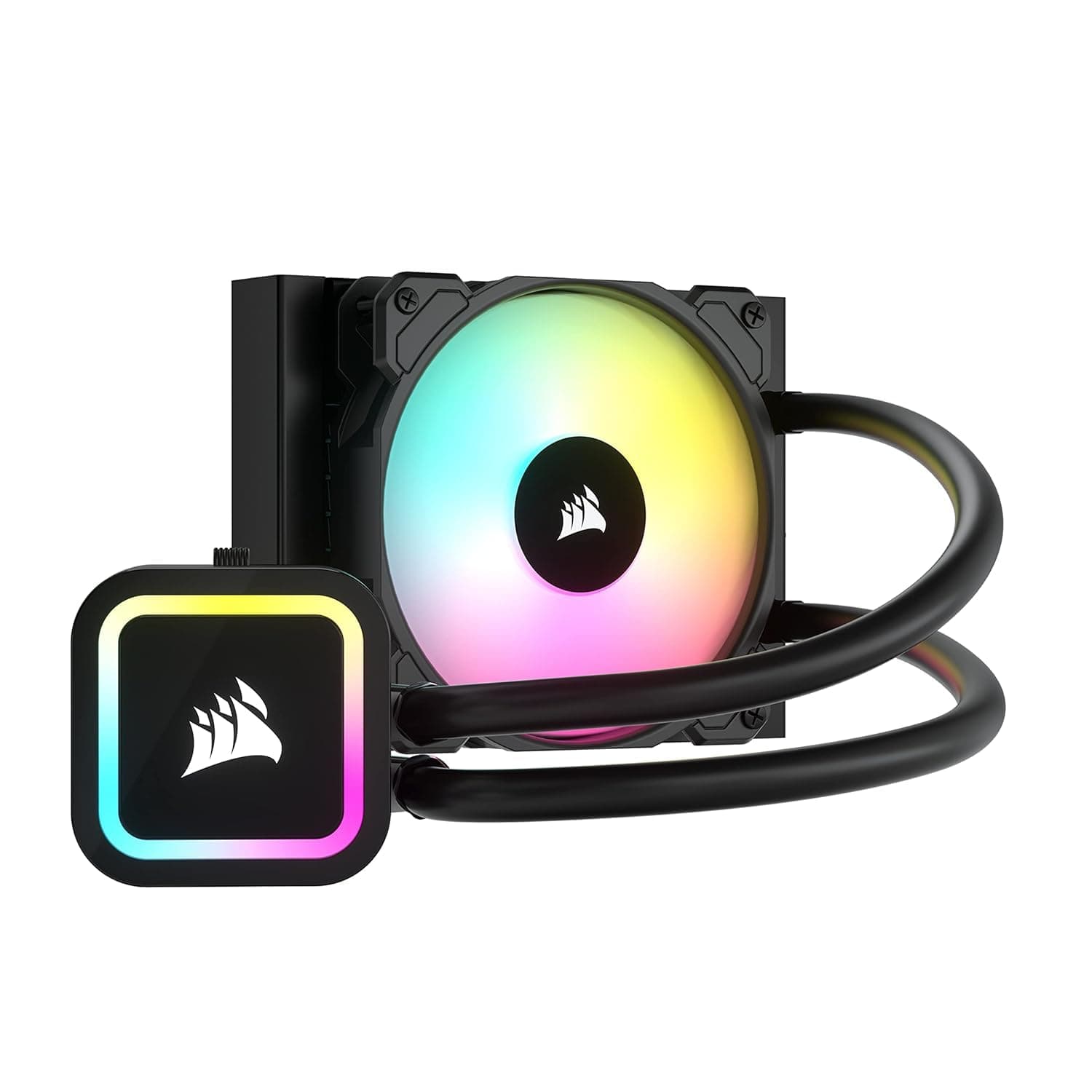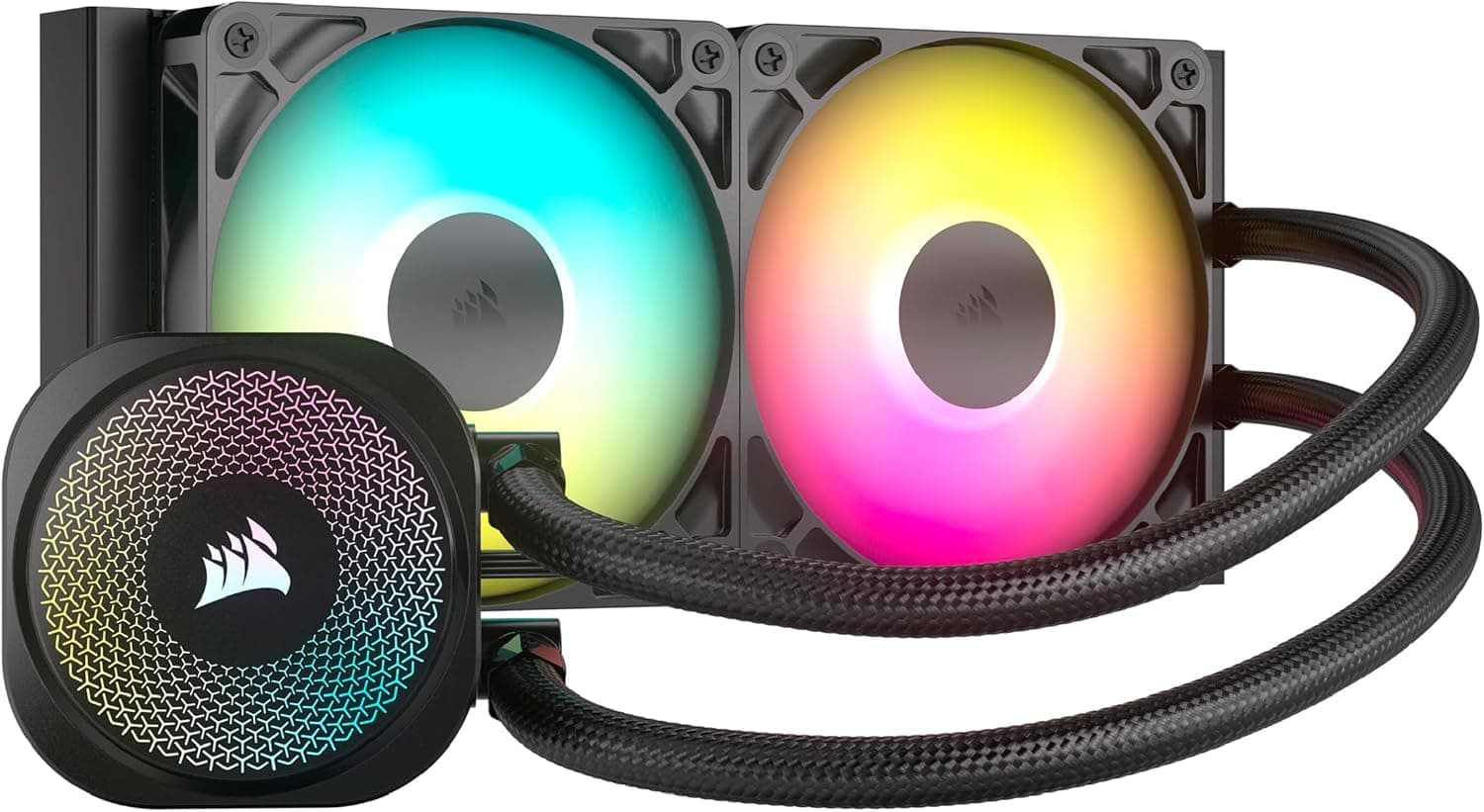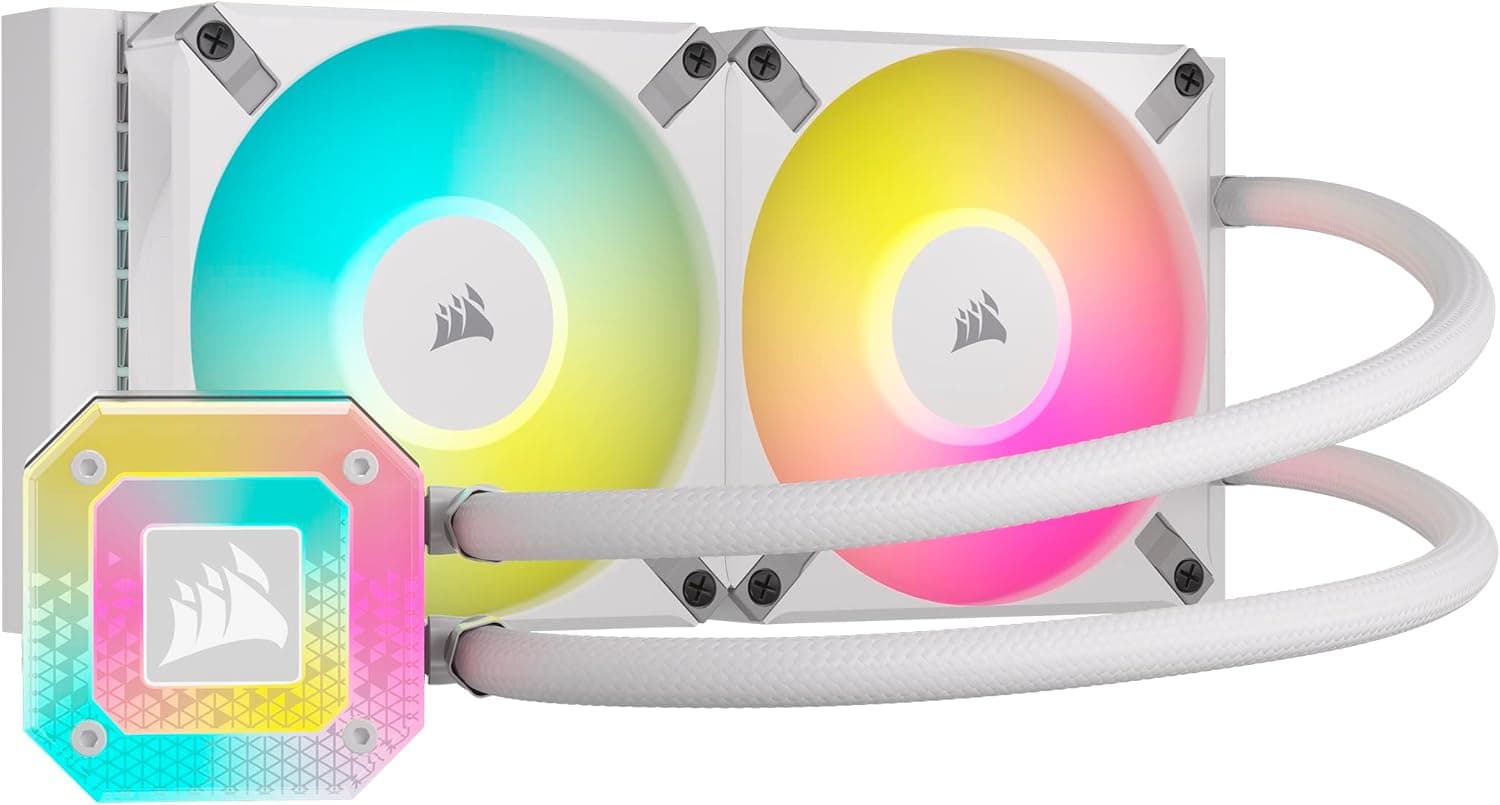
This article covers CORSAIR H100i Elite Capellix XT WHT 水冷クーラー in depth: how to read its spec sheet, where the compatibility traps are, and what you are actually trading away when you buy it.
Overview
The CORSAIR H100i Elite Capellix XT WHT is the white variant of the company's 240mm all-in-one liquid CPU cooler. The short verdict: this is a cooler for people building a white-themed PC who also want their lighting unified under iCUE.
Raw cooling is typical for the 240mm class — what you pay extra for is the white finish, the Capellix LED pump head, and the software ecosystem.
The bundled AF120 RGB ELITE fans spin from 550 to 2100 RPM, delivering up to 65.57 CFM and 2.68 mm-H2O of static pressure — plenty to push through a 27mm-thick radiator.
The pump housing carries ultra-bright Capellix LEDs, tunable in detail through iCUE. Amazon reviews sit at 4.4 out of 5 across 724 ratings (roughly an 88% positive rate, captured 2026-06-17), a stable score for this price class.
Here is the short answer by use case.
| Use case | Fit | Why |
|---|---|---|
| Core i5 / Ryzen 5-7 class in a white build | Excellent | 240mm has headroom; the aesthetic payoff is the real value |
| Core i9 / Ryzen 9 under sustained load | Marginal | 240mm plateaus; look at 280mm or 360mm |
| Quiet-first builds | Good | Floors at 550 RPM / 5 dBA, but only with a proper fan curve |
| Best cooling per yen | Poor | A dual-tower air cooler matches it for much less |
| Want an LCD pump head | Marginal | Not included; buy an LCD model outright |
The table is a guideline. The point is that this product's value sits in the white finish, iCUE integration, and the 5-year warranty — not in the absolute temperature number.
If none of those matter to you, it will read as expensive.
Compatibility Guide
Supported sockets are Intel LGA 1700 / 1200 / 115X / 2066 and AMD AM5 / AM4 / sTRX4. Ryzen 7000/9000 chips land on AM5 and 12th-14th Gen Core on LGA 1700, so current mainstream platforms are covered.
The manufacturer's compatibility notes state that Intel LGA 2011-3 and the older LGA 1366 are not supported.
One caveat worth flagging: the auto-extracted socket row in this article's spec table lists LGA1366 and LGA2011, which contradicts that compatibility note. That row is a text-extraction artifact.
If you are planning to use this on an older workstation board, check the manufacturer's official socket list rather than the spec table.
LGA1851 (Core Ultra 200S) is not listed either way. LGA1851 shares LGA1700's cooler mounting hole pitch, so LGA1700 brackets generally carry over — but we cannot state that as confirmed for this specific model.
Verify on the product page before buying.
Physical fit is where builds actually fail. The radiator measures 277x120x27mm; add 25mm fans and the stack is roughly 52mm.
For a top mount, you need that 52mm plus screw clearance between the motherboard's top edge and the case roof. Most mid-towers have room, but Mini-ITX and slim cases, tall VRM heatsinks, and high-profile memory heatspreaders can interfere.
Read your case's "maximum top radiator thickness" spec first.
For a front mount, the 277mm length matters: fixed 3.5-inch drive cages can collide with it, so confirm the cage is removable.
The 400mm tubing is ample for front or top mounting in a mid-tower, but may fall short in a full tower where you route to the bottom or the rear chamber.
sTRX4 support exists, but the cold plate does not fully cover a Threadripper IHS. For many-core sustained workloads, 240mm is clearly underpowered.
Supported does not mean recommended.
On wiring: fans and pump use 4-pin PWM. Put the pump on a header you can pin at 100% (AIO_PUMP or CPU_OPT).
Dropping pump speed onto a silent curve is a classic mistake that raises coolant temperature. Lighting is designed around iCUE — confirm the exact wiring path (motherboard ARGB header versus the bundled controller) and whether an internal USB 2.0 header is required, using the included manual.
CORSAIR's iCUE-managed coolers commonly occupy one internal USB header, so you may need a splitter if yours is already taken.
Product Info
rmation
The package pairs a 240mm radiator (277x120x27mm) with two 120x120x25mm AF120 RGB ELITE fans. Fan range is 550-2100 RPM, 13.8-65.57 CFM, 0.17-2.68 mm-H2O, and 5-34.1 dBA.
Tubing is 400mm, the loop is a sealed maintenance-free design, and the warranty runs 5 years — long for an AIO. Read the warranty terms at purchase, including how leak damage is handled.
Pricing at capture time: the Japanese Amazon listing showed ¥10,991 as of 2026-06-15 and ¥12,000 as of 2026-08-27. On eBay, $70.00 as of 2026-07-13.
A roughly ¥1,000 swing in two and a half months tells you this price moves; treat every figure above as a point-in-time snapshot and check the product page for current pricing. Note also that one price record is labeled "Amazon US" while the actual reference is a yen-denominated domestic listing — confirm the seller and currency yourself before ordering.
Review data: 4.4 out of 5 from 724 ratings (captured 2026-06-17), about 88% positive.
With a sample in the high hundreds, that reads as a realistic score rather than an outlier.
How It Compares
The obvious rival in the 240mm class is the NZXT Kraken Elite 240 RGB v2, which ships with an LCD pump head. If a display is your main motivation, buying that outright beats bolting a kit onto this one.
For more cooling headroom, CORSAIR's own 280mm iCUE H115i ELITE CAPELLIX is the straightforward step up — more radiator area means the same temperature at lower RPM. If you want to stay white while gaining area, a 360mm white model such as the MSI MAG CORELIQUID I360 WHITE is an option, provided your case can mount 360mm.
On the cheaper end, the 120mm iCUE H60x RGB ELITE gets you into the iCUE ecosystem for less. And the most honest comparison is air: a dual-tower cooler like the Thermalright PA120 often matches a 240mm AIO for well under half the price.
Buy this cooler because it is white, synchronized, and low-profile around the socket — not because you expect it to cool dramatically better.
Noise and Fan Curves in Practice
A 5-34.1 dBA rating is too wide to be useful at a glance.
Practically: the 550 RPM / 5 dBA floor disappears into room noise, while 2100 RPM / 34.1 dBA is clearly audible as airflow from outside the case.
This cooler can be quiet or loud — out of the box it is not automatically quiet.
The trick is to build your fan curve against coolant temperature rather than CPU temperature. CPU temps spike instantly, so following them makes fans surge up and down, which is far more annoying than steady noise.
Coolant temperature moves over tens of seconds, producing a smooth curve. That control is the most practical reason to choose an iCUE-managed cooler.
Pump noise is separate from fan noise. Even with fans at minimum, you may hear pump hum or a faint ticking from trapped air.
Mounting orientation helps — see below.
Installation Notes
Never let the pump head be the highest point in the loop. Air collects at the top, and a pump that sits highest will ingest bubbles and rattle.
Front-mount with the tubes at the bottom, or top-mount (where the pump naturally sits below the radiator), and you avoid the problem.
Thermal paste is included; open the box to confirm whether it is pre-applied or supplied separately. Mounting hardware for both Intel and AMD is in the package.
Tighten screws in a diagonal pattern, a little at a time — overtightening causes flex. On LGA1700 in particular, socket warping is a known topic, so if temperatures come in higher than expected, remounting is the first thing to try.
Who It's For
If you are building around white and want the radiator and fan frames to match, this is a clean fit. A black CPU cooler ruins an otherwise all-white case, cable, memory and fan set, and white 240mm AIOs are not plentiful.
It also suits anyone already running CORSAIR peripherals or case fans under iCUE. Not adding another lighting utility is a small thing that pays off daily.
On the thermal side, Core i5/i7 and Ryzen 5/7 class chips are the sweet spot. Within that range there is headroom even with an overclock, and room to tune toward silence.
It also fits builds where you want a low profile around the socket to clear large GPUs or tall memory.
Before You Buy
The biggest trade-off is cooling per yen. Mid-range dual-tower air coolers routinely match a 240mm AIO.
If you accept the price gap expecting water to cool dramatically better, you will be disappointed — you are paying for looks and software.
Second, size your CPU honestly. With a Core i9-13900K or Ryzen 9 7950X under sustained load, 240mm plateaus.
Choose 280mm or 360mm if you want peak performance held. For intermittent gaming loads, 240mm rarely becomes a practical problem.
White plastic yellows with age. Direct sunlight and smoking environments accelerate it.
If pristine white matters for years, choose your placement carefully, and check product photos to confirm the tubing and sleeving color matches your expectations.
AIOs are maintenance-free but not immortal. The pump is a mechanical part that can fail in a few years.
A 5-year warranty softens that considerably, but after it expires you are on replacement terms. If you would rather not think about it, an air cooler with fewer moving parts is a legitimate answer.
If you want an LCD, an optional upgrade kit is said to be available — confirm compatibility and price on the product page. Once you add the kit cost, buying an LCD model from the start is often cheaper.
Finally, a note on listing data. Just as this article's socket row contradicted the compatibility notes, automatically collected listing data can contain errors; one price record even carried a store label that did not match its currency.
You will see the same product page, so verify the model number, the product image, and the title before ordering. Color variants (WHT versus black) and LCD/non-LCD versions often share a single page.
FAQ
Q. Can 240mm handle a Core i7-class chip? A.
For gaming and general work, comfortably. Under long all-core loads fan speed climbs toward the 34.1 dBA end.
For quiet operation under that load, 280mm or larger is easier.
Q. Can I just plug the RGB into my motherboard's ARGB header? A.
This cooler is designed around iCUE control. Confirm the wiring path and whether an internal USB 2.0 header is required using the included manual.
If you have no free USB header, a splitter may be needed.
Q. Will the white parts yellow? A.
Plastics discolor with UV and heat over time. Avoiding direct sunlight and smoke slows it down, but nothing prevents it entirely.
Q. Do I need to refill the coolant? A.
No. It is a sealed, maintenance-free loop.
The pump is still a wear part, so treat the 5-year warranty as a useful planning horizon.
Q. Air or liquid? A.
Air wins on cooling per yen. This wins on matched aesthetics, low socket-area clearance, and single-app lighting control.
Decide on what you are paying for, not on which cools better.
Product Disclosure (Amazon)
- Manufacturer: CORSAIR
- ASIN: B0BQJ4VNT1
- Note: This article covers a manufacturer-made product based on Amazon listing details.