This article covers the Belkin CONNECT Thunderbolt 3 Dock Pro 12 in 1 in detail — specs, pricing history, review scores, and just as importantly, who should not buy it.
Overview
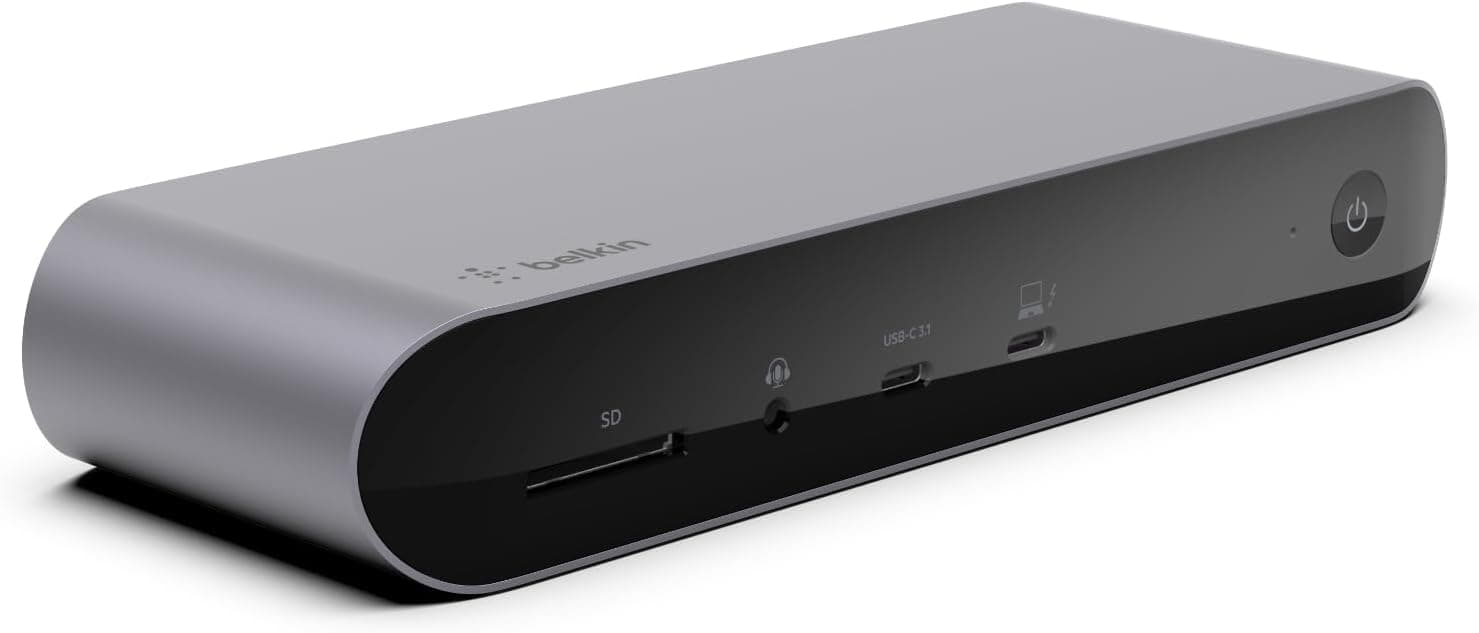
The Belkin CONNECT Thunderbolt 3 Dock Pro 12 in 1 is a full-size desktop dock built around Thunderbolt 3. The short version: it is aimed at creative professionals who want one cable to handle charging, dual displays, wired Ethernet, and card transfers — not at people who simply need a few extra USB ports.
It supports up to 85W pass-through charging and drives a single 8K/30Hz or dual 4K/60Hz display setup.
At 259×81×198mm and 1.6kg, plus a separate 170W AC adapter, this is emphatically a stay-on-the-desk device.
The bundled Thunderbolt 3 cable is only 0.8m, which can constrain where you place it.
Compatibility Guide
There are two Thunderbolt 3 ports. One upstream port connects to the host laptop and carries the 85W of power delivery.
One downstream port accepts additional Thunderbolt 3 or USB-C devices and supports daisy-chaining Thunderbolt SSDs or displays. Mixing up upstream and downstream is the classic first-day mistake that produces "no charging" or "no video" symptoms.
Video comes from the DisplayPort 1.4 output plus the downstream Thunderbolt 3 port.
For dual 4K/60Hz, the second display typically hangs off the downstream port via a USB-C to DisplayPort/HDMI adapter — and a low-spec adapter can silently cap you below 4K/60Hz. There is no HDMI port on the dock itself, so HDMI-only monitors require an adapter.
Count the inputs on your monitors before ordering.
Supported systems are macOS 10.12 and later, Windows 10 and later, and iPadOS.
It works with USB-C MacBook models from 2015 onward and with USB-C iPad Pro. As the compatibility notes state, non-Thunderbolt USB-C devices will connect but with reduced functionality — on DisplayPort Alt Mode-only laptops you may end up with a single display instead of two.
Full functionality effectively requires a Thunderbolt 3 host.
The 85W figure deserves a check against your own laptop. Most 13–14 inch notebooks are comfortably covered.
Higher-tier machines that draw over 90W under load may lose battery charge during heavy work — not a failure, just slower charging than the bundled first-party adapter. Compare against the wattage printed on your original charger.
Ethernet is 1Gbps and the card reader is UHS-II. A true UHS-II reader is often the first thing docks cut, so for photo and video workflows this alone can justify the purchase — provided your cards are also UHS-II, since a UHS-I card will still run at UHS-I speeds.
Audio is a single 3.5mm combo jack.
Product Info
| Item | Spec |
|---|---|
| Thunderbolt 3 ports | 2 (1 upstream + 1 downstream) |
| Max power delivery | 85W |
| Display output | Single 8K/30Hz or dual 4K/60Hz |
| USB-A 3.1 Gen2 | 1 |
| USB-C 3.1 Gen2 | 1 |
| Card reader | UHS-II |
| Ethernet | 1Gbps |
| Audio | 3.5mm combo |
| Dimensions | 259×81×198mm |
| Weight | 1.6kg |
| Cable length | 0.8m |
| Warranty | 2 years |
Pricing moves a lot, so treat every figure below as a captured snapshot, not a current price. On Amazon.co.jp the listing showed ¥40,950 as of 2026-06-07 and ¥27,967 as of 2026-08-27 — over ¥10,000 of movement in about three months.
An eBay listing showed $129.99 as of 2026-07-14.
Always check the product page for today's price; equally, if you are not in a hurry, waiting for a dip is a rational move on a product that swings this much.
Check the retailer's page for the latest user reviews. Read the negative reviews before committing.
Warranty is 2 years — standard for this class, though shorter than some rivals such as Kensington's 3-year coverage. Japanese-language phone and email support is available.
Compared With Rivals
Natural comparisons are the Anker 778 Thunderbolt (12-in-1), the enterprise-leaning Kensington SD5200T, and the compact CalDigit Thunderbolt 3 mini Dock. Three axes decide it.
First, built-in HDMI: this Belkin centers on DisplayPort, so HDMI-only monitors need adapters. Second, power delivery: if your laptop wants more than 85W, look at 100W-class docks.
Third, the UHS-II reader, where this dock is genuinely strong.
Also worth noting: Thunderbolt 3 is a generation behind current Thunderbolt 4 / USB4 docks. Physical compatibility holds, but if you are buying for the long haul, compare newer-generation docks too.
At a discounted price this remains a sensible buy; near full price, the case weakens every year.
Best Use Cases
One cable restoring two displays, Ethernet, card reader, and charging pays off most for people who undock and redock several times a day.
Second is MacBook users with Thunderbolt 3 who want a single-cable desk. Wired 1Gbps through the dock is a real stability win in offices that require Ethernet or homes with flaky Wi-Fi.
Thunderbolt 3 Windows laptops get the same benefits.
It is overkill if you only need a few USB ports or a single external monitor — a cheaper compact USB-C hub covers that.
Before You Buy
It is a desktop-only device. A 1.6kg body plus a 170W adapter is not bag-friendly.
If you want a dock for travel, look elsewhere; expecting portability from the word "docking station" is the fastest route to regret here.
No HDMI port. Video out is DisplayPort 1.4 and Thunderbolt 3 (USB-C).
HDMI monitors need an adapter, and a weak adapter may cost you 4K/60Hz. Verify your monitor inputs first — adapter bottlenecks are one of the most common post-purchase complaints with docks.
85W is not universal. Laptops that draw 90W+ under load may not keep up while working hard.
Don't build your workflow around "always fully charged."
A non-Thunderbolt host limits you. "Works with any USB-C port" is true but means it connects, not that dual 4K and full downstream bandwidth are guaranteed.
Look for the lightning-bolt marking on your laptop's USB-C port before ordering.
Firmware and drivers matter. Thunderbolt docks can fail to enumerate or drop after sleep due to firmware version mismatches.
Before assuming a defective unit, check the manufacturer's support page for current firmware and compatibility lists — the Japanese-language support line is genuinely useful for this kind of triage.
Verify the listing yourself. Accessory listings sometimes carry mismatched manufacturer data, mixed-model reviews, or stale specs, and prices move sharply between captures.
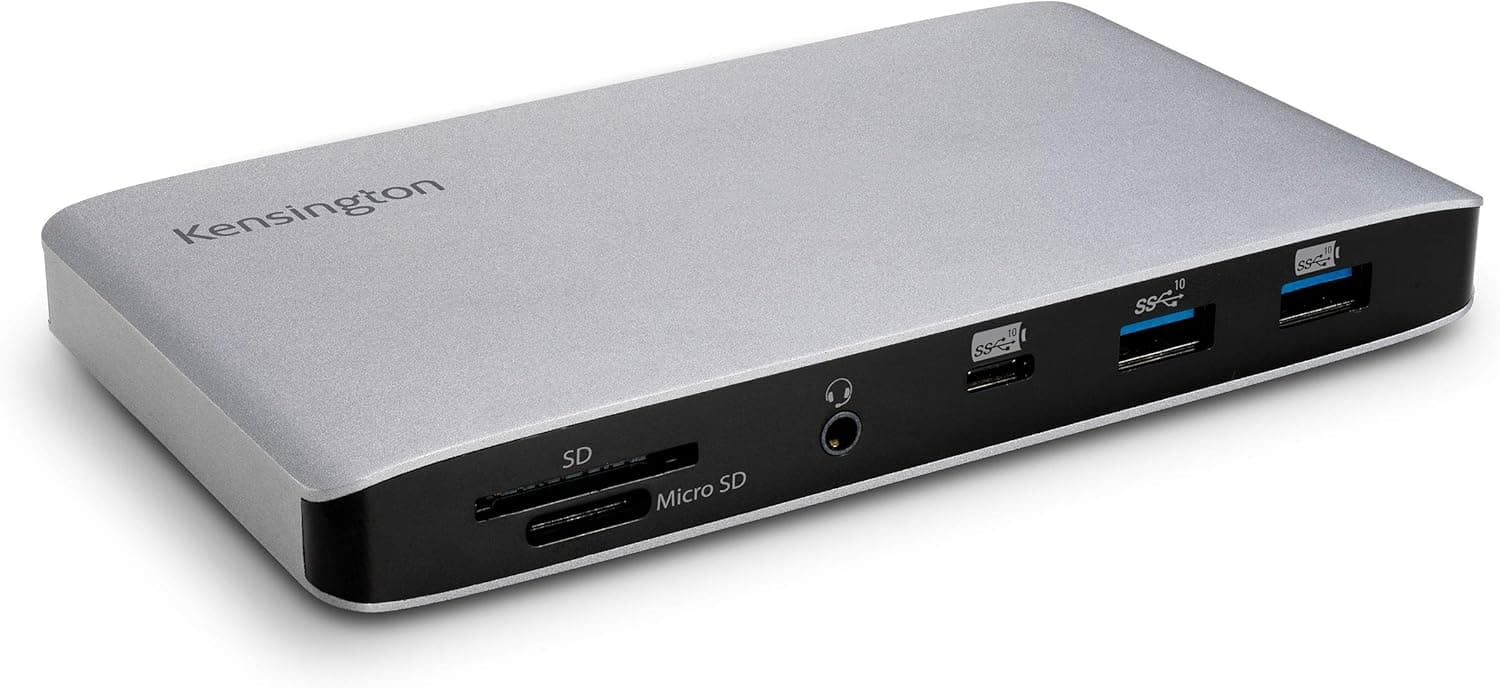
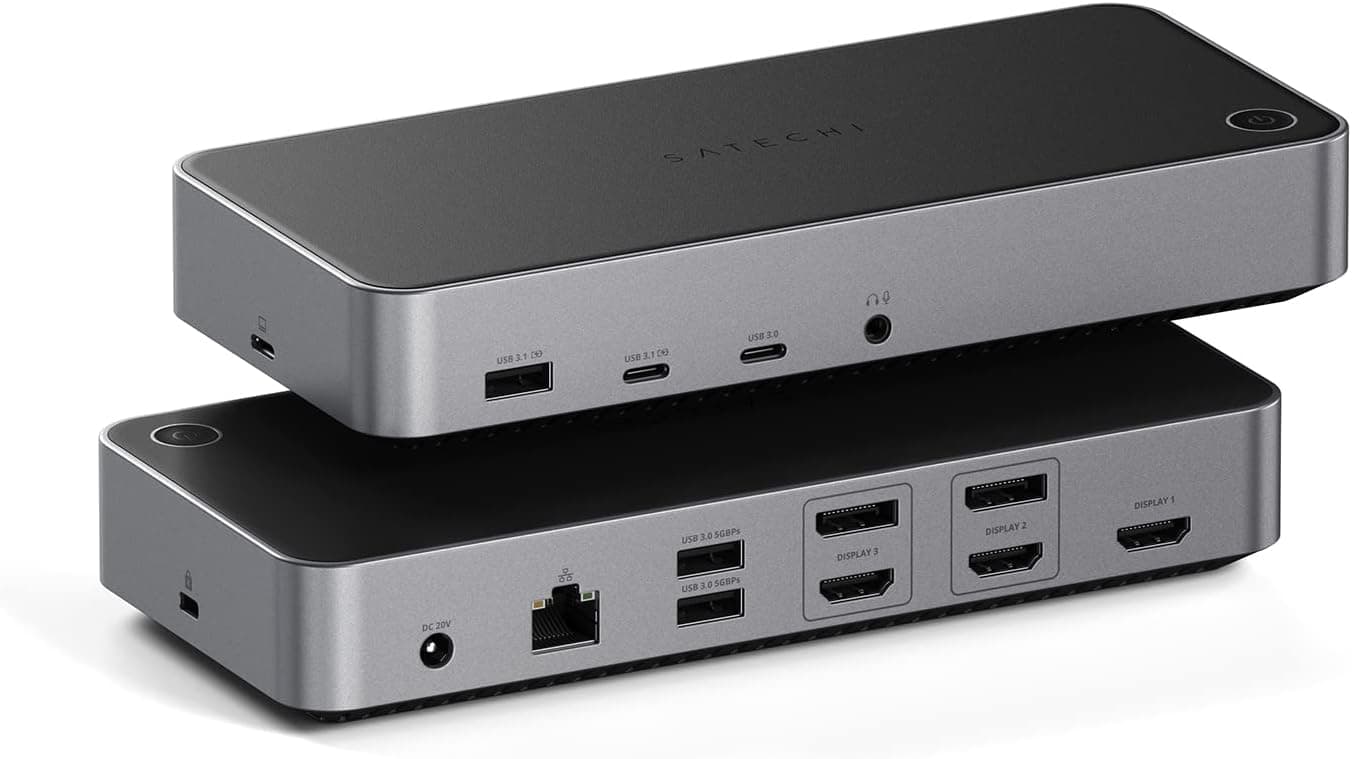
Before ordering, confirm the product images and title match the Belkin CONNECT Thunderbolt 3 Dock Pro 12 in 1 described here.
FAQ
Q. Will it work with a non-Thunderbolt USB-C laptop? A.
It connects, but with reduced functionality — dual 4K output and full downstream bandwidth are not guaranteed. Full features effectively require a Thunderbolt 3 host.
Q. Can I connect an HDMI monitor? A.
Not directly; there is no HDMI port. Use a DisplayPort-to-HDMI or USB-C-to-HDMI adapter, and check that the adapter supports your target resolution and refresh rate.
Q. Is 85W enough to charge my laptop? A.
For most 13–14 inch notebooks, yes. Machines shipping with 90W+ chargers may charge slowly or lose ground under heavy load.
Q. Does it work with iPad Pro? A.
USB-C iPad Pro models are supported, but iPadOS handles external displays and peripherals differently from macOS/Windows. Confirm your specific use case first.
Q. What does it cost? A.Check the retailer's page for the latest price.co.jp as of 2026-06-07 and ¥27,967 as of 2026-08-27.
Check the product page for the current price.
Q. How are the reviews?
A.
Product Disclosure (Amazon)
- Manufacturer: Belkin
- Seller: Amazon.co.jp
- Fulfilled by: Amazon.co.jp
- ASIN: B085CSK9JQ
- Note: This article covers a manufacturer-made product based on Amazon listing details.