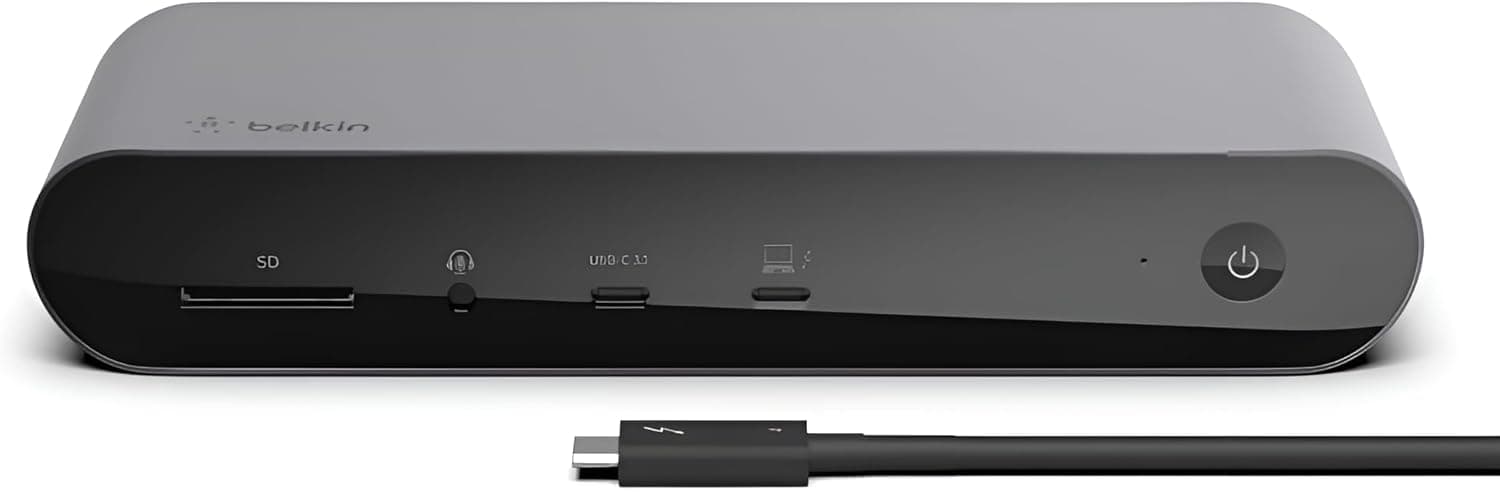
Overview
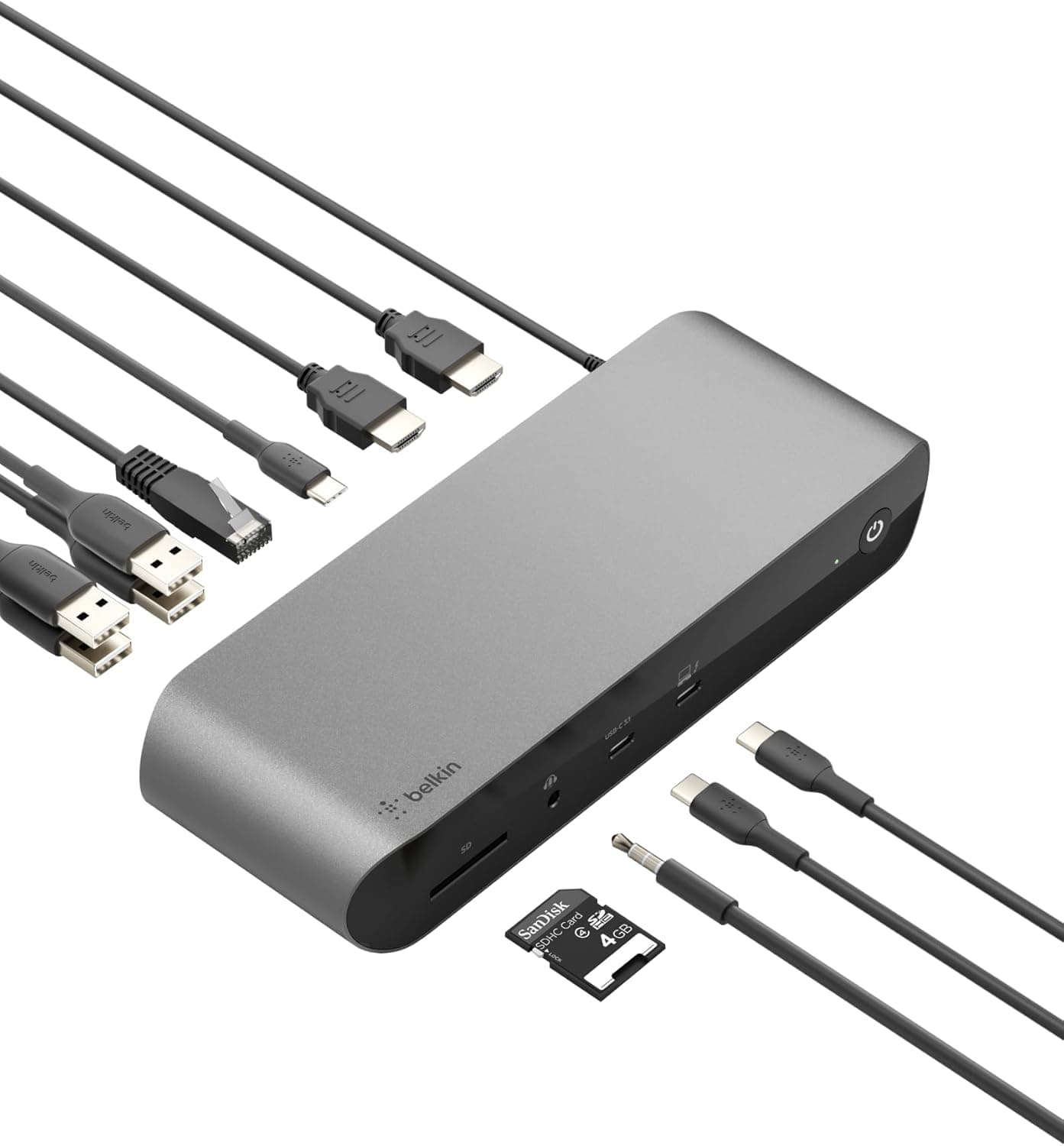
The Belkin CONNECT Pro 12-in-1 Thunderbolt 4 Dock INC006qcSGY is a desktop docking station. Plug one Thunderbolt 4 cable into your laptop and it handles charging, video output, wired networking, USB devices and SD cards at once.
On paper it offers up to 40Gbps data transfer, up to 90W host charging and 12 ports. It launched in 2022 and won a VGP 2022 award.
The short version: it is a strong choice if you have a Windows laptop with Thunderbolt 4/3, or an M1 Pro/M1 Max MacBook Pro, and want a one-cable desk setup. It is a poor fit if you have a base M1/M2 Mac and want two screens, or a laptop whose USB-C port does not support Thunderbolt.
On Amazon.co.Check the retailer's page for the latest user reviews.
Compatibility Guide
What your laptop needs
The dock connects to your laptop over Thunderbolt 4 (USB-C connector) using the included 0.8m cable, and it is backward compatible with Thunderbolt 3.
The catch is that not every USB-C port supports Thunderbolt. A Thunderbolt dock plugged into a non-Thunderbolt USB-C port usually either does not work or loses much of its functionality.
Look for the lightning-bolt icon next to the port, or check the laptop maker's spec sheet for Thunderbolt 3/4 support. USB4 laptops may also work, but the number of displays and the charging power vary by model.
Your laptop decides how many screens you get
The dock has two HDMI outputs and one Thunderbolt 4 video output. HDMI is rated for 4K/60Hz, and the Thunderbolt 4 port is rated for up to 8K/30Hz.
The spec says up to three external monitors, but how many actually work depends on your laptop's GPU and OS.
| Laptop | Typical setup |
|---|---|
| Thunderbolt 4 Windows laptop | Two 4K/60Hz screens over HDMI; three with the TB4 port if the GPU supports it |
| M1 Pro / M1 Max MacBook Pro | Two screens using one HDMI plus the TB4 port; two HDMI alone will not work |
| Base M1 / M2 Mac | macOS limits these to one external display; no dock changes that |
| Thunderbolt 3 Windows laptop | Connects fine; check your model for screen count and resolution |
On a Mac, using both HDMI ports for two screens does not work. For two screens on an M1 Pro/Max, use HDMI for the first monitor and the dock's Thunderbolt 4 port for the second (a USB-C monitor, or a USB-C to DisplayPort cable).
If you need two screens on a base M1/M2 Mac, a DisplayLink dock is the practical route. DisplayLink needs its own driver.
Charging and cable length
The dock charges your laptop at up to 90W. That is usually enough for 13 to 14-inch laptops.
High-performance laptops that ship with a larger charger, such as the 16-inch MacBook Pro, may slowly drain their battery under heavy load. The included cable is only 0.8m, so plan to keep the dock close to your laptop.
If you use a longer cable, pick a certified Thunderbolt 4 one.
Product Info
The Belkin CONNECT Pro 12-in-1 Thunderbolt 4 Dock sits in the high-end tier of docking stations, thanks to full Thunderbolt 4 bandwidth, 8K output and 12 ports.
| Item | Spec |
|---|---|
| Ports | 12 |
| Thunderbolt 4 data | 40 Gbps |
| Host charging | 90 W |
| USB-C PD output | 20 W |
| HDMI | 2 (4K/60Hz) |
| Max video output | 8K/30Hz (TB4), 4K/60Hz (HDMI) |
| SD card | UHS-II (listed as 312 Mbps) |
| Wired LAN | Gigabit Ethernet |
| Dimensions | 73 x 200 x 34 mm |
| Weight | 1830 g |
| Included cable | 0.8 m |
| Warranty | 2 years |
There is also a USB-C port with up to 20W PD output and several USB-A ports, so your keyboard, mouse, external drives and phone charging can all live on the dock. Gigabit Ethernet helps with video calls and large file transfers in rooms with weak Wi-Fi.
It comes in silver with a 2-year warranty and local support in Japan.
On Amazon.co.Check the retailer's page for the latest price.
The same listing showed ¥37,600 as of June 2026, a swing of more than ¥10,000 in a few months. Prices change a lot with sales and stock, so check the product page for the current price.
Marketplace listings abroad can include used or overseas units. When comparing, match condition, plug type and warranty.
Comparison
Docks and hubs fall into three broad types, and which one you need mostly settles whether this dock is right for you.
| Type | Strengths | Weaknesses |
|---|---|---|
| Thunderbolt 4 dock (this product) | 40Gbps bandwidth, 90W charging, multiple high-res screens over one cable | Expensive; limited on non-Thunderbolt laptops |
| Bus-powered USB-C hub | Cheap, small, portable | Limited charging and screen count; often not enough for a permanent desk |
| DisplayLink dock | Adds multiple screens even on base M1/M2 Macs | Needs a driver; fast-moving video is more affected by system load |
If your laptop has Thunderbolt and you want plenty of bandwidth and charging, a Thunderbolt 4 dock like this one is the natural choice. Pick a small USB-C hub for travel, or DisplayLink to add screens to a base M1/M2 Mac.
Who It's For
- Thunderbolt 4 Windows laptop users with a home desk: switch two 4K/60Hz screens, wired LAN and USB devices with one cable, with 90W charging included.
- M1 Pro / M1 Max MacBook Pro users: get two screens using HDMI plus the TB4 port, and expand a port-limited MacBook Pro to 12 ports.
- Photo and video creators: import straight from camera cards through the UHS-II SD slot; 8K/30Hz output is supported.
- Remote workers on frequent video calls: Gigabit Ethernet is less affected by Wi-Fi congestion.
Before You Buy
**Reviews are mixed.co.jp (as of June 2026) is not an easy recommendation. Thunderbolt docks in general tend to have compatibility issues, such as devices not being detected after sleep or behavior changing after firmware or OS updates. Read the low reviews on the product page and look for people using the same laptop as you.
Base M1/M2 Macs will not get extra screens. This is a macOS limit, not a flaw in this dock.
If you buy it because of the three-display spec, you may end up with only one screen working.
Two HDMI screens do not work on a Mac. Even on an M1 Pro/Max you need one HDMI plus the TB4 port.
If your monitors only have HDMI inputs, you will also need a way to convert the TB4 port to HDMI.
90W may not be enough under heavy load. A 16-inch class laptop running demanding work may lose battery charge even while docked.
The cable is 0.8m. If you want the dock at the back of the desk or under it, measure first.
Some listed specs look off. The SD slot is listed as UHS-II at 312 Mbps, but the UHS-II bus limit is 312MB/s (megabytes per second), so the units are probably mixed up.
Real speed depends on the card and reader. It is also unclear whether the 1830g weight includes the power adapter, so check the product page before deciding where to put the dock.
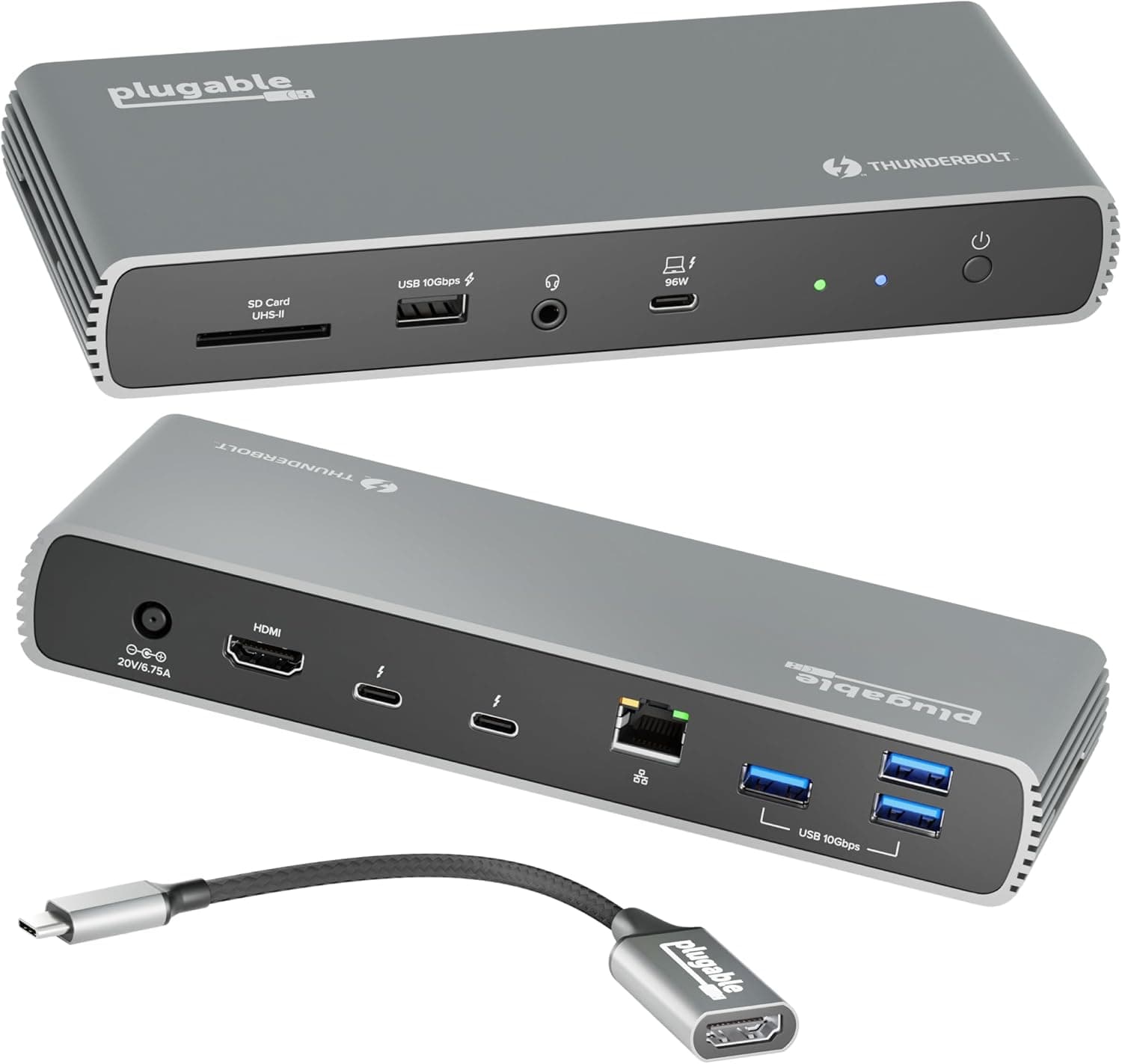
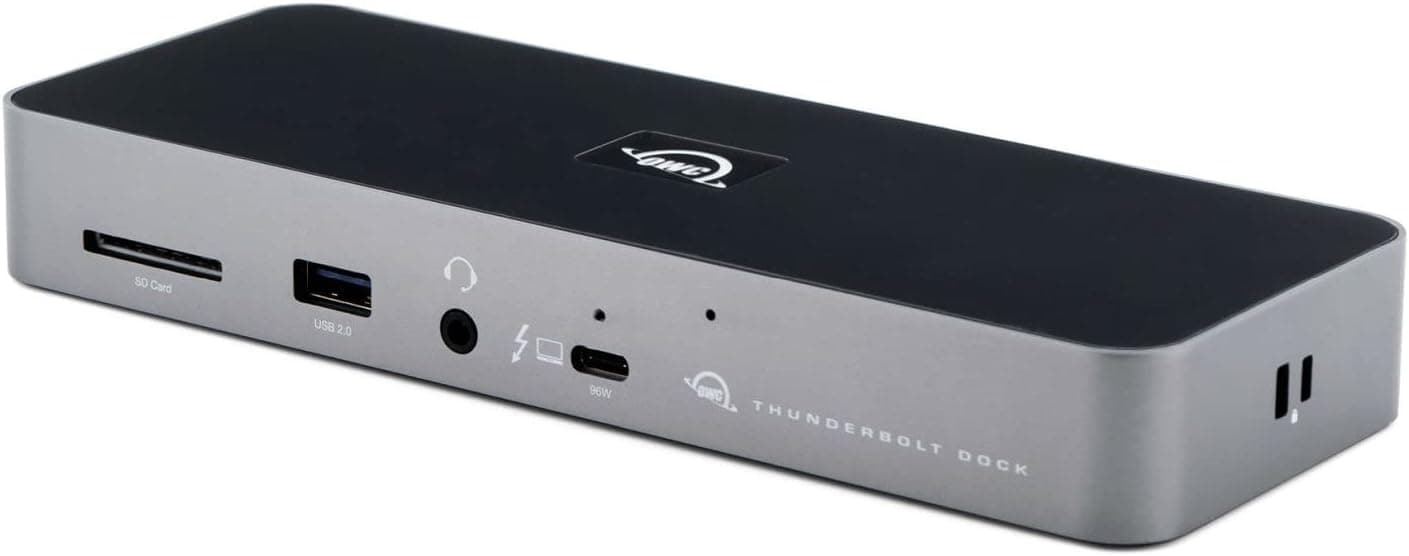
Product listings sometimes contain errors, so also confirm that the photos and product name match the Belkin INC006qcSGY.
FAQ
Q. Does it work with Thunderbolt 3 laptops?
A. Yes, it is backward compatible. Screen count and resolution depend on the laptop.
Q. Does it work on a non-Thunderbolt USB-C port? A.
Thunderbolt docks usually do not work, or lose much of their functionality, on such ports. A USB-C hub or DisplayLink dock suits that case better.
Q. Can an M1 MacBook Air drive two screens with this dock?
A. No. The base M1 chip supports only one external display.
Q. Can it charge my laptop?
A. Yes, at up to 90W. Power-hungry laptops may not charge fast enough under heavy load.
Q. Does it need drivers? A.
Thunderbolt connections generally work with built-in OS support. Check Belkin's support page for firmware updates.
Product Disclosure (Amazon)
- Manufacturer: Belkin
- Seller: Amazon.co.jp
- Fulfilled by: Amazon.co.jp
- ASIN: B09KLLNTW4
- Note: This article covers a manufacturer-made product based on Amazon listing details.