This article covers Belkin Thunderbolt 4 ドッキングステーション 90W Power Delivery付き MacBook & Windows用.
Overview
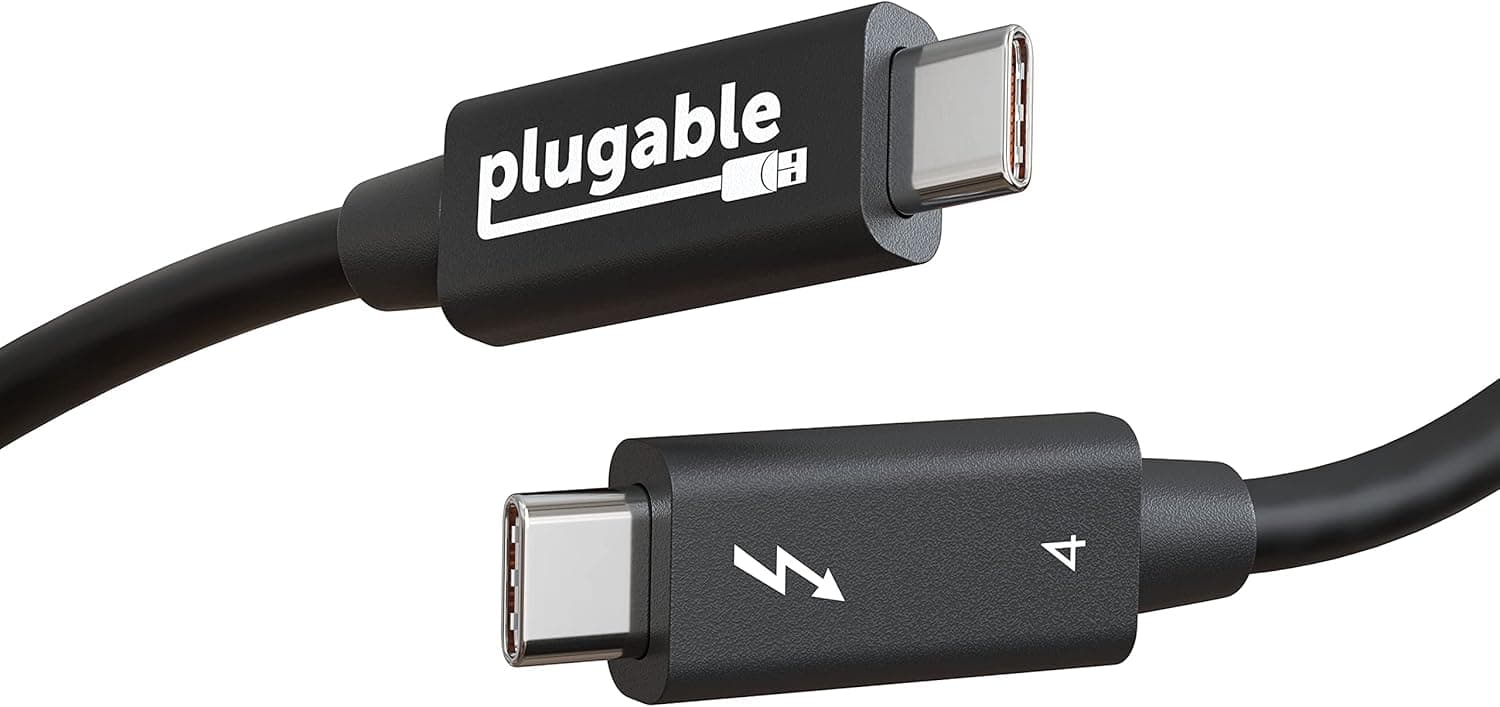
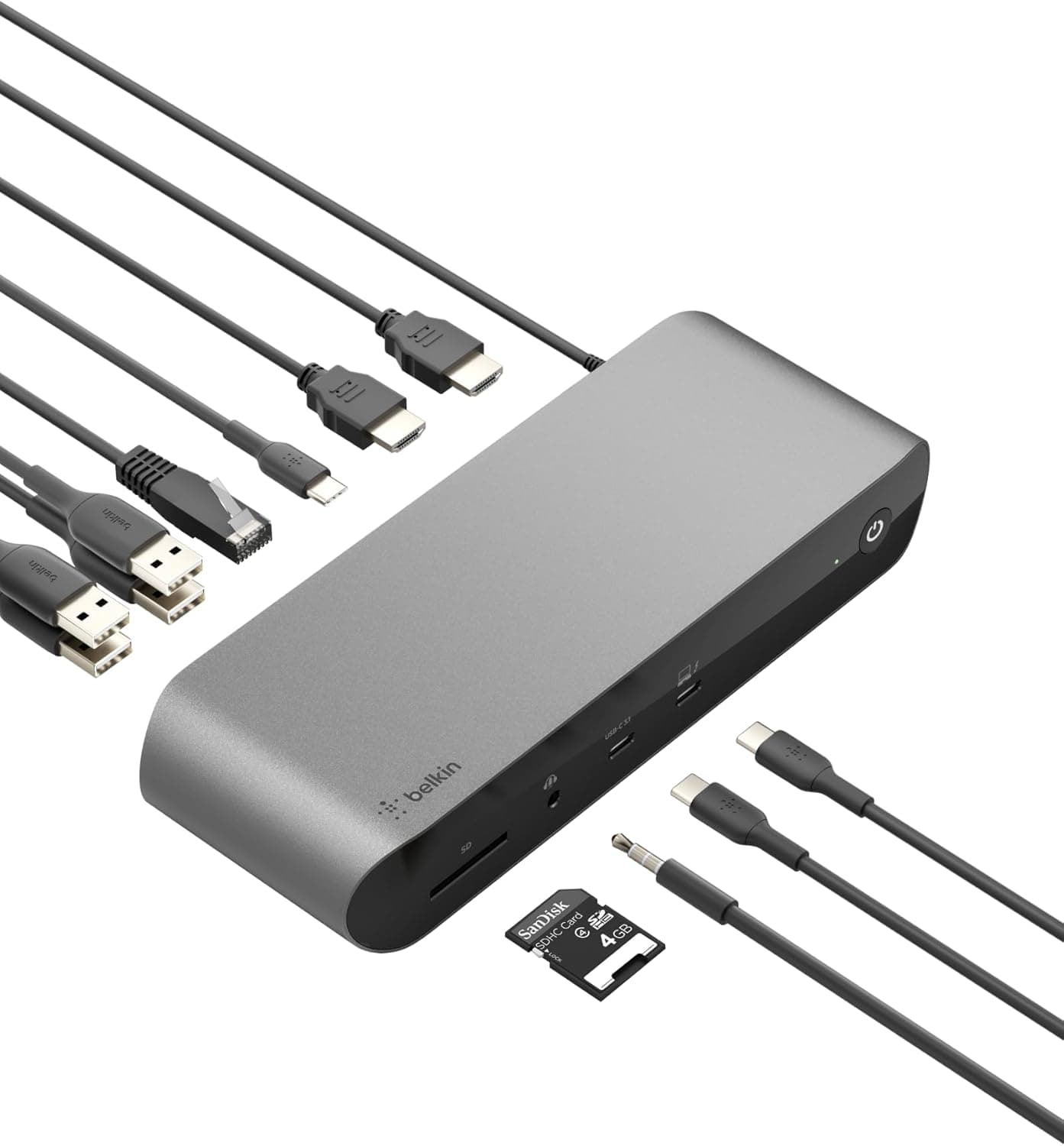
Belkin's Thunderbolt 4 Dock (model F4U090vf) is a 12-in-1 docking station that turns your MacBook or Windows laptop into a full workstation with a single cable connection. It delivers up to 90W of Power Delivery 3.0 to the host, supports single 8K 60Hz or dual 4K 60Hz displays, and includes two Thunderbolt 4 ports, two HDMI 2.0 ports, two Gigabit Ethernet, four USB-A ports, a UHS-II SD card reader, and an audio combo jack. The included 0.8m Thunderbolt 4 cable allows flexible desktop placement. Priced around ¥56,700 on , it sits alongside the CalDigit TS4 and OWC Thunderbolt Hub in the premium Thunderbolt dock segment.
Connectivity & Compatibility
The dock connects via the integrated Thunderbolt 4 cable and is compatible with Thunderbolt 4, Thunderbolt 3, USB4, and USB-C hosts. It offers the following ports: 2x Thunderbolt 4 (1 upstream fixed, 1 downstream) 2x HDMI 2.0 (up to 4K 60Hz) 2x Gigabit Ethernet 2x USB-A 3.1 2x USB-A 2.0 1x USB-C 3.1 Gen2 with PD 3.0 output SD card reader (UHS-II) 3.5mm audio in/out Important compatibility notes: M1/M2 MacBooks support only one external display (any connector). Intel MacBooks can drive two external displays but may require a USB-C to video adapter for the second display. Windows laptops can achieve single 8K 60Hz, dual 4K 60Hz, or triple 4K 60Hz depending on the host's DisplayPort capabilities. The HDMI ports are limited to 18Gbps (4K 60Hz); 8K output works only via the Thunderbolt 4 ports using DisplayPort 1.4 Alt Mode.
Product Info
Released in late 2021, the Belkin Thunderbolt 4 Dock originally retailed around ¥55,000–¥60,000. As of July 2026, it is still readily available on . Belkin provides a 2-year limited warranty. The package includes the dock, an AC power adapter, and the Thunderbolt 4 cable (0.8m). HDMI and other cables are not included. Market positioning: high-end, designed for professionals who need the full 40Gbps Thunderbolt 4 bandwidth for high-resolution displays and simultaneous 90W charging. It is MFI certified for Apple devices, ensuring reliable operation with MacBooks.
Best Use Cases
- Creative professionals with MacBook Pro — One-cable setup for charging, high-speed data transfer to external SSDs, and a single 4K display (or dual displays on Intel models). The UHS-II SD card reader is ideal for photographers and videographers. Note: M-series Mac users are limited to one external display. If you need multiple monitors, consider a Windows laptop or an Intel Mac. 2) Remote workers needing multiple monitors and wired LAN — The two HDMI ports plus Thunderbolt downstream allow tri-monitor setups on compatible Windows laptops. The dual gigabit Ethernet ports enable separate network connections for work and private use, a rare feature in Thunderbolt docks. 3) Future-proofing for 8K monitors — Single 8K 60Hz support covers the next generation of displays. However, this dock does not support high refresh rates beyond 60Hz, so it is not suitable for gaming. 4) Who should avoid — Users who need multiple USB-C data ports (only one USB-C port available). If you have several USB-C peripherals, look at the CalDigit TS4 (more USB-C ports) or OWC Thunderbolt Hub (multi USB-C). Also, if you require more than 90W charging (e.g., some 16-inch MacBook Pros), you may need a separate power adapter.
Product Disclosure (Amazon)
- Manufacturer: Belkin
- Seller: Amazon US
- Fulfilled by: Amazon US
- ASIN: B09MG5GJQL
- Note: This article covers a manufacturer-made product based on Amazon listing details.