Overview
The Anker 777 Apex 12-in-1 Thunderbolt 4 Dock is a premium docking station built around Thunderbolt 4. It delivers up to 90W of power delivery to a laptop while carrying displays, wired networking, USB peripherals and SD card media over a single cable.
The short answer: this is for people who dock and undock a Thunderbolt 4 or USB4 laptop at a fixed desk every day. If your laptop only offers plain USB-C, or one external display is enough for you, this is more dock than you need.
Amazon.co.jp reviews stood at 137 ratings averaging 4.6 out of 5 (roughly 92% positive) as captured on 2026-06-04.
With only 137 ratings, treat that as "nothing badly wrong here" rather than statistical proof. Docking stations attract compatibility complaints more than most categories, so that score is respectable.
Ports and What They Actually Do
Port count alone hides what you can run at the same time, so it helps to map each port to a job.
| Port | Qty | Typical use |
|---|---|---|
| Thunderbolt 4 upstream (host) | 1 | Laptop connection and charging (up to 90W) |
| Thunderbolt 4 downstream | 1 | External display, Thunderbolt SSD, daisy-chain |
| USB-A | 3 | Keyboard, mouse, external HDD, dongles |
| USB-C | 1 | Phone charging, USB-C peripherals |
| HDMI 2.0 | 1 | 4K monitor or TV |
| 2.5GbE (RJ45) | 1 | Wired LAN, NAS, office network |
| SD card slot | 1 | Camera media ingest |
| 3.5mm audio | 1 | Headset, analog speakers |
| DC input | 1 | Bundled power adapter |
Video output supports up to two 4K displays at 60Hz, or one 8K display at 30Hz. The common misreading: HDMI 2.0 plus the Thunderbolt downstream port is still a two-display ceiling, not three.
If you need three or more screens, look at products that explicitly advertise triple output or use DisplayLink instead.
The 2.5GbE port is where the practical benefit shows up.
Moving large files to a NAS or office file server feels clearly different from 1GbE. But you only get 2.5Gbps if your router, switch and the machine on the other end are all 2.5GbE-capable — the slowest link sets the ceiling.
Compatibility Guide
The one thing to verify first is what your laptop's USB-C port actually supports. This dock is fully compatible with Thunderbolt 4 and USB4 hosts, where every feature works as specified.
Thunderbolt 3 and plain USB-C hosts will work with limitations — most visibly in simultaneous display count, refresh rate, and transfer speed as bandwidth gets shared.
Check the icon on the port. A lightning bolt means Thunderbolt; an unmarked USB-C port means you should look up whether your model lists USB4 or DisplayPort Alt Mode.
Skipping this check and assuming "it's USB-C, it'll fit" leads straight to the most common failure: only one display appears, or none at all.
On power, 90W is the ceiling. That covers most 13-14 inch laptops and many 15 inch machines, but GPU-equipped creator and gaming laptops often ship with 100W-plus adapters.
Those will still run, but the battery may drain slowly under sustained load, or performance may be held back. If your stock adapter exceeds 90W, treat dock charging as supplemental and keep the original adapter handy for heavy work.
Mac users should note a separate limit: some Apple Silicon MacBook Air and base MacBook Pro models cap external display count in hardware. A two-display dock cannot exceed what the Mac itself supports.
That is not a dock fault — check your Mac's external display specification before buying.
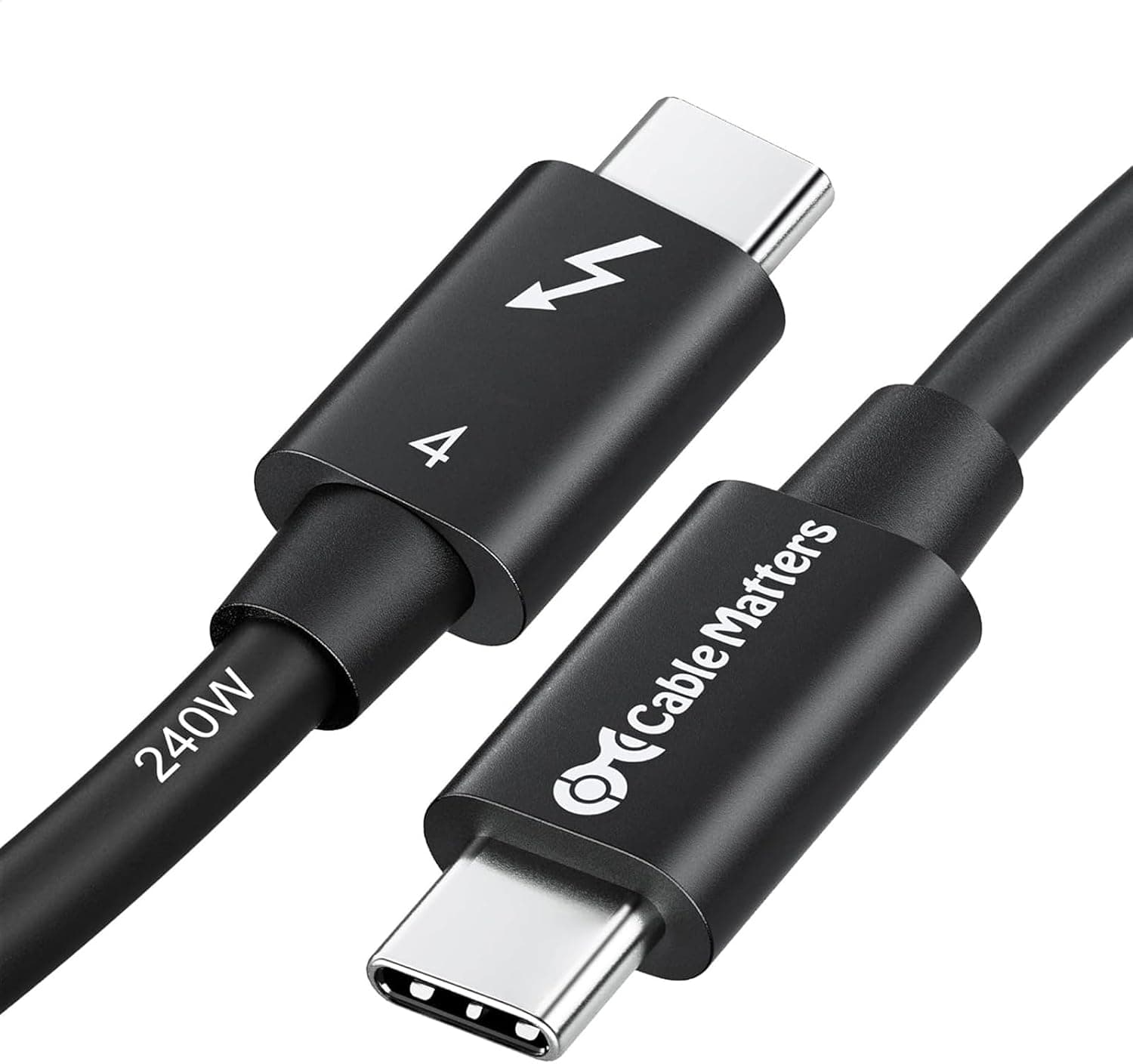
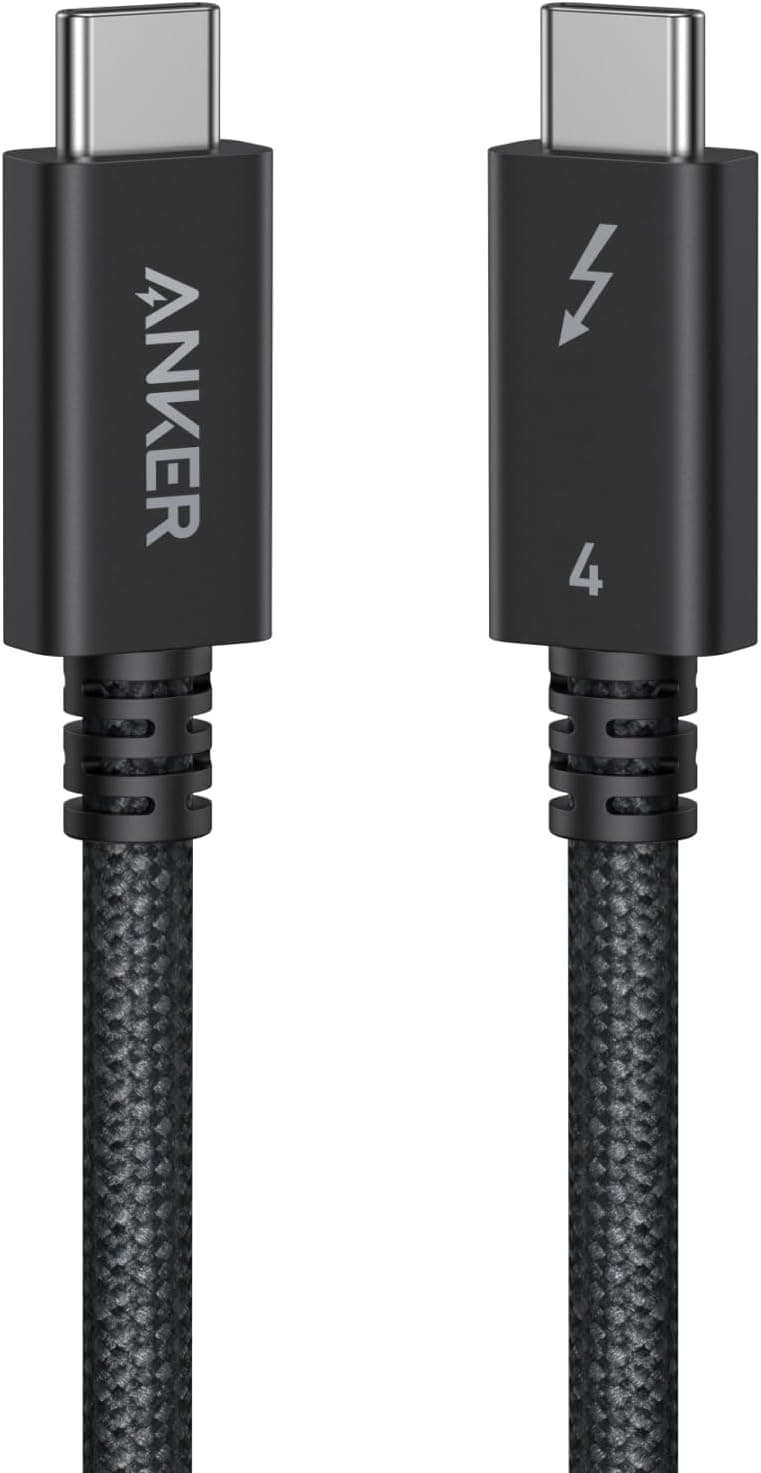
The bundled Thunderbolt 4 cable is 0.8m.
If you want the dock behind the monitor or at the back of the desk, that may not reach. Do not extend it with any random USB-C cable: use a certified Thunderbolt 4 cable, or you will lose bandwidth and get unstable video and transfers.
This is not the place to save money.
Product Info
The explicitly listed specifications are 12 ports and a Thunderbolt 4 interface. The dock launched in 2021 as Anker's flagship docking station.
Warranty is 18 months, extendable via Anker product registration. In the box: the dock, a power adapter, a 0.8m Thunderbolt 4 cable, and a quick start guide.
Pricing needs a caveat. Captured on 2026-06-04 the listing showed ¥43,990; captured on 2026-08-27, Amazon.co.jp showed ¥19,990.
Neither figure is implausible for an Anker product, but they differ by more than 2x, so do not budget from a price printed in an article. Docks swing hard with sales, and Anker gear especially so.
Check the current price on the product page before buying — at around ¥19,990 this is aggressively positioned for a Thunderbolt 4 dock.
Competitive Comparison
Within Anker's own lineup, the 778 Thunderbolt dock (12-in-1) sits closest; port counts match but the mix and chassis differ, so choose by which ports you actually need. If you want to spend less, USB-C docks like the Anker PowerExpand 13-in-1 or the 565 series trade 2.5GbE for 1GbE but work cleanly on laptops without Thunderbolt.
If long warranty coverage matters for a corporate rollout, something like the Kensington SD5200T with a three-year warranty is a better fit. If you carry the dock rather than leaving it on a desk, a bus-powered compact unit such as the CalDigit Thunderbolt 3 mini Dock is more practical.
This Anker is a desk-bound, everything-included, Thunderbolt 4-generation choice; outside that brief, rivals fit better.
Best Use Cases
Best suited to creative professionals on a MacBook Pro or a Thunderbolt 4 Windows laptop who edit video, process RAW files, or shuttle large datasets daily. Ingesting from SD, driving two displays, running a Thunderbolt SSD and staying on wired Ethernet all at once is exactly where one-cable docking pays off every single day.
Office users benefit too, particularly where wired LAN is mandatory or where USB-A peripherals — numeric keypads, scanners, license dongles — are still common. The ideal pattern is hybrid work: sit down, plug in one cable, and your whole setup returns.
If you only attach one external monitor and two or three USB devices, an inexpensive USB-C hub covers you. The value here is port count and bandwidth headroom; without demand for either, the money does not come back.
Things to Check Before Buying
Watch the price discrepancy. Our data holds two captures: ¥43,990 in June 2026 and ¥19,990 in August 2026 — roughly a 2x gap.
Product pages also mix list price, sale price and marketplace seller prices, so you may hit the same confusion. Confirm who the seller is and what the price is right now before ordering.
Listing metadata can be wrong. Docking stations are a category where manufacturer, model number and ASIN associations get tangled, and other products' metadata sometimes leaks in.
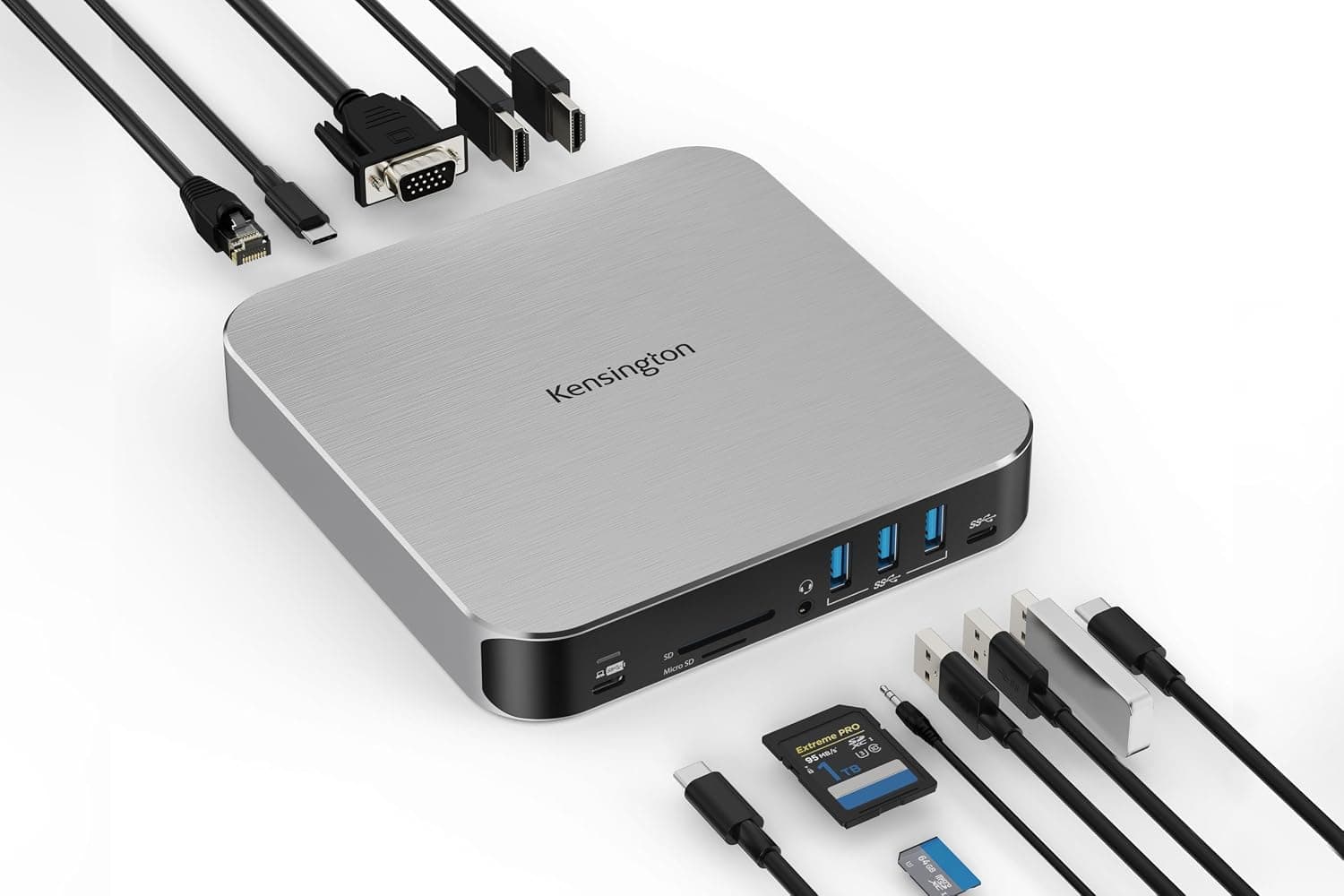
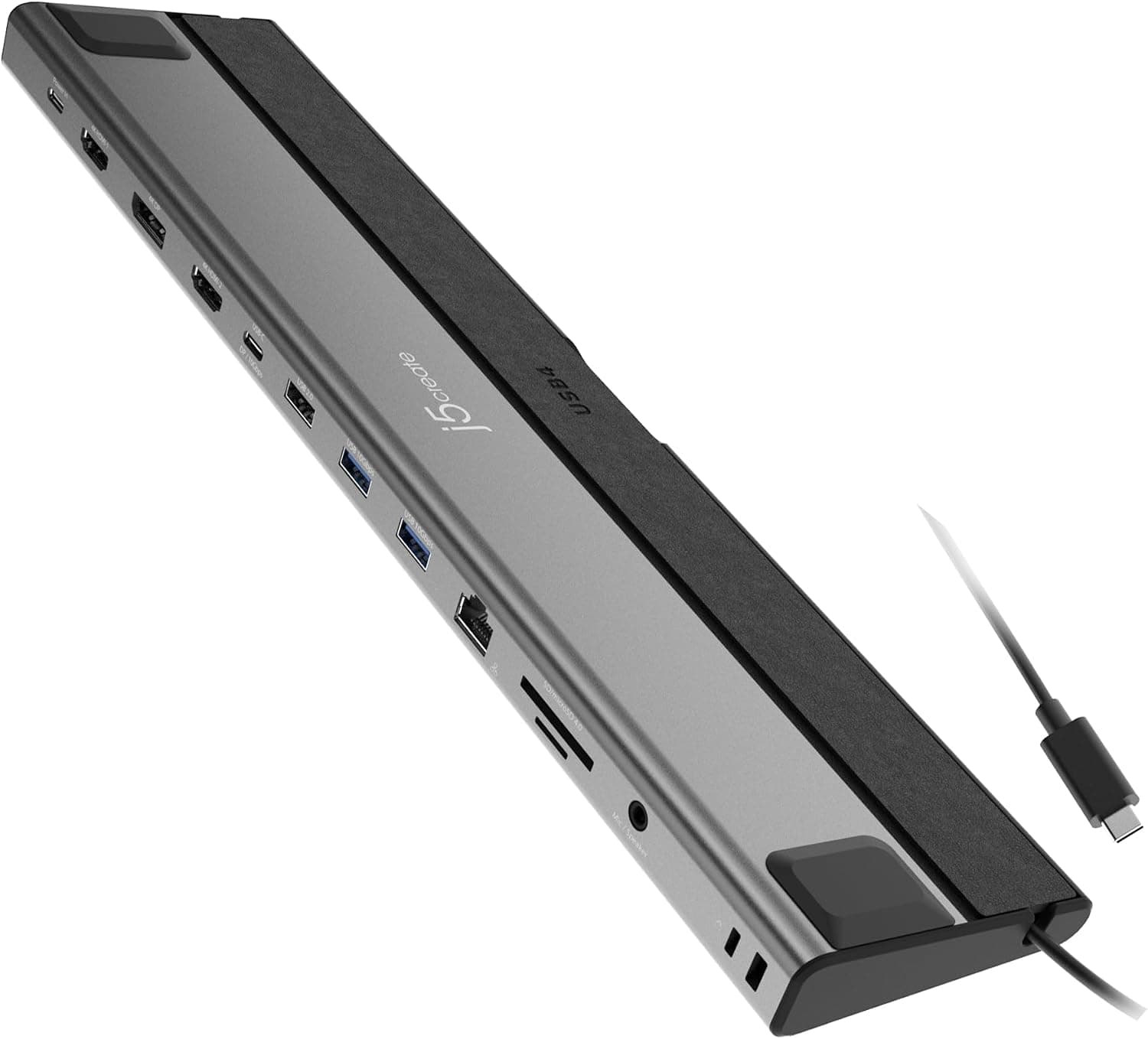
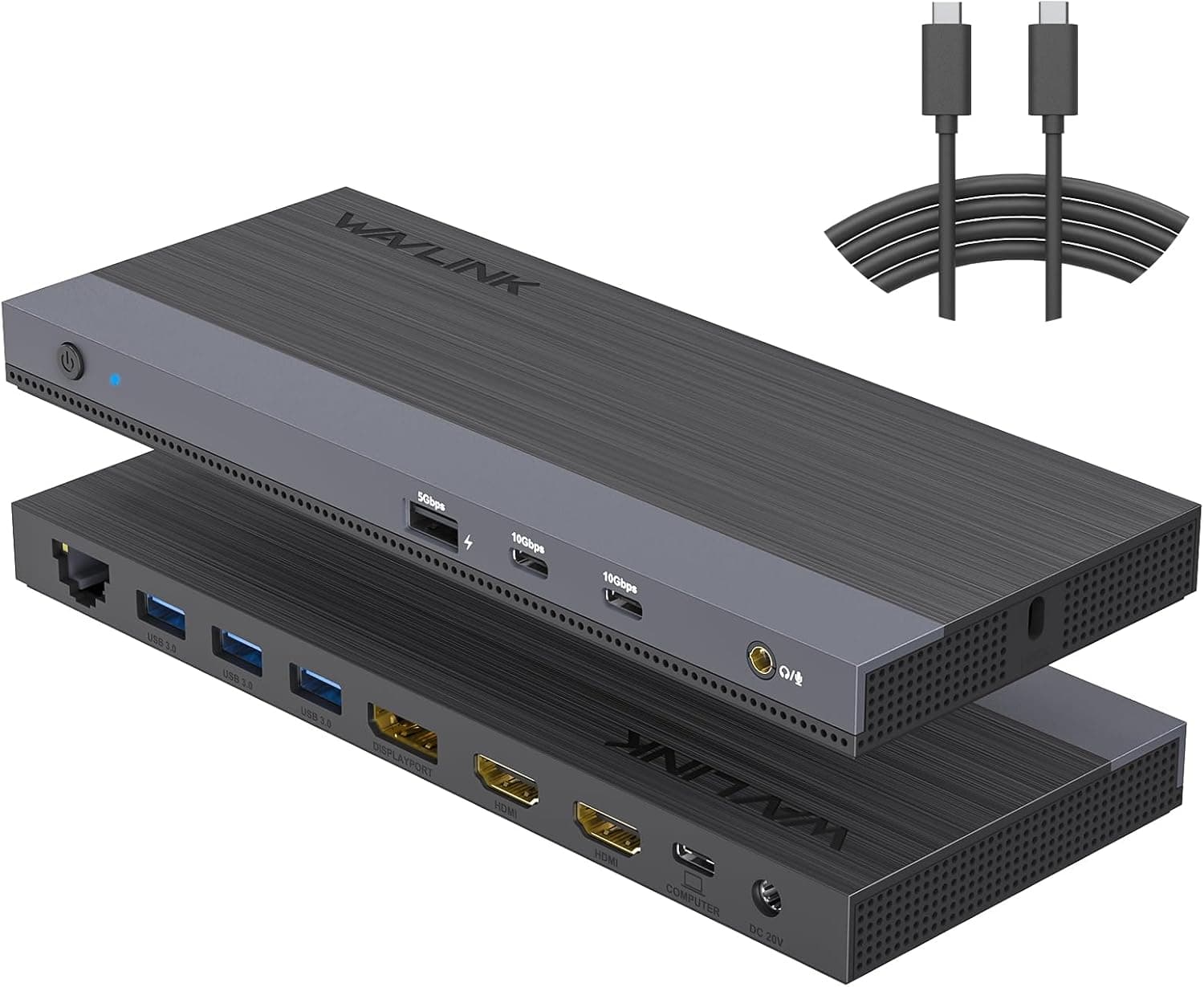
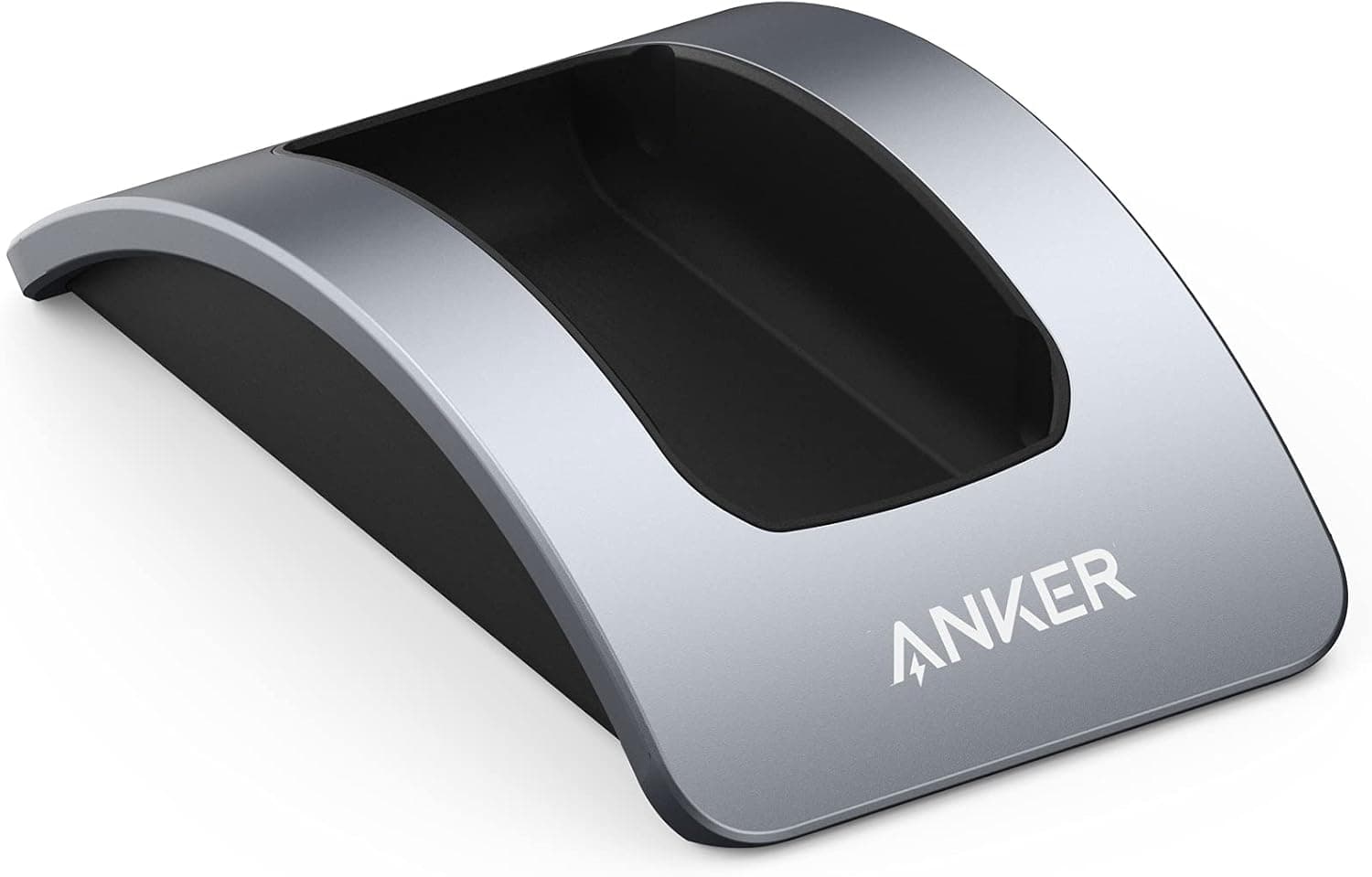
Use the product image and title to confirm you are looking at the Anker 777 Apex 12-in-1 Thunderbolt 4 dock specifically — Anker sells several visually similar docks across generations and USB-C variants.
Budget around the 90W ceiling. As above, high-end laptops need more.
Slowly losing battery during a heavy export while plugged in is expected behavior, not a defect.
Plan for heat and space. A Thunderbolt 4 dock is powered continuously and runs warm.
Buried under papers or shut inside a drawer, restricted airflow can make it unstable. Pick a spot with clearance before it arrives.
Treat firmware updates and sleep-wake quirks as normal category risk. Losing a display or the Ethernet link after sleep can appear or disappear with OS and firmware updates.
If it misbehaves early, check both update states first.
Remember this is a 2021 product. It is mature, but video output is an HDMI 2.0-era design; if you want DisplayPort 2.1 or high refresh rate setups, look elsewhere.
Decide based on whether 4K60 is enough for you.
FAQ
Q. Will it work on a laptop with only USB-C? A.
Yes, with limitations — usually in simultaneous display count and transfer speed. Full functionality requires a Thunderbolt 4 or USB4 host.
Q. Can I run three 4K displays? A.
No. The ceiling is two 4K displays at 60Hz, or one 8K at 30Hz.
For three or more, choose a dock that states triple output.
Q. Is 90W enough for a gaming laptop? A.
Not if the stock adapter exceeds 90W. It may suffice for light work, but use the original adapter alongside it for heavy loads.
Q. What do I need to benefit from 2.5GbE? A.
Your router, switch and the target device must all support 2.5GbE or faster.
Any 1GbE link in the path caps the whole chain.
Q. The 0.8m cable is too short — can I extend it? A.
Yes, but only with a certified Thunderbolt 4 cable. Generic USB-C cables lack the bandwidth and cause unstable video and transfers.
Q. The price differs from this article. A.
Dock prices move constantly and every figure here is a point-in-time capture. Check the product page before purchase.
Product Disclosure (Amazon)
- Manufacturer: Anker
- ASIN: B096KHK41S
- Note: This article covers a manufacturer-made product based on Amazon listing details.