This article takes a close look at Belkin INC015btSGY-CZ-A — 8-in-1 USB Hub for MacBook with Dual 4K Display, focusing on one question: can it really give a MacBook two external monitors, and at what cost?
Overview
The hub's main selling point is a Silicon Motion-based video chip that aims to extend a MacBook's external display output to two screens. By spec, it has two HDMI outputs: the first runs at 4K/60Hz and the second at 4K/30Hz. Standard USB-C hubs leave some MacBooks, such as base M1 models, limited to a single external monitor, and this product is built to work around that limit.
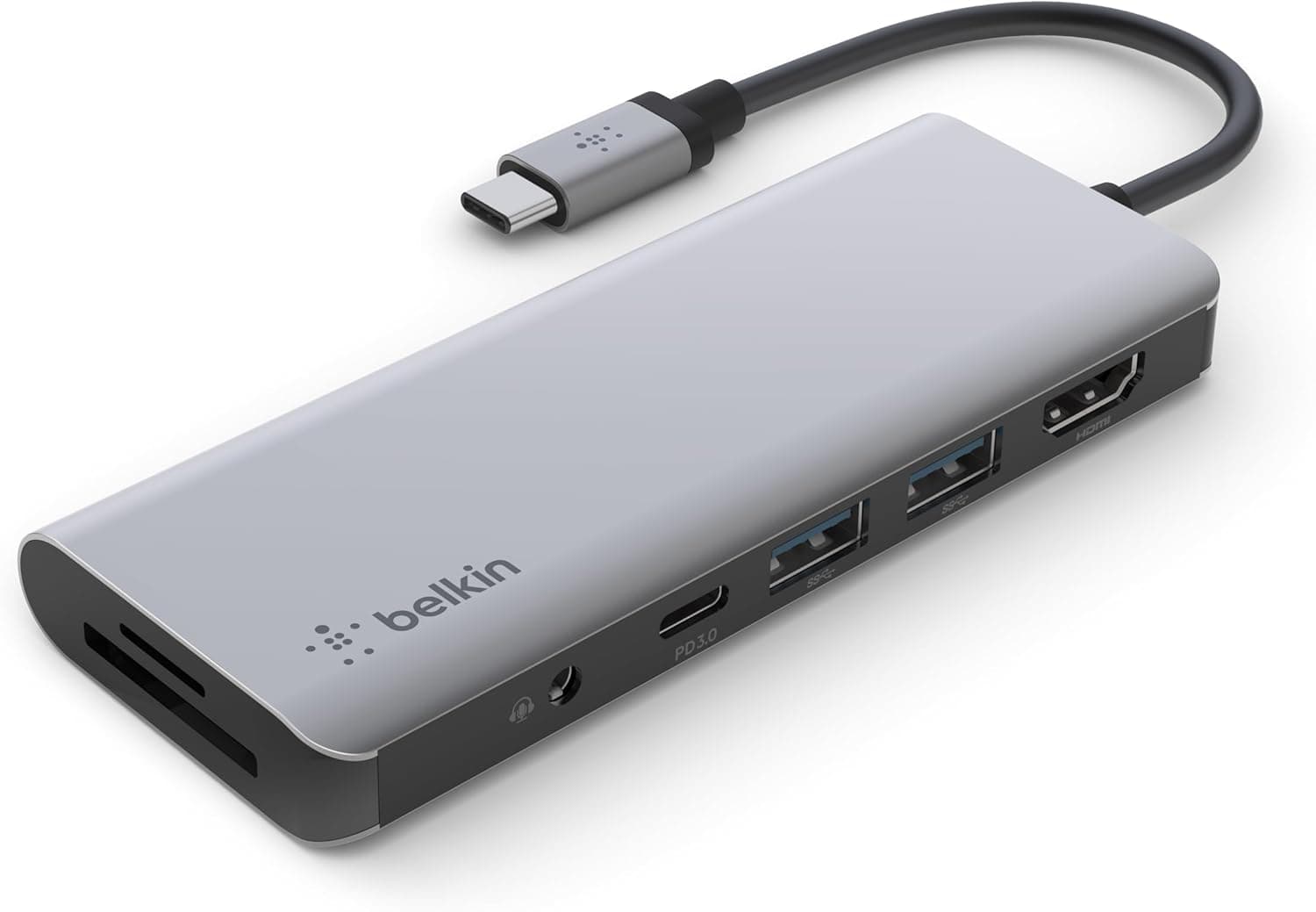
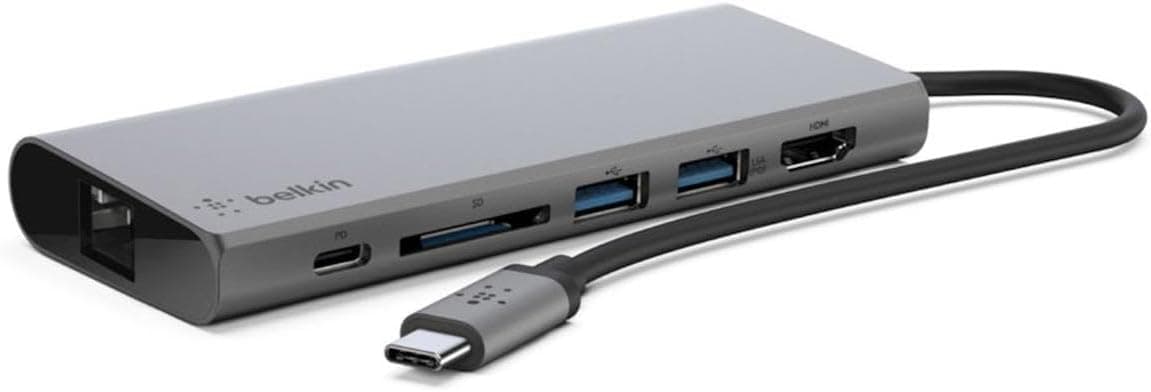
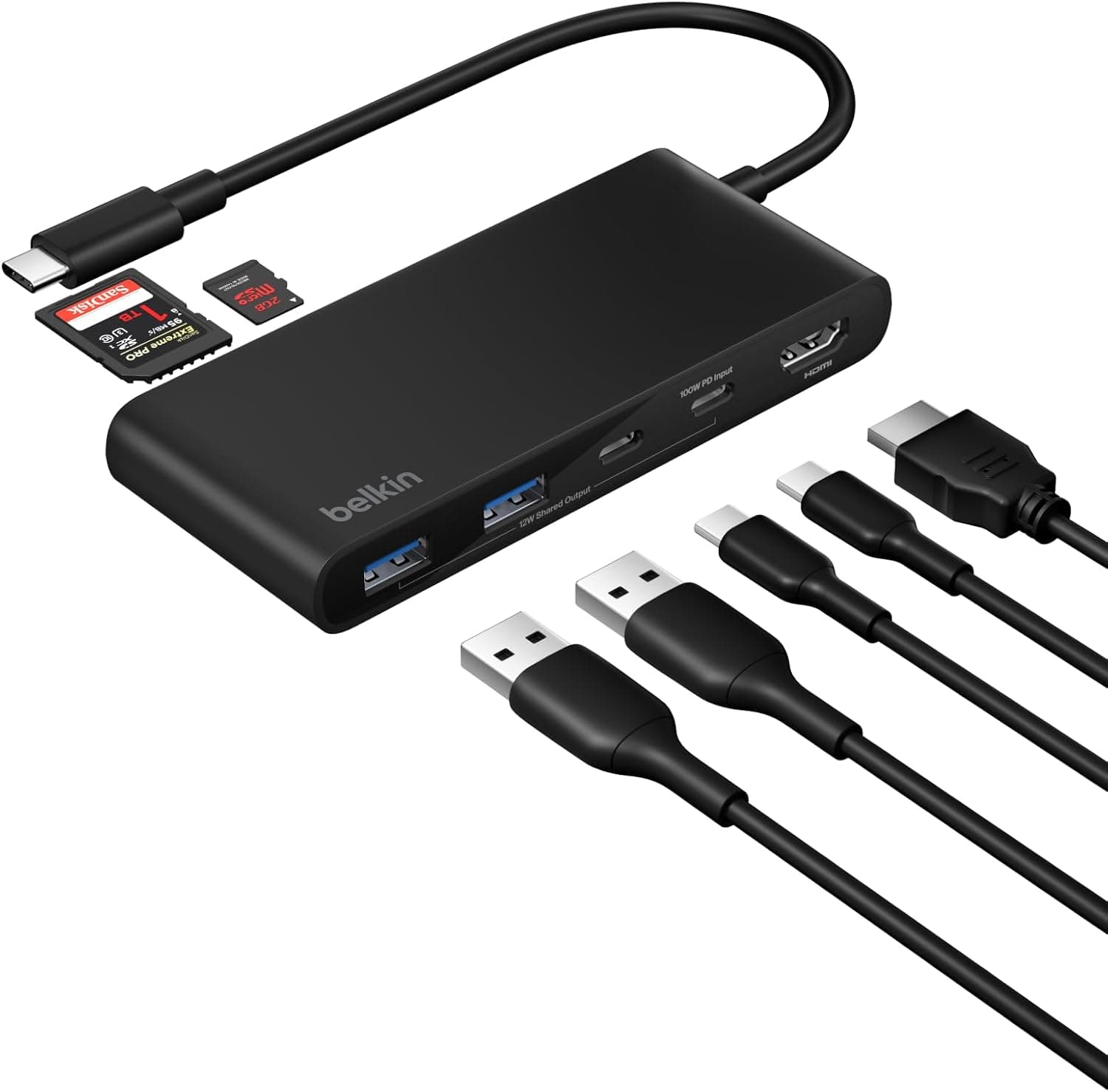
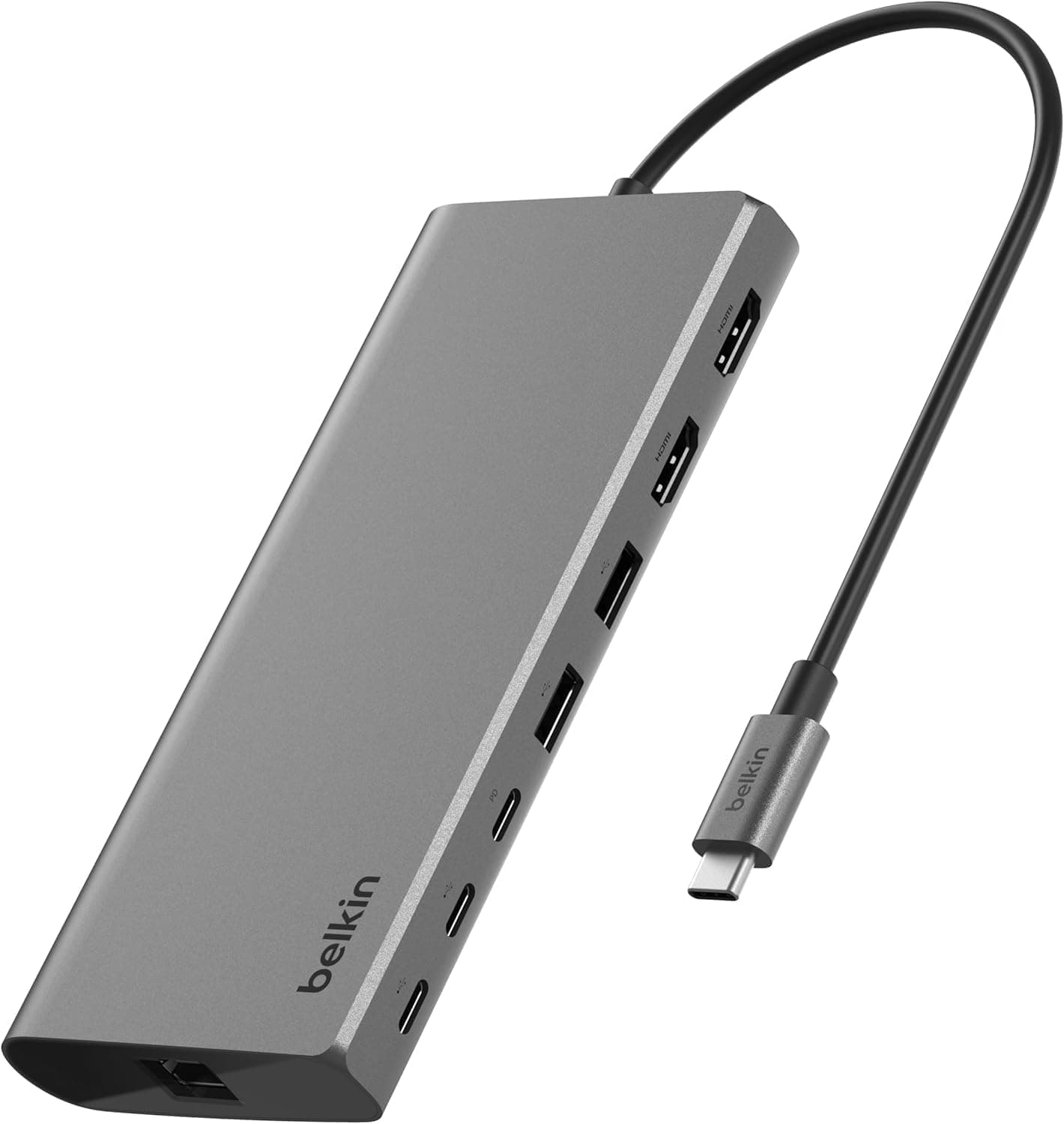
It connects through one integrated 22cm USB-C cable. The ports are 2× HDMI, 2× USB-C (10Gbps), 2× USB-A (5Gbps), 1Gbps Ethernet, and a USB-C input for 100W power, eight in total.
It measures 148×68×19mm and weighs 295g, so it can be carried but is not as light as a stick-style hub.
In my view it shines as a small desk dock: one cable to the laptop, everything else stays plugged in. Treat it as a desk accessory rather than a travel hub.
Compatibility Guide
| Item | Detail |
|---|---|
| Video | 2× HDMI (first 4K/60Hz, second 4K/30Hz) |
| USB-C data | 10Gbps ×2 |
| USB-A data | 5Gbps ×2 |
| Wired LAN | 1Gbps |
| Power | 100W PD input (pass-through) |
| Host cable | 22cm, integrated |
Intended hosts are MacBook Air/Pro (M1 and later), Windows laptops and Chromebooks. Whether two displays actually work depends on the combination of OS and machine, so confirm it on your own setup before relying on it.
Note that this kind of multi-monitor feature may need an extra driver or setting on some systems. Check Belkin's and Silicon Motion's official support information to see whether your macOS version is covered.
Another easy misreading is bandwidth. The second HDMI being limited to 4K/30Hz is most likely a consequence of pushing two screens through one USB-C link.
Do not assume both outputs run at 4K/60Hz.
Power flows from the 100W input to the laptop as pass-through. A 13-inch-class MacBook has plenty of headroom, but larger machines may need more than the charger you own can supply, so check that as well.
Product Info
The brand is Belkin, the model is INC015btSGY-CZ-A, and the listing is sold through Amazon.co.jp. The Japanese title carries a 'limited' tag, so it is handled as a special-sales model. The listing mentions a wallpaper download bonus, which has little practical value.
The price has moved.Check the retailer's page for the latest price.
Both are prices at the time of capture and change with sales and stock, so check the product page for the current price. Warranty terms and box contents are also best confirmed there.
Check the retailer's page for the latest user reviews. That is too few to call it well or poorly received, so judge the hub by its specifications and the general behavior of this type of product.
Best Use Cases
- MacBook users who want two external monitors: if you want to get past the one-screen limit, this is the point of the product. It fits setups where one screen shows reference material or chat and does not need 60Hz.
- People who want a one-cable desk: two monitors, wired LAN and charging all sit behind a single connection, so there is nothing to re-plug each day.
- Remote workers who need wired LAN: if stable video calls or large transfers matter, the 1Gbps port helps.
It is not for anyone who needs both screens at 4K/60Hz, or who does gaming or video editing that demands smooth motion. In that case consider a Thunderbolt dock or a different setup.
Things to Consider
The biggest caveat is the second HDMI at 4K/30Hz. Cursor movement and scrolling look visibly choppier than at 60Hz. Realistically, use the second monitor for static documents or chat.
Next is driver and OS support. The dual-output feature may need extra setup depending on the system.
After a major OS update, support status can change, so check before updating a work machine.
The cable is a 22cm integrated one. If your laptop's port is at the far side or back of the desk, it may not reach.
And because the cable is fixed, a break means replacing the whole hub.
The price swing is noticeable. The two captured prices differ by several thousand yen within weeks.
If you are not in a hurry, watch the price for a few days.
Listing details sometimes disagree. Confirm the product against the image, title and model number before buying.
FAQ
Q. Does it give an M1 MacBook two screens?
A. The product is designed to work around the usual one-screen limit. It still depends on your model and macOS version, so check the official compatibility information first.
Q. Can both screens run at 4K/60Hz?
A. No. By spec, the first is 4K/60Hz and the second is 4K/30Hz.
Q. Can I charge while using it? A.
Yes, there is a 100W power input with pass-through. The real power delivered depends on your charger and laptop.
Q. Does it work with Windows? A.
Windows laptops and Chromebooks are listed as intended hosts, but the benefit is largest on a MacBook, which is what the product targets.
Q. Are all USB-C ports 10Gbps? A.
By spec, the USB-C ports are 10Gbps ×2 and the USB-A ports are 5Gbps ×2. Use the USB-C side for external SSDs.
Product Disclosure (Amazon)
- Manufacturer: Belkin
- Seller: Amazon.co.jp
- Fulfilled by: Amazon.co.jp
- ASIN: B0F4VQFMCN
- Note: This article covers a manufacturer-made product based on Amazon listing details.