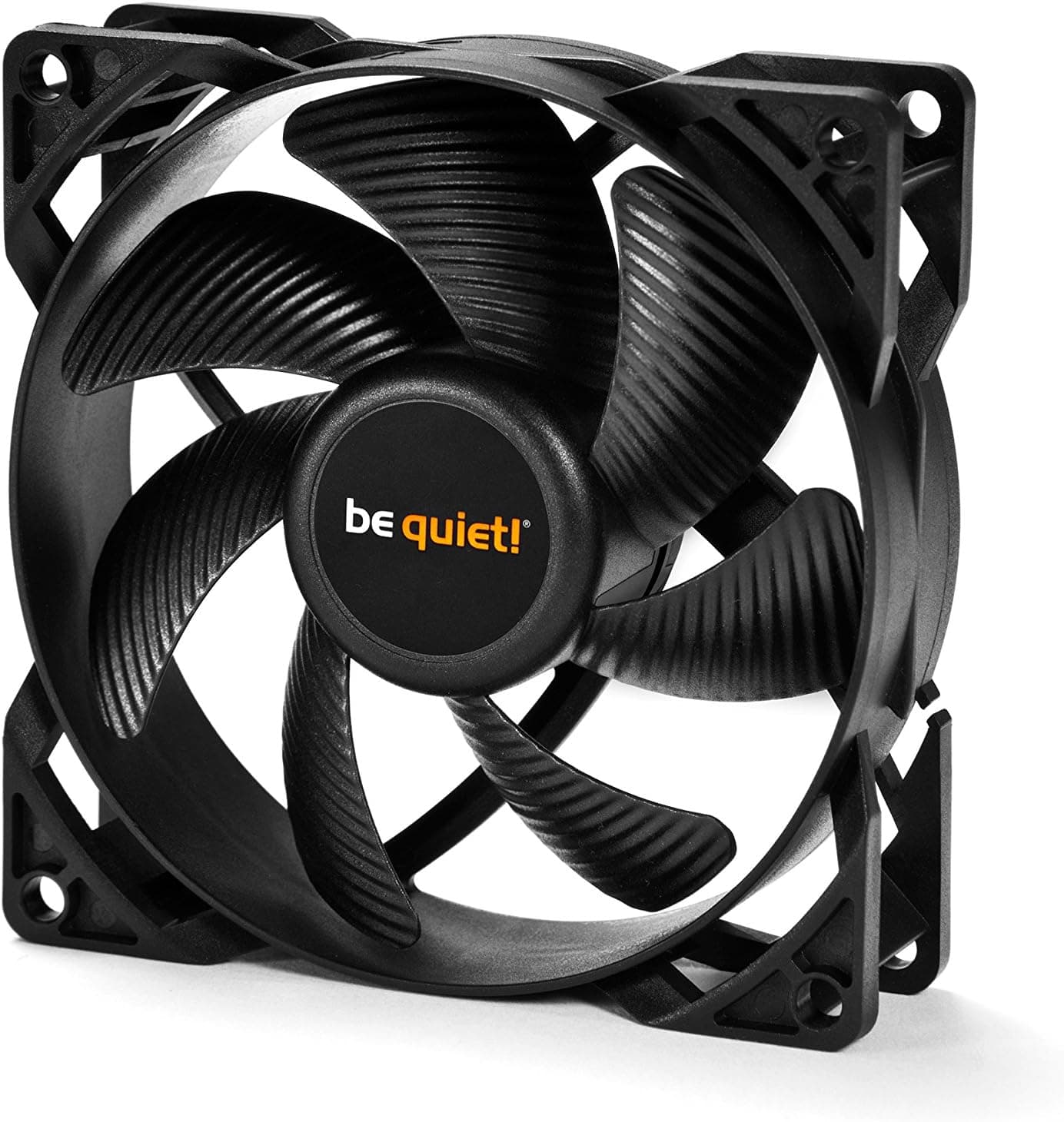
This article covers be quiet! Pure Wings 2 92mm (92x92x25mm) in the detail that actually matters when you are building.
Overview
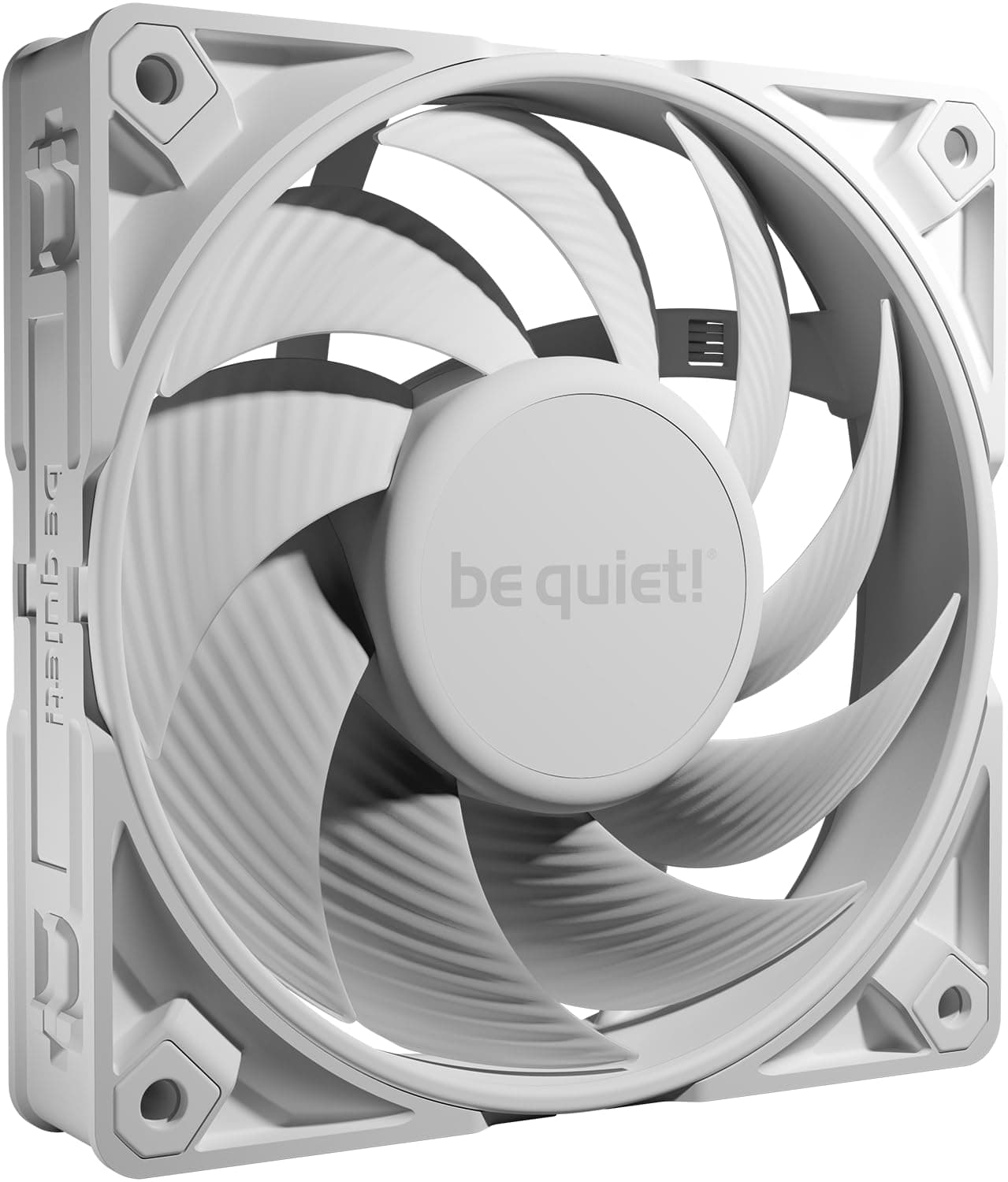
The be quiet! Pure Wings 2 92mm (92x92x25mm) is a 92mm square, 25mm thick case fan from the German silent-computing brand be quiet!.
The short version: this is not a fan that wins on airflow, it is a fan that moves a modest amount of air as quietly as a 92mm frame allows. Max speed is 1900 RPM, rated noise is 18.6 dBA, and power draw is just 3.8 W.
It suits Mini-ITX and Micro-ATX builders who want a quieter rear exhaust, owners of older mid-towers that still have 92mm mounts, and anyone swapping out the loud stock fan on a used CPU cooler. It does not suit builders trying to fix airflow in a hot, high-end GPU case — a 92mm frame simply cannot move that much air.
The connector is 3-pin, which means speed control is voltage (DC) based rather than PWM. That single fact drives most of the buying decision and is covered below.
The frame is polycarbonate: light, resistant to cracking, and reasonably stiff when screwed down.
Quick Fit Check
| Use case | Fit | Why |
|---|---|---|
| Small-case rear exhaust | Great | Drops into a 92mm mount, inaudible at normal speeds |
| Replacing a stock CPU cooler fan | Great | Standard 25mm thickness, clear noise reduction |
| HTPC or bedroom PC | Great | 18.6 dBA is below most ambient room noise |
| Main intake for a hot GPU build | Poor | Not enough raw airflow at this size |
| Fine-grained PWM fan curves | No | 3-pin only, no PWM support |
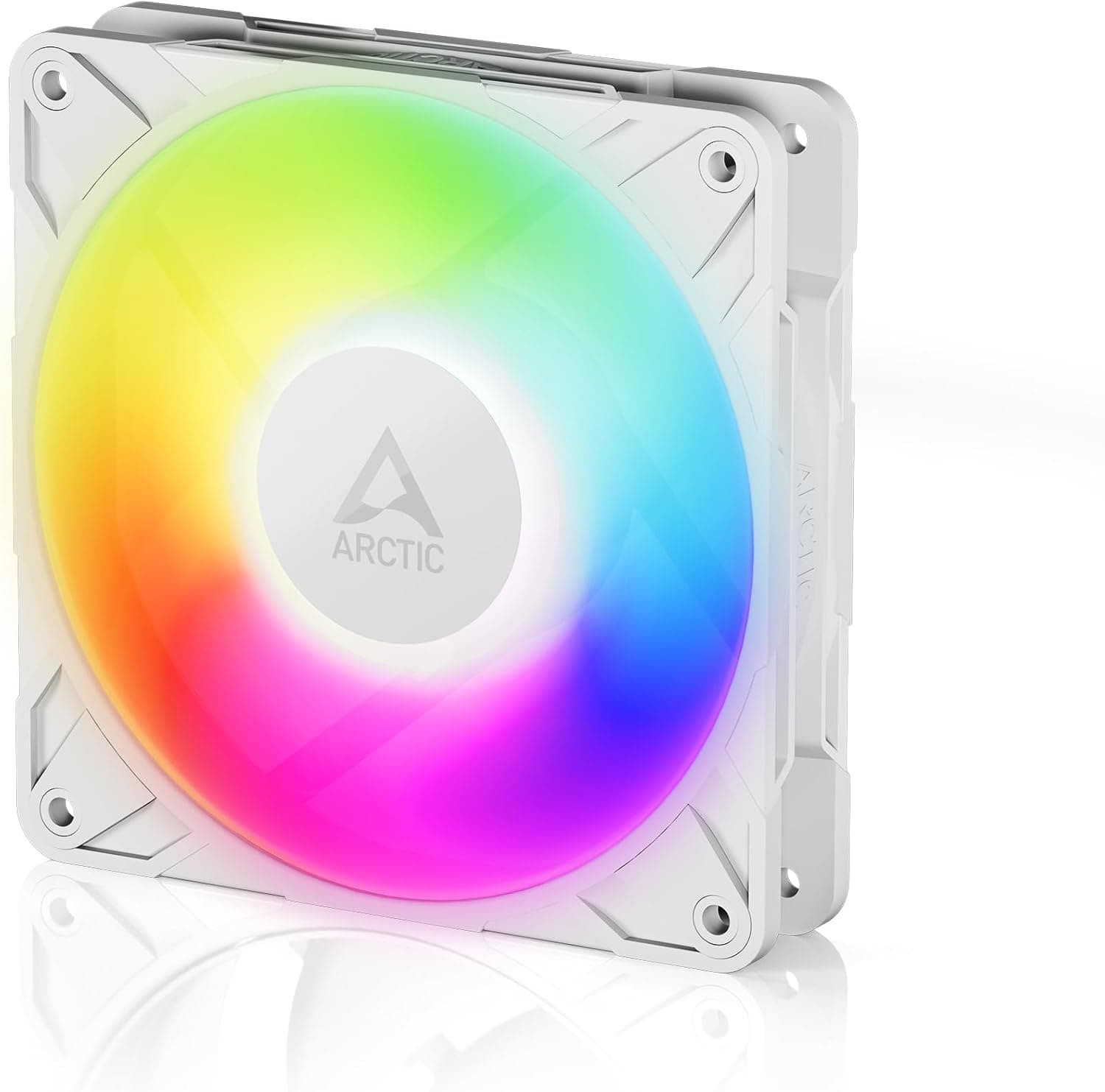
| RGB lighting | No | Non-illuminated model |
This is a product that is very strong in the rows it fits and has no workaround for the rows it doesn't. Decide which row you're in before buying.
Compatibility Guide
92mm fans use a standard 82.5mm screw spacing, so any case listing "92mm fan support" will take it.
The 25mm thickness is the most common depth, so clearance conflicts with drive cages or the motherboard's rear I/O area are unlikely. In very small cases, though, a rear fan can sit within a few millimetres of a tower cooler's heatsink.
Case specs for maximum cooler height are not always measured with a fan installed, so measure if your margin is under 5mm.
Electrically it is a 3-pin fan (12V, ground, tach). Plug it into a 3-pin header, or into a 4-pin header and switch that header to DC / Voltage mode in BIOS to get temperature-based control.
Leave the header in PWM mode and the fan runs at a constant 12V — a full 1900 RPM, permanently. That is the single most common reason people report that a "silent" fan is loud.
Watch out for boards where only some headers support DC mode. CPU_FAN and AIO_PUMP headers are often PWM-locked or have a raised minimum output, and on budget boards only a subset of SYS_FAN headers offers voltage control.
Check your motherboard manual before buying. If you plan to use a fan hub, pick a voltage-controlled hub, not a PWM splitter.
The fan is rated down to 4V, so it can be throttled well below its maximum. Push the voltage too low, however, and it may not have the torque to start from a dead stop.
Setting the bottom of your fan curve to roughly 30–40% rather than 0% is the practical approach.
Product Info
The headline specs: 92 x 92 x 25 mm, 1900 RPM maximum, 18.6 dBA rated noise, 4 V operating voltage, 3.8 W power draw, polycarbonate construction, air cooling, desktop use.
A 3.8 W draw means you can gang several of these onto one header or hub without worrying about current limits.
Being 3-pin, tachometer reporting works normally, so RPM shows up in BIOS and monitoring software.
On reception: as captured from Amazon.co.jp on 1 June 2026, the listing shows 4.7 out of 5 stars across 5,036 reviews — a 94% positive score.
A review count that large is itself a signal: this is a long-running model that has stayed in production for years. Warranty is typically 3 years from the manufacturer, though coverage varies by region and seller, so confirm with the retailer if that matters to you.
On price: the listing price captured on 1 June 2026 was ¥4,222. That looks high for a single 92mm case fan, and may reflect a multi-pack, a parallel-import listing, or a marketplace seller rather than the usual single-unit price.
Do not budget around that figure. Prices move constantly and this article is not continuously updated, so check the product page for the current price and whether it covers one fan or several.
The eBay entry resolved only to a search link, with no confirmed price.
How It Compares
The 92mm class is thin on options, so realistic alternatives come down to the Noctua NF-A9, the ARCTIC P9, and generic 92mm fans. The NF-A9 is clearly better on static pressure, bearing longevity, and bundled accessories (low-noise adapters, anti-vibration mounts), but costs more and has a divisive colour scheme.
The ARCTIC P9 leans toward static pressure and offers a PWM version, which is the honest answer if you want fine speed control.
The reasons to pick the Pure Wings 2 anyway are its plain all-black look, its genuinely low 18.6 dBA rating, and be quiet!'s availability.
If you need PWM, though, this fan is out at the shortlist stage — that's a specification gap, not something a lower price fixes.
If your case can take 120mm or 140mm instead, use that. Choosing 92mm should be a consequence of the space you have, not a preference.
Installation Notes
Fitting is straightforward. Check the airflow arrow moulded into the frame, orient it outward for exhaust, and secure it with four screws.
The supplied screws are self-tapping; over-tightening warps the plastic frame and introduces bearing noise, so stop as soon as you feel resistance.
Route the cable to a 3-pin header, then enter BIOS, set that header to DC (Voltage) mode, and build a curve. A sensible starting point is 35–40% at 40°C, 60% at 60°C, and 100% above 75°C, then tune by ear.
With a 1900 RPM ceiling and 3.8 W draw, even full speed contributes only modestly to total system noise.
For radiator duty, this applies to compact AIO units with 92mm radiators. Radiators present far more air resistance than an open case mount, so temper expectations.
A push/pull pair is quieter than one fan spun harder for the same airflow.
Best Use Cases
- Bedroom or study PCs — 18.6 dBA disappears under normal room noise at low speeds; your hard drive and PSU will be louder.
- Mini-ITX / Micro-ATX builders — replacing a cheap bundled 92mm fan in a case that has no larger mount is exactly what this fan is for.
- Used CPU cooler refreshes — the standard 25mm depth drops onto most 92mm-class tower coolers.
- Budget builds that still want quiet — no flash, just the noise floor you were after.
Skip it if you want lighting, PWM curves, or a meaningful airflow upgrade in a hot system.
Things to Consider
The biggest constraint is no PWM. With a 3-pin connector, automatic temperature-based control depends entirely on your motherboard's DC mode.
DC control is coarser at low speeds than PWM: minimum RPM may not drop as far as you hoped, and the fan may refuse to spin up from rest at very low voltage. If you want to fine-tune a silent system, buying a PWM model up front is cheaper in the end.
Second is the physical limit of 92mm. Airflow scales with blade area, so matching a 120mm or 140mm fan means spinning faster, which erases the quietness you paid for.
Adding a 92mm fan to a case where GPU heat is already trapped rarely helps; revisiting case choice and fan layout does.
Bearing type is not listed in the supplied specification. The Pure Wings 2 line is generally described as using a rifle bearing, but this article won't state it as fact.
Either way, sleeve-family bearings tend to get noisier after years of continuous operation, so don't assume server-grade lifespan for 24/7 duty.
A note on the pricing data: in the source we referenced, both the domestic and international fields carried the same yen figure (¥4,222, captured 1 June 2026), meaning the overseas price was not actually retrieved. Listings also sometimes mix single-unit and multi-pack pricing on one page.
Before checkout, confirm quantity, import versus domestic stock, and shipping.
Finally, Amazon listing metadata (manufacturer, model number, size) occasionally disagrees with what is actually shipped, especially when 92mm and 120mm variants share a page. Verify the selected size against the images, the title, and the size shown on the order confirmation screen.
FAQ
Q. Can I use it on a 4-pin PWM header? A.
Yes, it plugs in and works. But unless you switch that header to DC (Voltage) mode in BIOS, it will run at a constant 1900 RPM.
Q. How quiet is it really? A.
Rated 18.6 dBA.
Installed in a case and running at reduced speed, you generally have to put your ear near it to hear it. At full speed you will hear air noise.
Q. Can it replace a 120mm fan? A.
No. The screw spacing differs, requiring an adapter bracket, and airflow would be insufficient.
Use a 120mm fan if you have a 120mm mount.
Q. How many can share one header? A.
Each draws 3.8 W.
Typical motherboard headers allow around 1A (12W), so two or three via a splitter is safe. Only one fan's tachometer will report.
Q. Does it work on an AIO radiator? A.
On 92mm radiators, yes, but radiator restriction cuts effective airflow compared to open-case mounting. Push/pull helps.
Q. What's the user rating?
A. 4.7 out of 5 from 5,036 reviews (94% positive) on Amazon.co.jp as captured 1 June 2026.
Product Disclosure (Amazon)
- Manufacturer: be quiet!
- ASIN: B00IOIKG68
- Note: This article covers a manufacturer-made product based on Amazon listing details.