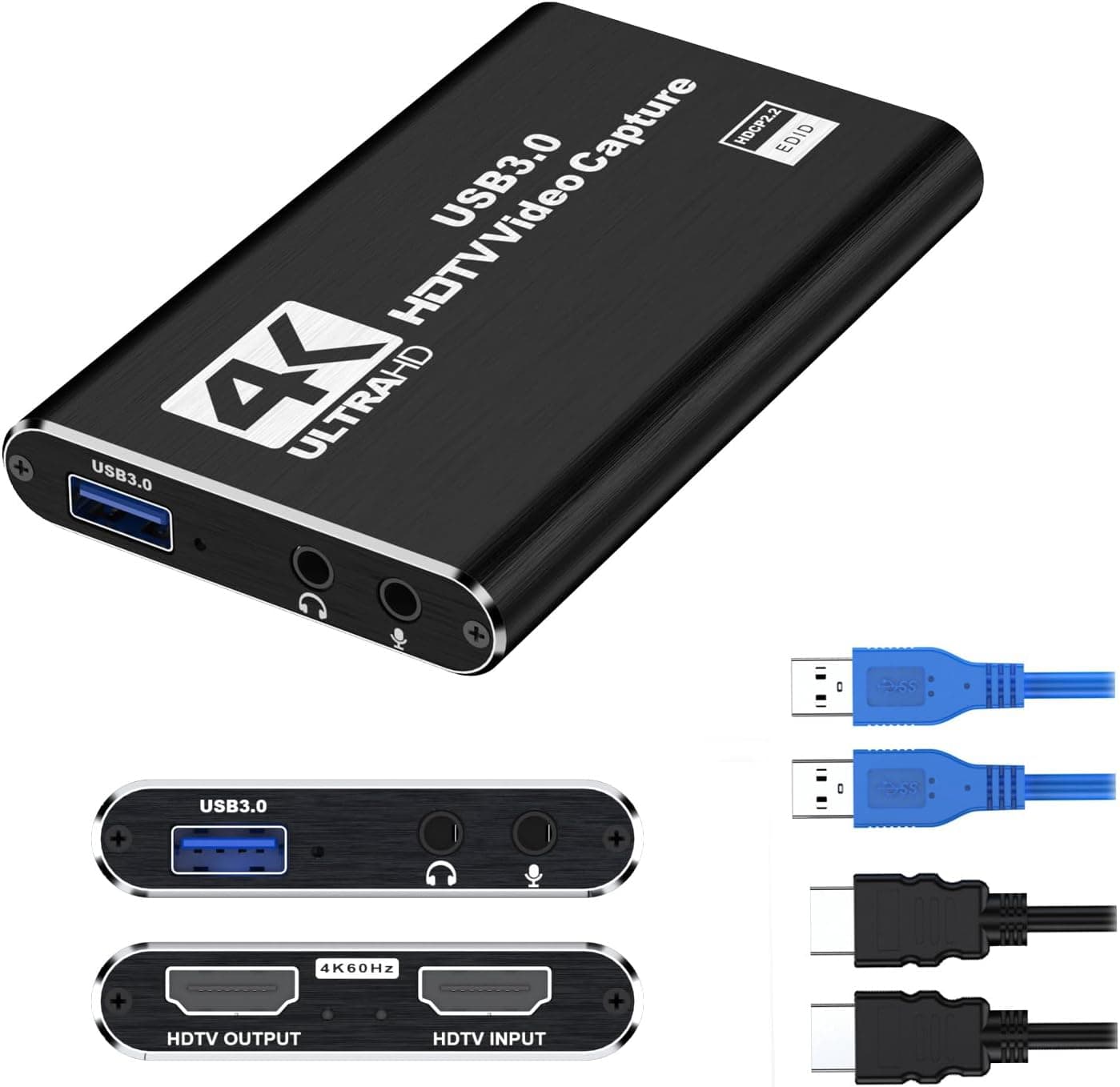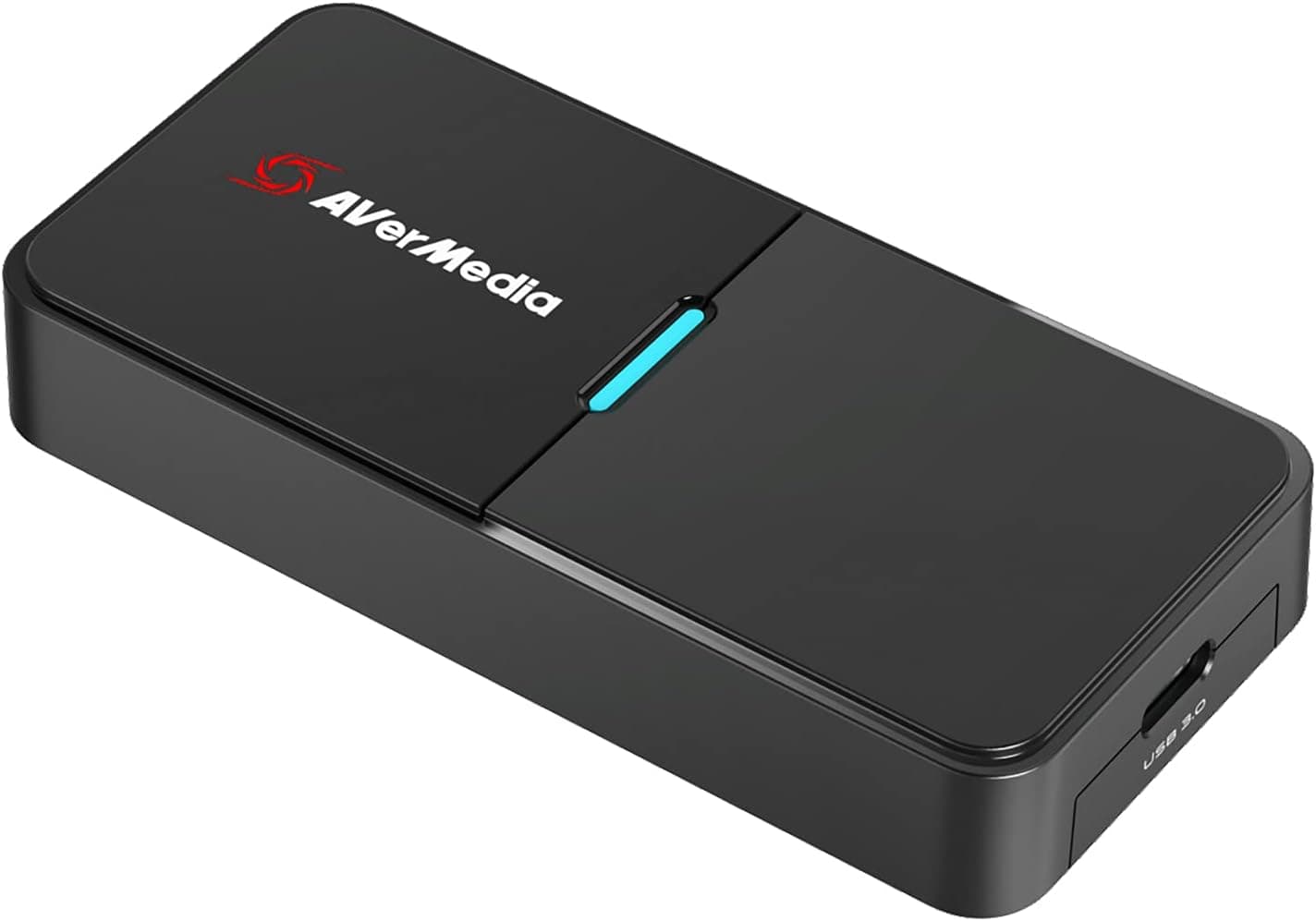
This article covers AVerMedia Live Streamer CAP 4K(BU113) ‐ USB 3.1 HDMI ビデオキャプチャーデバイス 4K30.
Overview
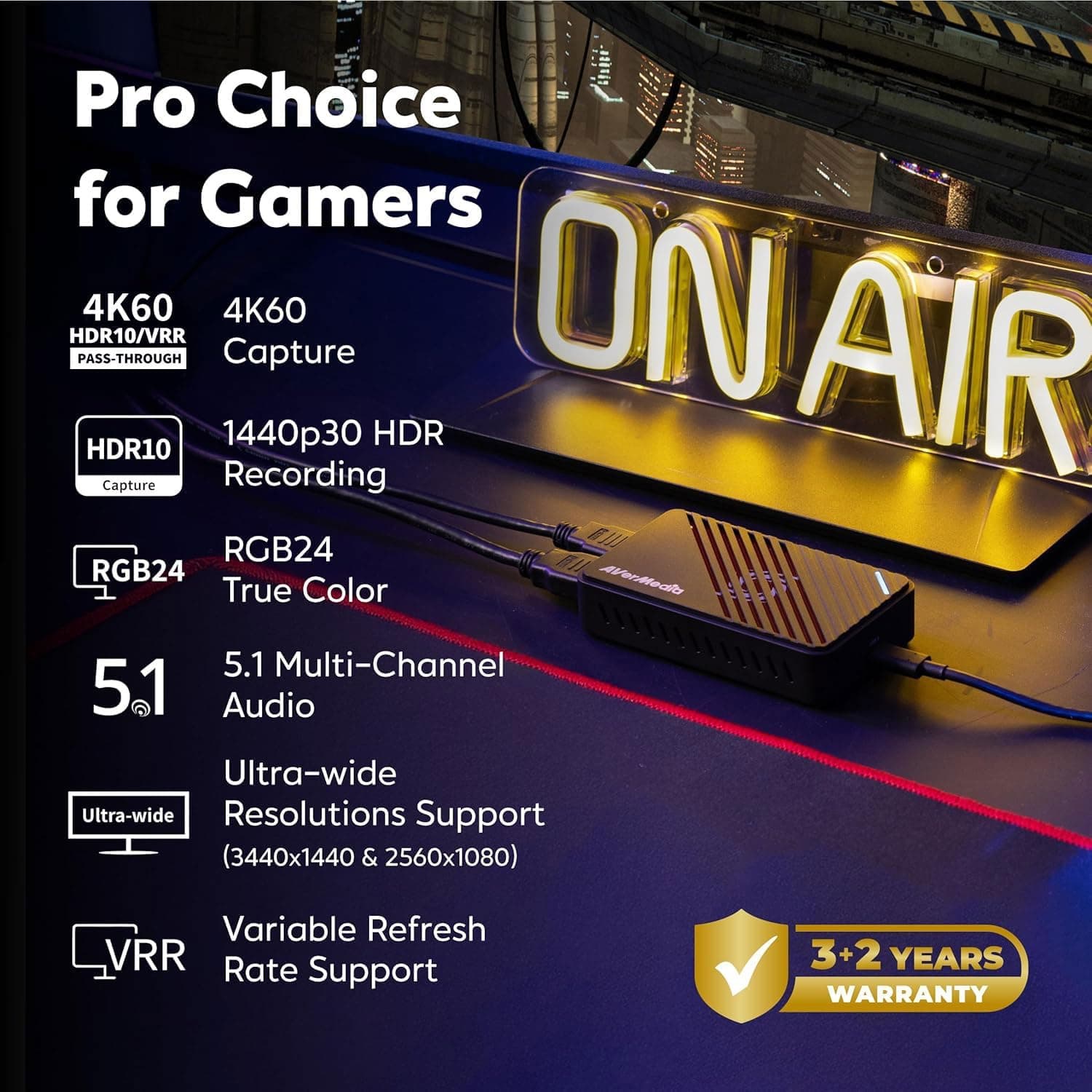
The AVerMedia Live Streamer CAP 4K (BU113) is a compact USB 3.1 video capture device designed for streamers, content creators, and remote workers. It supports uncompressed 4K/30fps recording and 1080p/60fps HDR live streaming, delivering high-quality video capture in a plug-and-play form factor. Designed and manufactured in Taiwan, it offers reliable performance for everyday use. With no driver installation required, the BU113 works seamlessly with Windows and macOS. Simply connect your camera or gaming console via HDMI and plug the device into your PC via USB to instantly transform your mirrorless camera, DSLR, or action cam into a professional-grade webcam. The ultra-low latency ensures real-time video capture without audio sync issues. AVerMedia's CamEngine software adds AI-powered auto-framing and ePTZ (digital pan, tilt, zoom) capabilities. The device can track faces or speakers automatically, and you can save up to six preset compositions for quick switching during streams or meetings.
Compatibility Guide
The BU113 is compatible with Windows 10/11 and macOS. It works with major live streaming and video conferencing applications including OBS Studio, Streamlabs OBS, XSplit, Zoom, Microsoft Teams, vMix, Skype, and Discord. Connectivity is straightforward: HDMI input for your video source and USB 3.1 (backward compatible with USB 3.0) for the PC connection. The device is bus-powered, so no external power adapter is needed. Ensure you use a USB 3.0 or higher port for optimal performance.
Product Info
Released in October 2021, the AVerMedia Live Streamer CAP 4K (BU113) is positioned as a mid-range video capture solution. It balances 4K capture capability with an accessible price point, making it ideal for entry-level to intermediate streamers. The device comes with a standard one-year manufacturer warranty. Key specifications include a maximum input resolution of 4K/30fps, passthrough output at 4K/60fps, and recording at 4K/30fps or 1080p/60fps HDR. The compact form factor (approx. 110×60×20mm) makes it easy to carry in a laptop bag.
Best Use Cases
Live streaming beginners to intermediates: The plug-and-play setup and broad compatibility with OBS Studio and other streaming apps make it easy to start 4K recording or 1080p HDR streaming without complex configuration. Remote workers and telecommuters: Transform your DSLR or mirrorless camera into a high-quality webcam for professional video calls. The AI auto-framing feature keeps you centered in the frame even if you move around. * Content creators and videographers: Capture uncompressed 4K footage directly to your PC, bypassing camera memory card limitations. Ideal for recording long sessions or high-quality B-roll material.
Things to Consider
The BU113 captures at 4K/30fps maximum; if you need 4K/60fps capture, consider AVerMedia's higher-end Live Gamer 4K series or similar alternatives. The device requires a USB 3.0 or higher port — connecting to USB 2.0 may cause bandwidth issues and unreliable operation. The AI auto-framing feature requires the separate CamEngine software, which is currently only available for Windows. macOS users will not have access to this functionality. Compared to competitors like the Elgato HD60 S+ or Magewell USB Capture HDMI, the BU113 offers a compelling price-to-feature ratio with 4K capture. However, the lack of 4K/60fps support and OS-limited AI features may steer some users toward alternative solutions depending on their specific needs.