Overview
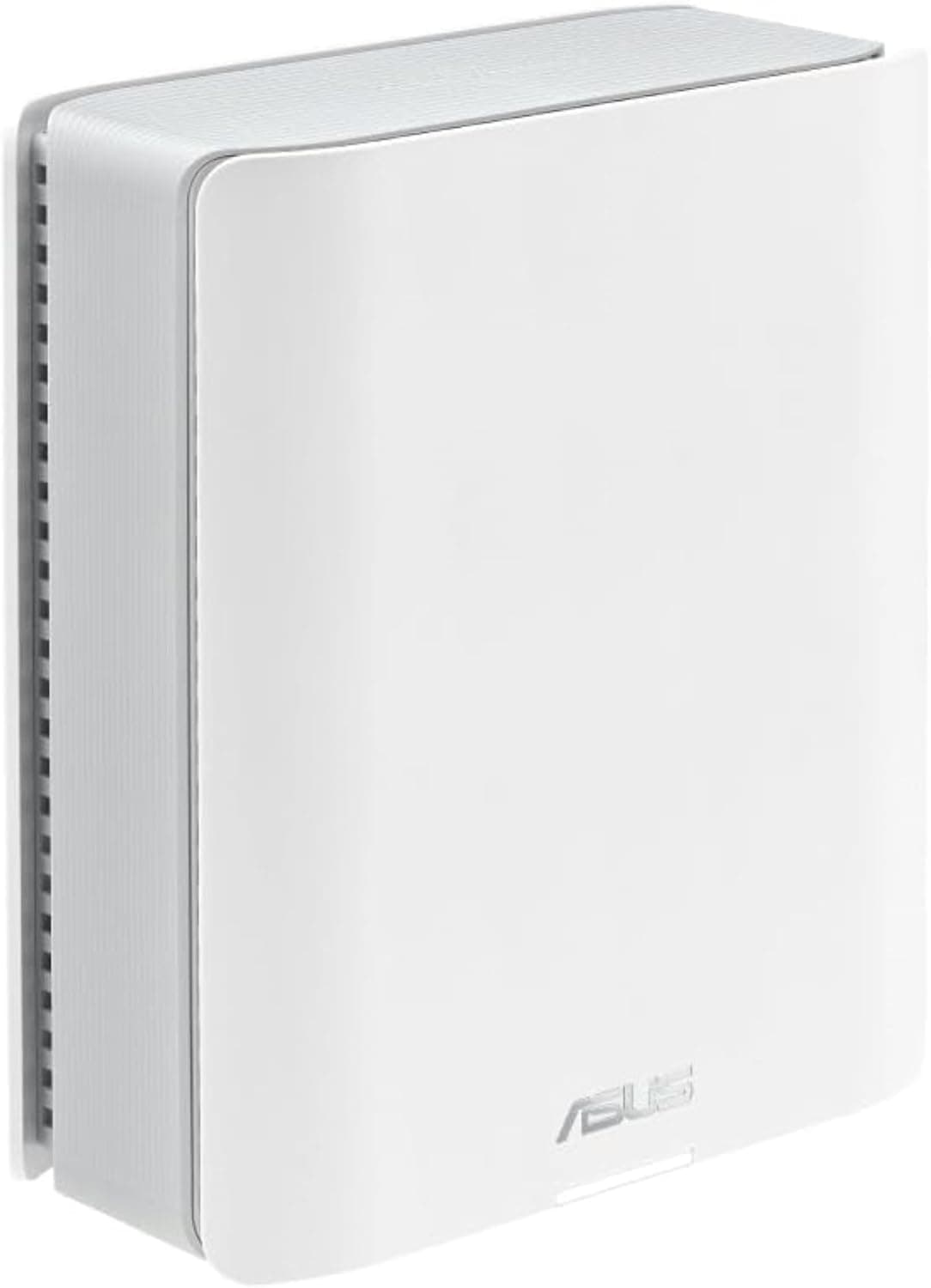
The RT-AX89X — High-Speed Dual-Band WiFi 6 Gaming Router is ASUS's high-end Wi-Fi 6 (802.11ax) router.
Its real value lies less in wireless speed than in its wired layout. One 10 Gbps port, one SFP+ port and eight Gigabit LAN ports all sit in a single box.
If you have 10 Gbps fiber, or a NAS and 10GbE-capable PC at home, it is still worth considering. If you are on a 1 Gbps plan and mostly use Wi-Fi, its size and price are hard to justify.
On the wireless side, it is dual-band: up to 4804 Mbps on 5 GHz and 1148 Mbps on 2.4 GHz.
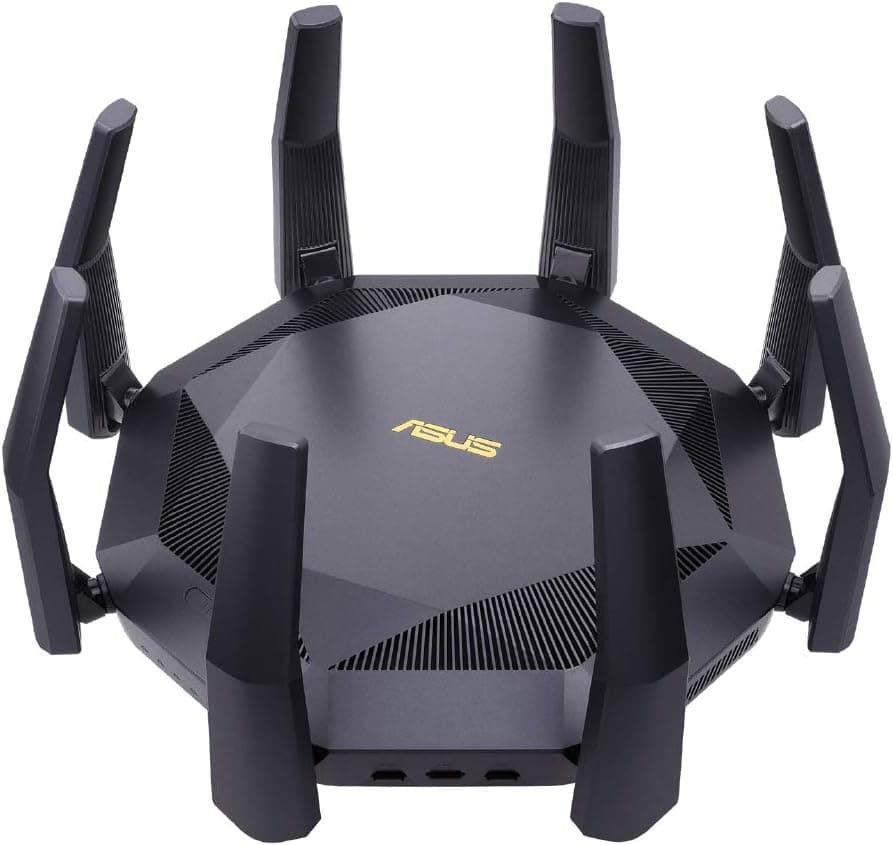
It has eight external antennas and a 2.2 GHz quad-core processor.
It supports ASUS AiMesh, so you can pair it with compatible ASUS routers to cover the whole home. It launched around 2020 and does not support the 6 GHz band used by Wi-Fi 6E and Wi-Fi 7.
Key Specs Explained
| Item | Spec | What it means |
|---|---|---|
| Wi-Fi standard | Wi-Fi 6 (802.11ax) | No 6 GHz band |
| 5 GHz | Up to 4804 Mbps | Theoretical link rate, not per-device speed |
| 2.4 GHz | Up to 1148 Mbps | Longer range; good for IoT devices |
| Fast wired | One 10 Gbps port (WAN/LAN) + one SFP+ | Handles a 10G line and 10G LAN gear together |
| Standard wired | Eight 1 Gbps LAN ports | Many devices without an extra switch |
| USB | USB 3.1 Gen 1 × 2 | Storage or printer sharing |
| Size / weight | 343.6 × 343.6 × 80 mm / 1280 g | Needs a lot of shelf space |
The 4804 Mbps figure is often misread. It is the combined rate for four streams at 160 MHz width.
Most phones and laptops are 2x2, so even in ideal conditions a single device links at up to 2402 Mbps. Real throughput is lower still, depending on distance, walls and congestion.
The 160 MHz channel on 5 GHz is also subject to DFS (radar avoidance), so the router may fall back to a narrower width. Its wireless strength is really headroom when several fast devices connect at once, not a single-device 4804 Mbps.
Compatibility Guide
WAN connection. For a 10 Gbps fiber line, connect the ONU or gateway to the 10 Gbps port and use it as the WAN.
Cat 6A or better is the usual recommendation for 10 Gbps copper links. The bundled 1.5 m CAT6 cable works for short runs, but reconsider cabling for longer ones.
Check IPv6 IPoE support (Japan). Many Japanese fiber plans use IPoE with IPv4 over IPv6 (v6 Plus, transix and similar).
Support varies by model and firmware version. Check the ASUS Japan website to confirm whether the RT-AX89X supports your ISP's method.
If it does not, use the ISP gateway as the router and run this unit in access point mode. In that mode, some router features such as QoS are usually unavailable.
10G needs 10G on the other end. The 10 Gbps and SFP+ ports only run at 10G if the PC, NAS or switch on the other end supports 10GbE.
The SFP+ port needs a separately purchased SFP+ module or DAC cable; only a LAN cable is included. Third-party modules can have compatibility issues, so choose proven ones.
Game consoles. Despite PS5 in the Japanese product name, it is not PS5-only.
The PS5 supports both Wi-Fi 6 and wired Ethernet. For the lowest latency and most stable connection, plug it into one of the eight LAN ports.
Older devices such as the original Nintendo Switch (Wi-Fi 5) connect fine, but at their own standard's speed.
AiMesh setup. Because this is a dual-band router, a wireless mesh link shares the 5 GHz band with client devices, and speed at the satellite drops significantly.
Use wired Ethernet backhaul between nodes where possible.
Physical placement. The body alone is 343.6 mm square, and eight antennas take more space.
It weighs 1280 g. Measure your shelf or TV stand with the antennas in mind.
Product Info
The ASUS RT-AX89X is a high-end gaming router launched around 2020. It runs a 2.2 GHz quad-core processor and ships with a 1.5 m CAT6 LAN cable.
The standard warranty is typically one year, but check with your retailer.
At capture time, Amazon Japan listed it at ¥39,192 (captured June 2026), while a Rakuten seller (Bearhomes) listed it at ¥86,051 (captured August 2026). The gap is more than double.
Older models often have thin stock and widely varying prices. Prices change often, so check the product page for the current price before buying.
Amazon reviews showed 4.3 out of 5 stars from 57 reviews (captured June 2026).
The rating is solid, but the sample is small. Look for reviews from buyers with the same line type and home layout as yours.
Comparison with Alternatives
| Product | Wireless (from product name) | Difference from this model |
|---|---|---|
| RT-AX89X (this model) | Wi-Fi 6 / 4804+1148 Mbps | 10 Gbps + SFP+ + eight 1G LAN |
| RT-AX82U GUNDAM EDITION | Wi-Fi 6 / 4804+574 Mbps | Same 5 GHz rate, lower 2.4 GHz; check its wired ports |
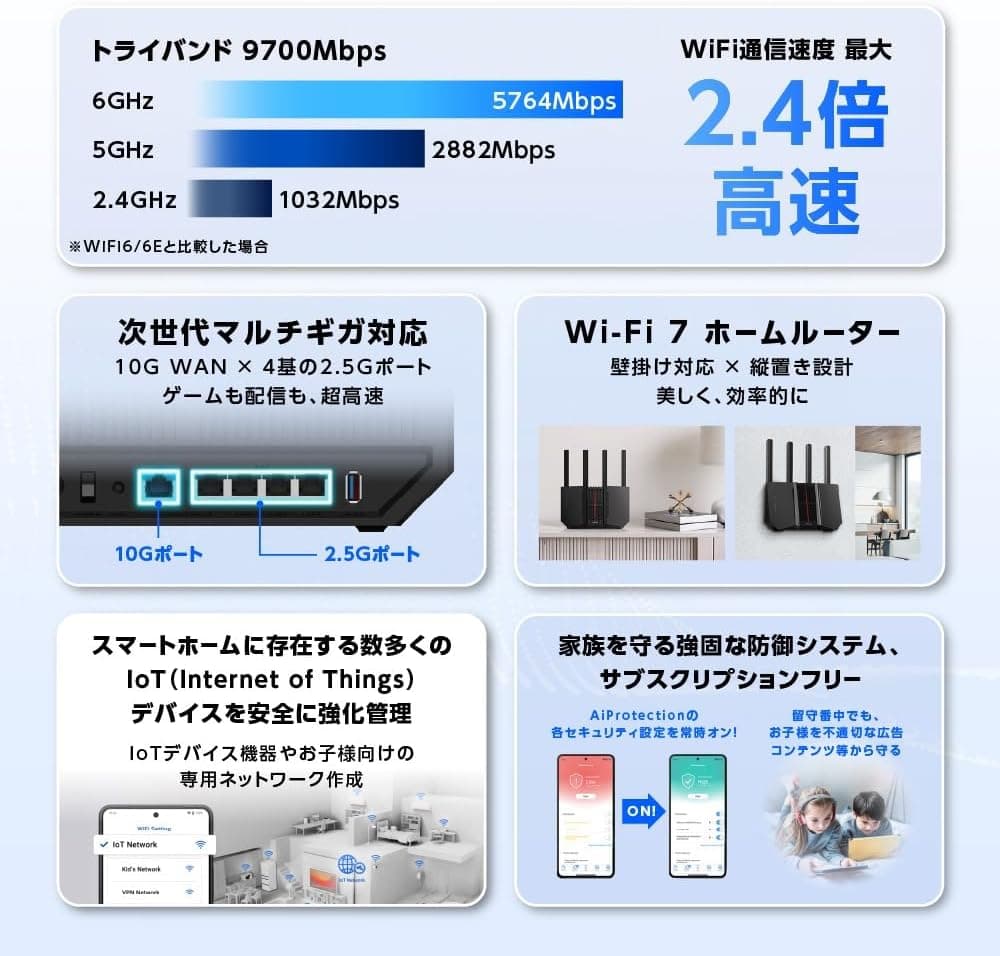
| RT-BE14000 | Wi-Fi 7 / 8643+4323+688 Mbps | Tri-band including 6 GHz |
| NEC Aterm AM-AX11000T12 | Wi-Fi 6E tri-band | Supports the 6 GHz band |
If the newest wireless matters most, Wi-Fi 6E or Wi-Fi 7 models with 6 GHz win. Moving compatible devices to the uncrowded 6 GHz band helps a lot in dense apartments.
Having both 10 Gbps and SFP+ is where this model still stands out. The choice comes down to newer wireless versus more wired expansion.
Recommended Users
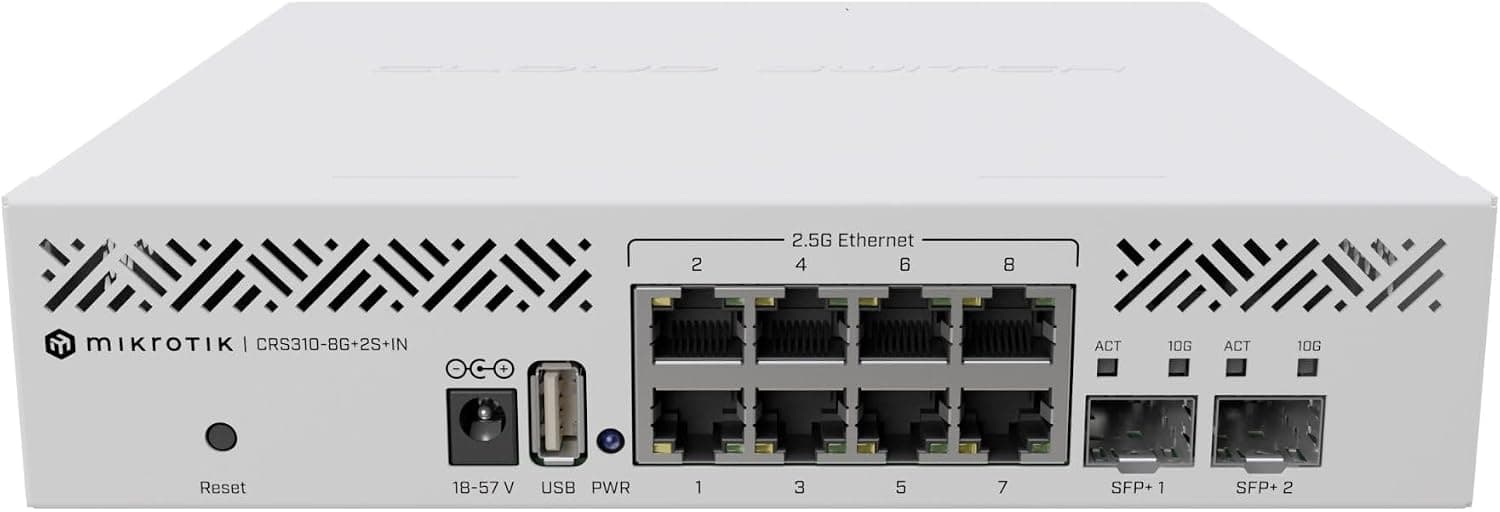
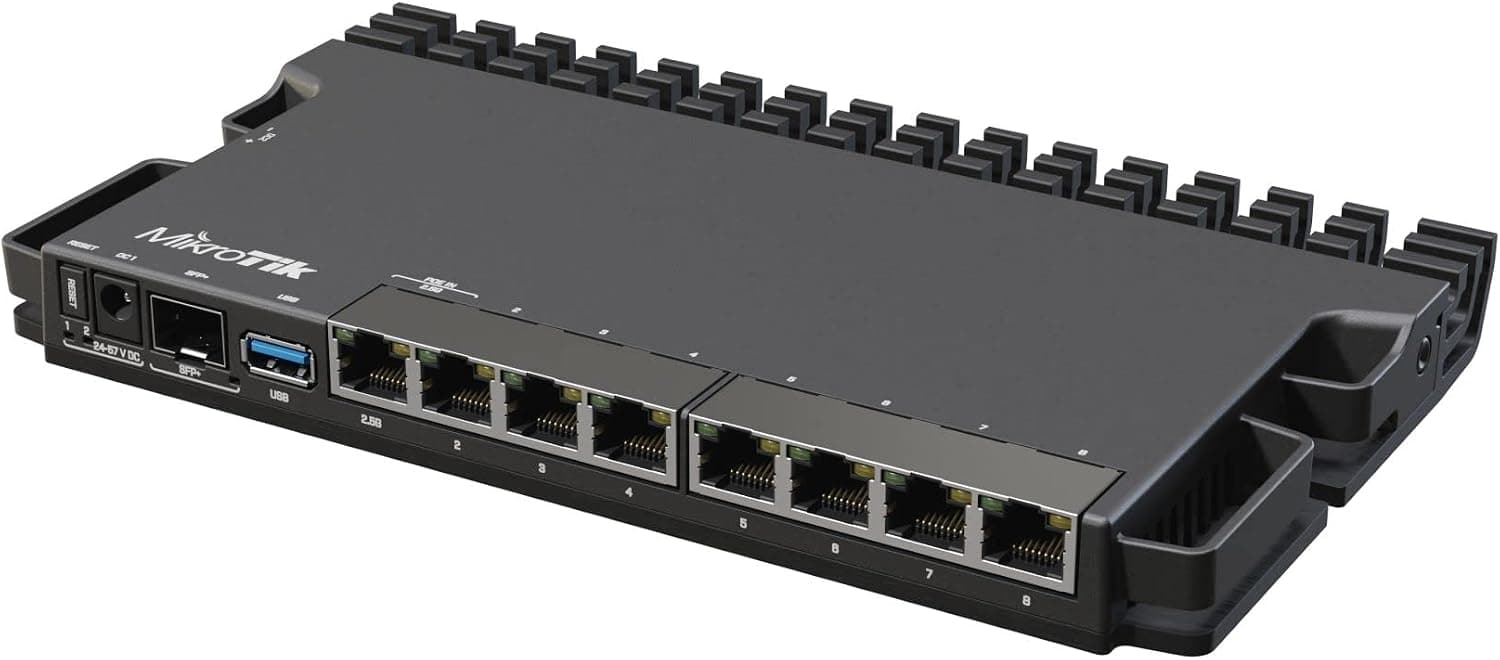
- 10 Gbps fiber subscribers who want full 10G over wire. Use the 10 Gbps port for WAN and SFP+ for a 10G switch or NAS.
- Homes with many wired devices. Consoles, desktops, TVs and a NAS can plug straight into eight Gigabit ports without an extra switch.
- Creators who move large files to a NAS. With a 10GbE NAS and PC, footage transfers speed up sharply. The USB 3.1 Gen 1 ports also allow simple storage sharing.
- Online gamers who care about stability. QoS can prioritize game traffic, and a wired PS5 is even more stable.
Before You Buy
Overkill on a 1 Gbps line with mostly Wi-Fi use. Most of its strengths are in the 10G wired ports.
If you just use phones and laptops over Wi-Fi on a 1 Gbps plan, you will not benefit much. A newer 6 GHz model, or a smaller and cheaper one, will likely satisfy you more.
10G requires extra spending. Without a 10GbE NIC, a 10G switch or SFP+ modules, the 10G ports sit idle.
Do not budget for the router alone.
Confirm your connection method. Whether it works as a router with IPoE methods like v6 Plus is the most important check.
If not, it ends up as an access point behind the ISP gateway, and the router features you paid for go unused.
It is an older model. Since it launched around 2020, check the ASUS support page for the latest firmware and its date.
Using a router after security updates end becomes riskier over time.
Price gaps and seller terms. At capture time, Amazon and a Rakuten seller differed by more than 2x.
Before buying at the higher price, confirm on the product page whether the unit is new, a domestic model, and what warranty applies.
Size and placement. A 343.6 mm square body with eight antennas will not fit where a typical router goes. Measure the space first.
FAQ
Q. Will I get 4804 Mbps? A.
No. 4804 Mbps is the theoretical four-stream, 160 MHz link rate.
A typical 2x2 device tops out at 2402 Mbps, and real throughput is lower.
Q. Is it a PS5-only router? A.
No. PS5 in the name is just an example of a supported device.
Other consoles, PCs and phones connect fine. The PS5 is most stable over wired LAN.
Q. What goes into the SFP+ port? A.
Typically a 10G switch or NAS, via an SFP+ module or DAC cable. Modules are not included and must be bought separately.
Q. Can I build a mesh network? A.
Yes, with AiMesh-compatible ASUS routers. Because it is dual-band, wired backhaul between nodes keeps speeds up.
Q. Does it support v6 Plus?
A. Support depends on model and firmware version. Check the ASUS Japan website.
Product Disclosure (Amazon)
- Manufacturer: ASUS
- ASIN: B08R36LQRV
- Note: This article covers a manufacturer-made product based on Amazon listing details.