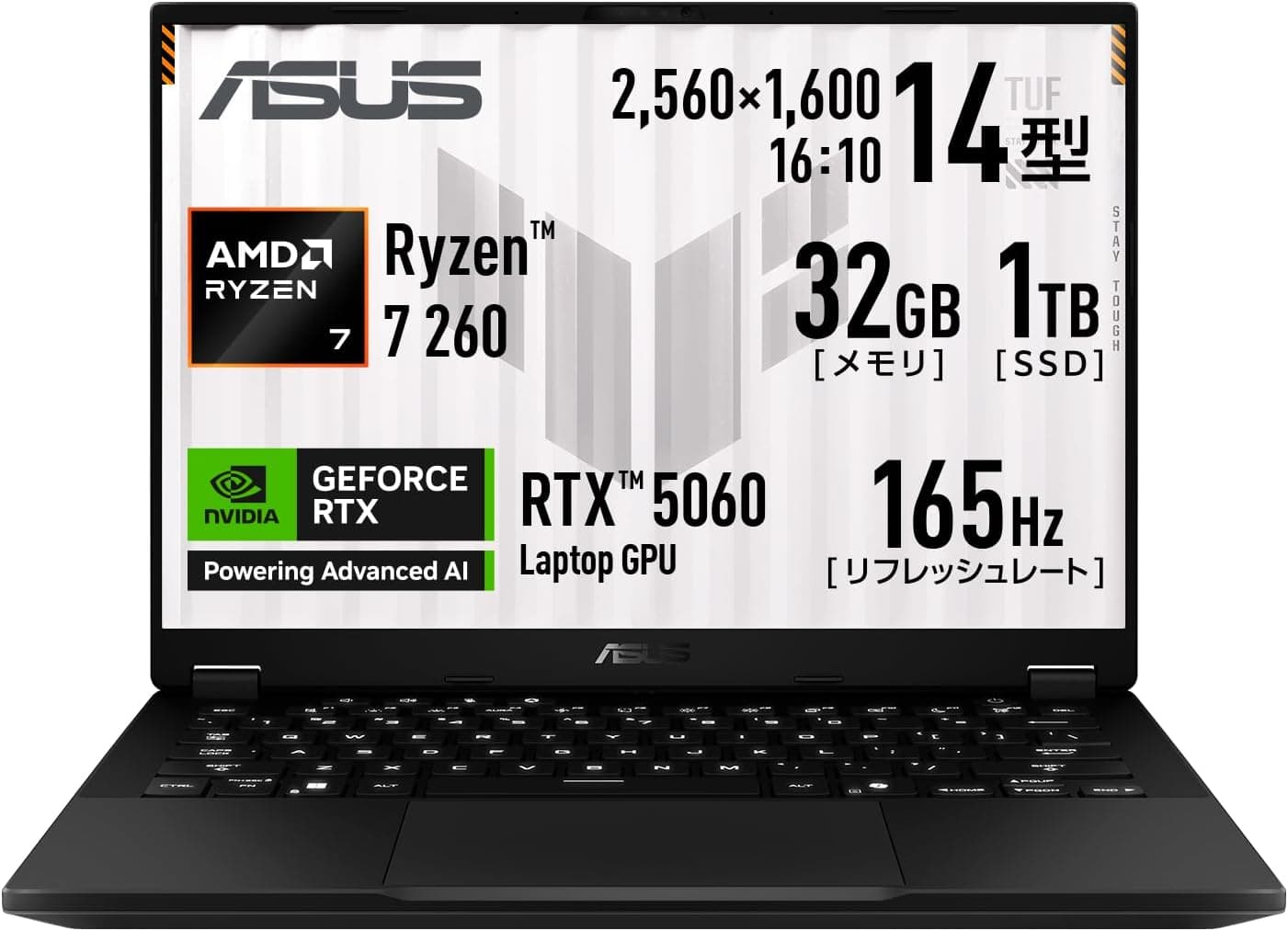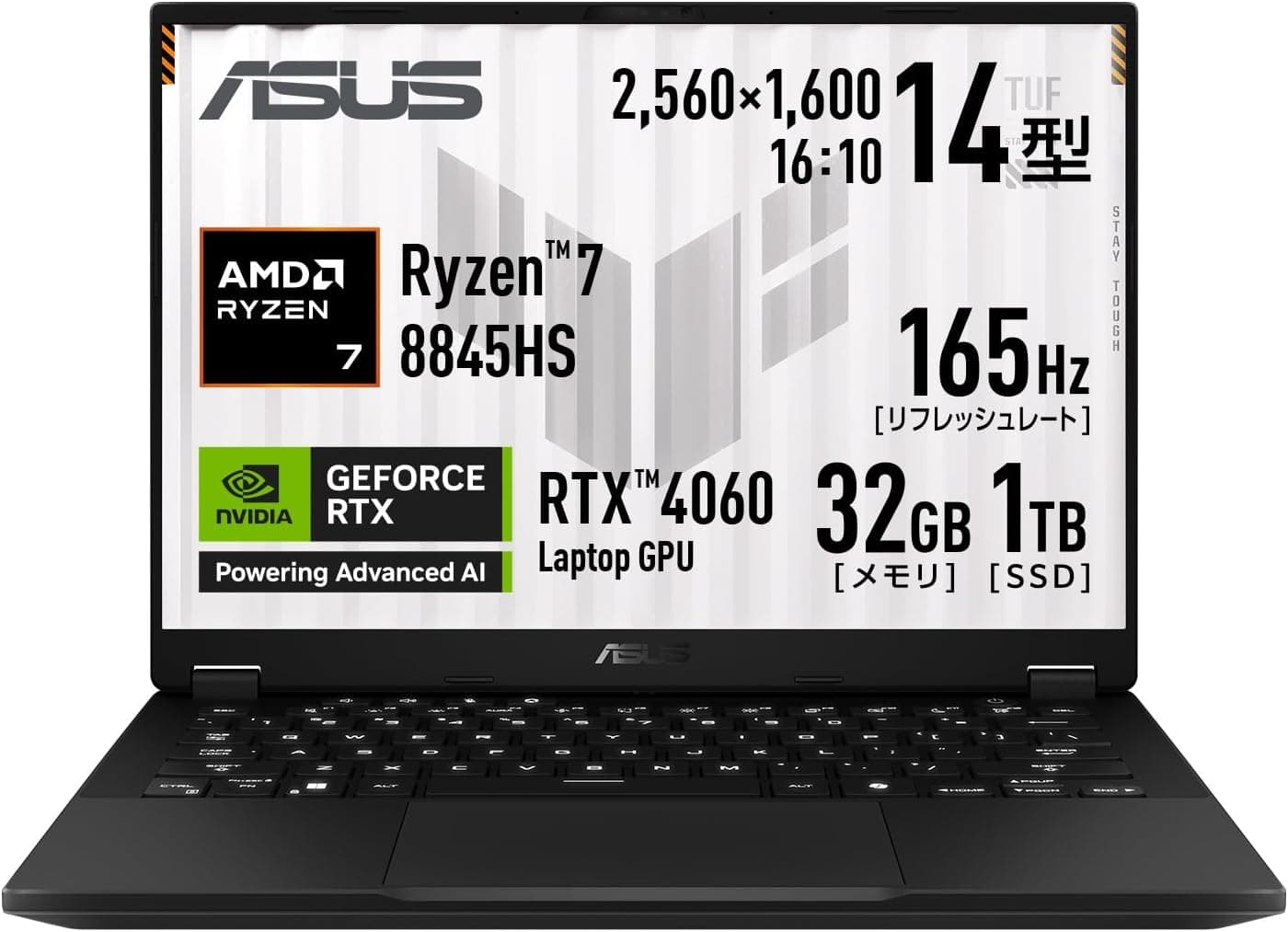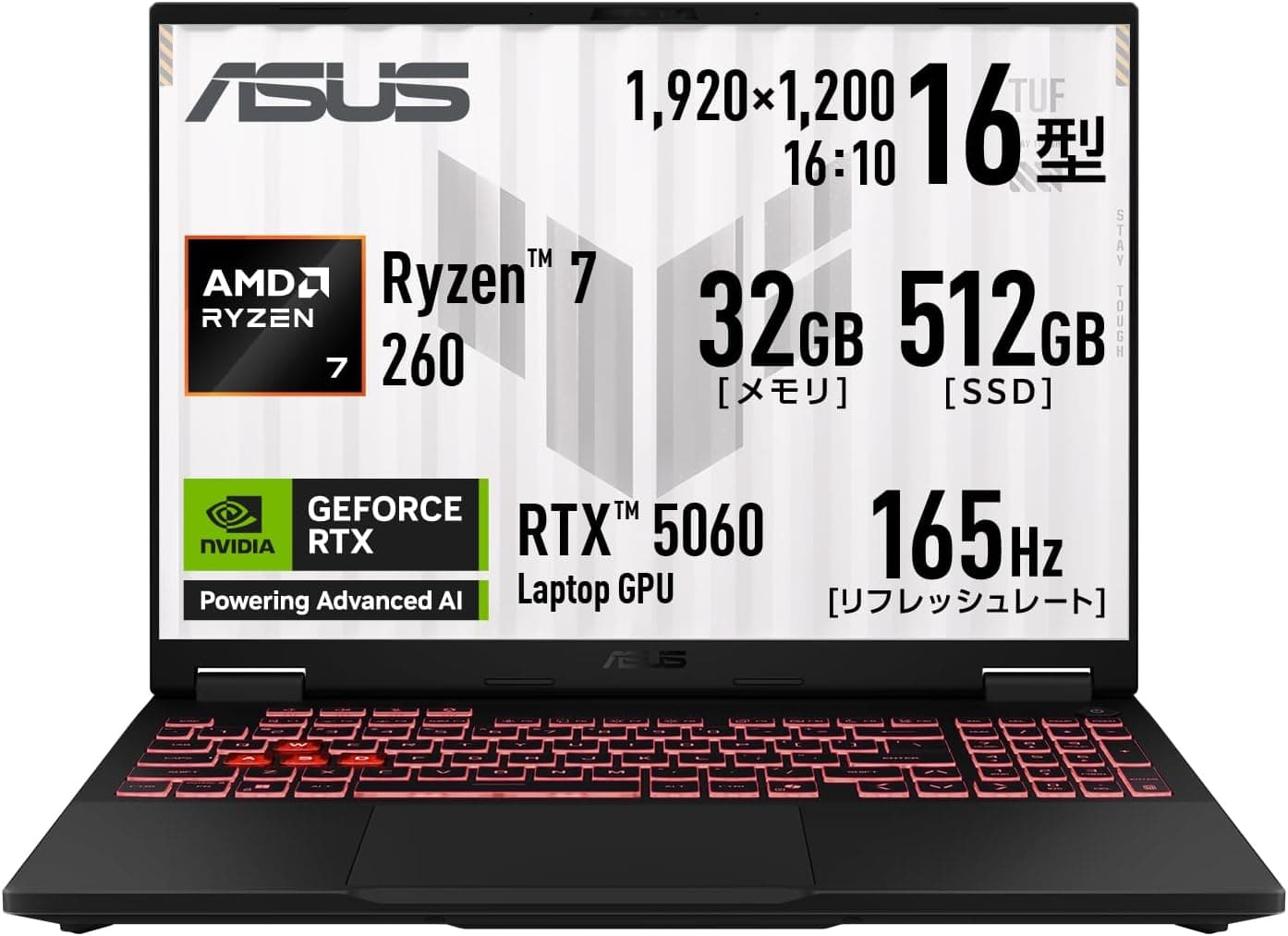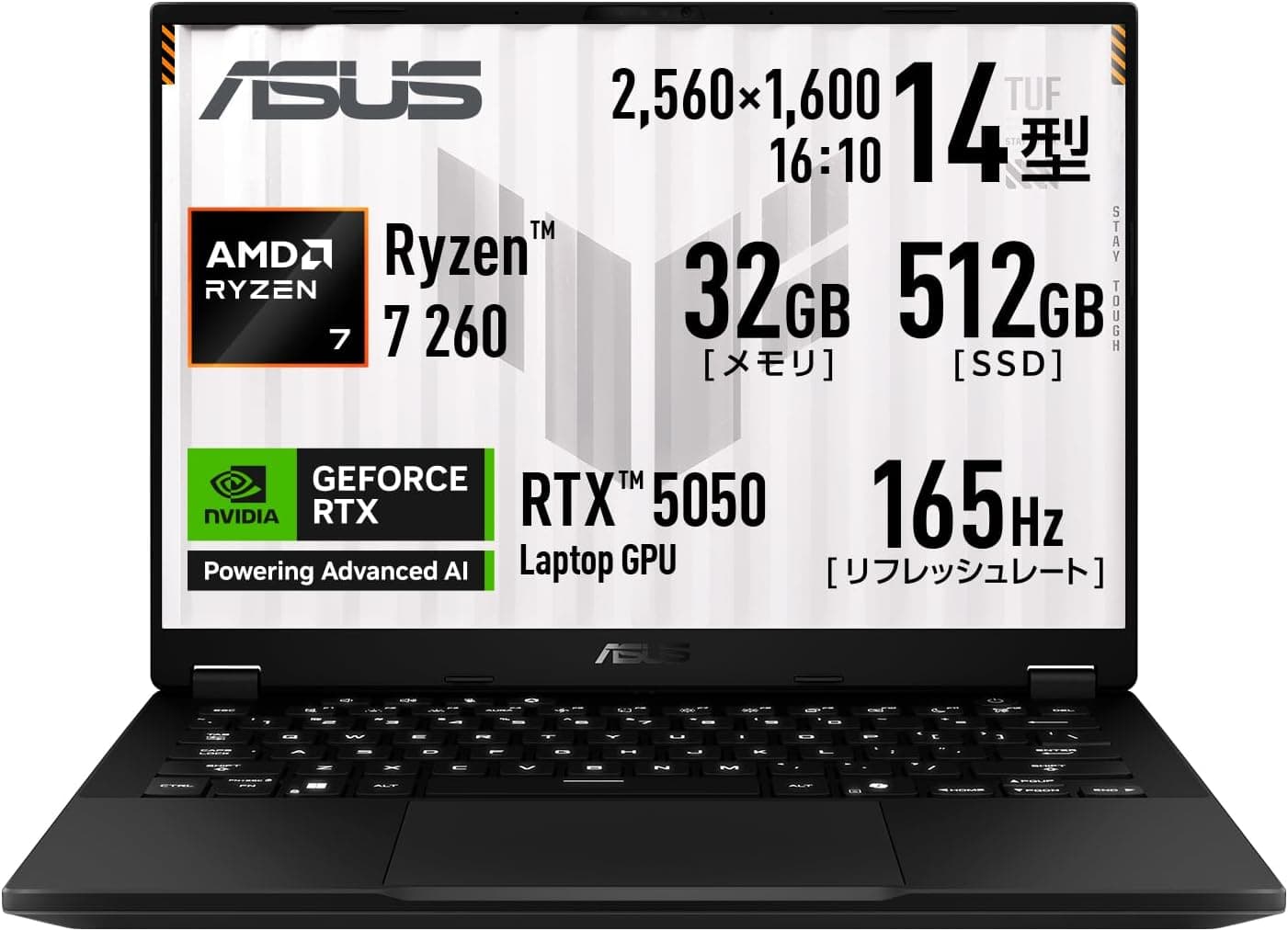
This article covers ASUS TUF Gaming A14 FA401UH ゲーミングノートPC 14インチ, not as a spec recital but from the angle of whether you will regret the purchase. The short answer: this is not a desktop replacement.
It is a machine designed to be carried, and it makes real trade-offs to get there.
Overview
The ASUS TUF Gaming A14 FA401UH packs an AMD Ryzen 7 260 (8 cores / 16 threads) and an NVIDIA GeForce RTX 5050 Laptop GPU (up to 105W) into a 14-inch chassis. The display is a 2560×1600 WQHD matte panel running at 165Hz.
Memory is 32GB of LPDDR5X-7500, storage is a 512GB PCIe 4.0 NVMe M.2 SSD, and the OS is Windows 11 Home 64-bit.
At roughly 1.46 kg, it sits on the light end for this performance class.
The target user is clear: someone who wants a single machine for both work and gaming, at home and away from it. This is not built for chasing maximum image quality on a desk.
It maximizes what you can get within the constraint of carrying it daily. Rated battery life is about 11.6 hours during video playback and about 18.1 hours at idle, so unplugged work sessions are realistic.
The TUF line's durability testing is also a practical plus for a laptop that lives in a bag.
On buyer feedback: as captured on 18 June 2026, the listing showed 24 reviews averaging 4.2 out of 5 (84% positive).
With only 24 reviews, that average moves sharply on a handful of posts. Treat it as evidence that no major defect has been widely reported, and read individual review text instead.
Compatibility Guide
With laptops in this class, the arguments after purchase are rarely about performance. They are about what cannot be changed.
Three things are fixed here.
| Item | Spec | Changeable later? |
|---|---|---|
| Memory | 32GB LPDDR5X-7500 (soldered) | No — no SO-DIMM slots |
| Storage | 512GB PCIe 4.0 NVMe M.2 (one slot) | Replaceable, not expandable |
| Wired LAN | Not included | No — use a USB LAN adapter |
Soldered memory cuts both ways. The downside is obvious: 64GB is simply not an option, ever.
The upside is that 32GB ships as standard on a high-bandwidth LPDDR5X-7500 configuration, with no DIY install and no compatibility guesswork. For heavy browser use alongside video editing or gaming, 32GB will not be the bottleneck for a long time.
Storage has a single M.2 slot.
When 512GB runs out, your options are replacing the drive outright (requiring a clean install or a clone) or adding an external SSD. There is no second internal slot.
Disassembly may affect warranty terms, so check ASUS guidance first. In practice, hanging an external NVMe SSD off the USB4 Type-C port is the simpler path.
Ports: one USB4 Type-C with Power Delivery and video output, one USB 3.2 Type-C (Gen2) with video output, two USB-A (Gen1), and one HDMI.
Wireless is Wi-Fi 6E (802.11ax) and Bluetooth 5.4.
It connects to Wi-Fi 7 routers through backward compatibility, but without Wi-Fi 7 benefits. The keyboard is a backlit Japanese 86-key JIS layout, easy to use in low light.
One practical warning. The USB4 Type-C port supports Power Delivery, but peak system draw is about 200W.
A typical 65W–100W PD charger cannot cover heavy load, so the machine will either drain the battery while running or throttle. Plan on PD for travel and light work, and the bundled AC adapter for gaming.
How It Compares
Putting it beside the models people cross-shop makes its position clearer.
| Model | Display | GPU | Weight |
|---|---|---|---|
| This model, FA401UH | 14" WQHD 2560×1600 / 165Hz | RTX 5050 Laptop (up to 105W) | approx. 1.46 kg |
| ASUS Gaming V16 V3607VH | 16" | RTX 5050 | approx. 1.95 kg |
| ASUS TUF Gaming F15 FX507VV | 15.6" / 144Hz | RTX 4060 | not stated |
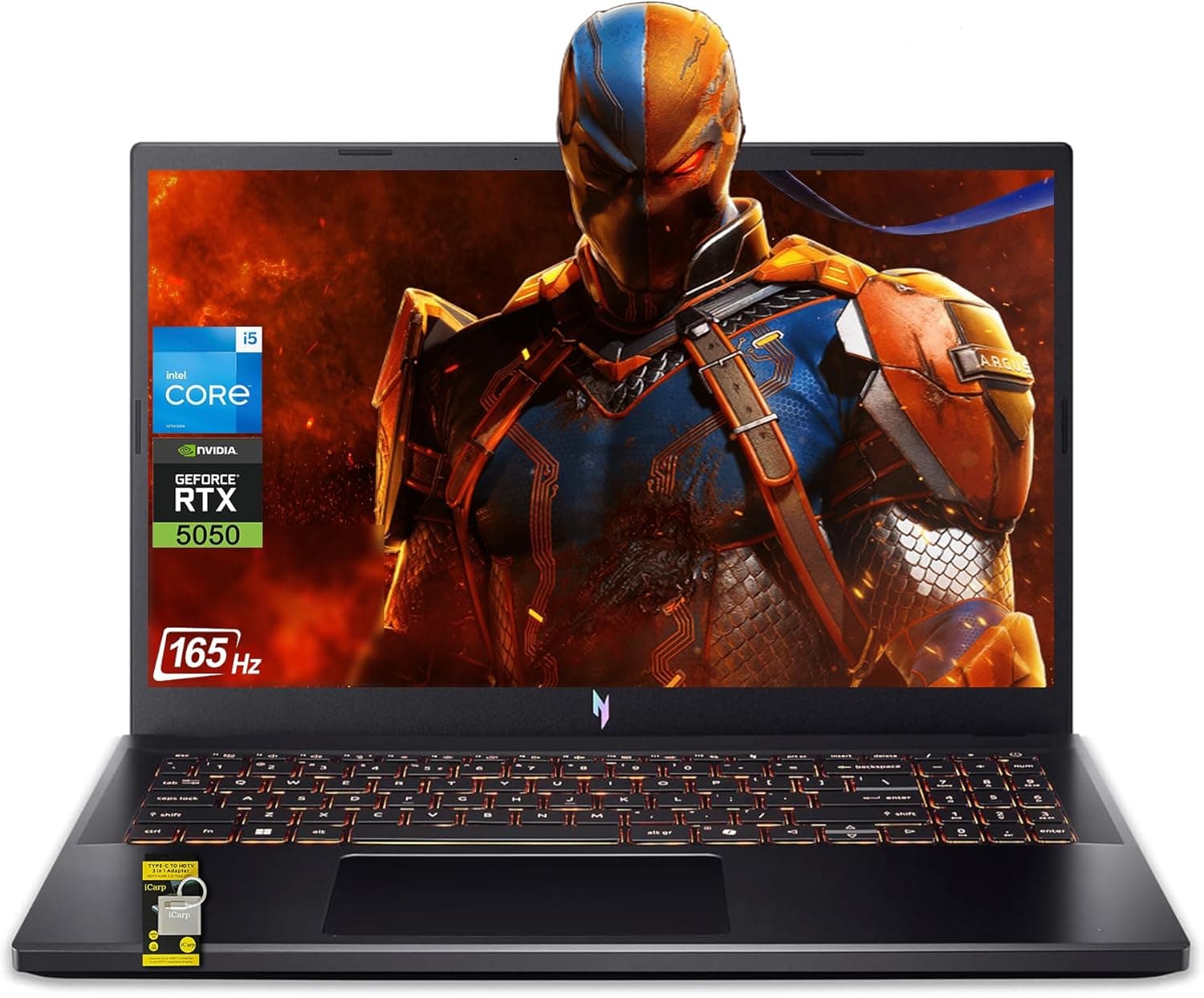
| Acer Nitro V 15 | 15.6" FHD / 144Hz | RTX 4050 | not stated |
(Table values come from each product's published name and specifications. Configurations and prices vary by period and retailer.)
Against the 16-inch ASUS Gaming V16 with the same RTX 5050, the gap is roughly 500 g. That 500 g is the difference between carrying a laptop daily and not, so if you only take it out a few times a week, the larger screen may serve you better.
The 15.6-inch TUF Gaming F15 (RTX 4060) and Acer Nitro V 15 (RTX 4050, FHD) are built around sitting on a desk.
The case for this machine holds only if the combination of 14 inches, WQHD, and sub-1.5 kg genuinely matters to you.
If you want lightness without gaming performance, a thin-and-light such as the Acer Swift Edge 14 is the more rational buy.
Product Details
Key specifications:
| Item | Spec |
|---|---|
| CPU | AMD Ryzen 7 260 (8 cores / 16 threads) |
| Memory | 32GB LPDDR5X-7500 (soldered) |
| Storage | 512GB PCIe 4.0 NVMe M.2 SSD |
| Display | 14.0" WQHD (2560×1600) matte, 165Hz |
| Weight | approx. 1.46 kg |
| Battery life (video playback) | approx. 11.6 hours |
| Max power draw | approx. 200W |
| OS | Windows 11 Home 64-bit |
| Wireless | Wi-Fi 6E (802.11ax) + Bluetooth 5.4 |
On price: as captured on 26 August 2026, Amazon.co.jp listed it at ¥369,800.
An overseas marketplace listing (eBay US) showed $1,648.44 as captured on 23 July 2026.
Both are point-in-time figures that move with sales, currency rates, and stock. Always check the current price on the product page before buying.
Measured against the configuration, much of that money buys the miniaturization needed to fit this performance into 14 inches. The same budget in a 15.6-inch or 16-inch chassis can often reach a higher GPU tier.
If portability is not worth paying for in your case, this will feel expensive — worth saying plainly.
Warranty covers ASUS international service (1 year) plus a Japan domestic warranty (1 year), with product registration in MyASUS required within 30 days of purchase. Terms can vary by purchase date and retailer, so confirm with the documentation in the box.
Included accessories are the AC adapter and printed materials.
Who It's For
- Gamers who commute with their machine — roughly 1.46 kg paired with a 165Hz WQHD panel suits anyone who wants serious gaming away from a desk. Budget the AC adapter into your real carry weight.
- Students and creators — an 8-core, 16-thread Ryzen 7 260 with 32GB of RAM handles video editing, photo work, development, and virtual machines. Treat the 512GB SSD as something you will supplement externally.
- People with small desks — 14 inches takes little space, and with an external monitor it doubles as a desktop setup. HDMI plus two video-capable Type-C ports make docking straightforward.
- Anyone consolidating two machines — if you currently run a light ultrabook plus a gaming desktop, this is a realistic single-device landing point.
Before You Buy
1. 512GB is tight for modern games. After Windows, drivers, and game launchers, usable space lands in the low 400GB range.
Large modern titles routinely run 100GB or more each, so three of them leave you scraping. Budget for an external SSD or a larger M.2 replacement from day one.
This constraint bites immediately, not eventually.
2. 32GB is the ceiling forever. Soldered memory cannot be upgraded or replaced.
If there is any chance you will need 64GB in a few years, that day means replacing the whole laptop. If you are certain 32GB is enough, this is a non-issue.
3. 1.46 kg is the body alone. A system that peaks near 200W needs a substantial AC adapter, with the size and weight that implies.
Judging portability by the chassis weight alone will surprise you when the bag is packed. Check the adapter weight in the accessory specifications.
4. Do not expect ultra settings at WQHD. To use that 165Hz panel, plan on lowering settings in competitive titles and leaning on DLSS-class upscaling in heavy ones.
RTX 50-series cards support the DLSS 4 generation of features, but holding high frame rates at 2560×1600 with maximum quality is still a stretch. If image quality is your priority, step up to a higher GPU tier.
5. A 105W-class GPU in a 14-inch shell means heat and noise. As a general rule, pushing 100W of GPU power through a thin 14-inch chassis drives fans to high RPM and warms the keyboard deck and palm rest.
Do not expect it to be as quiet as a large desktop-replacement machine. Headphones are effectively part of the setup.
If silence is your top priority, look elsewhere.
6. The domestic-versus-import gap. ¥369,800 in Japan as captured on 26 August 2026 versus $1,648.44 on an overseas listing as captured on 23 July 2026 looks like an easy win for importing.
It is not that simple: imported units may not have a Japanese keyboard layout, may fall outside domestic warranty and MyASUS coverage, and bring plug and certification issues. Do not decide on the price difference alone.
7. Listing metadata can contradict the product. The listing information referenced for this article contained a manufacturer name unrelated to ASUS and an ASIN belonging to a different product.
That is a problem with the page metadata, not the laptop, but you will run into the same discrepancy when you open the page. Verify the product by image, title, and model number (FA401UH) before ordering.
Marketplace listings in particular often bundle other configurations of the same series — different GPU, memory, or storage — under one page.
FAQ
Q. Can I upgrade to 64GB of RAM? A.
No. The 32GB of LPDDR5X-7500 is soldered to the board and there are no slots.
If you definitely need 64GB or more, remove this model from your shortlist.
Q. Can the SSD be replaced or added to? A.
It can be replaced — there is one M.2 slot — but you cannot add a second drive.
Replacement requires a clean install or a clone. Check ASUS guidance on how disassembly affects warranty coverage.
Q. Can I game while charging over a single USB-C cable? A.
The USB4 Type-C port supports Power Delivery, so charging works. But with peak draw near 200W, a typical PD charger cannot sustain heavy load.
Use the bundled AC adapter for gaming.
Q. What about wired Ethernet? A.
There is no built-in port. You will need a USB Type-C or USB-A LAN adapter.
For competitive online play, keeping an adapter in the bag is the reliable answer; otherwise Wi-Fi 6E's 5GHz/6GHz bands help avoid congestion.
Q. How many external monitors can it drive? A.
With one HDMI port plus two video-capable Type-C ports, multiple simultaneous outputs are possible on paper. The exact number, along with the resolution and refresh-rate ceiling for each, depends on configuration — confirm in the product specification table.
Q. How much should I trust the review score? A.
As captured on 18 June 2026, it stood at 24 reviews averaging 4.2 out of 5 (84% positive).
With that few reviews, the average swings on a handful of posts. Reading individual reviews about heat, fan noise, and early failures tells you more than the number does.