This article covers ASUS AMD B650 chipset Ryzen デスクトップ プロセッサー用 AM5対応 micro-ATX マザーボード TUF GAMING B650EM-PLUS WIFI 国内正規代理店品.
Overview
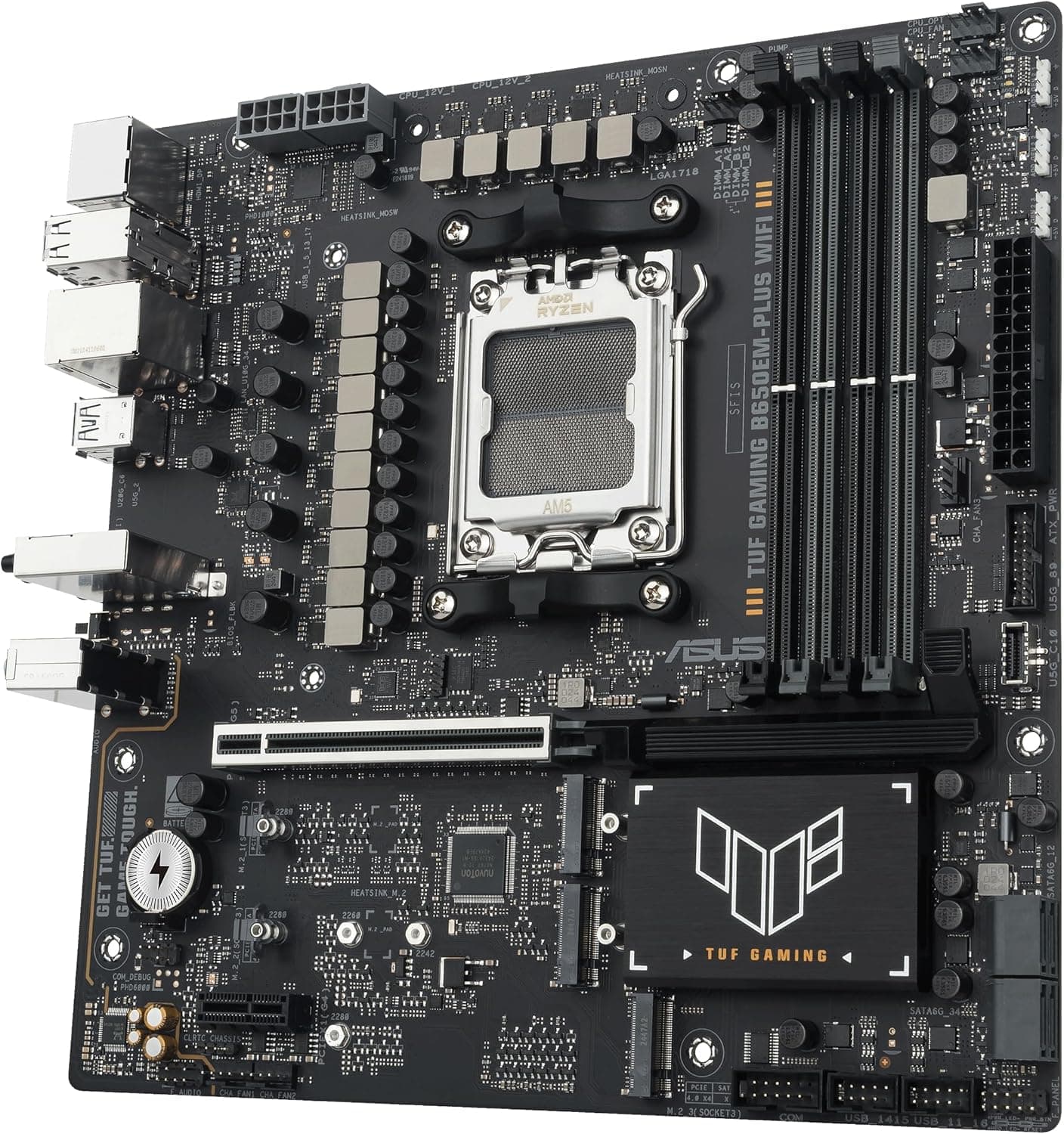
ASUS expands its TUF GAMING lineup with the B650EM-PLUS WIFI, a micro-ATX motherboard built around the AMD B650 chipset. It supports Socket AM5 processors from the Ryzen 7000, 8000, and 9000 series, making it future-ready for AMD's latest CPUs. The VRM setup is a robust 12+2+1 phase design (80A each), ensuring stable power delivery even under sustained loads. DDR5 memory support is included with up to 256GB capacity across four DIMM slots. Overclocking potential is solid, with speeds beyond 8000MT/s achievable. The board also features a PCIe 5.0 x16 slot for graphics and one PCIe 5.0 M.2 slot for ultra-fast NVMe storage. Networking is handled by Wi-Fi 6E wireless and a Realtek 2.5GbE wired controller, with TUF LANGuard for surge protection. This board is positioned as a mid-range option within the B650 ecosystem, targeting users who want modern features like PCIe 5.0 and DDR5 without paying a premium for X670 or X870 chipsets. The microATX form factor makes it a natural fit for compact builds.
Compatibility Guide
The socket is AM5, compatible with all Ryzen 7000, 8000, and 9000 series desktop processors. Note that Ryzen 8000 series may have limited PCIe lanes; refer to ASUS's CPU support list before purchase. Memory is exclusively DDR5—DDR4 modules are not supported. Four slots support up to 256GB, including ECC memory. The board is microATX (24.4x24.4cm), fitting most small and mid-tower cases. Storage options include three M.2 slots (one PCIe 5.0, two PCIe 4.0) and four SATA 6Gbps ports. The main power connector is a 24-pin ATX, with dual 8-pin CPU power headers. A standard ATX power supply of 650W or higher is recommended for a typical Ryzen 7 build with a mid-range GPU.
Product Info
Released in the second half of 2024, the ASUS TUF GAMING B650EM-PLUS WIFI carries a street price of roughly ¥30,000 to ¥38,000 in Japan. It comes with a 3-year warranty through authorized ASUS distributors. The board is available from major retailers like Japan and specialty PC shops. Market positioning sits squarely in the mid-range tier for B650 motherboards. It offers a solid balance of VRM capability, connectivity, and build quality at a price point that undercuts higher-end chipset options.
Best Use Cases
Budget-conscious gamers: Pair this board with a Ryzen 5 7600 or Ryzen 7 7700 for a gaming rig that leaves room in the budget for a powerful GPU. The PCIe 5.0 slot ensures compatibility with current and next-gen graphics cards. First-time PC builders: The microATX form factor simplifies case selection and cable management. Features like BIOS FlashBack (USB flashback without a CPU), Q-LED debug LEDs, and pre-mounted I/O shield make assembly and troubleshooting easier. Compact workstation builds: For users needing a powerful yet space-efficient system, this motherboard supports up to 256GB of DDR5 RAM and three M.2 SSDs, enough for light video editing, programming, or virtual machines. ## Alternatives
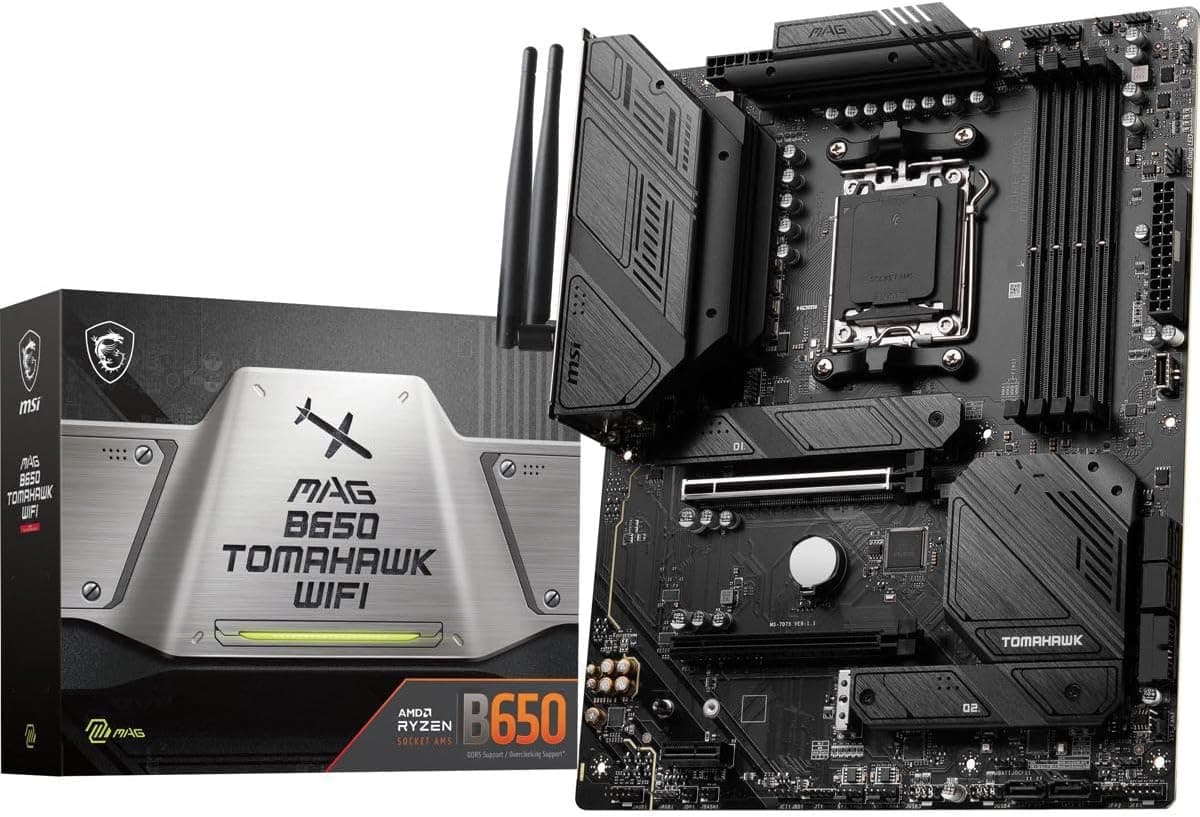
A direct competitor is the GIGABYTE B650M AORUS ELITE AX. It has a slightly stronger VRM (14+2+1 phases) and also includes Wi-Fi 6E and a similar price tag. ASUS counters with more user-friendly DIY features like Q-Latch for M.2 and ProCool power connectors. Another option is the MSI MAG B650M MORTAR WIFI, which offers four M.2 slots (vs. three) and a comparable VRM layout. If you need more NVMe storage capacity, the MSI may be a better fit, while ASUS excels in overall build quality and after-sales support.
Things to Consider
The board has only one PCIe x16 slot, so dual-GPU setups (SLI/CrossFire) are impossible. Expansion is limited to the x1 slot, which is often blocked by a large graphics card. Front-panel USB Type-C is limited to 5Gbps (USB 3.2 Gen 1). If your case has a 10Gbps or 20Gbps Type-C port, it will operate at the lower speed. Check compatibility with your case. Although Wi-Fi 6E supports the 6GHz band, Japanese regulations may restrict some channels. Ensure your router supports the same bands. If you plan to use a newly launched Ryzen 9000 CPU, a BIOS update is likely required. The BIOS FlashBack feature allows updating without a CPU, but it adds an extra step during assembly.
Product Disclosure (Amazon)
- Manufacturer: ASUS
- Seller: Amazon.co.jp
- Fulfilled by: Amazon.co.jp
- ASIN: B0FMR9X3KJ
- Note: This article covers a manufacturer-made product based on Amazon listing details.