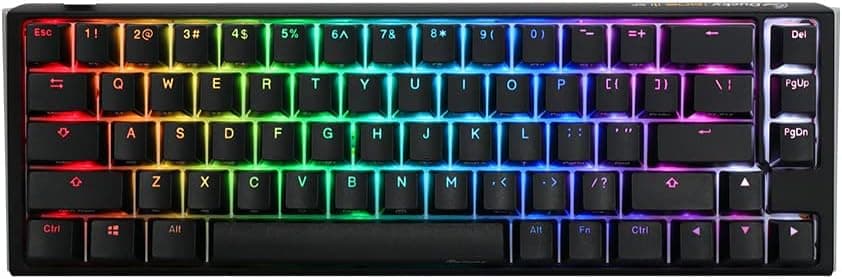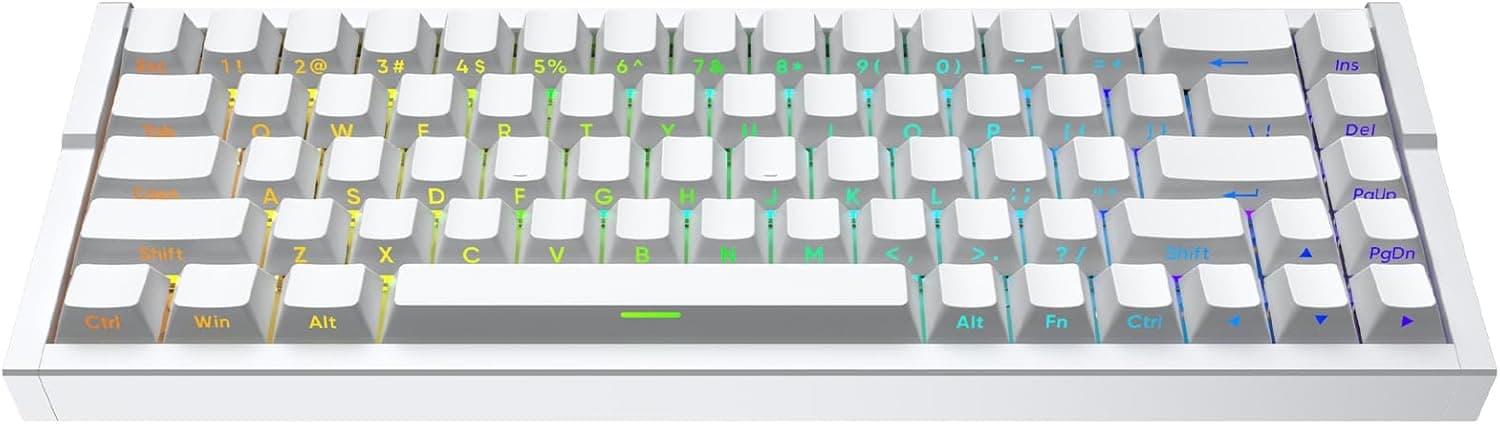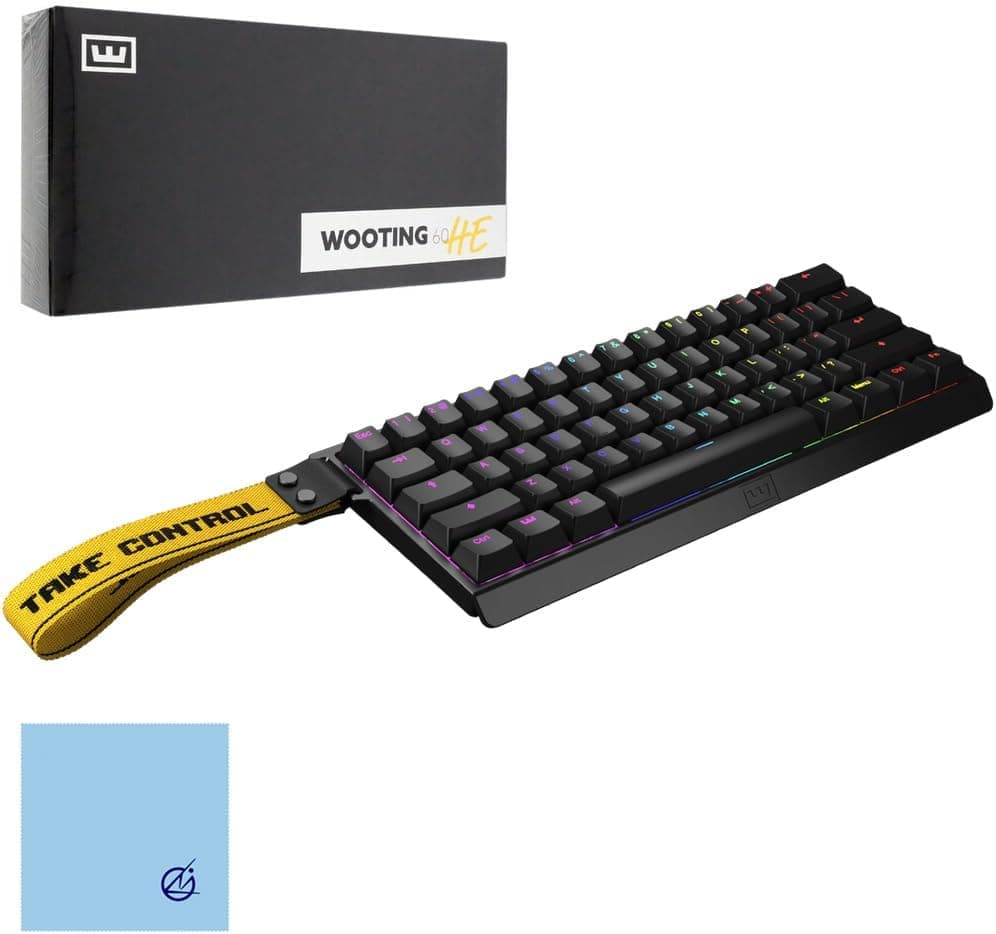
国内正規品 Wooting 60HE+ ゲーミングキーボード Wooting60HE + ARM ANSI-US PBT Lekker Linear60 US 配列ラビットトリガー ウーティングキーボードラピッドトリガー 搭載ゲーミングキーボードアクチュエーションポイント英語配列有線 60%サイズキーボード — the Wooting 60HE+ — is a 60% wired keyboard built around magnetic analog switches. This article works through the published specs, the captured price and the review data to show where it pays off and where it will frustrate you.
Overview
The Wooting 60HE+ uses Gateron Lekker Linear60 magnetic analog switches in a 60%, wired form factor. The short verdict: if you play Valorant, CS2 or similar titles where stopping and strafing precision decides fights, this is still a tool worth paying for.
If you mainly write, work in spreadsheets, or use arrow keys and a numpad every day, it is the wrong board. The three compromises — ANSI-US layout, 60% size, wired only — show up as daily friction outside gaming.
Two things define it. First, the actuation point is adjustable from 0.1mm to 4.0mm in 0.1mm steps.
Second, Rapid Trigger resets the key the instant you release it, so repeated presses no longer require returning the key to the top. A Hall effect switch moves the trigger point from fixed mechanics into software, which is exactly what makes this level of tuning possible.
Tachyon mode cuts input latency to roughly 1ms. Wooting boards are also known for analog input, where travel depth behaves like a stick axis, but the supported scope and setup steps change with firmware revisions, so check the official documentation before relying on it.
Rated key durability is 100 million keystrokes, the keycaps are PBT, and lighting is per-key with 16.8 million colours.
Tuning Rapid Trigger and Actuation
The first mistake most buyers make is going too shallow. Setting every key to 0.1mm means resting your fingers registers as input, and mistypes climb during chat and movement.
A workable starting point is roughly 0.3–0.5mm on WASD and around 1.5mm elsewhere.
The ideal figure depends on how heavily you type, so change movement keys first and adjust from there rather than reconfiguring everything at once.
Rapid Trigger deserves the same per-key treatment. Strong on movement keys makes counter-strafing noticeably faster; the same setting on reload or ability keys turns small involuntary finger movement into unwanted repeats.
All of this lives in Wootility and can be stored as profiles.
- Movement keys: shallow, Rapid Trigger strong — this is where aim duels change
- Action keys: standard to deep, prioritising mistype avoidance
- Modifiers, Enter, Space: deep, because accidental input here has real cost
Enabling Tachyon mode disables RGB effects and caps brightness at 70%. You effectively choose once between looks and latency.
Compatibility Guide
The board connects over a single detachable USB-C cable and works with Windows, macOS and Linux. Wootility is downloaded from the official site.
N-key rollover with anti-ghosting means overlapping presses during movement are registered reliably. Settings are retained on the board itself, so plugging into another PC does not reset you to defaults, though you should confirm the number of stored profiles on the product page.
The most common misunderstanding is that switches and keycaps behave differently here:
- Switches: Lekker-family magnetic only. Standard MX-compatible mechanical switches (red, brown and so on) will not work. Buying it expecting a hot-swap board for your favourite switches is a mistake.
- Keycaps: sets made for ANSI-US 60% with a standard bottom row generally fit. Very thick caps or unusual profiles need checking first.
- Cable: USB-C detachable, so third-party cables work. Plug directly into the PC rather than a hub or a monitor port for the most consistent behaviour.
Physical dimensions are not listed in the spec sheet. A 60% board is typically around 290mm wide with about 61 keys, but confirm exact measurements on the product page if you are fitting it into a keyboard tray or a narrow desk.
Power and data both run over the one USB-C cable; no separate adapter is needed.
Product Info
The price captured on 28 August 2026 was ¥39,700 (tax included) at Amazon.co.jp.
Prices move with sales, exchange rates and distributor stock, so always check the current figure. The overseas marketplace listing (eBay search) showed no fixed price, with terms varying per seller.
Domestic-authorised units and parallel imports can have different warranty handling, so confirm the coverage period and who honours it before ordering.
The review score captured on 27 May 2026 was 4.2 out of 5 (about 84% positive) — but from only 11 reviews.
That is not a figure to read the way you would read a product with thousands of ratings; one or two posts can swing the average. What the individual reviews complain about (layout, setup effort, price) is more useful than the number itself.
A cleaning cloth is included. Keycaps are PBT in ANSI-US layout, which resists the shine that develops on ABS.
The 100 million keystroke rating means switch life is unlikely to be the limiting factor even under heavy daily use.
How It Compares
| Model | Size / Layout | Catalog highlights |
|---|---|---|
| Wooting 60HE+ | 60% ANSI-US | Lekker Linear60 magnetic analog, 0.1–4.0mm in 0.1mm steps, Tachyon mode |
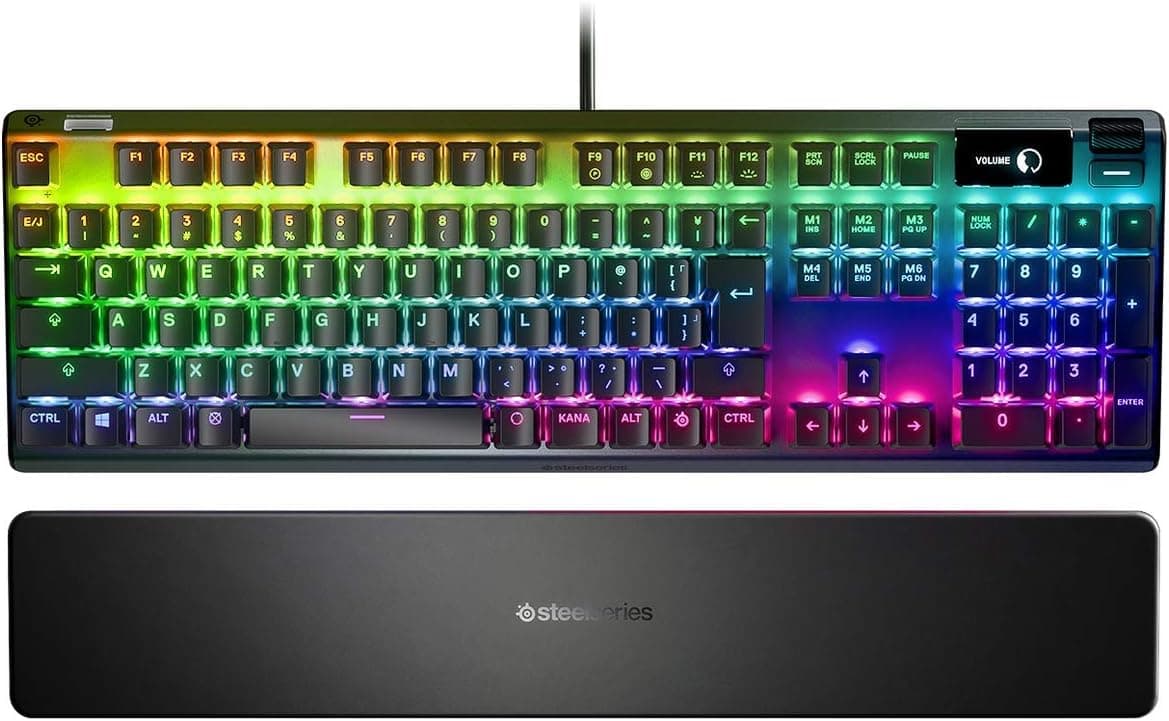
| SteelSeries Apex Pro TKL Gen 3 | TKL | OmniPoint 3.0 analog magnetic, Rapid Trigger / Rapid Tap, QuickSet presets |
| Logicool G G512 X 98 | Full size, JIS | Magnetic analog, 8000Hz, hot-swap |
| ARBITER Polar 65 | 65%, CNC aluminium | Hall effect, Rapid Trigger, double-shot PBT |
| MCHOSE Ace 68 / AJAZZ AK680 V3 | 65–68% | Hall effect with high polling rates, newer arrivals |
Read it this way. If you need dedicated arrow keys, go 65% or larger and the 60HE+ is out immediately.
If a Japanese layout is non-negotiable, the G512 X 98 family is the realistic answer. If you want to skip the numpad but keep a function row and a dedicated Delete, a TKL like the Apex Pro TKL Gen 3 fits.
The Wooting 60HE+ earns its place through tuning granularity and a long track record with Rapid Trigger. Prices are not compared here — check each product page.
Best Use Cases
- Serious competitive FPS players: stopping and strafing precision improve directly. The 0.1mm adjustment range plus Rapid Trigger hits the most visible part of a duel — the moment you stop moving.
- People who design their own control scheme: per-key actuation depth, per-key Rapid Trigger strength and remapping reward anyone willing to dig in. If you never open the software, this is overspending.
- Low-to-mid sensitivity players: a 60% board is narrower than a TKL, freeing arm space. The same benefit applies on cramped desks.
- Existing ANSI-US users: for them the board's biggest drawback simply does not exist.
Before You Buy
ANSI-US layout. No kana legends, no henkan/muhenkan keys.
Using Japanese input means registering the board as a US layout in Windows and relearning IME switching as Alt+` or similar. Fine once you adapt, but replacing a work keyboard with it adds friction every single day.
60% size. The function row, arrow keys, Delete and Home/End all live on the Fn layer.
MMO macro work, video editing shortcuts and spreadsheet arrow navigation all get slower. The question is whether you can treat it as a gaming-only board.
Wired only. USB-C, no wireless option. That is consistent with the latency goal, but it conflicts directly with a cable-free desk.
No standard mechanical switches. Because the switches are magnetic, you cannot swap in reds or browns, and you cannot tune feel with off-the-shelf MX switches.
For enthusiasts who want to build sound and feel themselves, that alone rules it out.
Check competitive rules first. Since 2024, several titles including CS2 have restricted features that automate SOCD (simultaneous opposing cardinal direction) handling.
Rapid Trigger itself is broadly accepted, but which software features are permitted varies per title. Read the current rules for the game you play before using them in ranked or tournament play.
Price context. ¥39,700 (captured August 2026) is expensive for a keyboard.
Whether that is justified depends on whether you view it as competitive equipment or as an input device. Treat the figure as a snapshot; it changes often.
Watch for listing errors. Product pages sometimes carry incorrect manufacturer names, model numbers or compatibility data.
Before ordering, confirm from the images and title that you are buying the keyboard itself rather than a keycap set or cable. Some listings write the feature as rabbit trigger rather than Rapid Trigger — that is a transcription error, not a different product.
FAQ
Q. Should Rapid Trigger be enabled on every key? A.
No. Strong on movement keys and restrained elsewhere is the easier configuration.
Maximum sensitivity everywhere increases mistypes and makes input less predictable.
Q. Can I type Japanese on it? A.
Yes, as a US layout, with IME switching remapped to Alt+` or similar. If you use kana input, treat it as unusable.
Q. Can I fit my preferred mechanical switches?
A. No. It takes Lekker-family magnetic switches only, not MX-compatible ones.
Q. Do aftermarket keycaps fit? A.
Sets made for ANSI-US 60% with a standard bottom row generally do. Check compatibility notes for thick or unusual profiles.
Q. Should Tachyon mode stay on? A.
Leave it on if latency is the priority, but RGB effects are disabled and brightness is capped at 70%. Toggling it by situation is the practical approach.
Q. How does it differ from the original 60HE? A.
There are generational spec differences, and available features also depend on firmware revision. Check the official spec sheet for an accurate comparison.