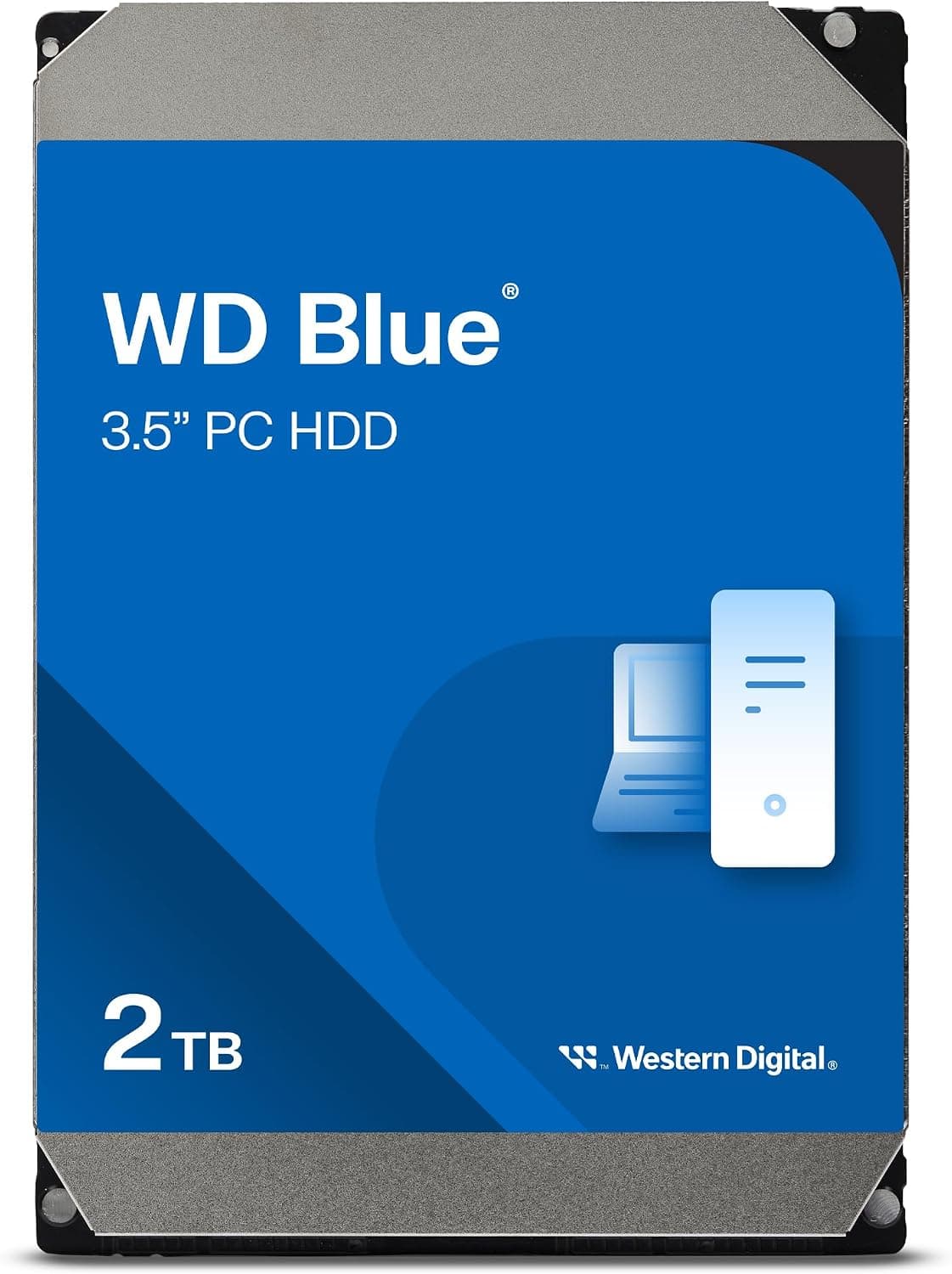
This article covers Western Digital WD20EZBX 2TB WD Blue Desktop HDD シリーズ 3.5インチ SATA【国内正規代理店品】.
Overview
The Western Digital WD20EZBX is a 2TB 3.5-inch internal hard drive from the well-established WD Blue series. It utilizes a SATA 6.0 Gb/s interface, spins at 7200 RPM, and packs a 256 MB cache, delivering sequential read speeds up to 215 MB/s. This makes it a solid choice for bulk storage without breaking the bank.
Positioned as an entry-to-mid-range solution, the WD20EZBX excels as a data drive for backups, media libraries, and game installations. It offers a compelling balance of capacity, reliability, and cost — exactly what you'd expect from a WD Blue drive. While it's not meant for an OS boot drive, it's a workhorse for everything else that needs space.
Compatibility Guide
This is a standard 3.5-inch internal HDD with a SATA data and power interface. It fits into any desktop PC with a free 3.5-inch bay and a SATA port on the motherboard. Most modern systems support 2TB drives without issues, but older BIOS-based systems (pre-2012) may require a GPT partition table to recognize the full capacity. Check your motherboard's maximum HDD capacity support before purchase.
Note: This drive is not compatible with laptops (2.5-inch only) and cannot be used as an external drive without a powered external enclosure.
Product Info
The WD20EZBX is a member of the WD Blue family, Western Digital's mainstream desktop HDD line. It was launched around 2021 and remains widely available through major retailers. It comes with a standard 2-year warranty. The key specs are: 2TB capacity, 7200 RPM spindle speed, 256 MB cache, SATA 6.0 Gb/s interface, and up to 215 MB/s sequential read performance. Market positioning: a reliable, cost-effective HDD for everyday mass storage needs.
Best Use Cases
- Media hoarders and photographers: Store terabytes of RAW photos, 4K video projects, and music collections at a fraction of SSD cost. Write-heavy workloads are fine, but avoid using it as a primary scratch disk for active editing.
- Budget gamer on a tight build: Use this HDD to install less demanding games or as a secondary drive for older titles. AAA games that are not loading-time-sensitive work well here, freeing up SSD space for your most-played titles.
- Backup drive for data safety: Pair it with backup software for automated, scheduled backups of your system and important files. WD Blue's reliability is well-proven for this purpose.
- Everyday bulk storage in a home server: If you run a simple file server or media server (Plex, Jellyfin), this 2TB drive is a great start. It's quiet enough for 24/7 operation but note the 7200 RPM vibration compared to 5400 RPM models.
Things to Consider
The biggest caveat is that this is not an OS drive. Its random read/write performance is vastly inferior to any SSD, so Windows boot-up and application launches will be slow. Always pair this HDD with an SSD for the boot drive.
Competition includes the Seagate BarraCuda 2TB (ST2000DM008), which offers very similar specs at a slightly lower price point. Both are solid, but WD Blue has a long-standing reputation for consistent reliability.
Also consider noise: 7200 RPM drives produce more vibration and audible seek clicks than 5400 RPM models or SSDs. If silence is paramount, go with a 5400 RPM HDD or an SSD. Finally, verify your system supports 2TB via GPT; legacy MBR limits to 2TB exactly, so use GPT.
FAQ
Q: Can I use this HDD alongside an SSD in the same PC?
A: Absolutely. That's exactly the recommended setup — SSD for OS and applications, HDD for games, media, and backups. Just connect both to SATA ports and set the SSD as the boot drive in BIOS.
Q: How loud is it compared to a 5400 RPM drive?
A: It's noticeably louder during seeks, but still within acceptable levels for most desktop users. If you're sensitive to noise, consider vibration-dampening mounts or a case with sound-dampening material.
Q: Is 2TB the maximum capacity my motherboard can handle?
A: For older motherboards using Legacy BIOS, 2TB is the hard limit (MBR limit). Your drive will show as full 2TB only if using a GPT partition table. Modern UEFI motherboards have no such limitation. If in doubt, check your motherboard manual or UEFI settings.
Product Disclosure (Amazon)
- Manufacturer: ウエスタンデジタル(Western Digital)
- Seller: シロイ商店
- Fulfilled by: シロイ商店
- ASIN: B08VH8R94B
- Note: This article covers a manufacturer-made product based on Amazon listing details.