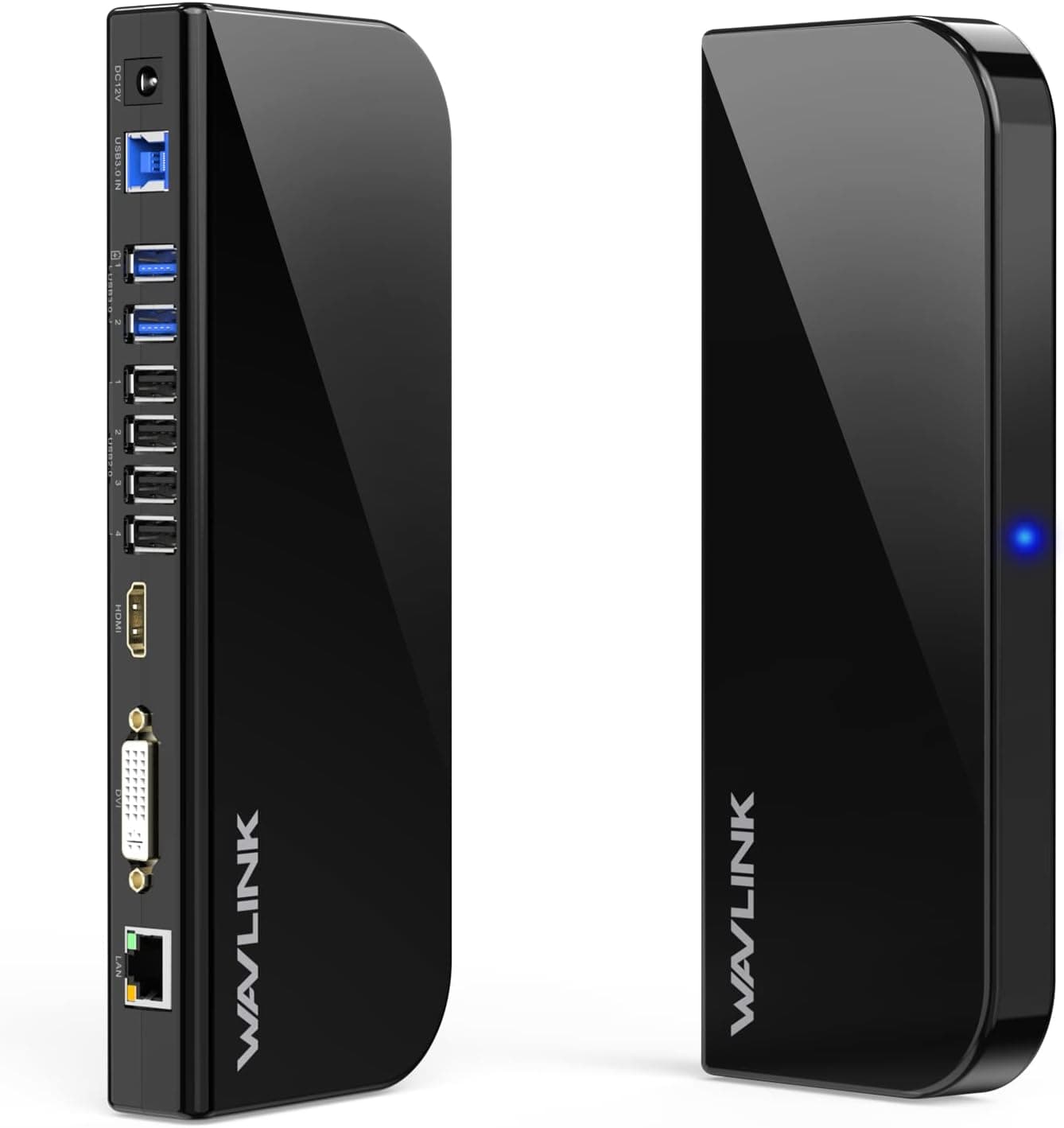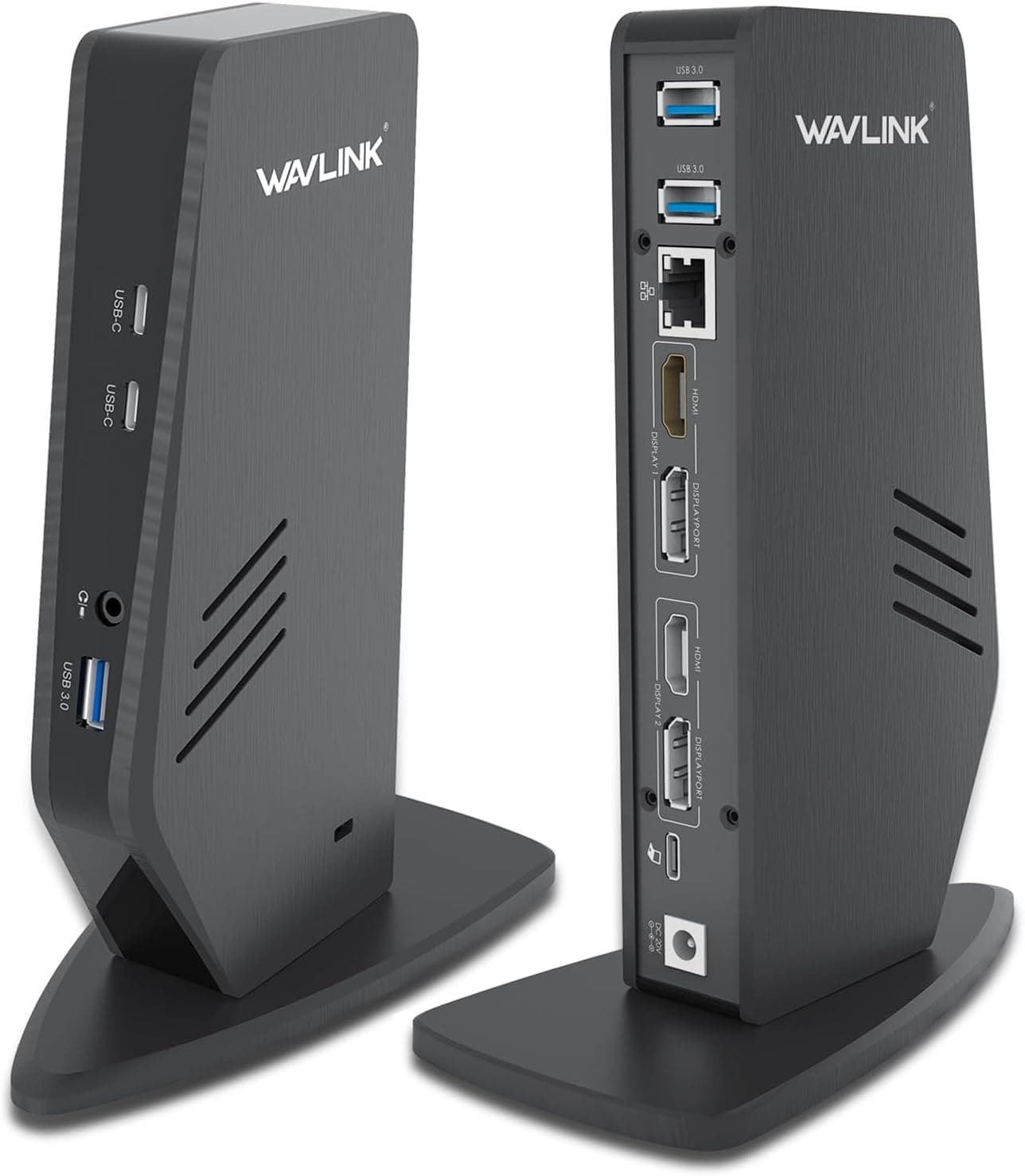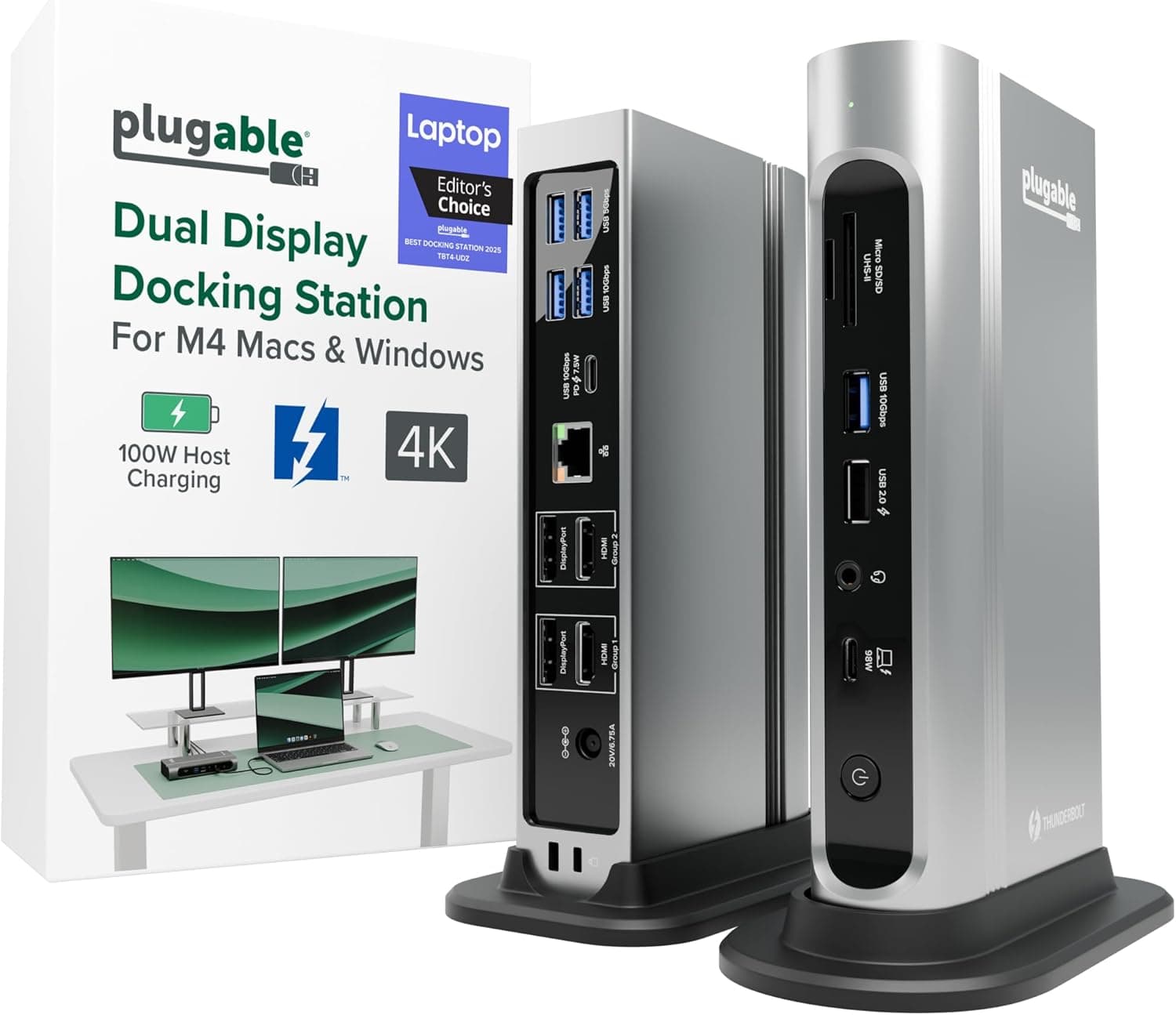
This article covers WAVLINK USB 3.0A.
Overview
The WAVLINK USB 3.0/Type-C Dual HDMI Adapter is a compact mini docking station that adds two external monitors to any compatible laptop or desktop via a single USB connection. It supports resolutions up to 2560×1440 (2K) @60Hz in single-display mode, or one 2K display plus one 1080p display in dual mode. The device works with Windows, macOS, Chrome OS, and Android (with OTG), making it a versatile tool for productivity-focused users.
Because it uses a software-based video rendering approach (driver required), it is best suited for office tasks, web browsing, and document work rather than gaming or graphics-intensive apps. The adapter comes with a USB-C converter, so you can plug it into modern USB-C ports as well as traditional USB-A ports.
Connectivity & Compatibility
- Host interface: USB 3.0 Type-A (USB-C adapter included for USB4/Thunderbolt 3/4)
- Video output: Dual HDMI ports
- Max resolution: Single display: 2560×1440@60Hz; Dual display: 1×2560×1440@60Hz + 1×1920×1080@60Hz
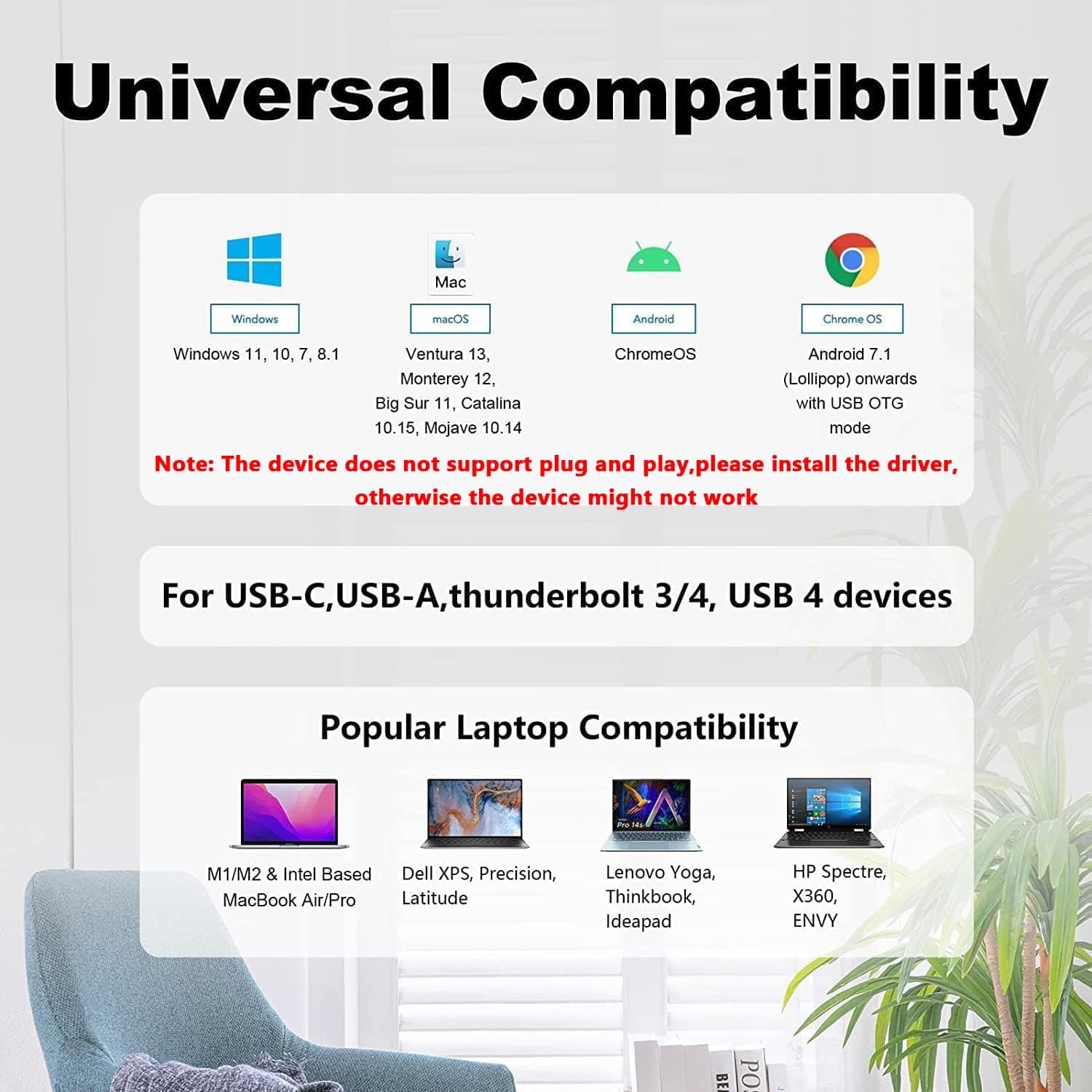
- OS support: Windows 7/8/8.1/10/11, macOS 10.10+, Chrome OS, Android (with OTG)
- Not supported: Linux, iPad OS
The USB-C adapter allows connection to modern laptops that lack USB-A ports. No DisplayPort Alt Mode is required on the host; the adapter uses its own driver to convert USB data into display signals. However, this also means graphical performance depends on host CPU power and driver optimization.
Product Info
- Release: ~2021 (based on available listings)
- Warranty: 24 months product warranty + lifetime technical support
- What's in the box: The dual HDMI adapter (cable length 12cm), a USB-C adapter, a driver download card, and a quick start guide
- Dimensions: 137×92×20mm
Market positioning: This is an entry-to-mid-range USB display adapter. It competes with DisplayLink-based adapters but does not use DisplayLink silicon; instead it relies on a proprietary driver. This keeps the price lower but may introduce compatibility and performance quirks depending on the host system.
Best Use Cases
- Business professionals needing dual monitors from a laptop: If your laptop has only one HDMI or USB-C port, this adapter provides two additional displays without requiring a full docking station. Ideal for spreadsheets, web research, and email.
- Remote workers and home office setups: Perfect for video conferencing where you want to keep meeting notes or reference materials on a second screen. The 2K output ensures sharp text.
- Mac users expanding limited ports: macOS 10.10+ support means older MacBooks and Mac Minis can gain multi-monitor capability easily. Note: Apple Silicon Mac users should verify the latest driver compatibility before purchasing.
Users should avoid this product if they plan to play games, edit video, watch HDCP-protected streaming services, or run Linux/iPad OS.