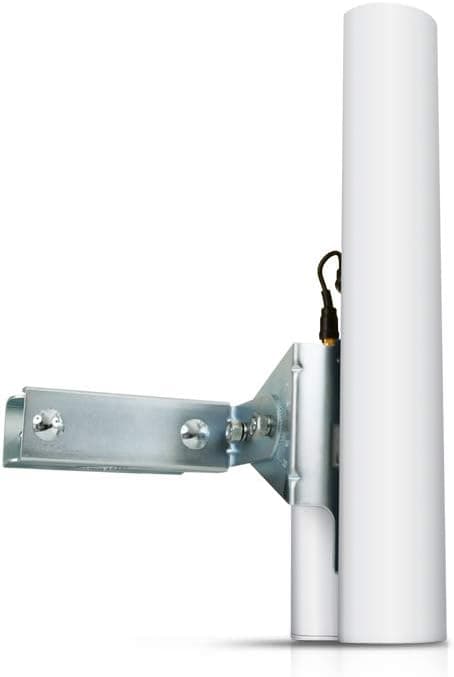
The Ubiquiti AM-5G16-120 is a 5GHz AirMax sector antenna built for outdoor wireless base stations. It is a passive antenna: it cannot transmit on its own and only works when paired with a compatible Ubiquiti radio.
This article covers how to read its specs, what else you need to buy, where installations go wrong, and who should skip it entirely.
Overview
The AM-5G16-120 is a 2x2 MIMO sector antenna covering 5.10-5.90 GHz with 15.0-16.0 dBi of gain and a 120-degree beamwidth.
It focuses energy into a wedge rather than radiating in all directions, which is a fundamentally different design goal from a consumer router antenna. Typical deployments are WISP subscriber-facing base stations, building-to-building backhaul on a single campus, and wireless links for outdoor cameras or remote equipment.
The key point: this is not a router. Even where the listing category suggests otherwise, it is an antenna that bolts onto a radio.
Buying it alone gets you no Wi-Fi. Budget for the antenna plus a compatible radio, a PoE injector, outdoor-rated Ethernet, a pole or mount, and grounding hardware.
Amazon.co.jp shows 22 reviews at 4.8 out of 5 stars (96% positive, captured September 2026).
The sample is small, but for a purpose-built professional product it suggests buyers generally got what they expected.
Reading the Specs — What 16dBi and 120 Degrees Actually Mean
| Spec | Value | What it means in the field |
|---|---|---|
| Frequency Range | 5.10-5.90 GHz | Wide 5GHz coverage; usable channels are set by local regulations |
| Gain | 15.0-16.0 dBi | Mid-to-high for a sector; helps area coverage more than raw distance |
| Beamwidth | 120 degrees | Three units cover 360 degrees; wider is easier to aim, narrower reaches further |
| Impedance | 12 ohms | Likely a listing error — see the compatibility section |
| Weight | 2.43 lbs (approx. 1.1 kg) | Light, but wind load on a flat panel is a separate problem |
| Channel Count | 1 | One antenna, one radio. Three sectors means three of everything |
16dBi is modest next to a 20dBi-plus dish, and that is deliberate. Gain and beamwidth trade against each other: the more you concentrate the beam, the worse it gets at collecting subscribers spread across a wedge.
If you only need to hit one distant point, a narrow-beam dish is the better tool.
The channel count of 1 is easy to overlook. Covering a full circle with three sectors means three antennas, three radios and three PoE runs — well over three times the sticker price.
Account for that before the project is approved.
Compatibility Guide
The stated compatibility notes are short but decisive: a compatible Ubiquiti AirMax 5GHz radio is required, the connection is N-type, and 2.4GHz gear will not work.
Radio side. You need an AirMax 5GHz radio designed to mount to a sector antenna (the Rocket M5 family being the usual pairing).
A 2.4GHz-only radio is a dead end here.
Confirm your radio's band and mounting method before ordering.
Connector. N-type is standard.
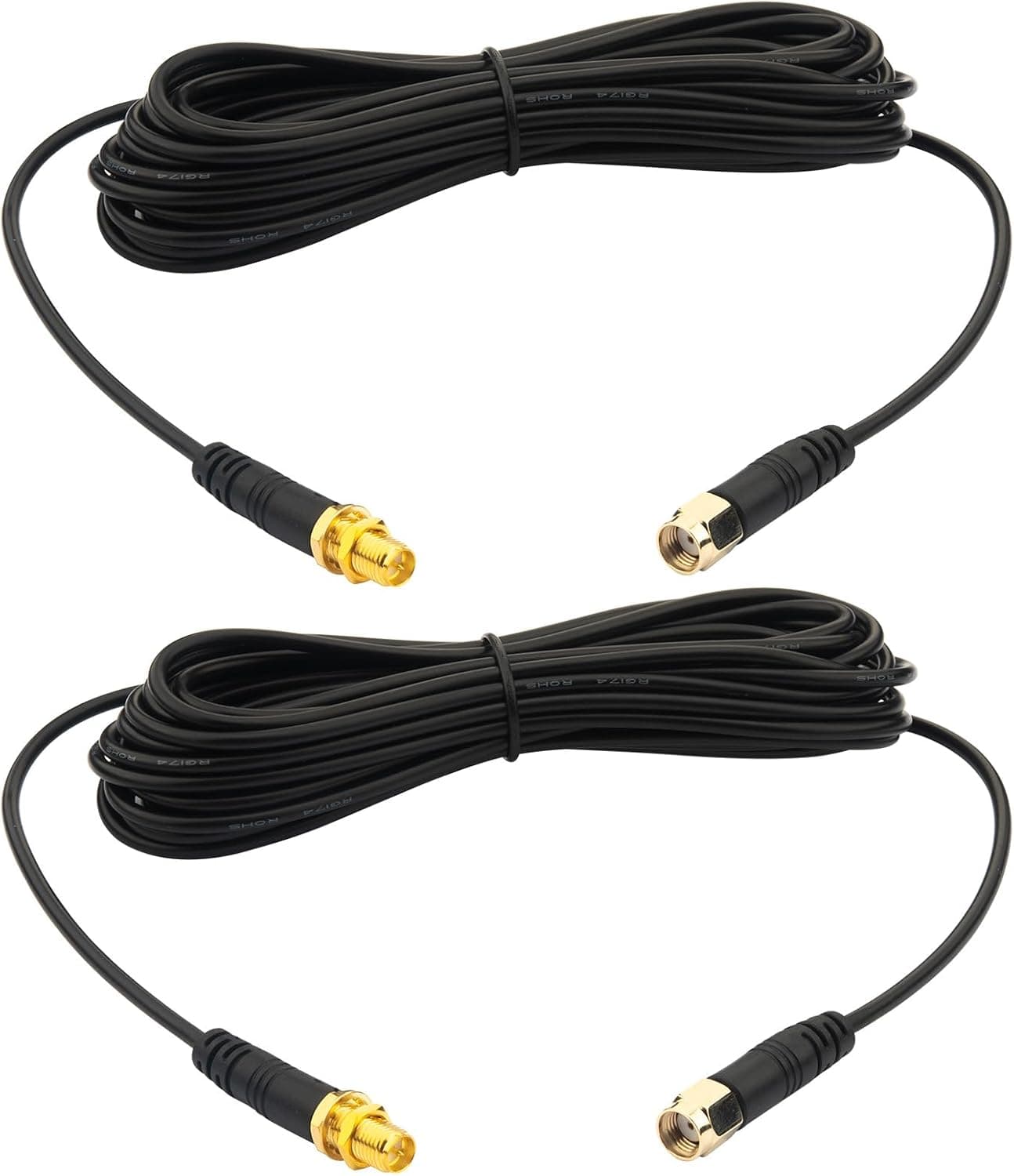
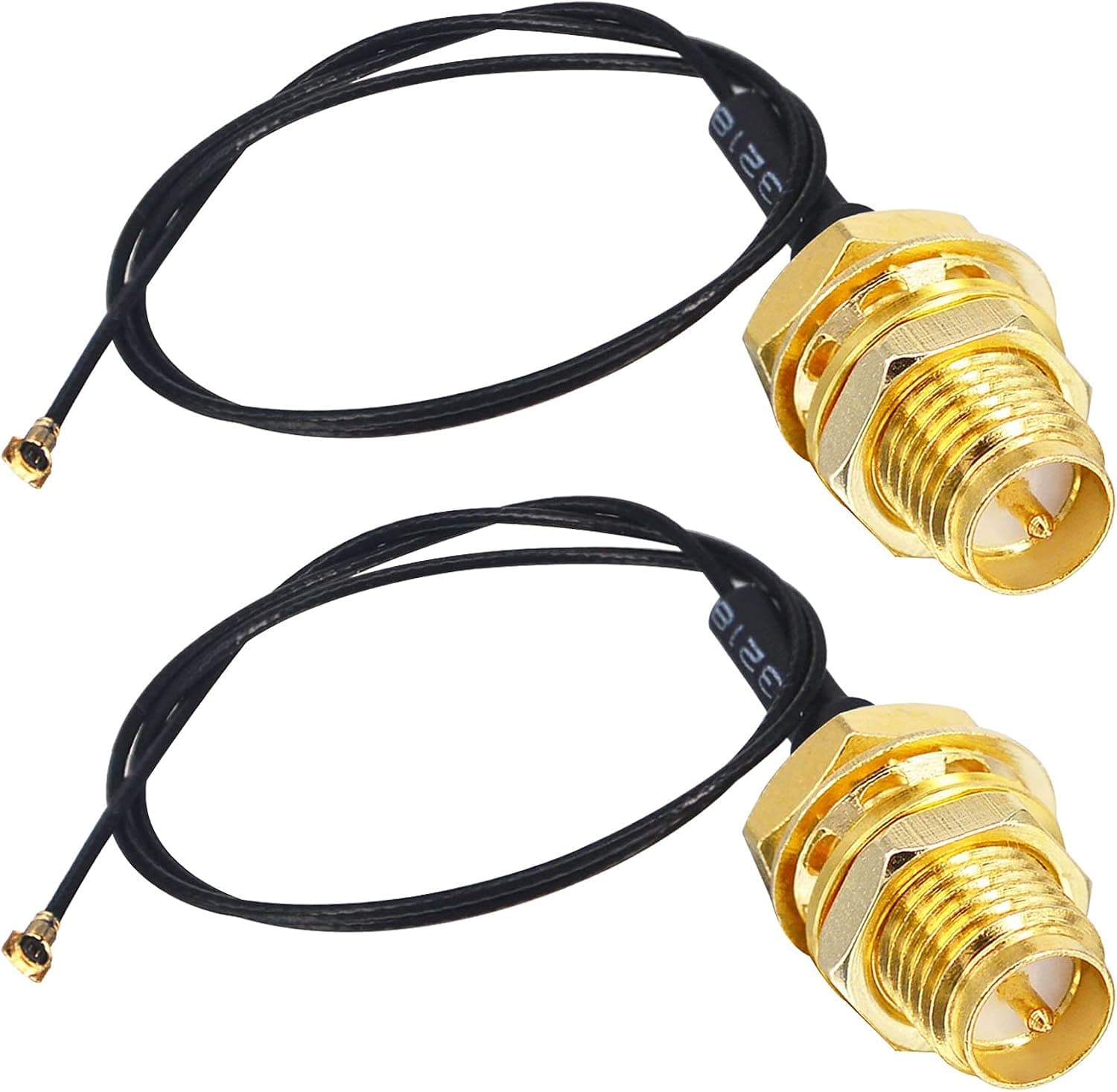
Check the product photos for the exact termination and whether jumper cables or adapters are needed. Many Ubiquiti sector antennas mount the radio directly to the antenna body, which removes the need for long feeder runs — verify what is in the box on the product page, since accessory bundles vary by lot.
Power. The antenna itself needs no power.
The radio is powered over Ethernet, usually from a PoE injector, so no AC outlet is required on the mast. Match the PoE standard (passive 24V versus 802.3af/at) to your specific radio.
Site conditions. Line of sight determines real-world results.
5GHz signals do not tolerate buildings or dense trees, and no amount of gain fixes an obstructed path. Because you are putting a metal structure high in the open air, lightning protection and proper grounding are mandatory, not optional.
About the impedance figure. The listing shows 12 ohms.
RF antennas of this type are normally 50-ohm systems, so this value looks like a data error rather than a design characteristic. If it matters to your build, check the manufacturer's official datasheet instead of relying on the listing.
Product Info
The Amazon.co.jp price was ¥21,207 as captured on 7 September 2026, with the same ASIN (B00HXT86V6) returning that figure on both regional references.
The eBay entry is a search link with no confirmed amount. For a professional outdoor sector antenna this sits in a normal range — neither a bargain nor a premium.
Prices move with stock and exchange rates, so check the product page for the current figure before buying.
Reviews stand at 22 with a 4.8-star average (96% positive, captured September 2026).
The sample is too small for statistical confidence, but the absence of clustered complaints is mildly reassuring. Note that professional gear tends to score well simply because buyers know what they are purchasing.
The product dates from around 2014 and has stayed in the lineup since. Warranty is the standard one year, and the box includes a mounting bracket and hardware.
Antennas age far more slowly than silicon: if the frequency, gain and beamwidth fit your requirement, the release year matters little, and a long production life is itself evidence of field reliability.
How It Compares
Versus an omni antenna. An omni covers 360 degrees from one unit but has lower gain and picks up noise from every direction.
If your subscribers cluster in one arc, a sector delivers better throughput and noise immunity.
Versus narrower 60- or 90-degree sectors. Narrower beams reach further and interfere less with neighbouring sectors.
120 degrees suits early deployments where you want fewer units and cannot yet predict subscriber distribution; you can re-cut sectors later as density grows.
Versus a dish. For a single long point-to-point hop, a dish wins decisively.
This antenna belongs at the base-station end of a point-to-multipoint network. If your goal is simply distance to one location, this is the wrong purchase.
Versus a consumer router. Different category entirely.
To improve Wi-Fi inside a home or office, a Wi-Fi 6/6E/7 router or mesh system costs less and takes far less work.
Best Use Cases
- Regional ISPs and WISPs — the intended application: sectorised base stations serving subscribers across a wedge, expandable one sector at a time.
- Businesses, factories and farms with detached buildings — wireless backhaul to a warehouse or outbuilding without trenching, powered over Ethernet.
- Engineers already running Ubiquiti gear — minimal added learning curve when the radios, PoE and management tooling are already familiar.
- Facilities teams wiring outdoor cameras or remote equipment — a practical way to reach sites where cabling is impractical.
Before You Buy
It does not work alone. This is the most common misunderstanding.
You also need a compatible 5GHz radio, a PoE injector, outdoor Ethernet, a pole or mount, and grounding hardware. Total cost is often two to three times the antenna price.
Budget per sector, not per antenna.
No 2.4GHz. It is 5GHz only.
For long links through foliage, a different band or technology may suit better — get the frequency decision right first or you will replace the whole kit.
Obstructed paths will disappoint you. 16dBi is not penetrating power. Survey the path on a map and on site before selecting hardware.
Grounding and alignment are not optional. Rooftop and mast installs need surge protection and a solid earth.
A few degrees of azimuth or downtilt error visibly costs distant subscribers signal, so plan on tuning while watching the radio's receive levels. If that is outside your skill set, line up an installer first.
Respect wind load. At roughly 1.1 kg the panel is light, but its flat surface catches wind at height.
Undersized poles and improvised mounts lead to drift or failure.
Some listed specs look wrong. The 12-ohm impedance noted above is implausible for RF equipment and is most likely a listing error.
Other listing details — cable length, connector type, box contents — can also diverge from reality. Confirm the product from the images, the title and ideally the manufacturer datasheet before ordering.
Who should skip it: anyone trying to fix home Wi-Fi, anyone wanting better indoor coverage, individuals with no RF installation experience, and anyone whose goal is vaguely "cheap long-range Wi-Fi". This is professional infrastructure that assumes you will design, install and tune it.
FAQ
Q. Will this extend my Wi-Fi coverage? A.
Not by itself. It is passive and requires a separate 5GHz radio.
For home coverage, a mesh system is the right product.
Q. Which radio should I pair it with? A.
A Ubiquiti AirMax 5GHz radio intended for sector mounting, such as the Rocket M5 family. Check your radio's band and mounting method.
Q. How far will it reach? A.
It depends on line of sight, interference, the far-end antenna, power settings and local regulations. The same hardware performs very differently in open terrain versus a built-up area.
A path survey is essential.
Q. Can I use it with 2.4GHz gear?
A. No. It is 5.10-5.90 GHz only.
Q. Do three units cover 360 degrees? A.
Arithmetically yes, at 120 degrees each. In practice you also need a channel plan and careful angling to limit inter-sector interference — plus three radios.
Q. It is from around 2014 — is it still worth buying? A.
Antennas age slowly. Judge it on frequency, gain and beamwidth.
The radio you pair with it is where checking for a newer generation pays off.
Product Disclosure (Amazon)
- Manufacturer: Ubiquiti Networks
- Seller: 笑顔あふれる
- Fulfilled by: 笑顔あふれる
- Model: AM-5G16-120
- ASIN: B00HXT86V6
- Note: This article covers a manufacturer-made product based on Amazon listing details.