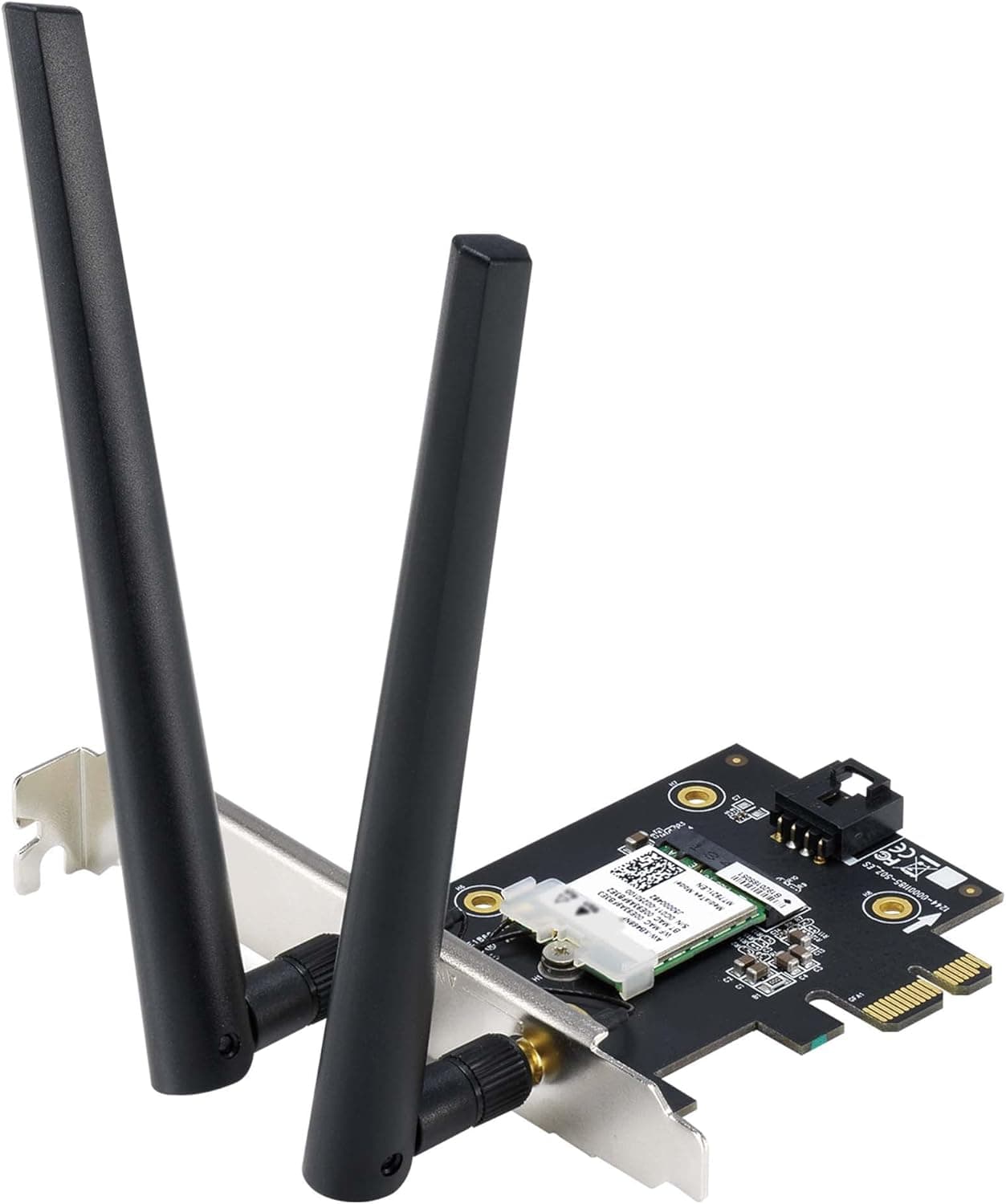
This article covers ASUS PCE-AXE5400 WiFi6 6E PCI-E Adapter with 2 External Antennas. Supporting 6GHz Band.
The ASUS PCE-AXE5400 is a PCIe x1 wireless adapter that brings WiFi 6E (6GHz band) to your desktop PC. With a maximum data rate of 5400Mbps, it adds a dedicated 6GHz band alongside the traditional 2.4GHz and 5GHz bands, offering less congestion and more bandwidth for demanding tasks.
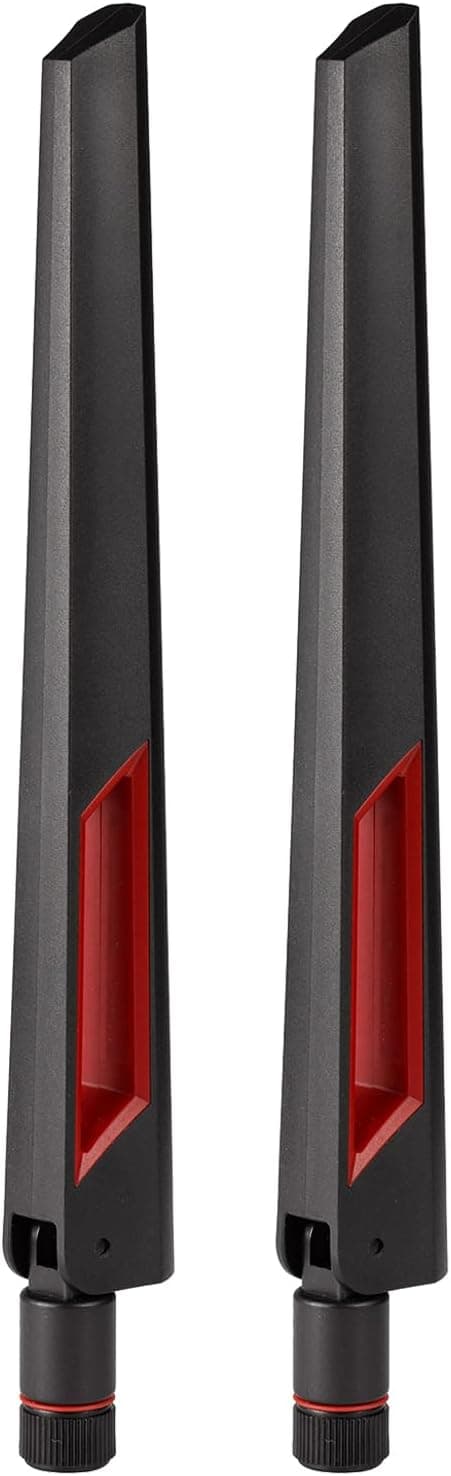
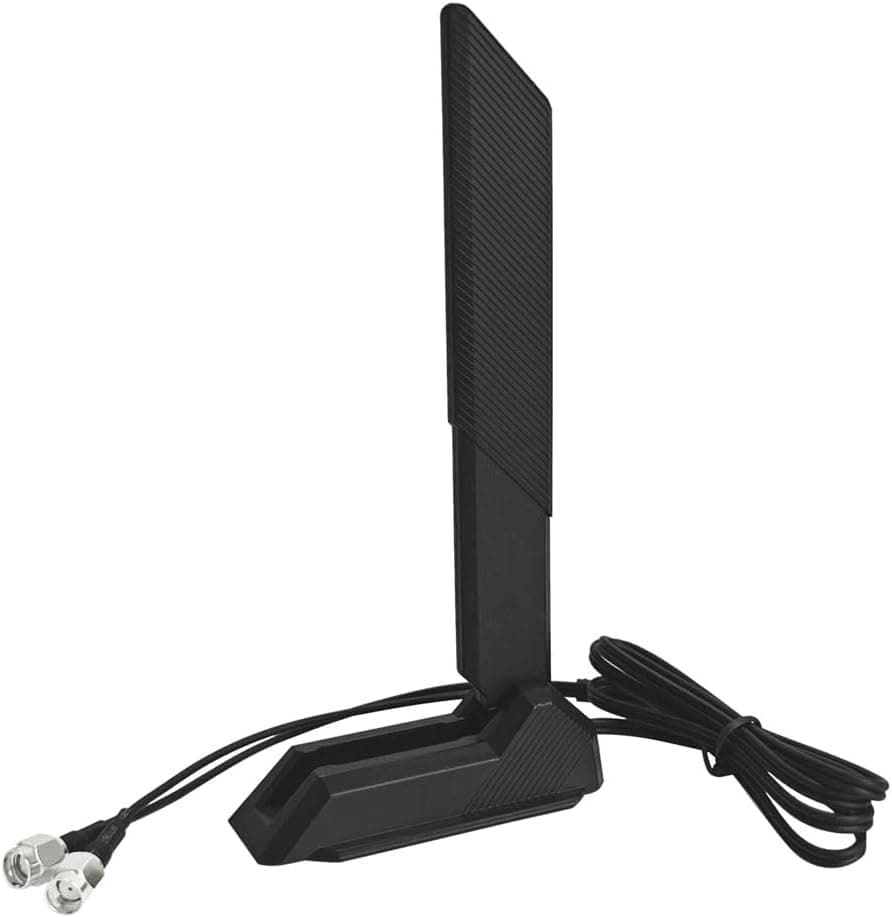
The package includes two external antennas for improved signal reception. This adapter is ideal for users who already own a WiFi 6E router or want to upgrade their desktop's wireless capabilities without running an Ethernet cable.
It also integrates Bluetooth 5.2, so you can connect wireless peripherals like mice, keyboards, and headsets without needing a separate Bluetooth dongle.
It's a clean, single-slot solution for modern wireless connectivity. The PCE-AXE5400 uses a PCI Express x1 interface, compatible with any standard desktop motherboard that has an available PCIe slot.
It supports IEEE 802.11a/b/g/n/ac/ax (WiFi 6E) across three bands: 2.4GHz, 5GHz, and 6GHz.
On the 6GHz band, it can utilize up to 160MHz channel width, enabling high-speed, low-latency connections ideal for gaming and large file transfers. Bluetooth 5.2 is built-in, so even if your motherboard lacks Bluetooth, this single card covers both wireless LAN and Bluetooth.
Security is handled by WPA3, the latest encryption standard. The adapter also supports OFDMA and MU-MIMO, which improve efficiency when multiple devices are connected to the same router.
The ASUS PCE-AXE5400 was released around 2023 and sits in the mid-to-high tier of WiFi 6E PCIe adapters. It offers a step up from entry-level WiFi 6 cards by adding the 6GHz band, while remaining more affordable than premium multi-band solutions.
It's a well-balanced choice for users who want future-proof wireless performance.Check the retailer's page for the latest price.
The standard ASUS warranty is 3 years (check with your retailer for exact terms). The package includes the PCIe card, two external antennas, a low-profile bracket, quick-start guide, and a driver CD (or download instructions).
It's available through and major PC component retailers. Users with a WiFi 6E router: To take full advantage of your router's 6GHz band, your PC needs a compatible client adapter.
This card unlocks the 6GHz band's speed and low latency, making wired Ethernet optional for many tasks. Gamers and content creators in rooms without Ethernet: The 6GHz band offers less interference and more consistent performance than 5GHz, which is beneficial for online gaming and large file transfers.
However, 6GHz has poorer wall penetration, so line-of-sight to the router is recommended. * Desktop users needing Bluetooth: If your motherboard lacks Bluetooth, this card adds both WiFi 6E and Bluetooth 5.2 in one slot.
It's a space-saving solution for connecting wireless peripherals. If your router doesn't support WiFi 6E, or if you only need basic WiFi 6 performance, a cheaper WiFi 6 adapter may be sufficient.
This card's 6GHz capability is only useful with a compatible router. Requires a WiFi 6E router: The 6GHz band is only available if your router supports WiFi 6E.
Without it, the card operates on 5GHz and 2.4GHz bands only.
Check your router's specifications before purchasing. PCIe slot clearance: The card uses a PCIe x1 slot, but its antenna connectors and bracket may interfere with large graphics card coolers.
Verify that your motherboard layout and case have enough clearance. Antenna placement: The external antennas mount on the rear I/O bracket.
For best performance, position them outside the metal case. Make sure your desk setup allows for this.
Driver installation: While Windows includes basic drivers, installing the latest drivers from ASUS's website improves stability and enables full Bluetooth functionality. Q: Does this adapter work with Windows 11?
A: Yes, it supports Windows 11 and Windows 10 (64-bit). Download the latest drivers from the ASUS support page for optimal performance.
Q: Do I need special settings to use the 6GHz band? A: If your router broadcasts a 6GHz SSID, you can connect to it like any other WiFi network.
Note that 6GHz usage is regulated by country; in Japan, indoor use has been permitted since 2023. Q: How does this compare to a USB WiFi 6E adapter?
A: The PCIe connection offers lower latency and greater stability than USB. It also includes Bluetooth, saving a USB port.
USB adapters are easier to install and can be used with laptops, but they may be less reliable under heavy load.
Product Disclosure (Amazon)
- Manufacturer: ASUS
- Seller: Kahala Market(輸入品専門店)
- ASIN: B0C3891G73
- Note: This article covers a manufacturer-made product based on Amazon listing details.