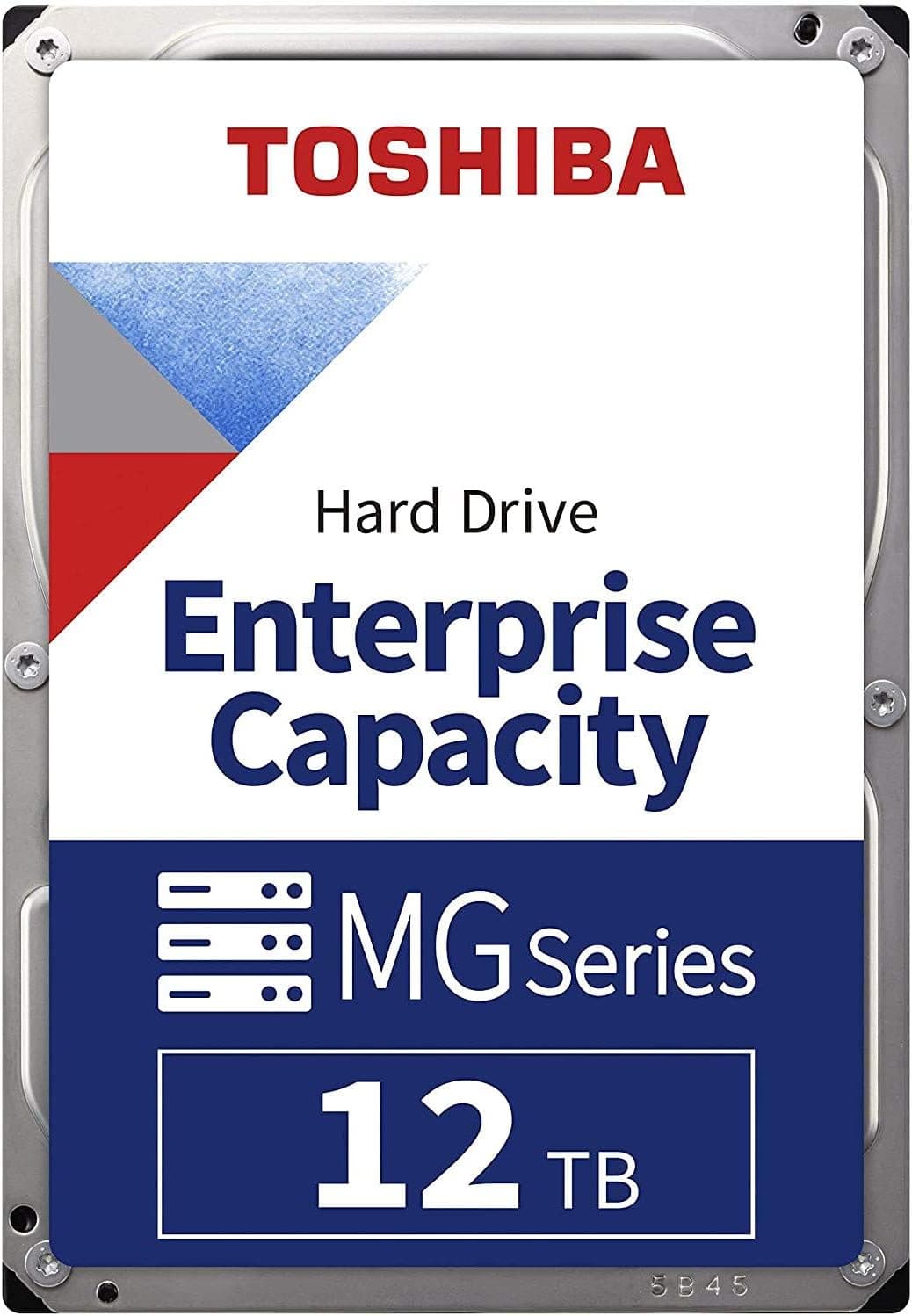
This article covers TOSHIBA 東芝 内蔵ハードディスク サーバー NAS 用 3.5インチ Enterprise HDD 12TB SATA 6 Gbit.
Overview
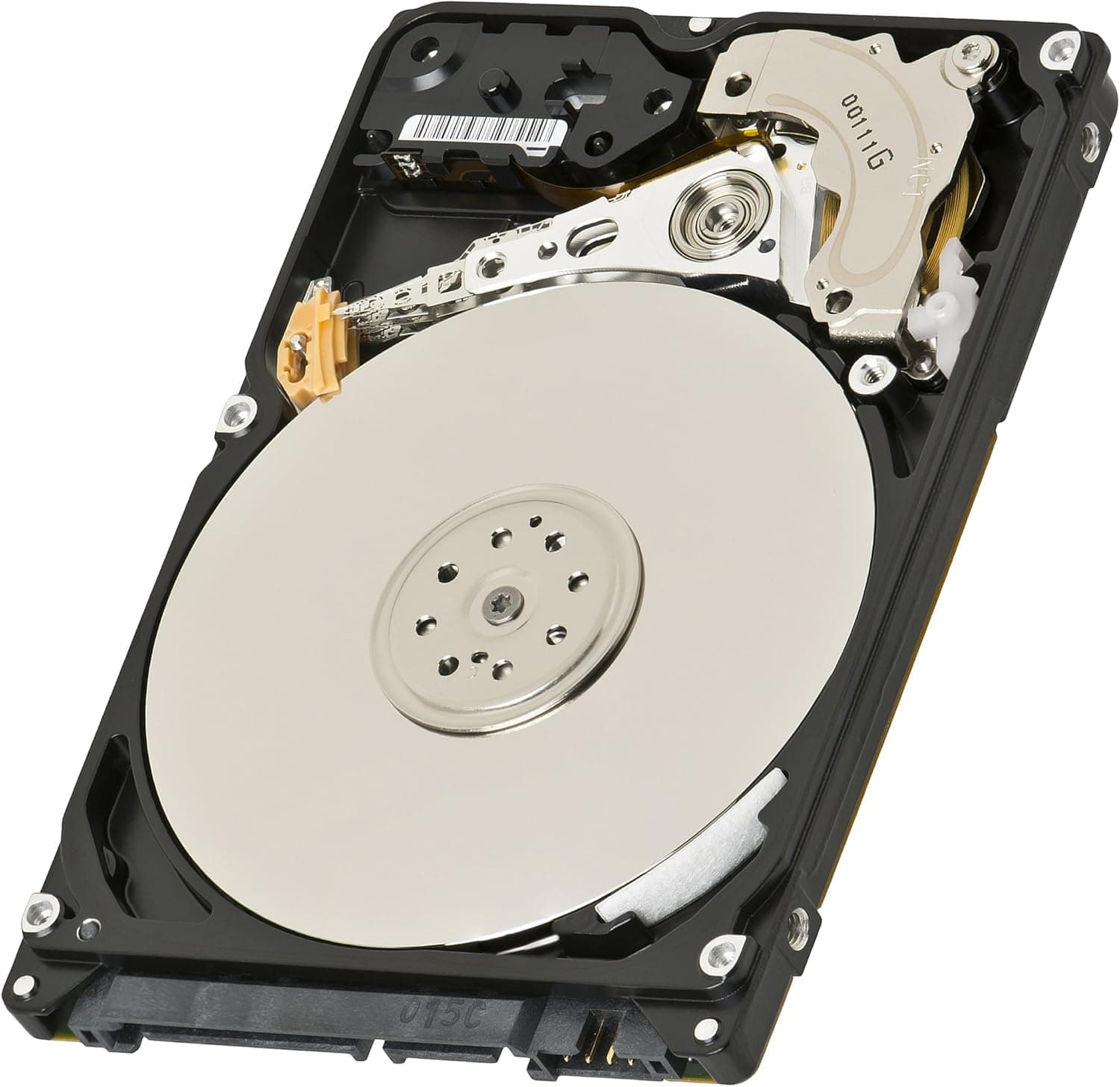
The Toshiba MG07ACA12TE is a 12TB enterprise-class hard disk drive designed for data centers and high-capacity NAS environments. It employs a helium-filled design with nine platters, making it one of the first drives to achieve this density while keeping power consumption low. The drive spins at 7200 RPM and connects via SATA 6Gbps, ensuring broad compatibility with existing infrastructure. This drive uses Conventional Magnetic Recording (CMR), which means each track is written independently without overlapping. Unlike SMR (Shingled Magnetic Recording) drives, the MG07ACA12TE maintains consistent random write performance even under heavy workloads, making it an excellent choice for RAID arrays and business-critical storage. The MG07ACA series comes in two sector format variants: 512e (512-byte emulation) and 4Kn (4K native). The MG07ACA12TE is the 512e model, offering the best compatibility with legacy operating systems and applications that expect 512-byte sectors.
Compatibility Guide
The MG07ACA12TE is a standard 3.5-inch SATA hard drive. It fits into any desktop or server chassis with a 3.5-inch drive bay. If your case only has 2.5-inch bays, you will need an adapter bracket. The SATA 6Gbps interface is backward compatible with SATA 3Gbps ports, though for maximum throughput a 6Gbps-capable motherboard or RAID controller is recommended. Power is supplied via a standard SATA 15-pin connector. Power consumption is modest: approximately 5.4W at idle and 8.6W under active read/write. This makes it feasible to run multiple drives from a standard ATX power supply without issue.
Product Info
The MG07ACA12TE was introduced by Toshiba in 2018 as part of its enterprise-capacity HDD lineup. It sits in the mid-to-high-end segment of the market, optimized for 24/7 operation in cloud storage, file servers, and object storage environments. The drive carries a standard 5-year manufacturer warranty (terms may vary by region and seller). While primarily sold through business channels, it is also available on consumer platforms like . Key specifications include: 12TB capacity, 7200 RPM spindle speed, 256MB buffer, sustained transfer rate of approximately 248 MB/s, MTBF of 2 million hours, and an annualized failure rate (AFR) of 0.35%.
Best Use Cases
NAS and Home Server Builders The CMR recording technology ensures consistent write performance in RAID 5 or RAID 6 arrays, avoiding the write cliff that SMR drives can suffer from after sustained writes. Ideal for users who need reliable, always-on storage. Creative Professionals with Large Media Libraries With a sustained transfer rate of ~248 MB/s, this drive can handle large video files and RAW photo archives efficiently. For active editing projects, pair it with an SSD cache or use it as a secondary storage tier. Cost-Effective Archival Storage At 12TB per drive, the MG07ACA12TE offers excellent cost per terabyte compared to SSDs. It is well-suited for backups, cold storage, and data that is accessed infrequently but must be kept safe.
Things to Consider
This is an enterprise-grade drive, so while it works in a desktop PC, it prioritizes reliability and performance over silence. Idle noise is around 20dB, but seek noise can reach 28dB, which may be noticeable in a quiet home office. If low noise is a priority, consider NAS-specific drives like the WD Red Plus or Seagate IronWolf. Because the drive is 12TB, it requires a GPT partition table. If you plan to use it as a boot drive, ensure your motherboard supports UEFI boot. Legacy BIOS with MBR partitioning will only recognize up to 2TB. Competitors include the Seagate Exos X16 12TB and WD Gold 12TB. All three are CMR, 7200 RPM, and carry 5-year warranties. The MG07ACA12TE stands out for its helium-filled design, which reduces power consumption and operating temperature. ## FAQ
Q: Can I use this HDD in a regular desktop PC? A: Yes, as long as you have a SATA port and a 3.5-inch drive bay. For booting, your motherboard must support UEFI and GPT partitioning. The drive's power draw is modest, so a standard PSU will work fine. Q: What is the difference between CMR and SMR? A: CMR (Conventional Magnetic Recording) writes tracks independently, maintaining consistent random write performance. SMR (Shingled Magnetic Recording) overlaps tracks to increase density but can suffer from degraded write performance during random writes. The MG07ACA12TE uses CMR, making it better for RAID and NAS use. Q: How do I initialize a 12TB drive in Windows? A: Open Disk Management, right-click the unallocated space, and select 'Initialize Disk'. Choose GPT (GUID Partition Table) — MBR will only show 2TB. The initialization process may take a few minutes due to the large capacity.
Product Disclosure (Amazon)
- Manufacturer: 東芝(TOSHIBA)
- Seller: New Oriental Technology
- Fulfilled by: New Oriental Technology
- ASIN: B07Y2S3G9T
- Note: This article covers a manufacturer-made product based on Amazon listing details.