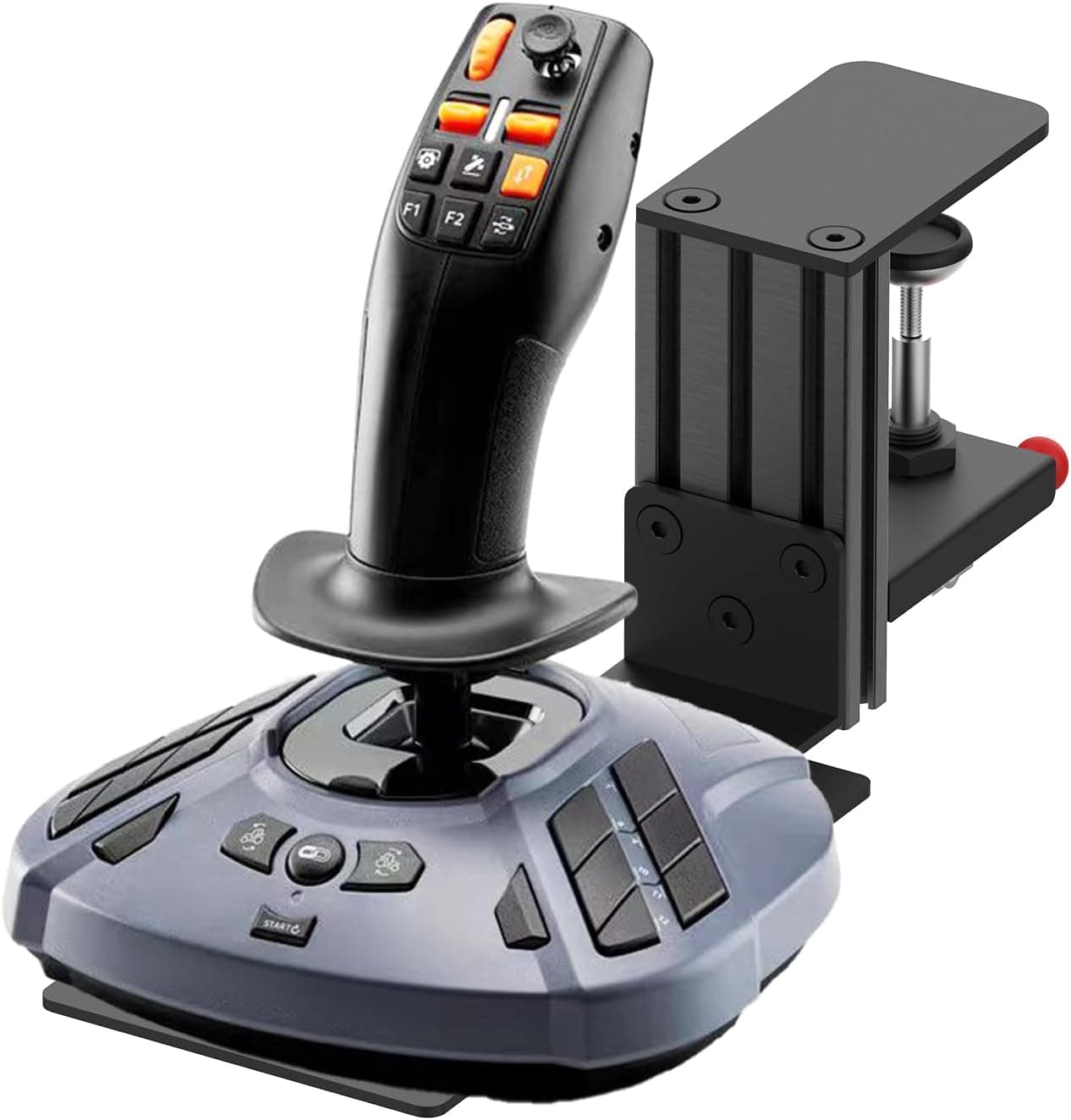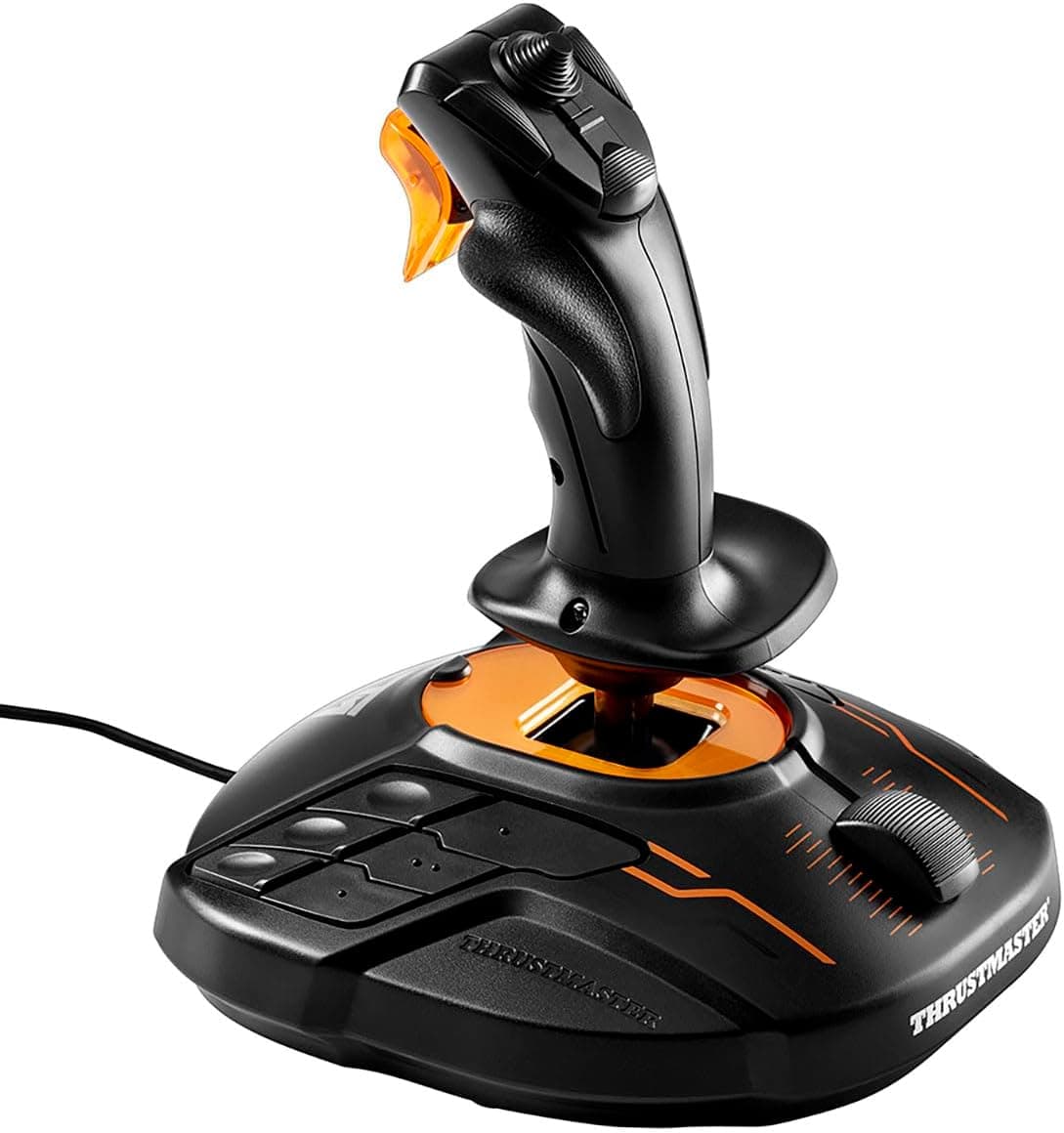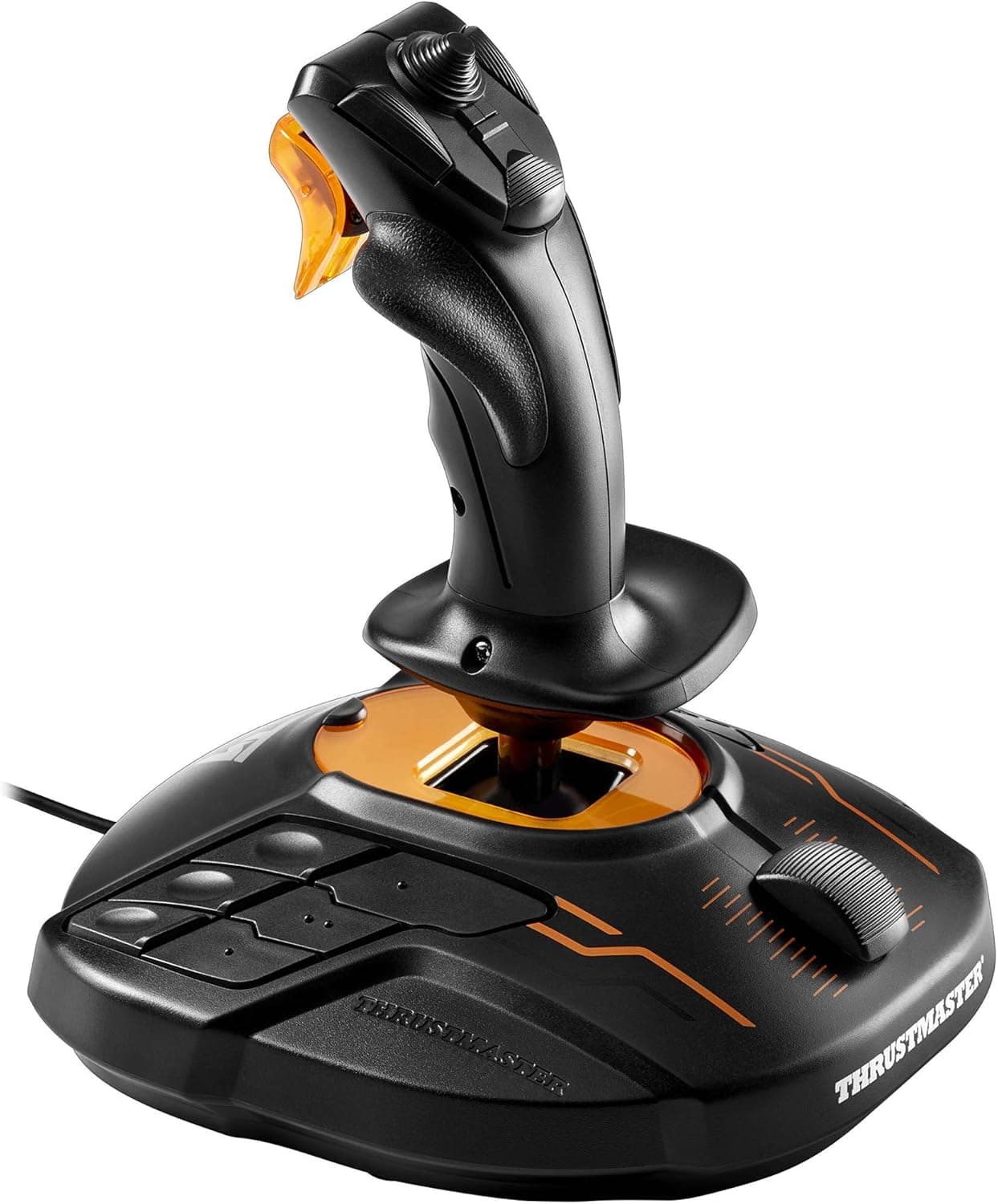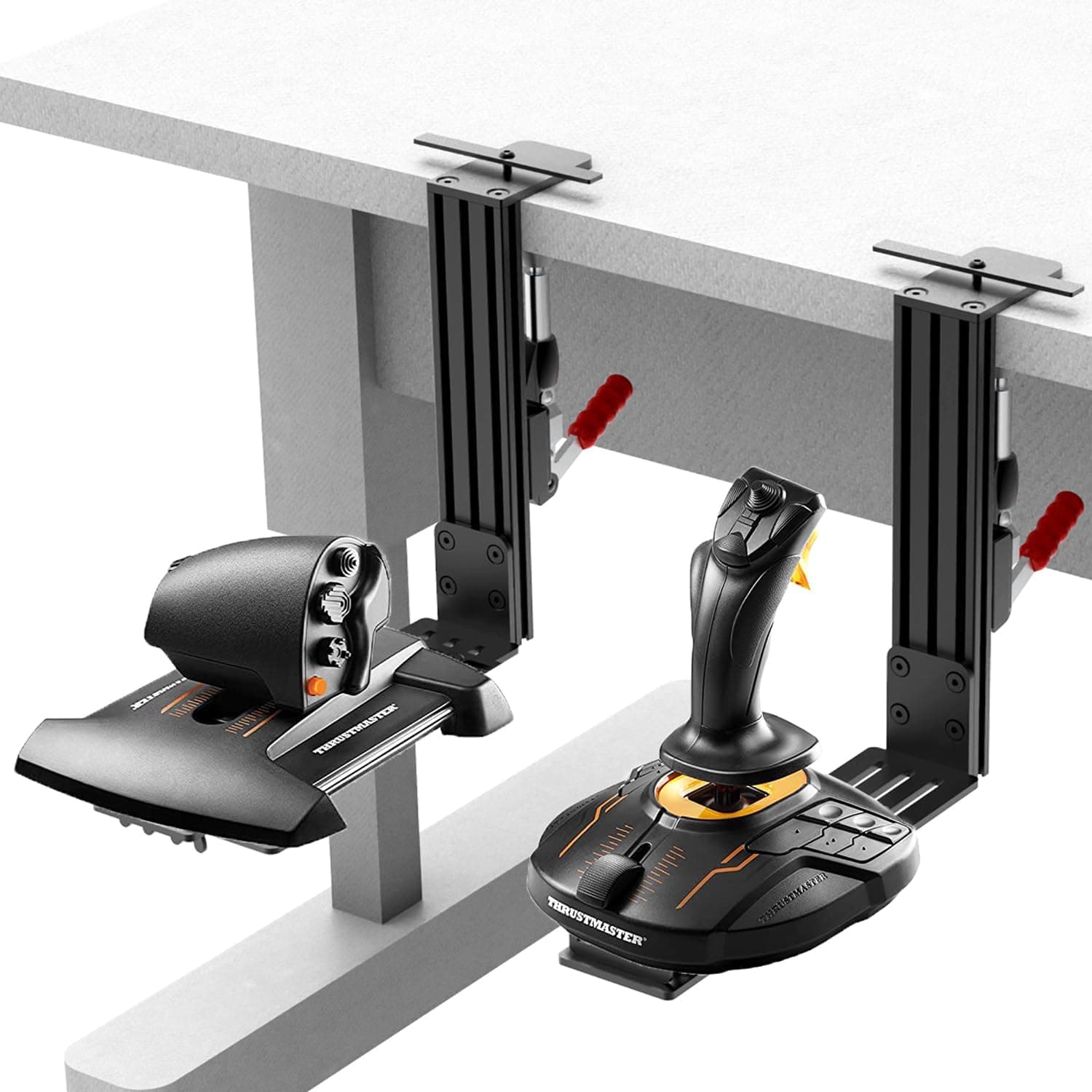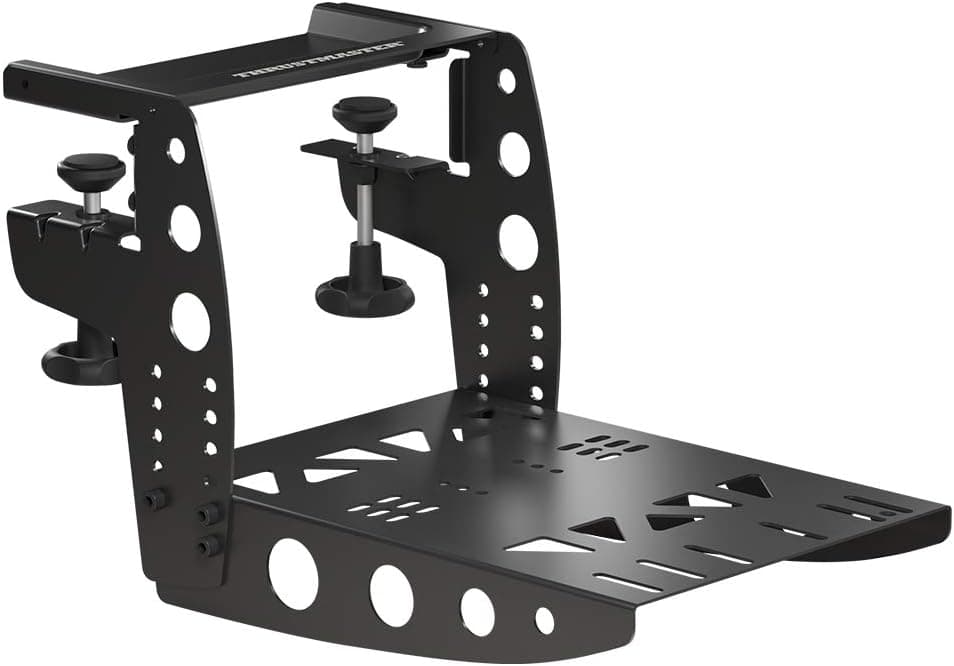
This article covers the Thrustmaster TM Flying Clamp mounting system — what it fits, what your desk needs to look like, and who should skip it.
Overview
The TM Flying Clamp is an all-metal mounting system whose only job is to stop your flight stick or throttle from moving. There are no electronics and no cables.
That single-purpose design matters more than it sounds: pulling, pushing and twisting a flight stick applies several kilos of force to the base, and rubber feet or suction cups simply slide on a normal desk.
Officially supported devices are the Thrustmaster TCA series, the T.16000M FCS series, and the TWCS throttle, in either left- or right-hand orientation.
The unit measures 328 x 119 x 242 mm and weighs 2.1 kg.
That weight is high for a mount, but it is the price of rigidity — this is a different category from lightweight plastic mounts. On Amazon.co.Check the retailer's page for the latest user reviews.
Short version: if you own a TCA, T.16000M FCS or TWCS and it slides around on your desk, this fixes it.
If you already run a cockpit frame, or your stick isn't on that list, look elsewhere.
Compatibility Guide
Compatibility splits into two halves — the device side and the desk side. Most disappointed buyers are tripped up by the second one.
Device side. The supported list is TCA (Airbus/Boeing sticks and quadrants), T.16000M FCS, and the TWCS throttle.
These bases carry Thrustmaster's own mounting holes and slots, which the Flying Clamp's plate is built around. Anything not on that list — third-party sticks, or other Thrustmaster lines such as the HOTAS Warthog — is not covered by the stated specification, so check your unit's underside before ordering.
For non-Thrustmaster hardware, a generic aluminium desk mount is often the better fit.
Desk side. Because it clamps, three conditions must all be true:
| Condition | What to check |
|---|---|
| Desktop thickness | Does it fall within the clamp's jaw opening? Very thick or very thin tops are awkward |
| Desk edge | Aprons, drawer rails or reinforcing rails behind the edge block the clamp entirely |
| Material and strength | Hollow-core budget desks can flex or dent under clamping pressure |
Two clamping screws plus an anti-slip pad sit between the clamp and the surface, so plywood or laminated tops usually survive without marks. Glass tops and thin-veneer hollow-core desks are the risky cases — slip a piece of felt or a thin backing board in if you're unsure.
The arm can be reoriented for left- or right-hand mounting, so a full HOTAS setup (throttle left, stick right) is possible with two clamps — provided both sides of your desk meet the edge conditions above.
Product Info
| Item | Value |
|---|---|
| Dimensions | 328 x 119 x 242 mm |
| Weight | 2.1 kg |
| Material | 100% metal |
| Clamping | Two clamping screws + anti-slip pad |
| Supported devices | Thrustmaster TCA / T.16000M FCS / TWCS throttle |
| Orientation | Left- and right-hand |
It launched on 30 June 2021 and is still available.Check the retailer's page for the latest price.
Both are point-in-time captures, not the current price. Peripheral prices move with stock and exchange rates.
Near ¥9,999 this is easy to justify as a first-party accessory; closer to ¥14,000 it's worth comparing against the generic mounts discussed below. Always check the live product page.
The Japanese domestic version carries a manufacturer's warranty, which is the clear difference from grey-import stock. The box contains the clamp and its mounting hardware; no tools are required.
Living With It
Mounts like this are judged on two things: how annoying installation is, and whether you can leave them in place. The Flying Clamp installs and removes without tools, so you can mount it for a session and reclaim your desk afterwards.
The flip side is that a 2.1 kg lump of metal needs somewhere to live when it's off the desk — check the load rating of whatever shelf you park it on.
The precision benefit is the part people notice fastest. When a stick creeps, you unconsciously brace it with your other hand, and fine inputs suffer.
Anchored, that hand is free for the throttle or view controls.
How To Compare Alternatives
There are three broad options: a first-party mount like this one, generic aluminium desk mounts (usually sold in pairs by several brands), and full sim stands or cockpit frames. The first-party route buys you guaranteed fitment, metal rigidity and a warranty.
Generic mounts buy you third-party stick support and an easy left-and-right pair. Stands and frames win on rigidity and adjustability but cost more and claim floor space.
Desk-only setups point to options one or two; a dedicated sim corner points to option three.
Best Use Cases
- Weekend Microsoft Flight Simulator or DCS World players who need the desk back for work on Monday — tool-free removal makes that painless.
- Anyone building a split HOTAS layout, thanks to reversible left/right mounting.
- Buyers who value metal rigidity; 2.1 kg of all-metal construction feels different from plastic mounts.
Things To Check Before Buying
Measure your desk first. The most common regret isn't device fit — it's discovering there's nowhere to clamp.
Check the top's thickness, whether an apron or drawer rail sits behind the edge, and whether the spot you want is actually clear. Office desks and tops with cross-bracing underneath are the usual offenders.
Surface damage isn't impossible. The anti-slip pad helps, but crank the screws down on a soft top and you will leave marks.
On glass or hollow-core desks, add a backing board or choose a different mounting method. "Solid metal" also means that if something has to give, it will be your desk.
Respect the supported device list. TCA, T.16000M FCS and TWCS are what the spec covers.
Being a Thrustmaster product doesn't mean everything Thrustmaster bolts on.
Watch the price swing. As noted, captures four months apart differed by around ¥4,000.
For a mount, that's a meaningful spread — if you aren't in a hurry, watch it for a while.
A note on listing metadata. In this product's pricing data, an entry labelled "Amazon US" actually points at the Amazon.co.jp page, and Amazon listings occasionally carry manufacturer or model fields belonging to a different product.
Before ordering, confirm from the images and title that you're buying the TM Flying Clamp itself.
Who should skip it. Anyone already running a cockpit frame or sim stand.
Anyone who uses their stick on their lap or on a dedicated table. And if you don't own a supported device yet, choose the stick first — the mount can wait.
FAQ
Q. Will it fit a HOTAS Warthog or a third-party stick? A.
The stated support list is TCA, T.16000M FCS and TWCS.
Anything else isn't guaranteed — check your base's mounting holes, or look at a generic aluminium desk mount.
Q. Do I need tools?
A. No. The clamping screws are hand-tightened, and the box includes the clamp plus its mounting hardware.
Q. Can one clamp hold both a stick and a throttle? A.
One clamp holds one device. A split setup needs two, plus clampable desk edges on both sides.
Q. Will it damage my desk? A.
The anti-slip pad protects the surface, but soft or glass tops can still mark under heavy tightening. Use a backing board if in doubt.
Q. How is it rated?
A.
**Q. Domestic version vs. A. The domestic version includes a manufacturer's warranty. Even with few moving parts, threads and hinges can fail, so the warranty is worth factoring in.
Product Disclosure (Amazon)
- ASIN: B089ZCH3KY
- Release date: 30 June 2021
- Source: Amazon.co.jp