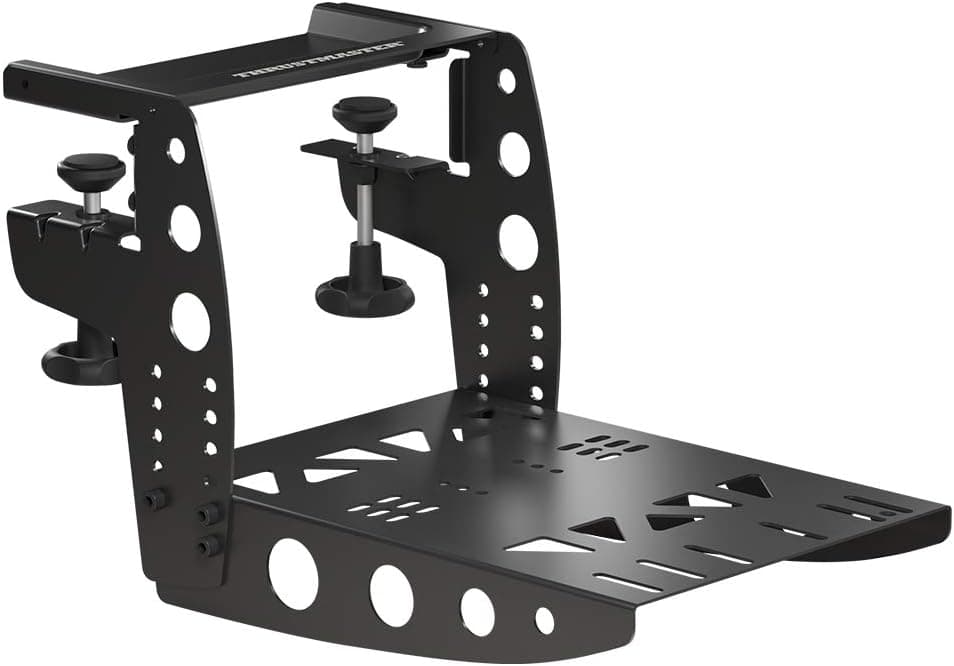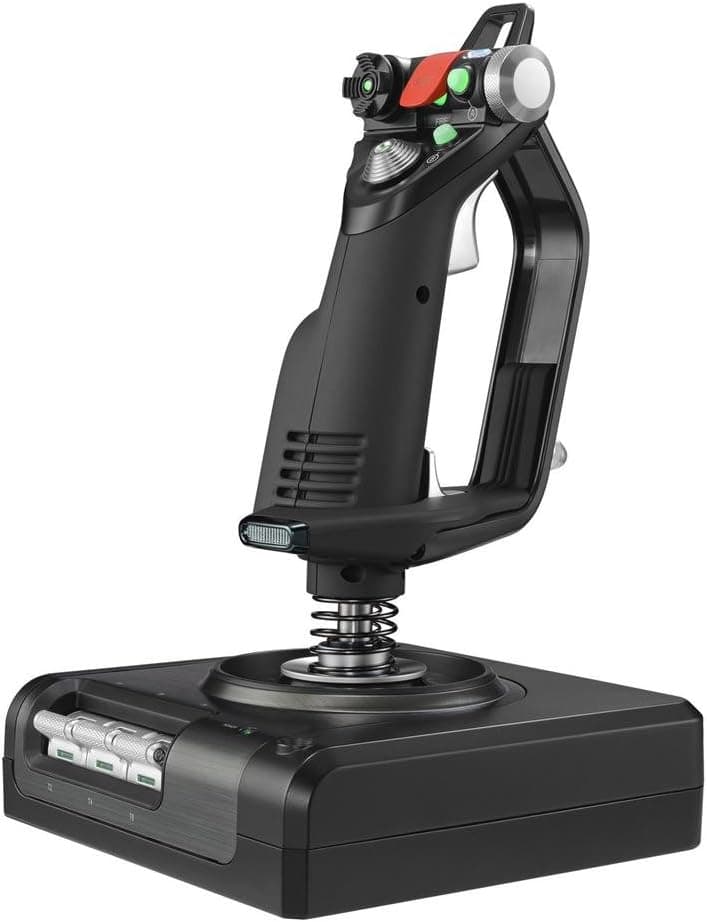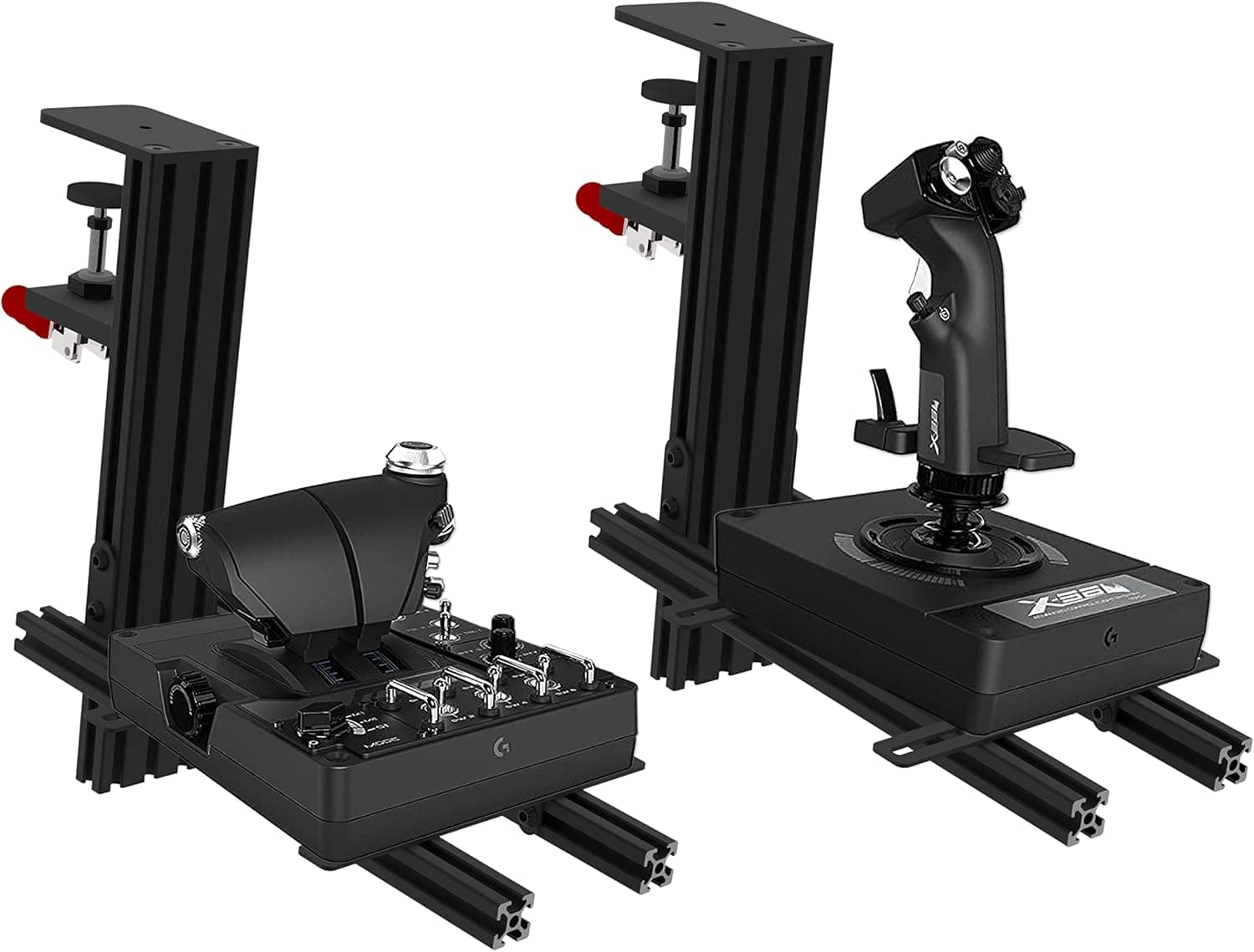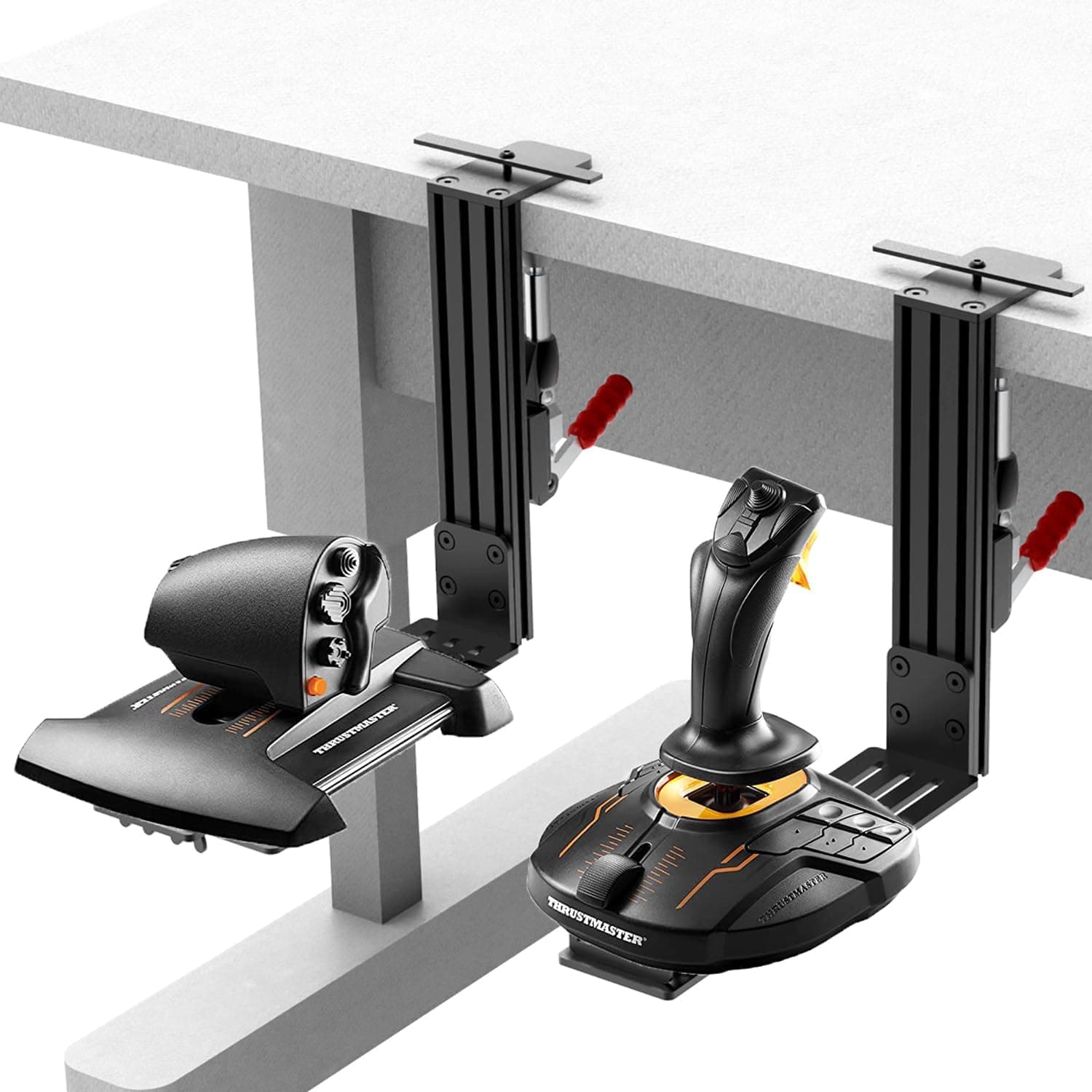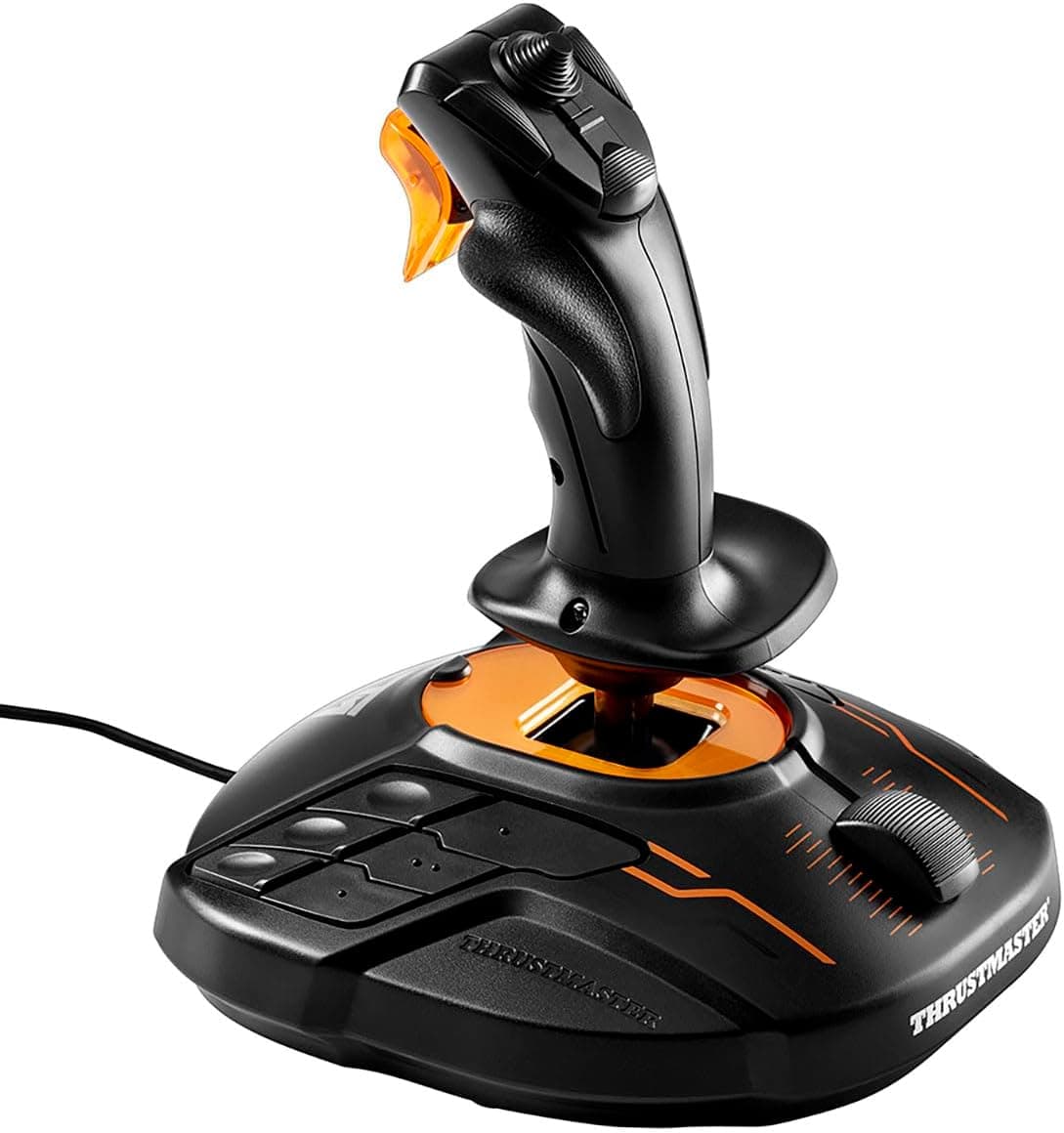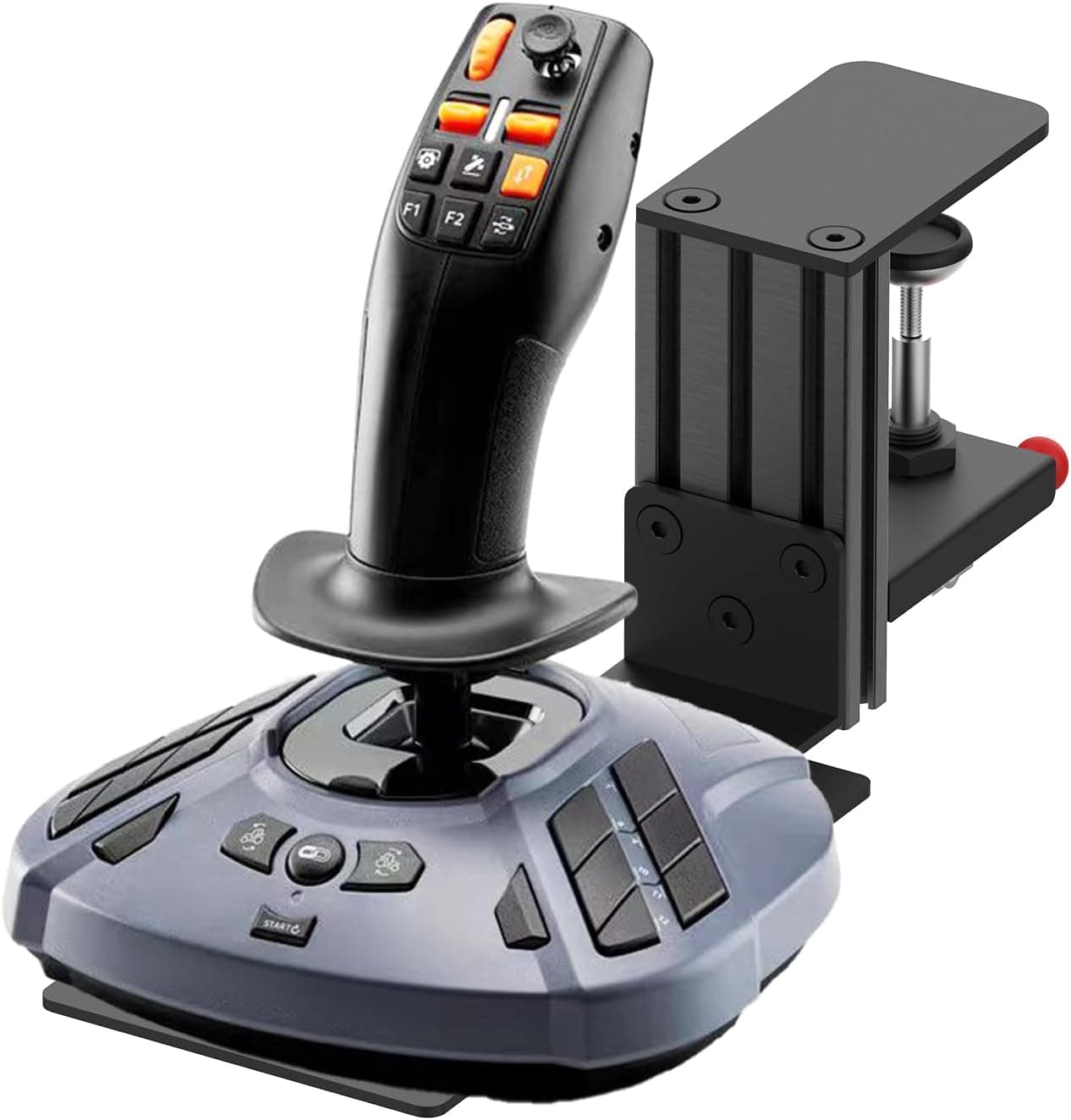
The product covered here is フライトジョイスティック用クイックリリースクランプデスクマウント, a clamp-style desk mount for flight sticks including the Logitech G Extreme 3D Pro. Rather than replacing your stick, it fixes the single biggest complaint owners have: the base sliding around mid-manoeuvre.
On Amazon.co.Check the retailer's page for the latest user reviews.
Overview
This is a quick-release clamp mount for securing flight simulator joysticks to a desk. The short verdict: it suits people who refuse to drill their desk but pull hard enough that rubber feet and anti-slip mats give up.
If you already own a cockpit frame or a DIY MDF stand, you do not need it.
Supported sticks are the Logitech G Extreme 3D Pro, Turtle Beach VelocityOne, Thrustmaster T.Flight HOTAS, Thrustmaster T.Flight Stick X, and PXN 2113 PRO — all entry-to-midrange units that have no first-party desk mount at all.
That gap is exactly what this accessory fills.
Listed dimensions are 242 x 119 x 55 mm, supported desk thickness is 0-60 mm, and the clamp is tool-free quick-release. Multiple mounting holes absorb the differing screw patterns on each stick's base.
Compatibility Guide
There are only three things to check, in this order: desk thickness, desk edge shape, and screw holes on your stick's base.
| Check | Requirement | Common failure |
|---|---|---|
| Desk thickness | 0-60 mm | Thick laminated tops, under-desk bracing |
| Desk edge | Flat, accessible lip | Rounded or heavily chamfered edges, drawers below |
| Stick base | Must have screw holes | Rubber-feet-only designs |
| Space | ~242 mm of edge | Competing with a monitor arm clamp |
The 60 mm limit sounds generous, but the real blocker is usually what sits under the edge: drawer rails, steel frames, cable trays. Reach under your desk and confirm 50-60 mm of clear depth from the edge inward before buying.
On the stick side, screw holes are the dividing line. The Logitech G Extreme 3D Pro has a flat, screw-ready base and mounts cleanly; sticks that rely solely on suction cups or rubber feet cannot be secured at all.
If your model is not on the list, flip it over and measure the hole spacing yourself.
If a monitor arm or mic boom already occupies your desk edge, plan the layout first. Pushing the stick further outboard than your natural arm position will cost you shoulder comfort over long sessions.
Product Info
On Amazon.co.Check the retailer's page for the latest price.
These are point-in-time figures only; stock and exchange rates move them, so check the listing for the current price.
At that sample size, outright defects and "it simply doesn't fit" failures appear to be rare.
The package contains the mount only; no extra screws or tools are required.
Alternatives Compared
- Clamp mount (this product) — no desk modification, removable; depends on edge shape.
- DIY board + generic clamp — cheaper, but needs woodwork and raises the stick by the board's thickness.
- Cockpit frame — the most stable option by far, but costs and occupies an order of magnitude more.
- Anti-slip mat or tape — cheapest; still slips under a stiff-sprung stick like the G Extreme 3D Pro.
This mount wins only when three conditions hold at once: no modification, no permanent installation, and no tolerance for slipping. Drop any one of them and another option is cheaper or steadier.
Where It Actually Matters
The biggest change is in pull inputs. Small aileron or rudder corrections barely notice, but a hard pull back always shifts an unsecured base by a few millimetres — and those millimetres decouple the input your hands have memorised from the actual control deflection.
Much of the fatigue people blame on long flights is really the bracing effort spent holding a wandering base in place.
The quick-release mechanism matters more than it sounds, too. Being able to remove the stick in seconds without tools breaks the usual cycle of "too annoying to remove → leave it out → desk gets cramped → stop flying."
Best Use Cases
- Users with limited desk space — no drilling, and it comes off for storage.
- Multi-stick owners — fast swaps across the five supported models with one mount.
- Renters and shared-desk users — leaves no permanent marks on the desktop.
Notes Before You Buy
Do not trust the listed weight. The spec sheet says 5 g, which is impossible for a 242 x 119 x 55 mm clamp that holds a joystick — almost certainly a unit error or a data-entry mistake in the listing.
Expect a genuinely solid object. The listed dimensions may also be package dimensions rather than the clamp's working range.
Apply the same scepticism to the rest of the listing data. Amazon product pages sometimes carry manufacturer, model number, or weight fields that do not match the physical item.
Since the weight field here is clearly wrong, verify the product against the listing photos and title before ordering — especially the compatibility list, which sellers can edit at any time.
Desk edge shape is the main trap. Even within the 60 mm limit, heavily chamfered edges, protruding trim, or glass tops (which the clamping force may crack) rule this out or make it risky.
Use protective padding on glass, at your own risk.
The compatibility list assumes screw holes. Multiple mounting holes help with differing patterns, but they cannot create a hole where there is none.
**Weigh the price honestly. If you fly a few hours a week, an anti-slip mat is often enough.
This is not a force-feedback mount. Sustained vibration may loosen the clamp screw, so re-check the tension periodically.
FAQ
Q. Does it work with sticks other than the Logitech G Extreme 3D Pro? A.
Officially listed models are the Turtle Beach VelocityOne, Thrustmaster T.Flight HOTAS, T.Flight Stick X, and PXN 2113 PRO.
Others may fit physically if the base screw holes line up, but that is outside any guarantee.
Q. Are tools required?
A. No. Clamp it to the desk edge and hand-tighten. Only the mount is included; no extra screws needed.
Q. Will it fit a 70 mm desktop?
A. No. The range is 0-60 mm. Look for a thinner overhang or use another method.
Q. Can I mount a throttle unit on it? A.
The mount has no handedness, but the supported list covers sticks. Measure your throttle's screw pattern first.
Q. Is the 5 g weight real?
A. Almost certainly a listing error. Confirm via the product photos or by asking the seller.
Q. What does it cost?
A. ¥14,462 as captured 12 June 2026 and ¥15,781 as captured 27 August 2026. Prices move, so check the listing.