Overview
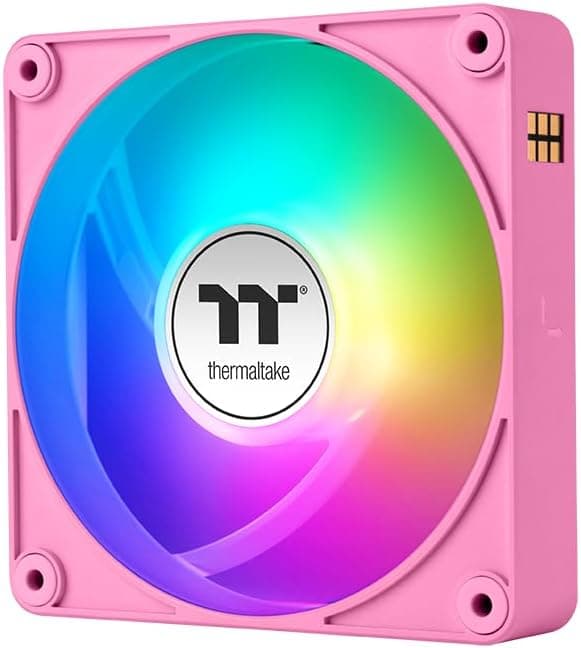
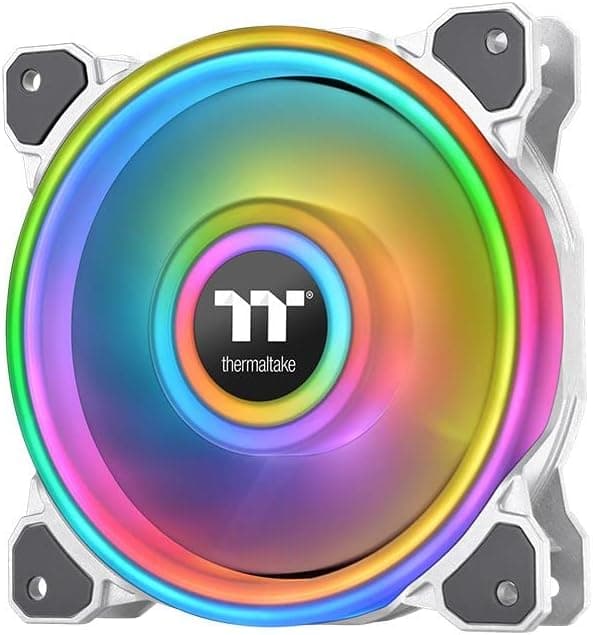
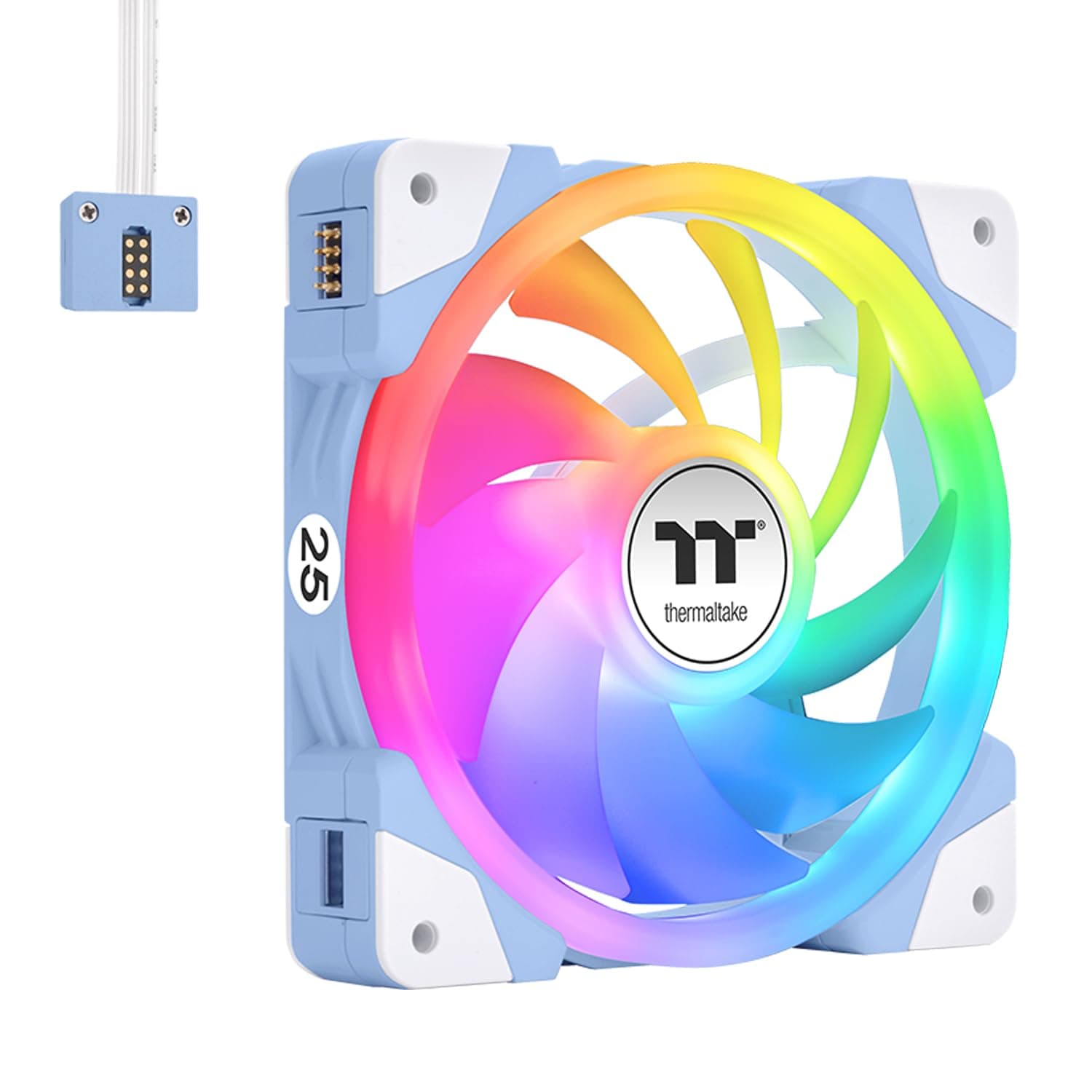
Thermaltake's CT120 EX INFINITY ARGB Sync 3Pack is a three-pack of 120mm case fans that stand out with their MagForce 2.0 magnetic daisy-chain system, allowing you to snap fans together without routing individual cables for each unit. The fans also feature an infinity mirror design that creates a striking depth effect in the lighting, ideal for showcases and tempered-glass side panels. With a slightly thicker 28mm frame, they deliver 68.2 CFM airflow and 3.05 mmH2O static pressure, all while keeping noise at a quiet 28 dBA. Positioned as a mid-to-high-end option, they compete directly with other magnetic daisy-chain fans like Corsair iCUE LINK and Lian Li UNI FAN.
The hydraulic bearing provides a rated lifespan of 40,000 hours MTTF, and the 3-pack bundle makes it easy to outfit an entire case with matching fans. The included ARGB cables allow straightforward synchronization with most motherboard lighting software.
Compatibility Guide
These fans fit any standard 120mm mounting hole pattern, so they work with most PC cases and radiators. The PWM 4-pin connector hooks up to your motherboard's fan header for speed control. For ARGB lighting, you need a 5V 3-pin addressable RGB header. They are compatible with ASUS AURA Sync, MSI Mystic Light, GIGABYTE RGB Fusion, and other major lighting ecosystems. MagForce 2.0 drastically reduces cable clutter by enabling fan-to-fan connections with strong magnets, so you only need one cable running to the motherboard. Keep in mind that the 28mm thickness may conflict with ultra-compact cases or radiators in tight spaces—always check clearance before buying.
The magnetic connectors are not load-bearing; fans must be screwed into the chassis. The 3-pin ARGB header voltage is 5V; connecting to a 12V RGB header will damage the LEDs.
Product Info
Released in late 2024, the CT120 EX INFINITY 3Pack (model CL-F241-PL12SW-A FN2847) is primarily sold through online retailers at around ¥11,091. Thermaltake typically offers a 2-year warranty for their cooling products, though this unit's policy should be verified at purchase. In the market, it sits alongside premium daisy-chain fans, offering a unique combination of magnetic linking and infinity mirror aesthetics. The 28mm thickness gives it an edge in static pressure over standard 25mm fans, making it a strong choice for radiator or restricted-airflow builds.
Best Use Cases
- Gaming PC builders who value aesthetics: The infinity mirror ARGB effect is a showstopper in glass-side-panel cases. Combined with magnetic daisy-chaining, you can achieve a clean, cable-free look with minimal effort. If you don't care about RGB or prefer a minimalist style, cheaper standard fans may suit you better.
- Users needing high static pressure: The 28mm frame and 3.05 mmH2O static pressure handle radiators and dense mesh front panels effectively. If you're using a thick radiator (e.g., 45–60mm) or have very limited space, the extra 3mm thickness might become a problem—measure carefully.
- Cable-management enthusiasts: MagForce 2.0 reduces the number of fan cables from three separate runs to just one main cable to the motherboard. This is a huge time-saver for small-form-factor builds or for anyone who dislikes tucking away excess wiring.
- Who should NOT buy: If you're on a strict budget, these fans are more expensive than non-daisy-chain alternatives. Also, if you don't plan to daisy-chain and only need one fan, buying a single pack (if available) or a simpler fan might be better value.
Things to Consider
The 28mm thickness is the most important caveat—verify your case's fan clearance before purchasing. Fans are physically secured with screws; the magnetic connection only links them electrically, not structurally. ARGB requires a 5V 3-pin header; older motherboards with 12V 4-pin RGB headers are incompatible without a converter. Unlike competing systems (Corsair iCUE LINK, Lian Li UNI FAN), the CT120 EX INFINITY does not have its own proprietary controller and software—it relies entirely on motherboard lighting software for RGB control. This is fine for most users, but if you want advanced lighting effects that do not depend on your motherboard's ecosystem, you may prefer a fan with its own hub. Also, the magnetic strength is adequate for normal handling, but if you frequently move or transport your PC, check that connections remain secure.
FAQ
Q: Can I use these fans on a radiator?
A: Yes. The 28mm frame and good static pressure make them suitable for radiator use. However, because they are 3mm thicker than standard 25mm fans, double-check that your case has enough clearance between the radiator and motherboard or other components, especially in compact cases.
Q: How does the magnetic daisy-chain work exactly?
A: Each fan has built-in magnets on two opposite sides. When you bring fans together, they snap into position, and spring-loaded