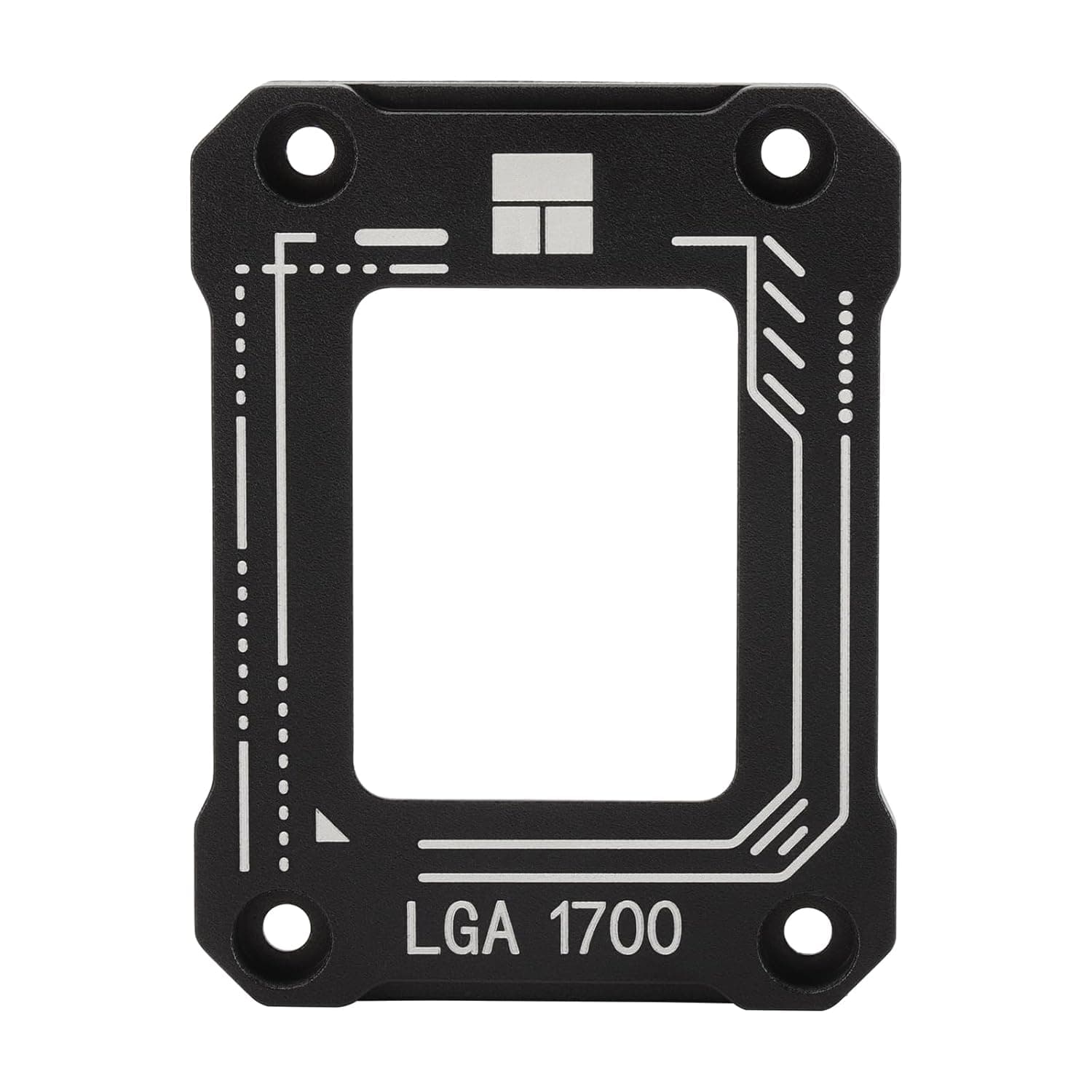
This article covers Thermalright LGA 1700 CPUコンタクトフレームV2。.
Overview
The Thermalright LGA 1700 CPU Contact Frame V2 is a replacement bracket designed for Intel's LGA1700 socket, compatible with 12th, 13th, and 14th Gen Core processors. Its primary purpose is to prevent the CPU from bending or warping under the pressure of the stock Independent Loading Mechanism (ILM). This aluminum frame replaces the original ILM backplate and retention mechanism, aiming to improve CPU cooler contact and thermal performance. It has become a popular aftermarket accessory among enthusiasts looking to optimize cooling on LGA1700 platforms.
Connectivity & Compatibility
Socket compatibility: Intel LGA1700 only (12th/13th/14th Gen Core) Chipset support: H610, B660, Z690, Z790 series and all LGA1700 motherboards * Note: The contact frame replaces the stock ILM backplate, not the CPU cooler's mounting bracket. Most CPU coolers remain compatible, but check for potential interference with large heatsinks or specialized mounting hardware.
Product Info
Released in early 2024, the Thermalright LGA 1700 CPU Contact Frame V2 is priced around ¥3,600 on Japan, placing it firmly in the budget accessory category. It is CNC-machined from aluminum with a gold anodized finish. The package includes the frame and an L-shaped screwdriver for installation. This product targets entry-level to mid-range users who want a simple, cost-effective fix for the LGA1700 bending issue. It offers excellent value for money compared to more expensive alternatives.
Best Use Cases
Users experiencing high CPU temperatures on LGA1700: If you suspect poor cooler contact due to CPU warping, this frame can help lower temperatures by 3-10°C in many cases. Ideal for overclockers and heavy multitaskers. DIY beginners seeking an easy upgrade: Installation takes only a few minutes with the included tool. No advanced skills required. Noise-sensitive builders: Lower CPU temperatures allow fans to run slower, reducing system noise. Not recommended for: Users on non-LGA1700 sockets (LGA1200, AM5, etc.) or those who don't notice any bending issues.
Things to Consider
Installation is at your own risk. Over-tightening can damage the motherboard or CPU. Use moderate torque. Some motherboards may have clearance issues with nearby capacitors or VRM heatsinks. Check your board's layout before purchasing. * This is not a CPU cooler upgrade. It only improves contact between the CPU and your existing cooler. ## FAQ
Q: Is it difficult to install? A: No. Remove the stock ILM, place the frame, and tighten with the included L-shaped screwdriver. Most users complete it in under 5 minutes. Q: Will it work on all LGA1700 motherboards? A: Generally yes, but some ASUS models have reported minor interference. Check user forums for your specific board. Q: How much temperature improvement can I expect? A: Reports vary from 3°C to 10°C depending on the CPU, cooler, and workload. Results are not guaranteed but are often significant.